
Key Takeaways
1. Borderlands 4 performs significantly better on the MSI Claw 8 AI with AMD Ryzen Z2 Extreme compared to the Steam Deck.
2. On the MSI Claw 8 AI, the game can achieve around 30 FPS at 1080p with medium settings, but frame rates drop during action.
3. Lowering resolution and settings improves performance, but maintaining a steady 60 FPS requires very low resolutions (700p or 800p).
4. The Steam Deck struggles with Borderlands 4, often hitting only 18-22 FPS, making gameplay challenging even with overclocking.
5. Both handheld devices highlight that Borderlands 4 may need optimization for better performance on portable hardware.
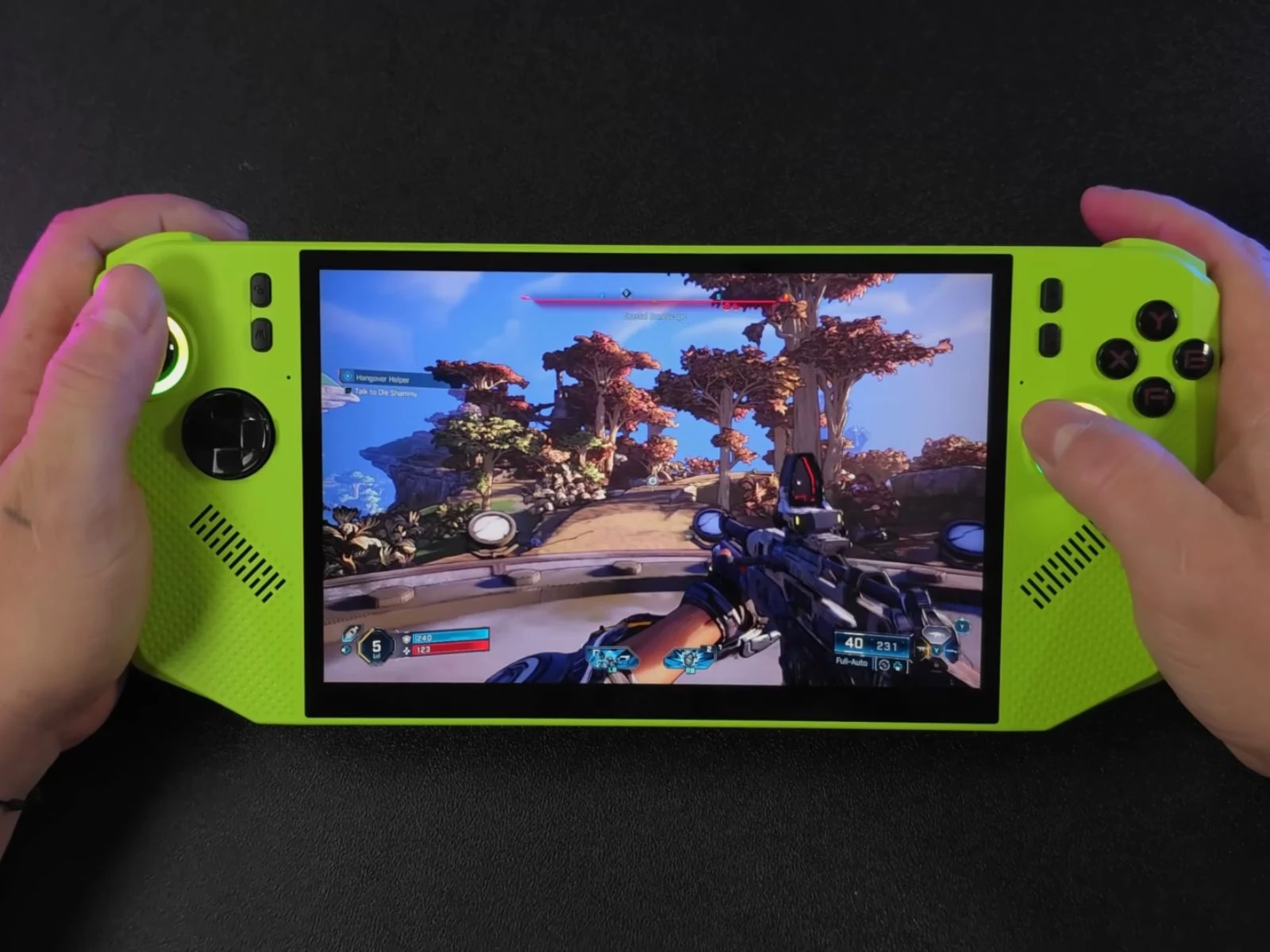
YouTuber ETA PRIME has recently tried out Borderlands 4 on the MSI Claw 8 AI, which is driven by the AMD Ryzen Z2 Extreme. The performance of the game is clearly improved when compared to its performance on the Steam Deck. In a prior video, he evaluated Borderlands 4 on the Steam Deck and found that even though the game can be played, the overall experience is not very enjoyable. The conclusion was that players might be better off waiting for a performance patch before jumping in.
Performance Comparison
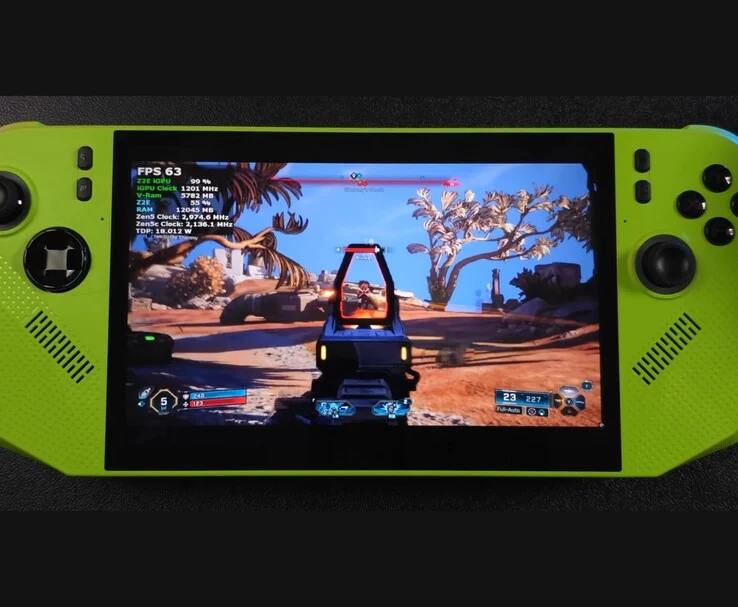
In stark contrast, the MSI Claw 8 AI, equipped with the more robust AMD Ryzen Z2 Extreme APU, shows much better performance. ETA PRIME kicked off his tests at a 1080p resolution with medium graphics settings and FSR scaling set to Balanced. The thermal design power (TDP) was limited to 35 W.
During this testing phase, Borderlands 4 managed about 30 FPS, but often dropped below that number. It’s important to mention that there was no action happening on screen; the player was just wandering through empty fields. This indicates that when enemies come into play, the frame rate might drop even more.
Adjusting Settings for Better Performance
When he reduced the resolution to 1600×900 using medium settings, the performance improved to above 30 FPS, yet the gameplay still felt slow. Turning on frame generation raised the averages close to 50 FPS, but maintaining a steady 60 FPS was challenging. Lowering the settings to low at 900p enhanced performance even more, however, achieving a constant 60 FPS required dropping down to 700p or 800p.
ETA PRIME also looked into performance at an 18 W TDP. Running with low settings, FSR Balanced, and frame generation, the experience was not significantly different from the 35 W profile, as both were prone to occasional drops below 60 FPS. Nonetheless, this setup provided smoother gameplay than on the Steam Deck, thanks to the Claw’s larger 80 Wh battery which gave decent runtimes.
Steam Deck Performance Issues
In ETA PRIME’s previous video, the performance on the Steam Deck was much less impressive. At an 800p resolution with FSR set to Performance, Borderlands 4 often fell between 18-22 FPS, making aiming and combat really difficult. The particle effects caused even more performance issues, and even with frame generation turned on, the game had a hard time reaching 30 FPS. He even overclocked the Steam Deck’s GPU to 1600 MHz, but while frame rates got closer to 40 FPS, heavy input lag and stuttering continued to make the experience quite frustrating.
In comparison, the Ryzen Z2 Extreme-powered MSI Claw 8 AI performed significantly better with Borderlands 4, although both handheld devices underline that the game wasn’t made for portable hardware. Without further optimization from Gearbox, players using handheld devices might need to depend on lower resolutions and reduced settings to keep the gameplay smoother.
Source:
Link
Leave a Reply