
Key Takeaways
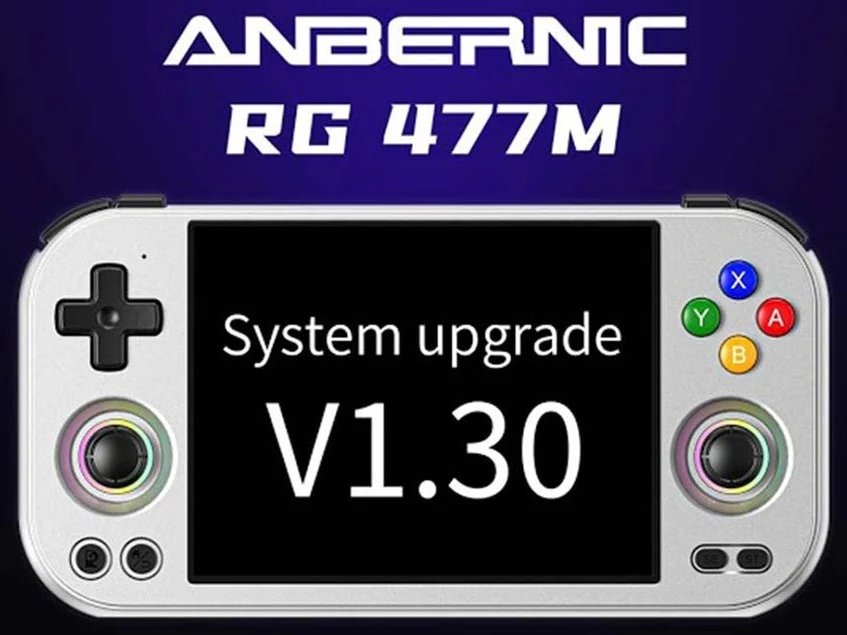
1. The Anbernic RG477M has received a software update to version 1.30, enhancing its performance.
2. Users can now customize fan settings in high-performance mode with three options: “Auto,” “Cool,” and “Strong.”
3. The update introduces support for motion controllers, allowing users to add a “Sensor Rotation” tile in the Quick Settings menu.
4. Customizing settings involves dragging the Sensor Rotation tile in the Quick Settings menu for easy access.
5. To update the device, users need to check for updates in the FOTA application, download, install, and restart the device.
The Anbernic RG477M, a handheld gaming device running on Android, made its debut in August. Now, Anbernic has begun to release a fresh software update that boosts the device’s performance. This update upgrades the RG477M to software version 1.30 and is provided as an OTA, allowing users to easily upgrade without needing to sideload anything manually.
New Features Included
The changelog indicates that this update introduces the capability for users to modify fan settings while the device is in high-performance mode. Users can select from three options: “Auto,” “Cool,” and “Strong” for fan speed once high-performance mode is turned on.
Additionally, this update adds support for motion controllers, known as the sensor rotation switch. After the update is installed, Anbernic RG477M owners (currently priced at $299.99 on Amazon) will have the option to place a “Sensor Rotation” tile in the Quick Settings menu.
How to Customize Your Settings
To add the new feature, swipe down to access the Quick Settings menu and click on the pencil icon in the corner. Press and hold the Sensor Rotation tile, then drag it to your preferred spot in the Quick Settings menu. Once you’ve finished editing, tap the tile to activate the feature. When enabled, motion control can be used in games that support this functionality.
Moreover, the changelog reveals that the update includes various fixes for the device, optimizes the user experience, and enhances compatibility with apps.
Steps to Update Your Device
To get the latest updates, open the FOTA update application and tap on “Check version.” Download the update and wait for it to finish. Once the download is complete, click on the circle to install the update and restart your device when it’s finished.
Source:
Link
Leave a Reply