
Key Takeaways
1. The PlayStation 5 is a top-selling gaming console in 2025, priced at $418 on Amazon, likely outselling the Xbox Series X/S.
2. Unlike the Xbox, the PlayStation 5 does not have a built-in web browser due to security concerns stated by Sony.
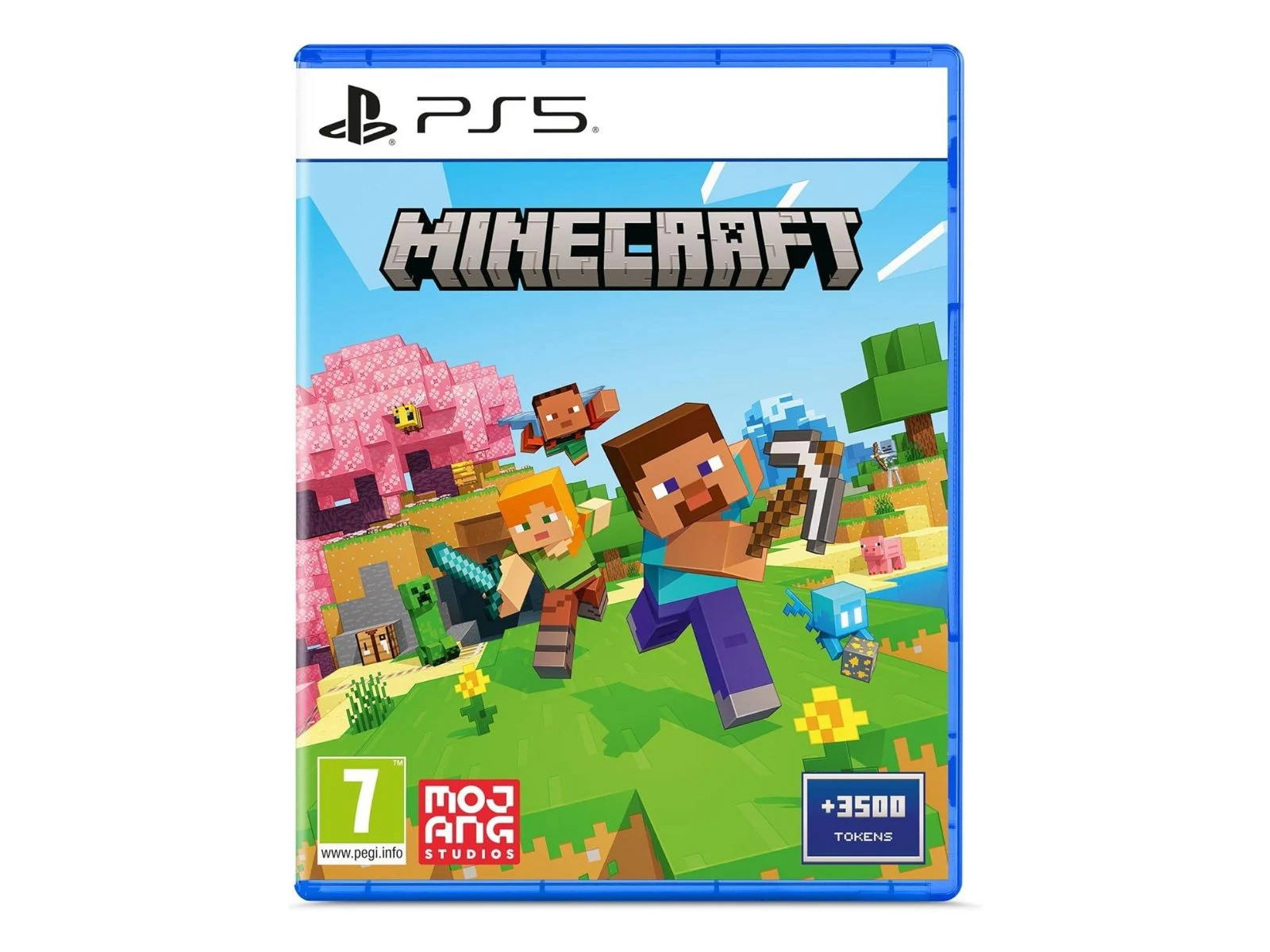
3. A hidden web browser exists in the PlayStation 5 settings, which can be accessed using Minecraft.
4. A Reddit user provided a detailed guide on how to unlock the hidden browser, confirming its functionality.
5. The method involves launching Minecraft, accessing the in-game store, and following specific steps to open YouTube in the PS5’s web browser.
The PlayStation 5, which is currently priced at $418 on Amazon, remains one of the top-selling gaming consoles in 2025. Reports show that it has probably sold millions more units compared to the Xbox Series X/S. One downside, however, is that while the Xbox has a built-in browser for easy access, the PlayStation 5 does not. Sony claims that this is because having a browser could make the system vulnerable to security issues.
Hidden Features
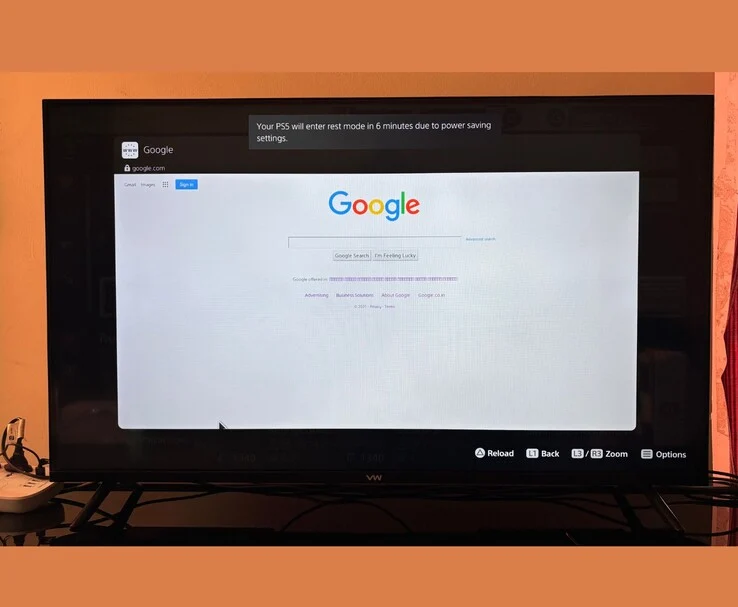
Surprisingly, even though the PlayStation 5 doesn’t have an accessible web browser, there is a hidden one tucked away in the settings menu. Recently, a Reddit user found a way to unlock this secret browser using Minecraft. In a post named “How to access the web on PS5 (requires Minecraft)” on r/playstation, user u/NathnDele provides a detailed guide for anyone interested.
Step-by-Step Process
To see if this actually works, I tried the method on my own PlayStation 5, and I can confirm that it does. The steps are simple: First, launch Minecraft on your PS5. Then, go to the in-game store from the start menu.
Once you’re in the store, you’ll notice several tiles showcasing various collaborations in Minecraft, like one with Sonic or another with the Smurfs. Just click on any of these tiles. After that, a new menu will pop up with the same tile, now featuring a Play logo. Click it, and voilà, YouTube will appear in the PS5’s web browser.
Final Thoughts
From there, click “Sign in” in the upper right corner, choose “Terms,” scroll down to the end, and click “Google.” Just like that, you’re ready to start browsing on your PS5.
As of now, there are other ways to access the web browser on the PlayStation 5, but having an additional method is always helpful if Sony decides to deactivate the current ones.
Source:
Link
Leave a Reply