Tag: web browser

  • Access PS5 Hidden Browser with This Minecraft Trick

    Access PS5 Hidden Browser with This Minecraft Trick

    Key Takeaways

    1. The PlayStation 5 is a top-selling gaming console in 2025, priced at $418 on Amazon, likely outselling the Xbox Series X/S.
    2. Unlike the Xbox, the PlayStation 5 does not have a built-in web browser due to security concerns stated by Sony.
    3. A hidden web browser exists in the PlayStation 5 settings, which can be accessed using Minecraft.
    4. A Reddit user provided a detailed guide on how to unlock the hidden browser, confirming its functionality.
    5. The method involves launching Minecraft, accessing the in-game store, and following specific steps to open YouTube in the PS5’s web browser.


    The PlayStation 5, which is currently priced at $418 on Amazon, remains one of the top-selling gaming consoles in 2025. Reports show that it has probably sold millions more units compared to the Xbox Series X/S. One downside, however, is that while the Xbox has a built-in browser for easy access, the PlayStation 5 does not. Sony claims that this is because having a browser could make the system vulnerable to security issues.

    Hidden Features

    Surprisingly, even though the PlayStation 5 doesn’t have an accessible web browser, there is a hidden one tucked away in the settings menu. Recently, a Reddit user found a way to unlock this secret browser using Minecraft. In a post named “How to access the web on PS5 (requires Minecraft)” on r/playstation, user u/NathnDele provides a detailed guide for anyone interested.

    Step-by-Step Process

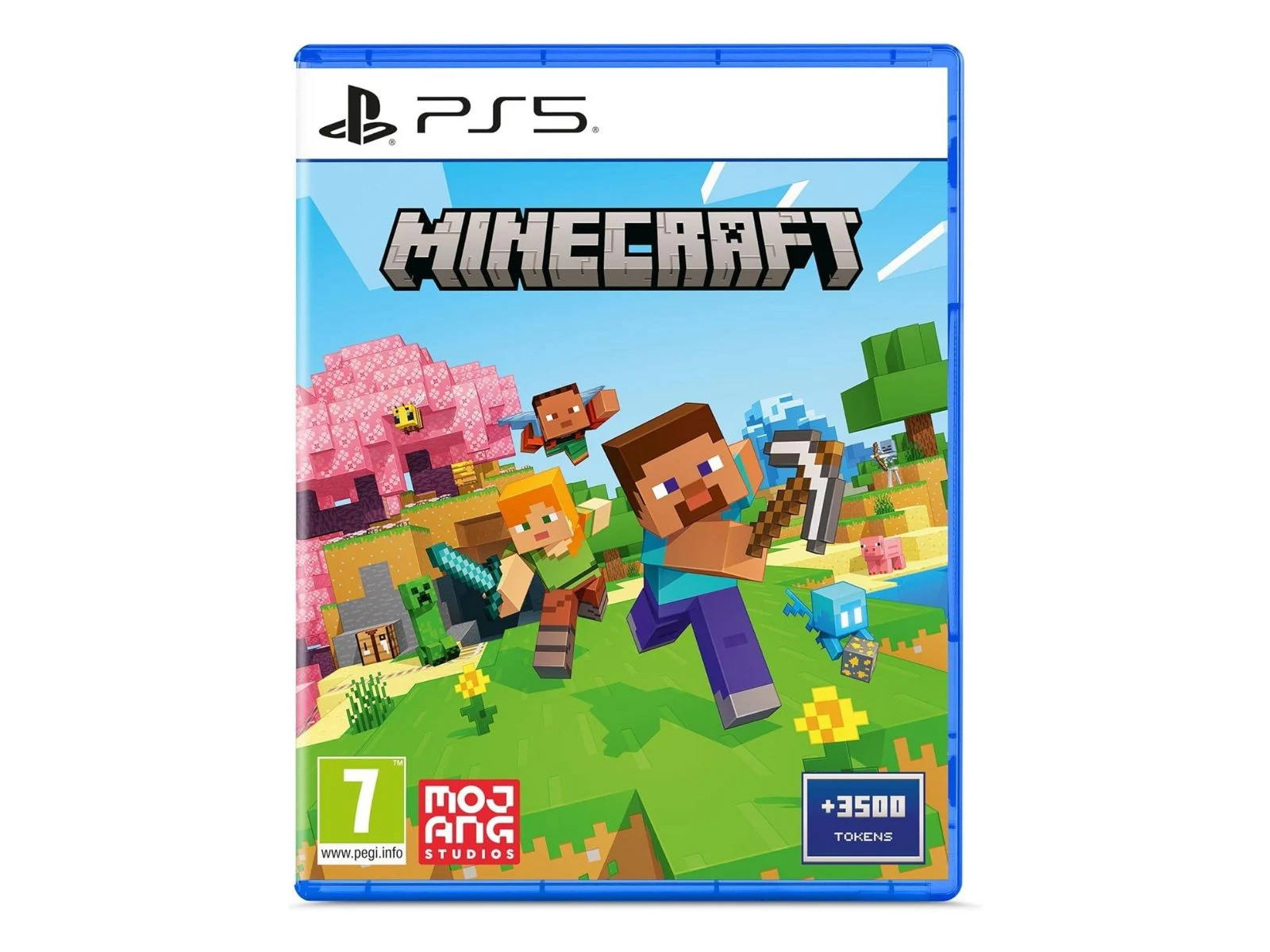
    To see if this actually works, I tried the method on my own PlayStation 5, and I can confirm that it does. The steps are simple: First, launch Minecraft on your PS5. Then, go to the in-game store from the start menu.

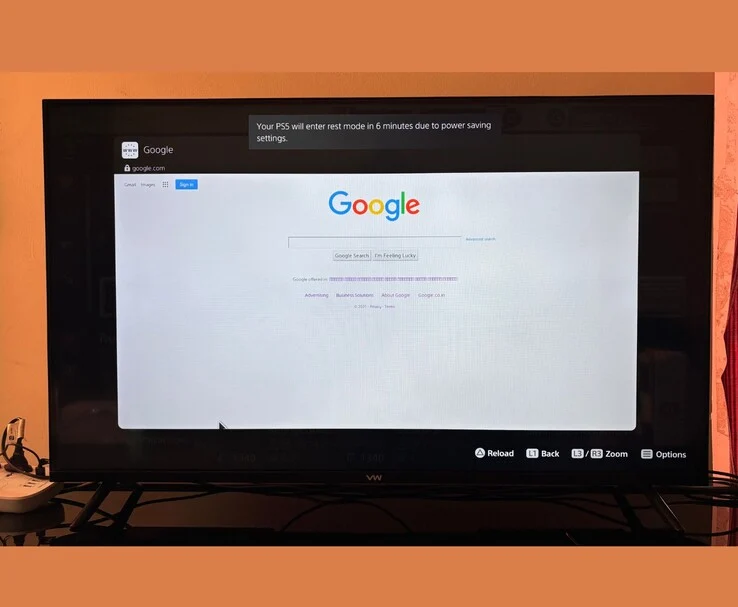
    Once you’re in the store, you’ll notice several tiles showcasing various collaborations in Minecraft, like one with Sonic or another with the Smurfs. Just click on any of these tiles. After that, a new menu will pop up with the same tile, now featuring a Play logo. Click it, and voilà, YouTube will appear in the PS5’s web browser.

    Final Thoughts

    From there, click “Sign in” in the upper right corner, choose “Terms,” scroll down to the end, and click “Google.” Just like that, you’re ready to start browsing on your PS5.

    As of now, there are other ways to access the web browser on the PlayStation 5, but having an additional method is always helpful if Sony decides to deactivate the current ones.

    Source:
    Link


  • Vivaldi 7.2 Released: Speed Boosts and Visual Enhancements

    Vivaldi 7.2 Released: Speed Boosts and Visual Enhancements

    Key Takeaways

    1. Vivaldi 7.2 enhances speed and adaptability for advanced users.
    2. The update is compatible with 32-bit Windows, macOS 11+, and various Linux distributions.
    3. Improved page loading times through behind-the-scenes enhancements.
    4. New interface tweaks aim for greater swiftness and versatility for all skill levels.
    5. Focus on better connection management and features for an improved browsing experience.


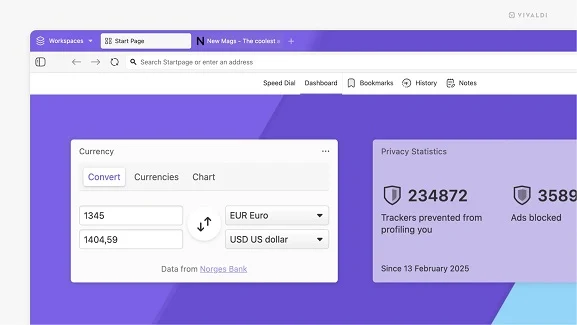
    One of the leading web browsers designed for advanced users has just rolled out an update that enhances its speed and adaptability even more than before. Vivaldi 7.2 introduces various behind-the-scenes improvements that accelerate page loading times, along with several interface tweaks that strive to offer both swiftness and versatility to its users, no matter their skill level.

    Key Features of the Update

    This new release is identified as 7.2.3621.63, compatible with all platforms, including 32-bit Windows systems. Alongside Windows, Vivaldi for desktop is also supported on macOS version 11 and above, as well as numerous Linux distributions (both DEB and RPM packages are available for different hardware types). It’s worth noting that the mobile versions haven’t seen any updates since last month.

    Improvements for Users

    Vivaldi 7.2 not only showcases enhanced connection management but also highlights several exciting features that users will appreciate. These changes aim to deliver an even better browsing experience, empowering users to navigate the internet more efficiently. The focus remains on providing options that cater to the diverse needs of its user base.

    Source:
    Link

  • Opera Air Ends the Curse of Doom Scrolling Forever

    Opera Air Ends the Curse of Doom Scrolling Forever

    Opera has introduced a new experiment that might just become a favorite among web browsers. No matter how many users it attracts in the upcoming weeks, Opera Air is definitely a tool that many internet users will find useful. As per the official announcement regarding its launch, this browser is secure, powerful, and fully functional, designed to enhance your online experience. It features a minimalist Scandinavian aesthetic and a user interface that adjusts according to the webpage you are visiting. The frosted glass design is visually appealing and may please those who are not fond of the visuals of Windows 11.

    Unique Features

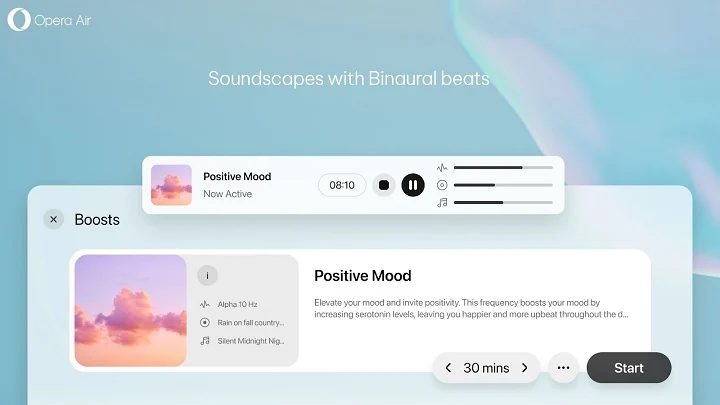
    Alongside standard browsing functionalities, Opera Air offers mindfulness features based on research, including binaural beats soundscapes, breathing exercises, guided meditation sessions, full-body scan self-awareness routines, neck stretches, and even motivational quotes. It’s worth noting that the Quote of the Day feature isn’t found in the title or status bar; instead, users should look for it in the Speed Dial section. In the future, it could be beneficial to allow users to select where these quotes are displayed. On a positive note, sharing quotes with others is already available.

    Early Access and Specifications

    Currently, Opera Air is in its early access phase, and for those concerned about the absence of standard features, fear not—it includes ad blocking, Aria AI, and a built-in free VPN. Marketed as the first mindfulness-oriented web browser, this software is exclusively available for Windows at this moment.

    Source:
    Link