
Key Takeaways
1. Google is developing a feature for Android Auto that allows users to place home screen widgets on their car’s display, enhancing personalization.
2. Users will be able to select and resize widgets via the Android Auto app, occupying about 35-40% of the screen on the left side, while navigation controls remain on the right.
3. The feature is in early development, allowing only one widget at a time and currently facing limitations with app compatibility.
4. Some widgets, like Clock and Pixel Weather, work well, but interactive features are minimal and may cause errors.
5. The timing of these updates coincides with Apple’s recent CarPlay widget functionality, with Google focusing on flexibility and compatibility for drivers.
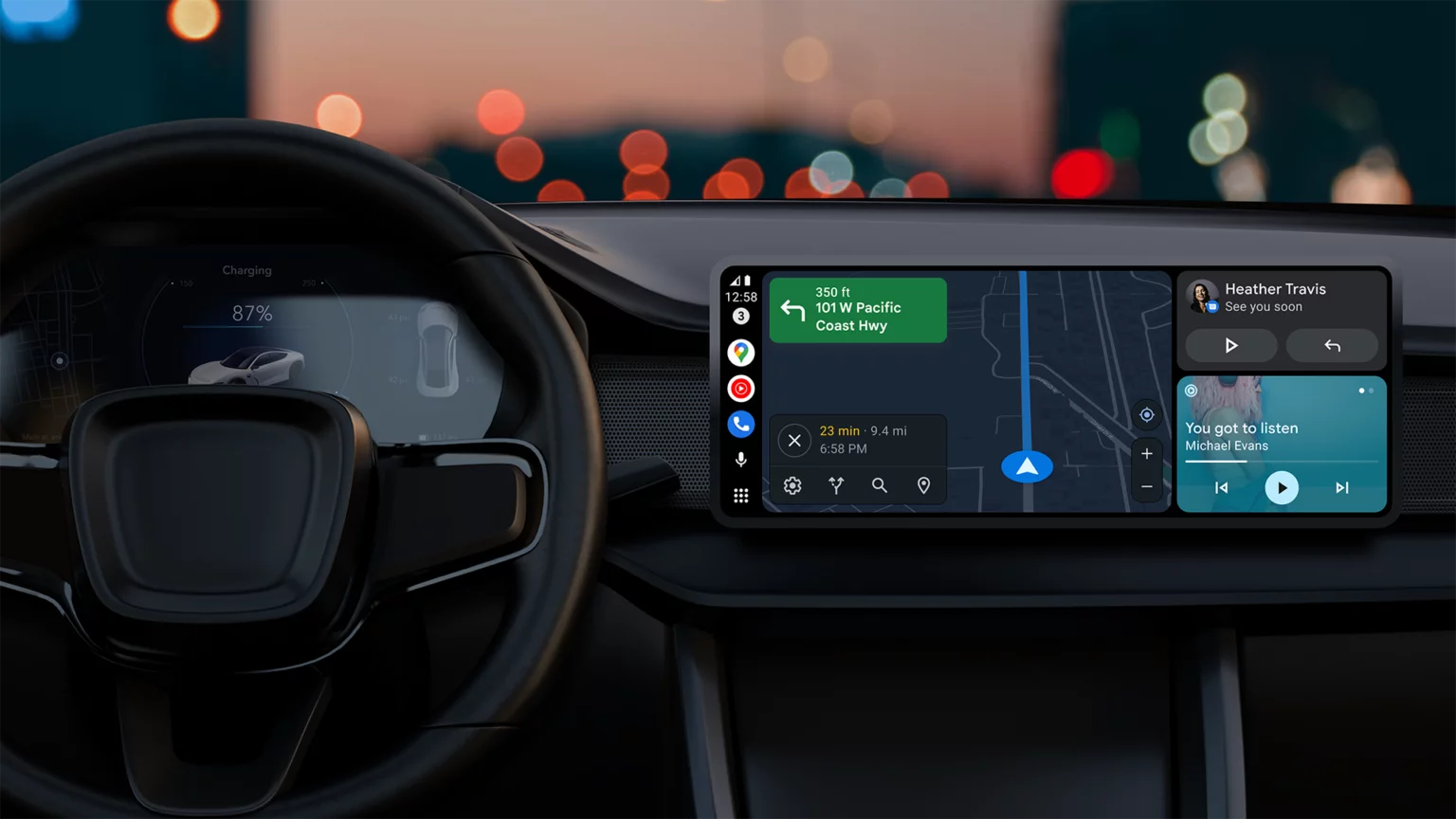
Google is developing a new feature that will enable users of Android Auto to place home screen widgets directly on their car’s display. This feature, currently known as “Earth” in the latest beta versions, brings a level of personalization to Android Auto that has been missing for a long time. It enhances the evolving design of the dashboard, which has seen gradual improvements over recent years, but has still kept a fairly static layout and interaction style.
Widget Selection and Resizing
Recent findings from the Android Auto 15.6 beta update by Android Authority reveal that users will soon have the ability to choose and resize widgets via the Android Auto app on their smartphones. These widgets will take up about 35 to 40 percent of the screen, located on the left side of the dashboard, while navigation or media controls remain on the right side. This design aims to provide quick access while keeping distractions to a minimum.
Early Development Stage
This feature is still in its early stages, which is evident since only one widget can be active at a time, replacing the existing one when a new selection is made. Users cannot mix widgets from different apps or add duplicates either. Additionally, some applications show an error message indicating that the widget is not accessible on Android Auto, suggesting that many developers are still updating their apps to work with the system.
Some Widgets Function Well
Nonetheless, several widgets are already functioning smoothly. The Clock and Pixel Weather widgets operate reliably, with the latter updating automatically to reflect live weather data when location permissions are granted. Other widgets, like Gemini and Google Keep, have limited functionality but currently open on the connected mobile device instead of within Android Auto. Interactive features are minimal for now. While basic playback controls in media widgets like Spotify work as intended, tapping on different parts of the interface can cause errors, highlighting the early stage of this feature.
Expanding Toolset
The addition of widget support enhances Android Auto’s existing features, such as taskbar shortcuts and media controls. This is one of the several upcoming enhancements identified in recent builds, which also suggest that Google is planning updates for Assistant shortcuts to better integrate with Gemini and a redesigned media widget that can handle multiple music apps simultaneously. This would enable drivers to swipe between active applications rather than having to switch them manually each time.
Competitive Timing
The timing of these updates is also noteworthy, as Apple has just rolled out widget functionality for CarPlay. Both companies are clearly aiming to give drivers more options for customizing their dashboards, though Google’s method seems to emphasize flexibility and compatibility with current Android applications. None of these features have been made available to the public yet, and it may take a while before they are included in stable releases.
Source:
Link
Leave a Reply