
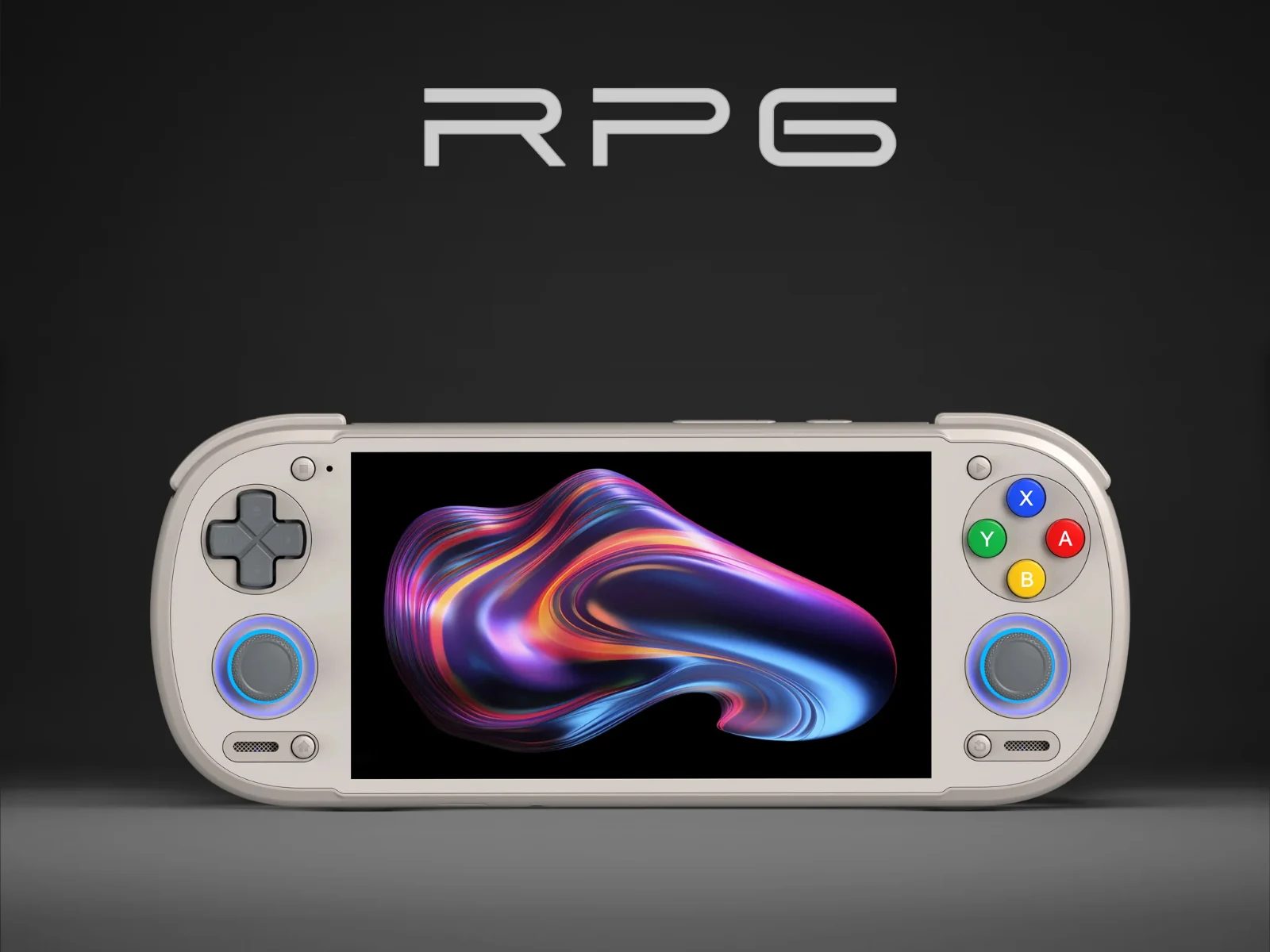
Tag: Steam support

  • Rocknix Adds Official Steam Support for Android Handheld Devices

    Rocknix Adds Official Steam Support for Android Handheld Devices

    Key Takeaway

    1. Rocknix now supports Steam, allowing playback of Linux and PC games via Proton.
    2. Support is limited to certain Qualcomm-based devices, excluding newer models like AYN Odin 3 and Konkr Pocket Fit Elite.
    3. Steam support is available in Nightly builds and is expected to improve over time.
    4. Installing the OS on internal memory enhances game and Steam performance.
    5. Compatibility issues may arise with RTX, DirectX 12 games, and requiring specific launch arguments for some titles.

    Steam Support Comes to Rocknix

    The folks who made Rocknix, a Linux based OS mainly for old-school gaming handhelds, just announced that now the OS can run Steam. This is pretty cool because it means gamers can access a wide variety of Linux and PC games through Proton, making it more versatile for gaming on handhelds.

    Device Compatibility and Limitations

    Right now, support is with Qualcomm powered handhelds only. The current compatible models include some from brands like AYN, Ayaneo, and Retroid. Sadly, newer gadgets with Snapdragon 8 Elite or Dragonwing Q8, like the AYN Odin 3 and Konkr Pocket Fit Elite, are not on the list yet. The supported devices are listed on official sources for those interested.

    Usage Tips and Known Issues

    Since Steam support on Rocknix is only accessible through the Nightly builds, expect some bugs at first, but hopefully those will get fixed in future updates. Rocknix also suggests installing the OS directly onto the device’s internal memory because it makes Steam start faster, and game installs and launches quicker too.

    Game Compatibility and Launch Settings

    About games compatibility, it is said that some with RTX features might not run smoothly. Also, certain DirectX 12 games that refuse to boot may need a special launch argument to get running. Helldivers 2 also needs a specific launch argument, while titles like Counter-Strike 2 require users to enable DRM and Vulkan support along with Wayland client libraries in EmulationStation’s advanced options. More detailed instructions on how to set up Steam in Rocknix can be found in the original source.
    Sources
  • Windows Game Emulator for Android with Steam Support Now on Google Play

    Windows Game Emulator for Android with Steam Support Now on Google Play

    Key Takeaways

    1. GameHub, developed by GameSir, is a notable player in the Android Windows game emulator market, previously known as GameFusion.
    2. Recent updates have introduced Steam support, making it easier to install PC games on Android devices.
    3. GameHub is now available on the Play Store, providing users with enhanced security measures compared to sideloading from the website.
    4. The Play Store version is limited to Steam games, while the version on the GameHub website supports non-Steam titles.
    5. Game performance may vary; some games require adjustments, and a high-end smartphone is recommended for demanding titles. A physical mobile controller is suggested for better gameplay.


    The Android Windows game emulator market features a few main contenders, and one notable player is GameHub. This tool comes from the accessory brand GameSir and was first launched under the name GameFusion before its rebranding. Since it first hit the scene, this PC game emulation software has seen regular updates, with Steam support being a standout feature.

    New Features and Easy Access

    With its latest updates, GameSir has implemented support for Steam downloads, simplifying the process of installing PC games on an Android device. Getting the Windows game emulator on a smartphone has become much more straightforward than it used to be.

    In the past, users had to sideload the emulator from the GameHub website, which wasn’t overly complicated, but now that it’s available on the Play Store, users benefit from the added security measures that Google has put in place on their platform.

    Limitations of the Emulator

    It’s important to point out that the version found on the Play Store is specifically designed for playing PC games on Android devices via Steam, adhering to the store’s regulations. In contrast, the version available on the official GameHub website supports non-Steam titles as well.

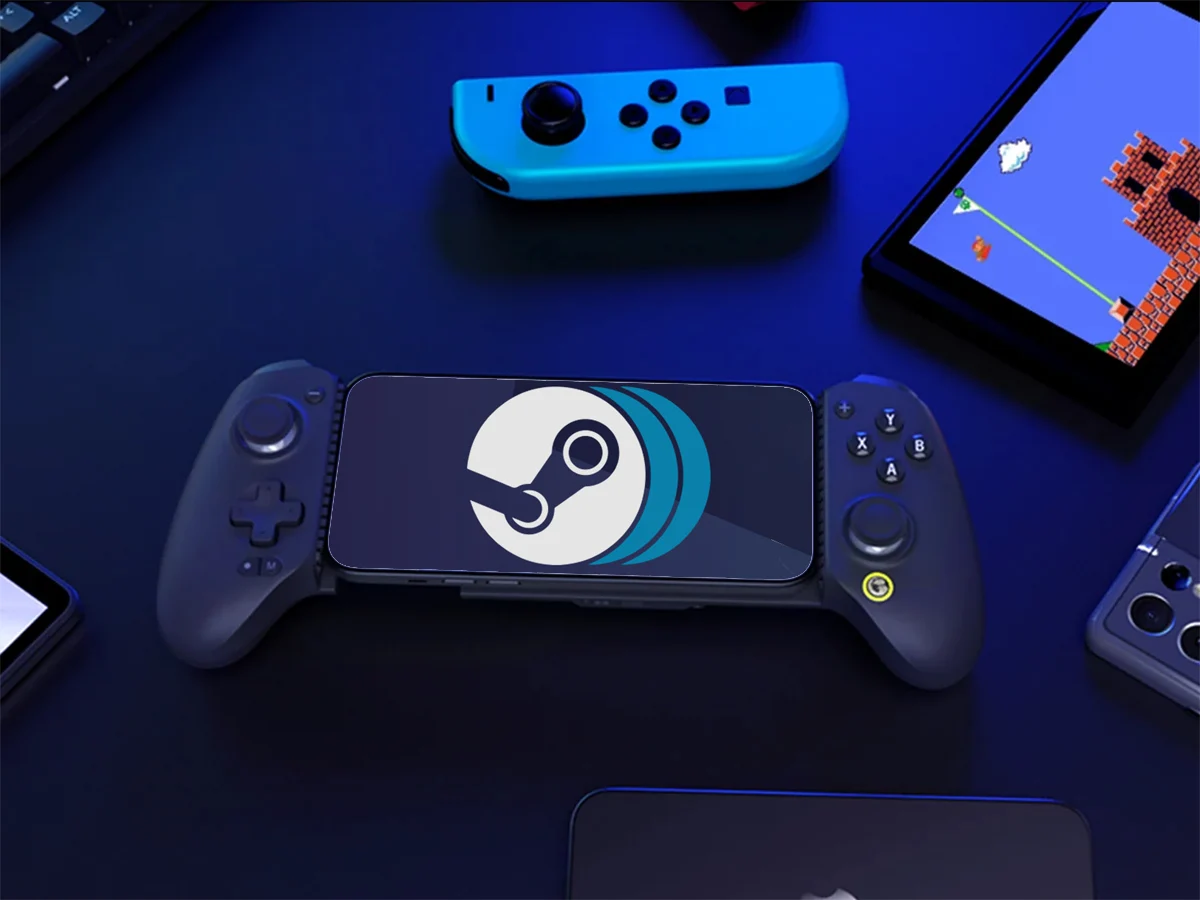
    Another aspect to consider is that the Android PC game emulator doesn’t guarantee an optimal experience for every game. Some titles might require adjustments, and more demanding games may not run well without a high-end smartphone. Many users also suggest using a physical mobile controller for a better gaming experience, such as the GameSir X5s, currently priced at $44.99 on Amazon. You can check the video below for more details about GameHub.

    Source:
    Link