
Tag: Notebookcheck review

  • Lenovo ThinkPad T14 Gen 7 Screen Downgrade: RAM Crisis Impact

    Key Takeaway

    – Tech sector prices rising due to datacenter boom and component shortages.
    – PC makers cut costs by using cheaper, lower-quality components.
    – Lenovo ThinkPad T14 Gen 7 base model costs €450 more than its predecessor.
    – Low-end screen covers only ~60% sRGB, offering poor color accuracy.
    – Best option for customers may be buying the older Gen 6 model while available.


    Rising Tech Prices Hit Laptops Hard

    Prices are climbing across the tech world, all thanks to the boom of datacenters and the chaos in supply chains for memory, SSDs, and processors. This price hike is a nightmare for PC builders. Who actually wants to fork out more cash for a laptop that cost way less just last year? It is a really though situation for everyone.

    How Manufacturers Soften the Blow

    One trick to ease the pain is for companies to cut corners on cheaper parts. They might stick in slower CPUs, smaller SSDs, or less RAM, while also fitting terrible screens. This is becoming a common theme, and its not a great look for consumers who expect quality.

    A perfect example of this is the Lenovo ThinkPad T14 Gen 7 we recently looked at. We tested the most basic version you can buy in Germany, and it starts at around €1,600. That is approximately €450 more expensive than the last generation base-model, the ThinkPad T14 Gen 6 Intel, which is a big jump for a new model.

    • Screen size: 14-inch
    • Resolution: WUXGA (1,920 x 1,200)
    • Brightness: 400 cd/m²
    • Color gamut: Only about 60% sRGB

    The Cheap Screen Problem

    What gives it away as a low-cost screen is the colour gamut. It covers a measly 60 percent of the sRGB range, so colours look washed out and inaccurate. For a laptop at this price, that is a major letdown, and it makes photo editing or watching videos less enjoyable.

    To be fair, Lenovo offered the exact same screen on the old model too. However, it was rarely used in consumer configurations. Nearly every T14 Gen 6 you could buy in Germany came with a better 500 cd/m² display that hit 100% sRGB, so most people got a decent panel.

    Current Configuration Situation

    Now, almost all configurations under €2,000 have this inferior screen as standard. This is a frustrating situation for customers. There is basically no perfect solution without compromises, except maybe grabbing an older Lenovo ThinkPad T14 Gen 6 while it is still available.
    Sources
    • Geekom A9 Max Deal: Ryzen AI Mini PC 32GB RAM Cheaper

      Key Takeaway

      – 15% discount on Geekom A9 Max with voucher code “GKA9MAX15” until June 30
      – Powered by AMD Ryzen AI 9 HX 470 with Radeon 890M and dedicated NPU for AI workloads
      – Comes with 32 GB DDR5 RAM and 2 TB SSD in a compact, connectivity-rich design
      – Performance is significantly better in dual-channel RAM configuration (test unit had only one module)
      – Ideal for office, content creation, multimedia, and local AI tasks


      Looking for a Powerful Mini PC?

      If your searching for a compact but powerful mini PC, you can currently purchase the Geekom A9 Max at a significantly lower price. The manufacturer is currently offering a 15% discount in its own online store. All you have to do is enter the voucher code “GKA9MAX15” during the order process.

      One of the Most Powerful Models

      The Geekom A9 Max is one of the most powerful mini PCs in the manufacturers current portfolio and is based on the AMD Ryzen AI 9 HX 470. The Strix Point APU combines twelve cores and 24 threads with the integrated AMD Radeon 890M based on the RDNA 3.5 architecture. An XDNA2 NPU for AI calculations is also integrated, making the system optimized for modern AI applications and corresponding software.

      Standard Equipment and Connectivity

      The equipment includes 32 GB DDR5 RAM and a 2 TB SSD as standard. Thanks to the compact housing, the mini PC takes up very little space on the desk and is equally suitable for office applications, content creation, multimedia tasks, and local AI workloads. At the same time, the system offers extensive connectivity with USB4, HDMI 2.1, DisplayPort, and several USB-A interfaces. Multiple high-resolution monitors can be operated simultaneously flawlessly.

      Review Findings

      In our recent review, the Geekom A9 Max left an overall positive impression. The high CPU performance, comparatively low power consumption, and high-quality workmanship were particularly impressive. However, we also found that the memory configuration of the test device was not optimal. As only one RAM module was installed, neither the processor nor the integrated Radeon 890M was able to exploit their full potential. The graphics performance in particular benefits significantly from a dual-channel configuration with two memory modules.

      Discount Details

      The current discount makes the Geekom A9 Max even more attractive for prospective buyers. The voucher code “GKA9MAX15” reduces the purchase price in the official Geekom online store by 15 percent. The promotion runs until June 30 and can only be used via the official Geekom online store.

      Want More Info?

      If you would like to find out more about the performance, features, and benchmark results, you can find all the details in the detailed test report on the Geekom A9 Max.

      • CPU: AMD Ryzen AI 9 HX 470 (12 cores, 24 threads)
      • GPU: AMD Radeon 890M (RDNA 3.5)
      • NPU: XDNA2 for AI workloads
      • RAM: 32 GB DDR5 (single-channel in test unit)
      • Storage: 2 TB SSD
      • Ports: USB4, HDMI 2.1, DisplayPort, multiple USB-A
      • Discount: 15% off with code “GKA9MAX15” until June 30


      Sources

      • Dell’s €1,500 Laptops Need Better Screens, Not Cheap Options

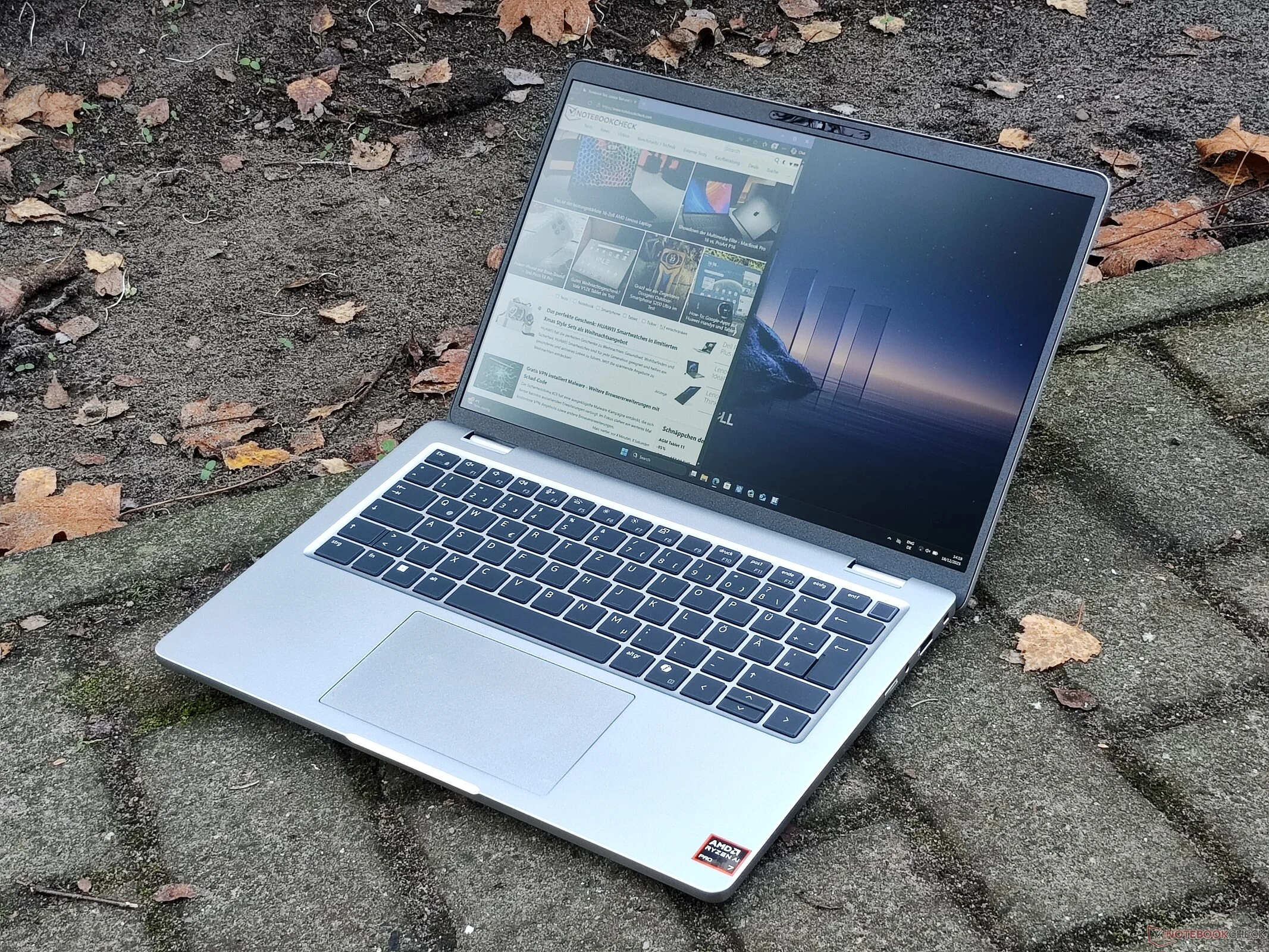
        Dell’s €1,500 Laptops Need Better Screens, Not Cheap Options

        Key Takeaways

        1. The Dell Pro 14 Plus offers impressive display options, including WQXGA and Low Power WUXGA displays with good brightness and color coverage.
        2. The review model tested had a basic WUXGA IPS screen with poor brightness (below 300 cd/m²) and only 56% sRGB color coverage.
        3. This limited display quality makes the laptop unsuitable for color-sensitive tasks, ranking it poorly among 14-inch business laptops.
        4. Better display options are not easily available and require customization directly from Dell, which can be expensive.
        5. Manufacturers should ensure better display options are accessible, especially for laptops priced around €1,500.


        The Dell Pro 14 Plus offers some impressive display options. Among them is a WQXGA (2,560 x 1,600) IPS display with a refresh rate of 90 Hz, alongside a Low Power WUXGA (1,920 x 1,200) display. Both of these screens have a brightness of 400 cd/m² and cover the small sRGB color space, making them suitable for simple photo editing tasks.

        Disappointing Display in Review Model

        However, there is a significant issue: the Dell Pro 14 Plus PB14255 that we recently assessed does not come with either of those preferred screens. Instead, our review unit was equipped with the most basic display available, a WUXGA IPS screen that only reaches 300 cd/m² in brightness.

        In our evaluation, the screen failed to hit the 300 cd/m² threshold, and even more concerning was the limited color coverage. With only 56 percent of the sRGB gamut, the colors appeared dull and inaccurate, rendering the display unsuitable for any color-sensitive work. Among all the 14-inch business laptops we compared, the Dell Pro 14 Plus stood out for having the poorest display quality.

        Limited Options for Better Screens

        One might wonder why we opted to test this particular model instead of one with a superior screen. The reason is that such models are not readily available. In Germany, the only way to obtain the Dell Pro 14 Plus with a better display is to customize it directly from Dell, which can be quite costly. If you’re purchasing from a typical retailer, like we do, even the highest-spec version of the Dell Pro 14 Plus PB14255 (available on dell.com) priced at around €1,500 still features the most basic screen.

        Manufacturers should ensure that better display options are accessible. Offering a basic, lower-cost screen is acceptable, but it should not be the standard for a laptop priced at €1,500.