
Tag: laptop comparison

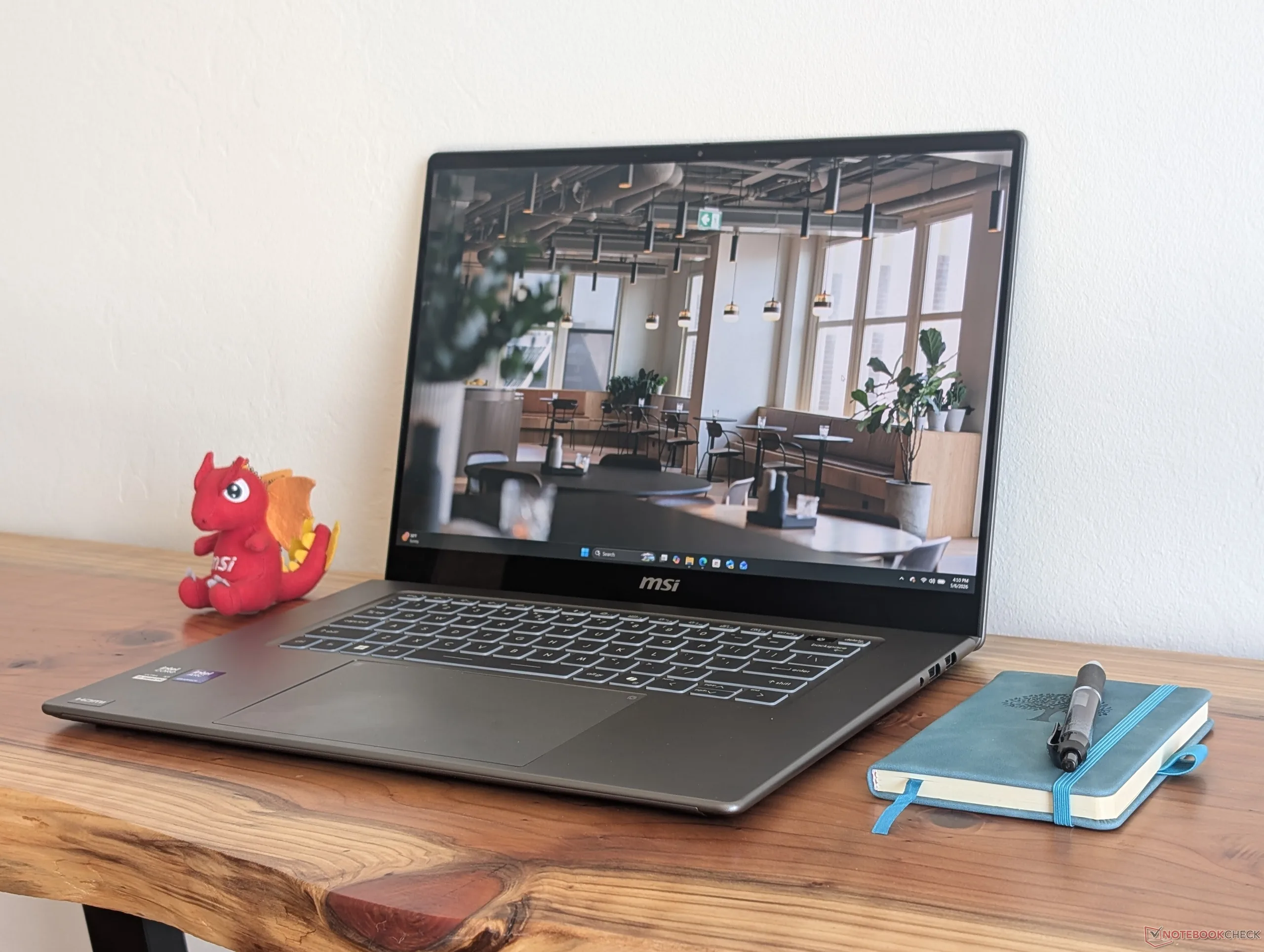
  • MSI Prestige 16 2026 Updates You Didn’t Know About

    MSI Prestige 16 2026 Updates You Didn’t Know About

    Key Takeaway

    1. The Prestige 16 (2025) has been redesigned with a sleeker, thinner chassis and improved performance due to the Panther Lake CPU.
    2. The newer model upgrades to an OLED display, enhancing image quality and resolution, despite a potential reduction in battery life.
    3. Key features like a wider range of ports, support for more storage drives, an integrated numpad, and larger battery are present in the older model, which may be preferable for certain users.

    Recent Prestige 16 Model: What’s New and What’s Gone

    The newest Prestige 16 has switch some things up from the 2025 version, making it look and feel quite different. Many users will find the new design and features quite appealing, but unfortunately, several old features have been sacrificed during the upgrade. To give a clear picture, here’s a quick comparison showing the main differences, with some highlighted for emphasis.

    Older Model: A Closer Look

    Last year’s Prestige 16 was known for its wide range of ports, allowing users to connect multiple devices easily. It also supported a larger variety of storage drives, giving more flexibility for upgrades and expansion. Plus, it had an integrated numpad, which many users find handy, and its bigger battery meant longer usage times without needing a recharge. These features made the older model quite a favorite among many.

    New Design: Sleek and Performance Drive

    On the flip side, the newest version sports a design that is thinner and more elegant. The chassis has been revamped to look much more modern and sleek, which is a big plus for those who are keen on aesthetics. Under the hood, the new Panther Lake CPU delivers on performance, especially when it comes to power efficiency, which is a big step up from older CPUs. Moving from an IPS display to OLED tech, while risking some battery life reduction, greatly enhances the user experience with brighter colors and sharper images. This makes the visuals far more appealing, especially for media consumption.

    Performance Data and Final Thoughts

    More detailed benchmarks and comparison graphs can be found in discussions about the Prestige 16 AI+ C3MTG, showcasing how these models perform side by side. Overall, the new model offers a promising balance of style and power, although some might miss the older ports, storage support, and extra features. Nonetheless, it’s safe to say the upgrades are generally for the better for most users.
    Sources
    • Lenovo Yoga Slim 7i Ultra Aura Beats Dell XPS 14 with $300+ Savings and Double RAM

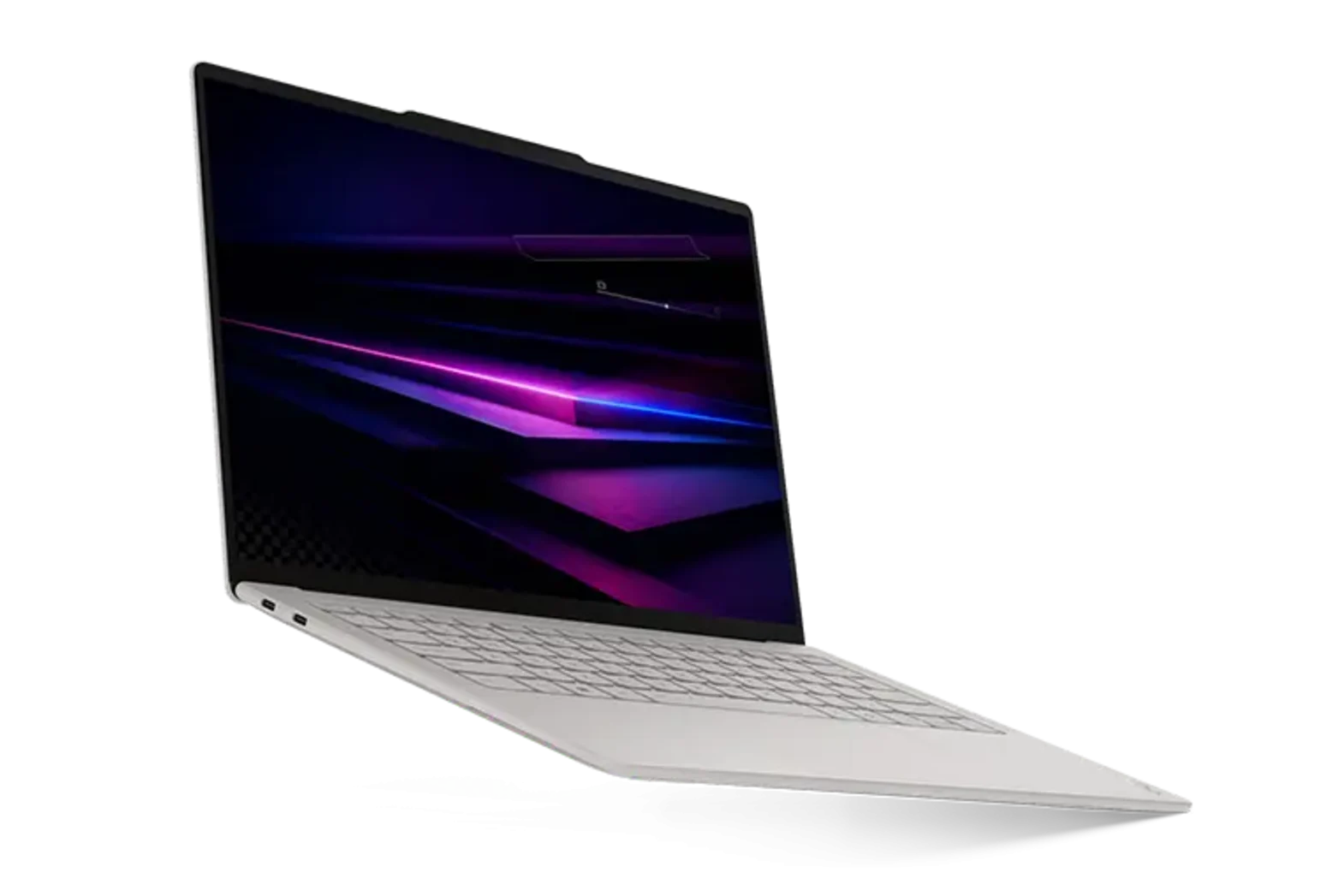
      Lenovo Yoga Slim 7i Ultra Aura Beats Dell XPS 14 with $300+ Savings and Double RAM

      Key Takeaway

      1. The Lenovo Yoga Slim 7i Ultra Aura Edition offers similar specifications and performance to the Dell XPS 14 but at a lower price and lighter weight.
      2. Lenovo’s model provides better value by including twice the RAM at a similar or lower cost compared to Dell, except for the highest-end CPU configurations.
      3. While the Lenovo has notable advantages, the Dell XPS 14 still maintains some key benefits worth considering.

      Introduction to the Competitors

      The new Dell XPS 14 and Lenovo Yoga Slim 7i Ultra Aura Edition both are now out in the market with comparable Panther Lake CPU options and display choices to pick from. Both of these models are direct rivals, making comparing their features and prices quite interesting for consumers. Today we’ll break down how they stack up against each other with the details on specifications and costs.

      Pricing and Configuration Comparison

      The Lenovo Yoga Slim 7i Ultra Aura Edition is generally more affordable when setup with similar specs to the Dell XPS 14. When you match the CPU, display size, SSD capacity, and even the amount of RAM, the Lenovo option costs less by a notable margin. It even comes with twice the RAM in some configurations. For example, if you look at the table, Lenovo provides a better deal for roughly the same hardware setup.

      While Dell does offer options with up to 32 GB of RAM, that feature is only available with their higher-end Core Ultra X7 processor, making the base models more comparable at lower RAM levels. In comparison, the Lenovo delivers comparable performance and display quality but is lighter by over 500 grams — it definitely offers an attractive value while saving more than $300. The Yoga Slim 7i Ultra Aura is regarded as one of the best 14-inch Lenovo laptops in recent years, blending performance with portability.

      Price Fluctuations and Market Uncertainty

      It is important for buyers to keep in mind that prices might change in the near future due to ongoing supply chain instability and market fluctuations. Regardless of what happens, for now, the Lenovo system offers some big benefits, especially in terms of savings and weight, that shoppers should consider before making a purchase decision. These advantages make the Yoga Slim 7i Ultra Aura an appealing alternative to the Dell XPS.

      Notable Features of Each Laptop

      However, the Dell XPS 14 still holds some key advantages that might make it more appealing for certain users. Features like build quality, brand reputation, and additional hardware options are part of the reasons to consider this device. For a thorough understanding of both models’ capabilities and differences, it’s a good idea to check out detailed reviews on the Yoga Slim 7i Ultra Aura.

      Sources
    • Huawei 14-Inch Laptop with 24GB RAM Predicted to Outperform MacBook Neo

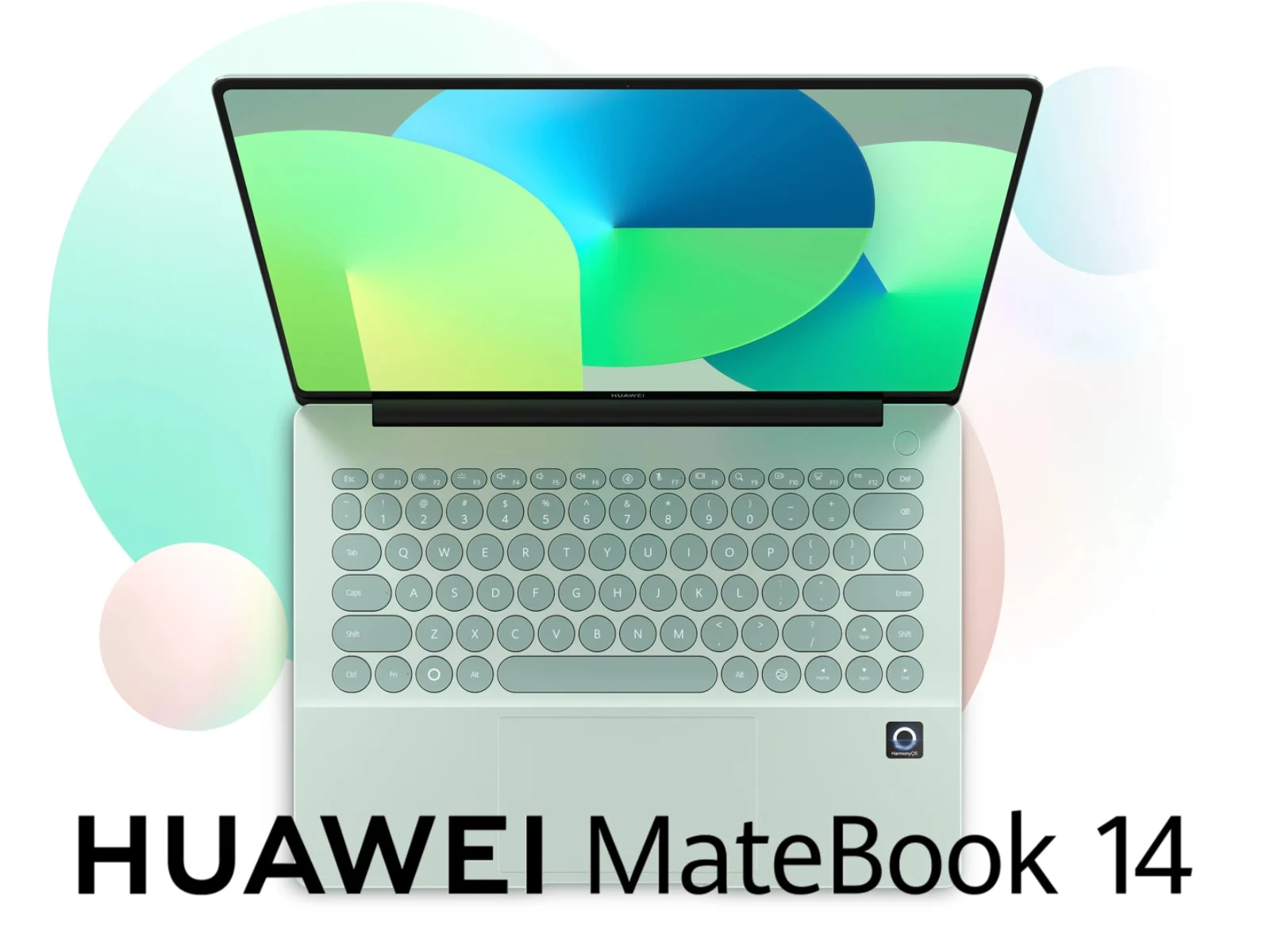
      Huawei 14-Inch Laptop with 24GB RAM Predicted to Outperform MacBook Neo

      Key Takeaway

      1. Apple’s MacBook Neo is competitively priced and well-received compared to Microsoft’s Surface Laptop 13-inch.
      2. Huawei has confirmed the development of the MateBook 14 HarmonyOS Edition, featuring thinner bezels and more ports than the MacBook Neo.
      3. The MateBook 14 is expected to include up to 24 GB RAM, 512 GB storage, and a Kirin X90A chipset.

      The New Rival to Apple’s MacBook Neo

      Apple’s latest MacBook Neo has been making waves recently in the tech world, especially since its price point is significantly lower than many competitors. With a current retail price of around $589, it’s more affordable than the Surface Laptop 13-inch, and this price cut is quite notable after Microsoft’s recent price hikes. The MacBook Neo received good reviews from many tech sites, highlighting its value for price. The impressive design combined with decent hardware specs gives it an edge over many other laptops in its class.

      Huawei’s MateBook Neo: The New Contender

      Just last month, some leaks suggested Huawei was working on a device called the MateBook Neo, which was supposed to be a competing model to Apple’s MacBook. Now, Huawei itself has officially confirmed this laptop’s development, though it’s going to be released under a different name. Scheduled for release on April 20, the MateBook 14 HarmonyOS Edition shows strong similarities to the MacBook Neo but with some noteworthy improvements, especially with its display bezels being much thinner.

      Design and Connectivity Differences

      One of the key differences that stand out is the port selection. Unlike the MacBook Neo, which has a limited set of connections, the MateBook 14 offers a broader range of port options. On its left side, you will find HDMI, USB Type-A, USB Type-C, and a 3.5 mm headphone jack. However, Huawei hasn’t yet revealed the right side of the device, so it’s unclear if it offers additional ports. An interesting design choice on the MateBook is the rounded keycaps, which adds a unique aesthetic appeal. The specs are expected to include 24 GB of RAM, 512 GB of storage, and a Kirin X90A chipset, the same one used in last year’s MatePad Edge, promising a good blend of performance and efficiency.