Tag: DLSS 4.5

  • Nvidia N1X Confirmed as RTX Spark: Release Details

    Nvidia N1X Confirmed as RTX Spark: Release Details

    Key Takeaway

    – RTX Spark is Nvidia’s new Windows on ARM chip, built on TSMC’s 3nm node, with a 20-core MediaTek CPU and 6,144 CUDA cores.
    – Supports up to 128 GB LPDDR5X unified memory, 600 GB/s NVlink bandwidth, and 1 petaflops FP4 AI performance.
    – Gaming features include DLSS 4.5, Frame Generation, and Reflex; runs 1440p games and supports anti-cheat for titles like Fortnite and Valorant.
    – Day-one creative app support includes Adobe Photoshop, Premiere, Blender, and CapCut, with 12K video decoding and 90 GB 3D scene rendering.
    – Launching in Fall 2026 in laptops from Asus, Dell, HP, Lenovo, Microsoft, and MSI, plus unspecified mini-PCs.


    Nvidia’s awaited Windows on ARM chip launches

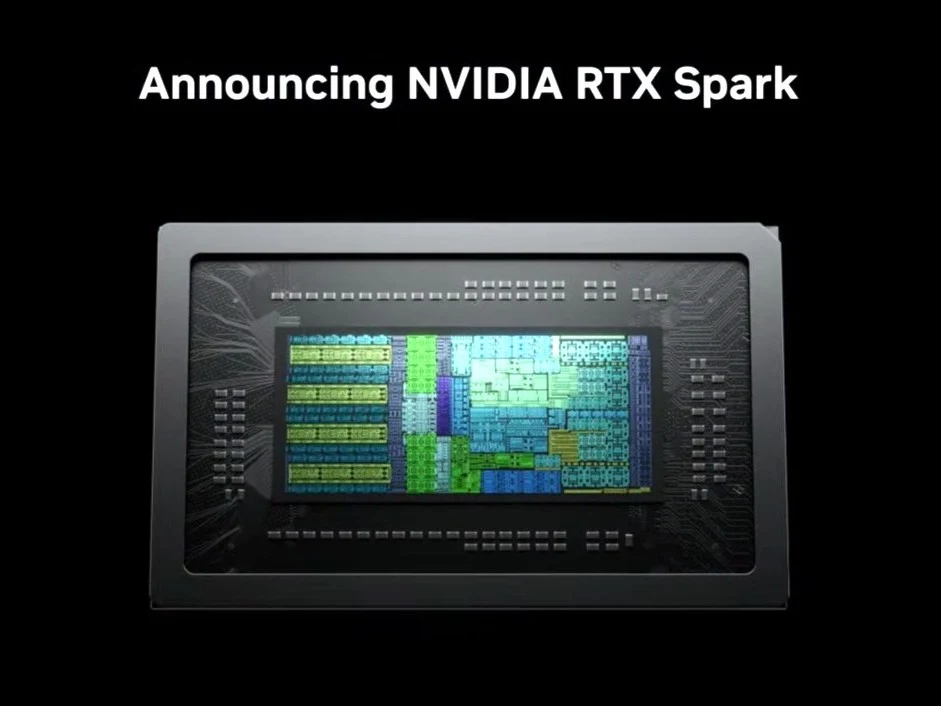
    Nvidia’s long-awaited Windows on ARM chip is finally here. It is made on an unspecified 3 nm node from TSMC. Formerly known as the N1X, which was likely its internal codename, the chip will launch as the RTX Spark. It won’t be the only one, with Nvidia stating other, lower-specced SKUs expected to surface later. Of course, this isn’t exactly new information. Multiple reports talked about the N1X and its sub-variants at length, with the most recent leak confirming at least two variants.

    Specs are still a secret mostly

    Officially, Nvidia has refused to divulge much in the way of specs. The RTX Spark will come with an unspecified GPU with 6,144 CUDA cores and a 20-core CPU tailor-made by MediaTek. Nvidia claims the GPU can comfortably run games at 1440p thanks to DLSS 4.5, Frame Generation, Reflex, and the laundry list of gaming features found on Blackwell GPUs. Ray reconstruction and RTX Video Frame Gen are also supported.

    Creative softwares support is big

    Creatives will be pleased to know that Adobe Photoshop and Premiere will run on the RTX Spark on day one. Other companies, such as Blackmagic Design, Blender, CapCut, ComfyUI and OTOY have also partnered up with Nvidia to bring their software stack to the platform. The company claims power users can render 90 GB 3D scenes with OptiX and DLSS and edit 12K 4:2:2 video with the NVIDIA Blackwell decoder. Nvidia confirmed the machine will run Windows at launch but didn’t confirm/deny Linux support.

    Memory and AI chops

    The Nvidia RTX Spark supports up to 128 GB of LPDDR5X unified memory. With NVlink, its memory bandwidth peaks at 600 GB/s. Like everything else Nvidia has announced in the past year, the RTX Spark is touted as an AI powerhouse with 1 peraflops of FP4 performance. The company claims it can run 120 billion parameter models locally and even run ‘gaming agents’ that can, among other things, change your monitor’s refresh rate.

    Benchmarks and gaming readiness

    Nvidia has not shown off any performance metrics of the RTX Spark, meaning we have to rely on leaked benchmarks to figure out how it fares against other Arm-based offerings from Apple and Qualcomm. E-sports gamers will be pleased to know that Nvidia is actively working with numerous anti-cheat software makers to get the RTX Spark ready for popular titles. For now, the list includes Fortnite, Valorant, League of Legends, and PUBG, with more titles coming soon.

    Laptops and launch timeline

    Some of the laptops that will launch with the RTX Spark include the Asus ProArt P14, ProArt P15, Dell XPS 16, HP OmniBook X 14, HP OmniBook Ultra 16, Lenovo Yoga Pro 9n, Microsoft Surface Laptop Ultra and MSI Prestige N16 Flip AI. It will also power some mini-PCs, but Nvidia didn’t specify which ones. Machines powered by the RTX Spark are expected to hit shelves in Fall 2026.


    Sources

    • DLSS 4.5 Outperforms AMD FSR in Test with 6,700 Gamers

      DLSS 4.5 Outperforms AMD FSR in Test with 6,700 Gamers

      Key Takeaways

      1. Test Overview: A blind test by ComputerBase compared DLSS 4.5, AMD’s FSR 4, and native rendering with over 6,500 gamers participating.

      2. Results: DLSS 4.5 was the most preferred option, chosen by 48.2% of participants, while 24% chose native quality and 15% preferred FSR 4.

      3. Game Variety: The evaluation included popular titles like Anno 117, ARC Raider, Cyberpunk 2077, and Last of Us Part II, conducted at 4K resolution using the “Quality” preset.

      4. Improvements in DLSS 4.5: Although DLSS 4.5 shows noticeable improvements, it does not represent a drastic change from DLSS 4.0.

      5. Conclusion on FSR: The results do not definitively prove FSR is inferior to native rendering, but DLSS 4.5 is favored among gamers.


      In a recent blind test organized by the notable German magazine ComputerBase, DLSS 4.5 was compared to AMD’s FSR 4 and native rendering. This test saw participation from over 6,500 gamers, and the outcome was quite definitive – DLSS 4.5 triumphed in the upscaling preferences by a significant margin.

      Test Details and Preferences

      The evaluation included a variety of games, such as Anno 117, ARC Raider, Cyberpunk 2077, and Last of Us Part II. In the end, out of all participants, 1,619 (which is 24%) chose native quality, about 1,013 (around 15%) favored AMD’s FSR 4, while a substantial majority, approximately 3,249 (48.2%), opted for Nvidia’s DLSS 4.5.

      Additionally, about 866 (12.8%) of the gamers felt that the three options were almost on par. The test was performed using the “Quality” preset and at a resolution of 4K.

      Improvements in DLSS 4.5

      While DLSS 4.5 may not represent as significant a leap from DLSS 4.0 as DLSS 4.0 did from DLSS 3.0, the enhancements are as apparent as a bright sunny day. Nvidia’s second-gen transformer model demonstrates its effectiveness in practical tests, including the thorough one we conducted.

      It’s important to note that ComputerBase’s findings don’t necessarily undermine AMD’s FSR; they simply reflect the gamers’ first choice, not the subsequent preferences.

      Conclusion on FSR and DLSS

      As stated by ComputerBase, to claim that “FSR is worse than native” based on these survey results would be misleading. Nonetheless, it is clear that DLSS 4.5 seems to have the advantage overall.

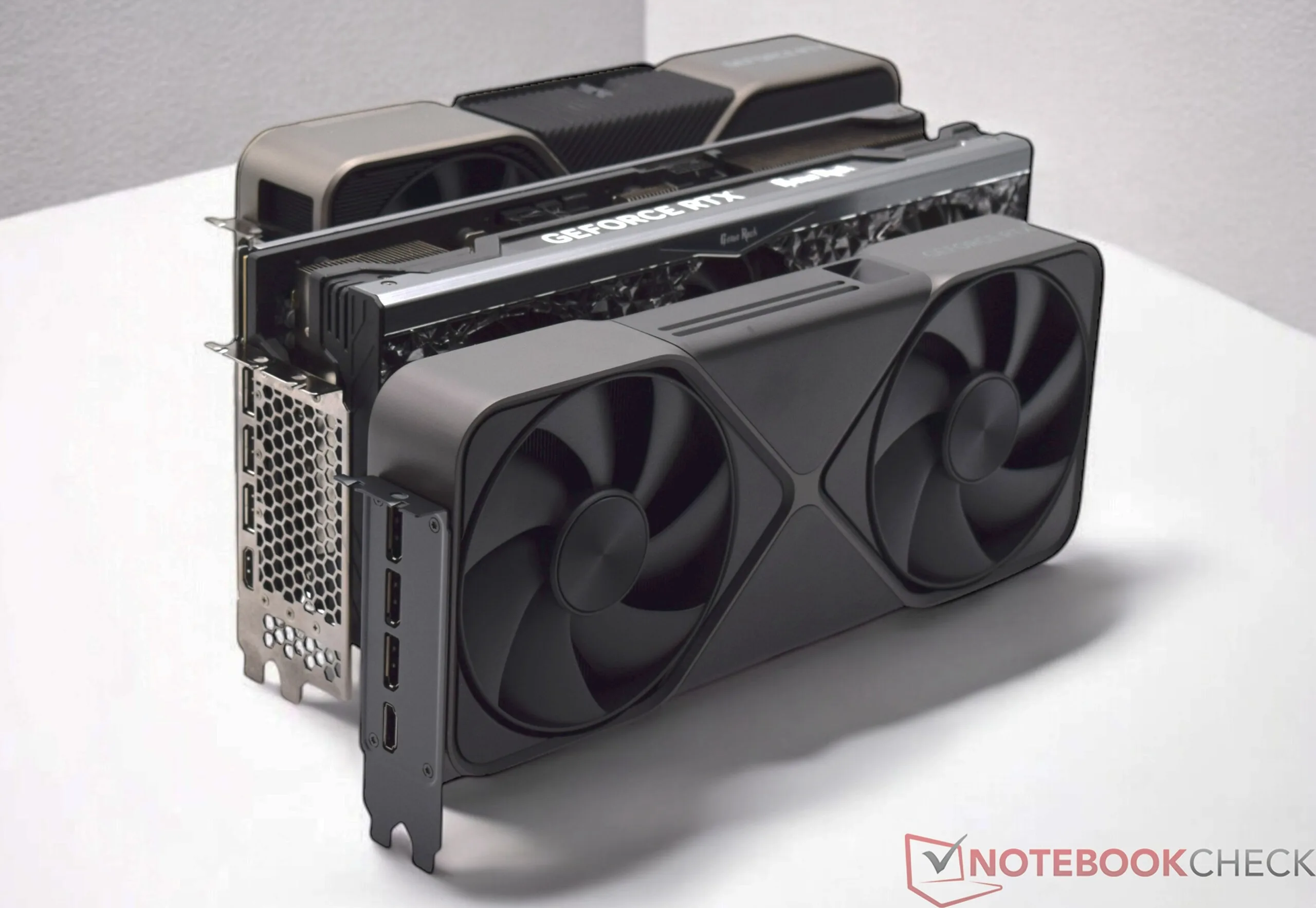
      If you’re looking to buy a graphics card, the Gigabyte RTX 5070 Windforce is currently priced at $650 on Amazon.

      Source:
      Link


    • CheckMag: DLSS 4.5 Performance Analysis & Visual Quality Insights

      CheckMag: DLSS 4.5 Performance Analysis & Visual Quality Insights

      Key Takeaways

      1. DLSS 4.5 introduces a 2nd generation Transformer model, enhancing image quality through improved temporal stability and sharper details compared to its predecessor.

      2. The Nvidia app now supports DLSS 4.5 in over 400 titles, with new presets (Preset L and Preset M) optimized for different performance levels.

      3. DLSS 4.5 can result in significant performance drops, with frame rates decreasing by up to 44.5% in some games when using the new Preset M.

      4. Users with RTX 20 and RTX 30 series GPUs may experience diminished benefits from DLSS 4.5 due to hardware limitations, making the original DLSS 4 a viable option.

      5. Future updates will include multi-frame generation (MFG) for RTX 50 cards, enhancing frame output dynamically to match monitor refresh rates.


      Nvidia first unveiled DLSS with its RTX 20 Turing series of GPUs. DLSS 1 wasn’t well-known for its image quality because it functioned mainly as a spatial image upscaler and had limited support from games. However, last year marked a significant advancement with the arrival of DLSS 4, which utilized a Transformer model alongside RTX 50 Blackwell GPUs, greatly enhancing upscaled visual fidelity.

      The DLSS 4.5 Update

      This year, Nvidia is rolling out a minor update, DLSS 4.5, which aims to fine-tune DLSS 4 even further. Nvidia claims that the 2nd generation Transformer in DLSS 4.5 provides improved temporal stability, better resolution, and crisper details.

      With the Nvidia app now officially offering DLSS 4.5 upscaling in over 400 titles, we take a detailed look at image quality comparisons between the new 2nd generation Transformer model and its predecessor, along with anti-aliasing techniques like TAA and DLAA.

      Getting Started with DLSS 4.5

      To start using DLSS 4.5, make sure to update the Nvidia app to version 11.0.6.379 or later (it should automatically update on launch if it hasn’t done so already). While it’s not strictly necessary, having the latest Game Ready Driver version 591.74 or newer installed will enhance your experience.

      Developers will take time to natively integrate DLSS 4.5 into their games. In the meantime, you can manually adjust the DLSS version through the Nvidia app.

      DLSS works by rendering at a lower native resolution, which is usually shown as a percentage of the target resolution. For example, the internal render resolutions for a target of 4K would be:

      You also have the option of using DLAA, Nvidia’s AI-based anti-aliasing solution that operates directly at the native resolution.

      New Presets for DLSS 4.5

      Nvidia uses preset settings to choose the appropriate DLSS version for each game based on its rendered resolution, with the new Preset L and Preset M created specifically for DLSS 4.5.

      Preset M is the best option for DLSS Performance and higher modes, including DLAA, while Preset L is optimized for DLSS Ultra Performance. Preset K is the older Transformer from DLSS 4.

      The simplest way to set your DLSS preferences is to choose DLSS Override to Recommended. This will automatically activate Preset M for Performance, L for Ultra Performance, and K for all other modes.

      You also have the option to select your desired model preset from the Super Resolution dropdown in the Custom tab.

      Another method is to choose the Super Resolution Mode to set an input resolution, which will then select the appropriate preset accordingly.

      Once you have chosen your override mode for the game, open the Nvidia overlay (Alt+Z), navigate to Statistics, and choose DLSS in the Statistics view section.

      This will display the model override preset when you press Alt+R while playing a game.

      And that’s all there is to it. Now, let’s dive into some pixel examination.

      Our testing setup consists of an Intel Core i9-14900K processor with 32 GB of DDR5-6400 RAM (32-39-39-80) and a Zotac Gaming GeForce RTX 5090 Arcticstorm AiO GPU, all running on a Gigabyte Z790 Aorus Master motherboard.

      Testing Results with Popular Titles

      For this comparison, we evaluated four popular AAA games: Battlefield 6, Cyberpunk 2077: Phantom Liberty, Doom: The Dark Ages, and Black Myth: Wukong. We compared image quality at 4K native TAA, 4K native DLAA, DLSS 4 Performance, and DLSS 4.5 Performance (Preset M).

      All games were set to maxed-out 4K Ultra settings. Frame generation and ray reconstruction (RR) were disabled where applicable. Notably, RR still utilizes the original Transformer model, so enabling it in-game effectively reverts you back to DLSS 4.

      In Battlefield 6, DLSS 4.5 Preset M shows noticeable visual enhancements compared to the previous Performance mode.

      We observed a general increase in image sharpness, with many previously missing details—particularly in distant objects like mountains and terrain features—now appearing well-reconstructed. However, no significant improvements were seen in direct first-person view.

      That said, these quality upgrades come at the cost of a 7% decrease in average frame rate when compared to the original Transformer model.

      Doom: The Dark Ages takes advantage of the idTech8 engine’s built-in ray tracing, adding depth and gameplay value. The game also supports path tracing with ray reconstruction (RR), but we turned those off for our comparison.

      Immediately, we can see that DLSS 4.5 Preset M provides a noticeably better image than even the native resolution, with details in the dried tree, the statue, and the rocky mound it sits on looking much clearer and sharper.

      However, this improvement comes with a steep 44.5% performance hit, dropping the average frame rate from 175 fps using DLSS 4 Performance to just 97 fps with DLSS 4.5 Preset M.

      Enabling path tracing (PT) with Preset M but without RR significantly enhances lighting quality but further halves the frame rate.

      Despite being over five years old, Cyberpunk 2077’s neon-lit streets are still a great display for Nvidia’s latest tech.

      With DLSS 4.5 Preset M and path tracing on, we noticed a considerable enhancement in scene quality. Reflections, in particular, appear much more realistic with Preset M compared to the pixelated look of the earlier Transformer.

      Distant objects also show a marked improvement in sharpness and cleaner anti-aliasing with Preset M in comparison to TAA, while the average frame rate impact is minimal at around 3%.

      Preset L offers nearly identical image quality to Preset M and a convincingly better picture compared to the older Ultra Performance mode without affecting frame rates.

      That’s quite impressive, considering Preset L has to upscale from significantly fewer native pixels than Preset M.

      Black Myth: Wukong, known for its dense foliage and path tracing effects, pushes Unreal Engine 5 to its limits, making it ideal for any upscaling help.

      At Full RT Cinematic settings, Preset M effectively restores detail at long distances and reduces shimmer effects that were present with the old Transformer.

      However, the overall image can appear a bit oversharpened, with noticeably sharper shadows compared to native TSR 100.

      On average, the frame rate drop with Preset M is about 5% compared to DLSS 4 Performance mode.

      Likewise, Preset L performs well in upscaling from 720p native, reconstructing the image with much clearer quality than the previous Transformer while virtually eliminating performance loss.

      DLSS 4’s transition to a Transformer model from the DLSS 3.x convolutional neural network (CNN) already marked a significant enhancement in upscaled image quality. Nvidia’s new DLSS 4.5 with its 2nd generation Transformer promises even further fidelity improvements, and it mostly delivers.

      Across the games tested, the primary visual impact of DLSS 4.5 is seen in increased sharpness and, at times, enhanced temporal stability, especially in long-distance views and complex lighting situations.

      However, these differences are mostly noticeable when running DLSS Performance or Ultra Performance, as the 2nd generation Transformer is specifically optimized for these scenarios.

      While Nvidia generally recommends Preset M, Preset L is surprisingly effective given the low native resolution it starts from. This can be especially advantageous for users with RTX 4060 or RTX 5060 GPUs (both laptop and desktop) that have limited VRAM.

      Later in the year, Nvidia is set to introduce multi-frame generation (MFG) up to 6x, generating up to five frames for every rendered frame, but this feature will be exclusive to RTX 50 cards. MFG 6x will operate dynamically, producing just as many frames as needed to match the monitor’s refresh rate.

      Conclusion

      Now for the downside. The enhancements of DLSS 4.5 come at a cost. Even with high-end RTX 40 and RTX 50 series GPUs, you will notice a performance overhead, especially with Preset M. This can be quite significant in some games, necessitating the use of frame generation for smoother visuals.

      The RTX 20 and RTX 30 series cards face even more challenges as their Tensor cores lack FP8 acceleration, which the 2nd generation Transformer relies on. While DLSS 4.5 is still functional on these cards, the performance penalty may easily outweigh the slight visual quality increase.

      Ultimately, the advantages of upgrading to DLSS 4.5 are heavily reliant on the specific game, your target resolution and graphic settings, and the RTX GPU you’re utilizing.

      Sometimes, sticking with the original DLSS 4 might still be the wiser option.

       

    • Nvidia DLSS 4.5: 2nd-Gen Transformer Boosts RTX 50, 20, 30

      Nvidia DLSS 4.5: 2nd-Gen Transformer Boosts RTX 50, 20, 30

      Key Takeaways

      1. Nvidia is launching DLSS 4.5 at CES 2026, not the anticipated RTX 50 Super series GPUs.
      2. DLSS 4.5 features a 2nd generation Transformer model that improves temporal stability, reduces ghosting artifacts, and enhances anti-aliasing.
      3. DLSS 4.5 currently upgrades only the Transformer model, with no changes to ray reconstruction or Nvidia Reflex.
      4. Multi-Frame Generation (MFG) technology is enhanced in RTX 50 GPUs, achieving up to 6x frame generation for smoother gameplay, with improved frame pacing and quality.
      5. Nvidia’s app allows users to apply DLSS 4.5 directly to compatible games, but MFG 6x will be available only in Spring 2026 for RTX 50 series GPUs.


      While it might catch some off guard, Nvidia is not revealing the anticipated RTX 50 Super series GPUs today. Instead, the company is presenting a new treat for gamers at CES 2026: the launch of DLSS 4.5.

      Improvements in DLSS 4.5

      The Transformer model in DLSS 4 significantly enhanced the quality of visual upscaling compared to the earlier convolution neural network (CNN) technique utilized in previous DLSS versions. Although the transition to Transformer was generally welcomed, it had its flaws, especially regarding ghosting effects and a drop in temporal stability in certain games.

      Nvidia aims to address these issues with the 2nd gen Transformer in DLSS 4.5 Super Resolution.

      As per Nvidia, the 2nd generation Transformer in DLSS 4.5 offers better temporal stability, which should lead to sharper images, fewer ghosting artifacts, and improved anti-aliasing.

      Some Drawbacks to Consider

      However, there are a few caveats to keep in mind! First, DLSS 4.5 currently only upgrades the Transformer model for upscaling purposes. There are no adjustments to DLSS 4’s ray reconstruction or Nvidia Reflex at this time.

      DLSS 4’s Transformer has some performance costs. Digital Foundry pointed out in their DLSS 4 analysis that the Turing RTX 20 series and Ampere RTX 30 series cards face a substantial performance hit with the Transformer, mainly because their Tensor cores only support FP16 inference natively.

      With the Ada Lovelace RTX 40 generation, Nvidia introduced native FP8 into the 4th gen Tensor cores, which greatly enhances Transformer-based upscaling. The latest Blackwell RTX 50 series GPUs are equipped with 5th gen Tensor cores that support native FP4 inference, making it the optimal choice for running Transformer with minimal performance loss.

      Nvidia suggests that the 2nd gen Transformer model in DLSS 4.5 is five times more compute-heavy and will significantly benefit from FP8 acceleration when used with RTX 40 series cards and newer.

      Thus, it’s reasonable to think that older RTX 20 and RTX 30 series GPUs will incur a relatively larger performance drop when enabling Transformer v2, although the precise amount can’t be determined until proper testing is conducted.

      Frame Generation Advancements

      While Ada brought frame generation thanks to the architecture’s optical flow accelerator, the RTX 50 Blackwell GPUs have taken it further with multi-frame generation (MFG), achieving rates up to four times the base frame rate using a clever feature called hardware flip metering.

      Even though MFG greatly enhanced the smoothness of gameplay and created the sensation of a higher frame rate, it has not been without issues.

      The primary worry has been about increased latency and input lag, much of which can be mitigated with Nvidia Reflex. Another significant concern was the appearance of glaring artifacts, particularly during fast-moving scenes.

      Alongside the 2nd generation Transformer, Nvidia is now rolling out MFG up to 6x on RTX 50 Blackwell GPUs. The company claims that MFG 6x brings better frame pacing and quality aimed at reaching 240 fps, as 240 Hz monitors are becoming more common.

      To facilitate this, DLSS 4.5 incorporates Dynamic Multi Frame Generation, allowing the system to automatically select the appropriate MFG multiplier (up to a maximum of 6x) to match the monitor’s refresh rate.

      According to Nvidia, DLSS 4.5 along with 6x MFG can achieve up to 246 fps on an RTX 5080 at 4K with path tracing enabled in Black Myth: Wukong.

      You won’t have to wait for game developers to implement DLSS 4.5 support in their games. The Nvidia app should let you apply the DLSS 4.5 override directly to any game in your library that supports DLSS starting today.

      Since older RTX cards might see performance penalties, Nvidia is also providing the option to switch between CNN, Transformer v1, and Transformer v2 as needed.

      However, MFG 6x will be available only in Spring 2026 for — you guessed it — exclusively the RTX 50 series GPUs.

      Source:
      Link