Tag: Android 17

  • Android 17 Beta Launch Date Revealed: Closer Than Expected

    Android 17 Beta Launch Date Revealed: Closer Than Expected

    Key Takeaways

    1. Google is skipping the developer preview stage and going directly to the beta phase for Android 17.
    2. The Android 17 beta, codenamed “Cinnamon Bun,” is expected to launch around February 18.
    3. Android 17 is built on Android 16 QPR and includes bug fixes and improvements, with potential visual upgrades.
    4. Pixel users in the Android Beta Program will receive the update automatically, while those wanting to stay on the stable version must opt out before the beta launches.
    5. Downgrading from the beta will wipe all user data, and a secure method to exit the beta without data loss will be available only at the end of the beta period.


    Google seems to have made some major changes to how it rolls out updates. For the very first time, they are skipping the developer preview stage and going straight to the beta phase. This was recently confirmed in the official Reddit group r/android_beta, which stated that the Android 17 beta is likely to be launched soon. This change is part of the new canary build model. With this model, developers are working directly on the main branch of development, which helps to cut down on internal testing time and allows beta versions to be released more quickly. Reports indicate that the Android 17 beta could kick off around February 18.

    Details on Android 17

    Android 17, codenamed “Cinnamon Bun,” is built on the solid foundation of Android 16 QPR – Quarterly Platform Release. Up to this point, Google has not shared much information about the specific updates included in this version. Officially, the company is only mentioning “the latest bug fixes and improvements to stability and performance.” Nevertheless, there are rumors that Android 17 might bring some significant visual upgrades. These potential changes could feature more visible blur effects and a clearer distinction between the notification shade and Quick Settings. The overall look may start to resemble designs found in systems like Apple’s iOS or Xiaomi’s HyperOS. However, these updates are causing mixed feelings, especially among long-time Android fans who favor the classic appearance of the platform.

    How to Get the Update

    For anyone with a Pixel device who is signed up for the Android Beta Program, Android 17 Beta 1 will be delivered automatically as an OTA update. Users who want to stay on the stable Android 16 QPR3 version must opt out of the beta program before the beta launches. Once the beta is out, Google will provide a “downgrade OTA,” but it’s advised against installing it as it is said to wipe all user data completely. A secure method to exit the beta program without losing any data will only be available again toward the end of the beta period, which is anticipated to be around June 2026.

    Source:
    Link


  • New Android 17 Design Revealed in Leaked Screenshots

    New Android 17 Design Revealed in Leaked Screenshots

    Key Takeaways

    1. Android 17 features a new transparent design aesthetic, similar to Apple’s iOS 26 “Liquid Glass” style.
    2. The volume control panel and shutdown menu will adopt a see-through backdrop for better readability.
    3. Users can customize transparent sections with their chosen accent color.
    4. Screen recording will include a floating window for settings and a recording timer in the status bar.
    5. Users can lock app icons by pressing and holding them, with some icons receiving a new design.


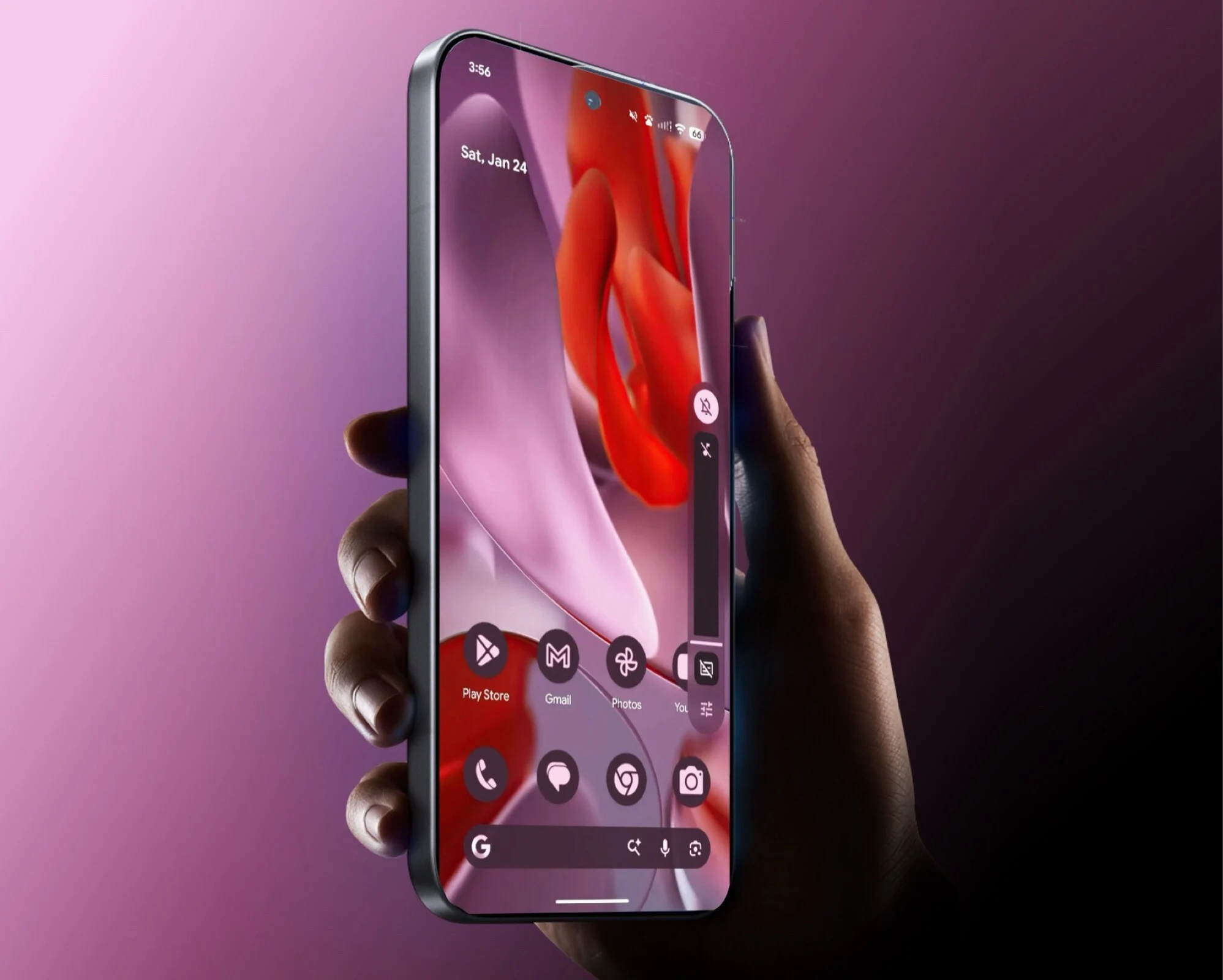
    After the recent leaks about Android 17’s new design, Android Authority and 9to5Google have managed to get a hold of several screenshots from the leaker @romashka, which are said to display an early beta version of Android 17. Much like Apple’s iOS 26 with its “Liquid Glass” style, Google appears to be shifting towards a more transparent aesthetic in its upcoming software.

    Notable Design Changes

    This fresh design method is quite evident in the volume control panel. Unlike the previous solid background, the new interface features a slightly see-through backdrop, with elements behind it being more blurred than seen on Apple devices. This change aims to enhance the readability of the information. Users can personalize these transparent sections with the accent color they choose.

    The volume slider and the shutdown menu for the phone will also adopt this transparent design. Following Android 16’s introduction of transparency in areas like Quick Settings, it seems Google is planning to extend this visual style to additional segments of the Android 17 operating system.

    Updates to Screen Recording

    In addition, Google is making changes to the screen recording feature. With Android 17, users will be able to modify settings through a floating window, while a recording timer will be visible in the status bar. By pressing and holding an app icon, users can also lock that particular app in Android 17. Some app icons are set to receive a new look as well. Although not much information is available about the new features of Android 17, mobile gamers can likely anticipate various enhancements.

    Source:
    Link


  • Android 17 Features Transparent Design with Apple Liquid Glass

    Android 17 Features Transparent Design with Apple Liquid Glass

    Key Takeaways

    1. Android 17 will feature a “blur” appearance with transparent overlays, replacing solid-color backgrounds.
    2. The design aims to enhance readability by softening visuals and allowing better visibility of background apps.
    3. The focus of Android 17 is more on aesthetics rather than significant changes to core functionalities.
    4. The OS will include design elements influenced by the Apple iPhone, such as differentiated notifications based on swipe direction.
    5. Major updates for gaming experiences are expected, with the rollout anticipated to start in June.


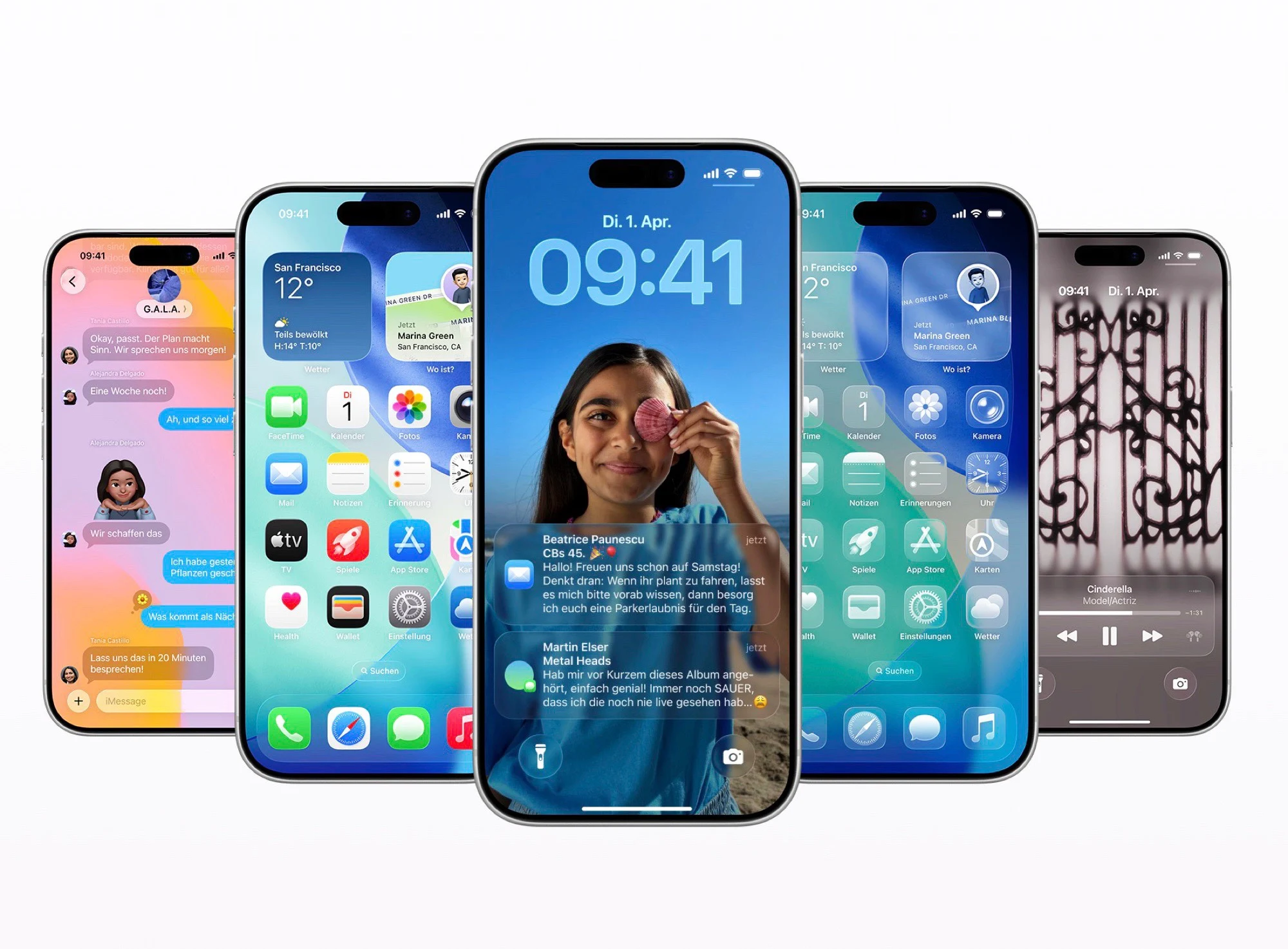
    According to the most recent details from 9to5Google, which seem to come from an internal beta of Android 17, the new operating system will have a “blur” appearance. Google is reportedly planning to swap out solid-color backgrounds across the system for transparent overlays that will soften the visuals behind them. This design choice closely resembles the “Liquid Glass” look of the Apple iPhone 17, though it appears that Google might not adopt the same level of style as Apple.

    Enhancements for Readability

    Google might enhance clarity by blurring objects a bit more or darkening them slightly. The idea behind the transparency is to make navigating the OS simpler, allowing users to view which app is running in the background even when the quick settings menu is visible. This design approach is expected to be applied to various components of the operating system, including the volume controls and battery indicators. These components will continue to be influenced by the user’s selected accent color.

    Focus on Aesthetics

    As per 9to5Google, the emphasis of the new OS appears to be on looks rather than making substantial changes to the basic functionalities. Earlier reports have hinted that Google is also taking cues from the Apple iPhone in other aspects, like differentiating notifications and quick settings based on whether the user swipes down from the left or right side of the screen. Additionally, Android 17 is likely to see major updates aimed at improving gaming experiences. The update is expected to roll out sometime starting in June.

    Source:
    Link


  • Android 17 Leak: Enhanced Notifications and Quick Settings Updates

    Android 17 Leak: Enhanced Notifications and Quick Settings Updates

    Key Takeaways

    1. Android 17 will feature a new user interface where quick settings appear by default when swiping down from the top right, while notifications are accessed from the top left.
    2. Users can revert to the traditional Android layout through system settings, which combines quick settings and notifications on one screen.
    3. The split layout reduces scrolling by providing more space for notifications and quick settings, including an extra volume slider under the brightness control.
    4. Google’s design changes in Android 17 show a closer alignment with Apple’s iPhone interface, particularly in how quick settings are presented.
    5. The current design is likely an early beta version, with potential updates expected before the official launch in June 2026.


    Details about Google’s gaming strategies for Android 17 first came out last November. Recently, leaker Mystic Leaks has shared the initial screenshots that reveal the fresh user interface for notifications and quick settings.

    New User Interface Design

    From these images, it seems that Android 17 will show quick settings by default when users swipe down from the top right corner of the screen. However, swiping down from the top left corner will bring up notifications. This setup will feel familiar to those who have used the Apple iPhone 17. For users who preferred the old layout, they can easily revert back to the traditional Android interface via the system settings, which merges quick settings and notifications into one screen.

    Benefits of the Split Layout

    The new split design offers the benefit of creating more room for showing either notifications or quick settings, which in turn lessens the amount of scrolling needed to find what users are looking for. Google has cleverly utilized this space to add an extra volume slider right under the display brightness control. Other quick settings appear to remain mostly the same. Nevertheless, since this is likely just an early beta version, it’s fair to expect more design tweaks before Android 17’s expected launch around June 2026.

    Moving Closer to Apple

    With this updated layout, Google is aligning its design more with that of the iPhone, though it’s worth noting that quick settings in iOS 26 can be organized across multiple pages. This feature allows users to customize their quick settings for managing smart home devices, for example, providing greater flexibility.

    Source:
    Link


  • Android 17 Gaming Upgrades Leaked: Exciting Changes Ahead

    Android 17 Gaming Upgrades Leaked: Exciting Changes Ahead

    Key Takeaways

    1. Google plans to introduce native controller remapping in Android 17, allowing users to customize gamepad functions directly from system settings.
    2. Users will be able to personalize all buttons on their Bluetooth or USB-C connected gamepads, including setting up rear paddles and assigning shoulder buttons.
    3. Support for virtual gamepads will be included, enhancing gameplay for users without physical controllers.
    4. The initiative aims to connect virtual buttons on the screen to gamepad buttons, benefiting games that lack external controller support.
    5. The enhancements are expected to launch with Android 17, but there may be delays or changes in development before the features go live.


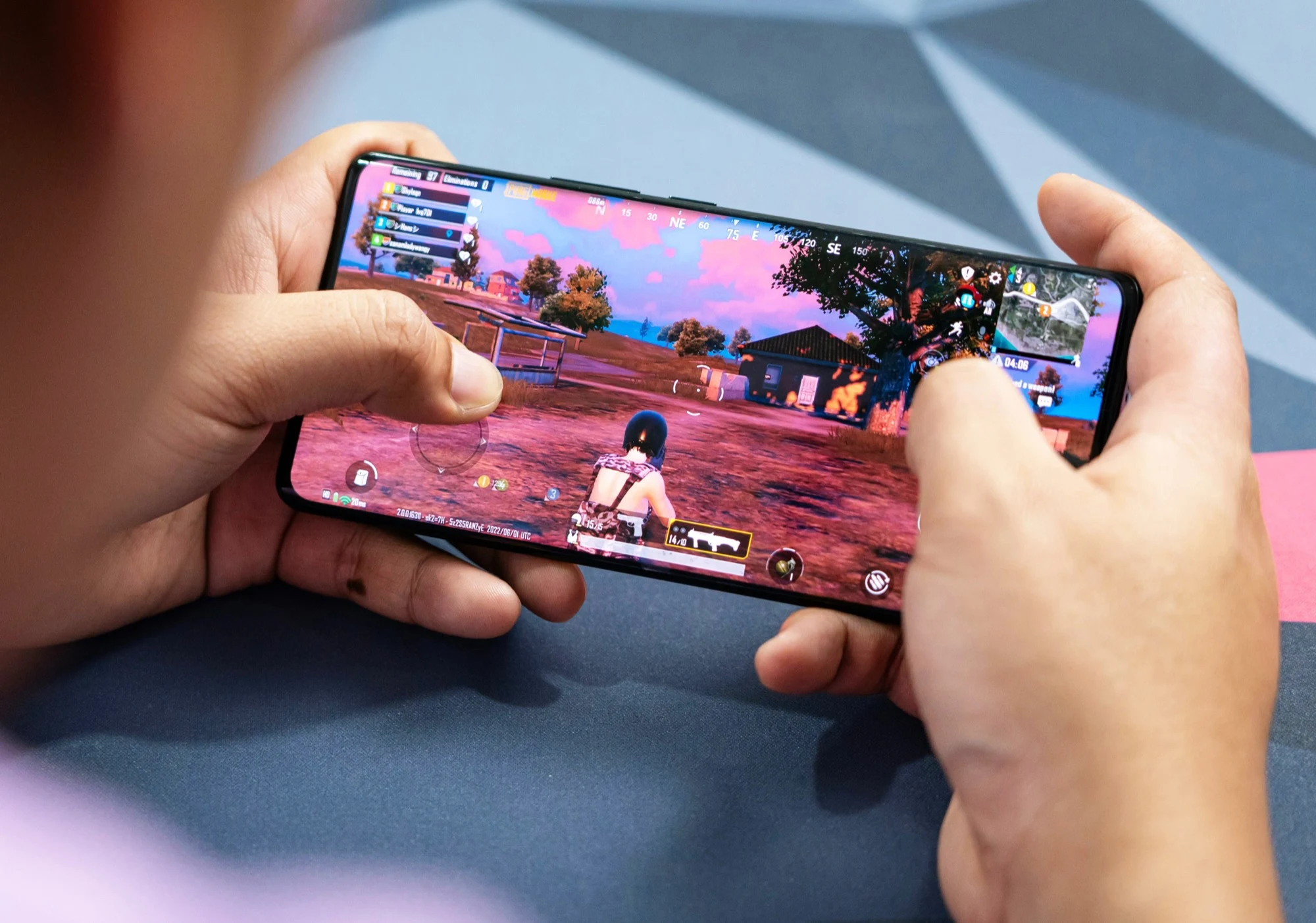
    While devices like the Nubia RedMagic 11 Pro are designed for top-tier gaming with its Qualcomm Snapdragon 8 Elite Gen 5 and a robust cooling system, several smartphone makers are trying to enhance the software for Android’s controller support with mixed results. However, with Android 17 coming next year, Google is ready to step in and make some changes itself.

    Native Controller Remapping

    Android Authority has unearthed clues in the latest beta version of Android that indicate Google plans to introduce native controller remapping. The code hints that users will be able to personalize the functions of all buttons on a gamepad connected through Bluetooth or USB-C directly from the system settings of an Android device. This means gamers could set up rear paddles or assign shoulder buttons for specific functions in games. Additionally, support for virtual gamepads is also on the way.

    Enhancing Game Control

    As per Android Authority, this initiative isn’t just about intercepting controller signals at the system level and tweaking them; it also aims to connect virtual buttons shown on the screen to gamepad buttons. This feature is particularly beneficial for games that don’t support external controllers. Though Android Authority predicts that these enhancements will launch alongside Android 17 in the middle of next year, there’s always a chance that Google might postpone the rollout or even halt the development of these features before they go live.

    Source:
    Link