
Key Takeaways
1. The Philips Hue app has been updated to version 5.48.0 for iOS users, following version 5.47.0.
2. Users will receive more personalized scene suggestions for dynamic lighting effects in specific rooms.
3. Signify has introduced a new logo that drops ‘Philips’ from the brand name and features a colorful gradient design.
4. The app includes a new intro screen with a colorful backdrop and a larger Hue logo, alongside changes to font and background color.
5. The Android update for version 5.48.0 is expected to be released a few days after the iOS version, likely by mid-August.
The Philips Hue app has been updated to version 5.48.0. This new version is currently out for iOS users and comes just weeks after the previous version 5.47.0, which improved how the smart lights reconnect.
Enhanced Scene Recommendations
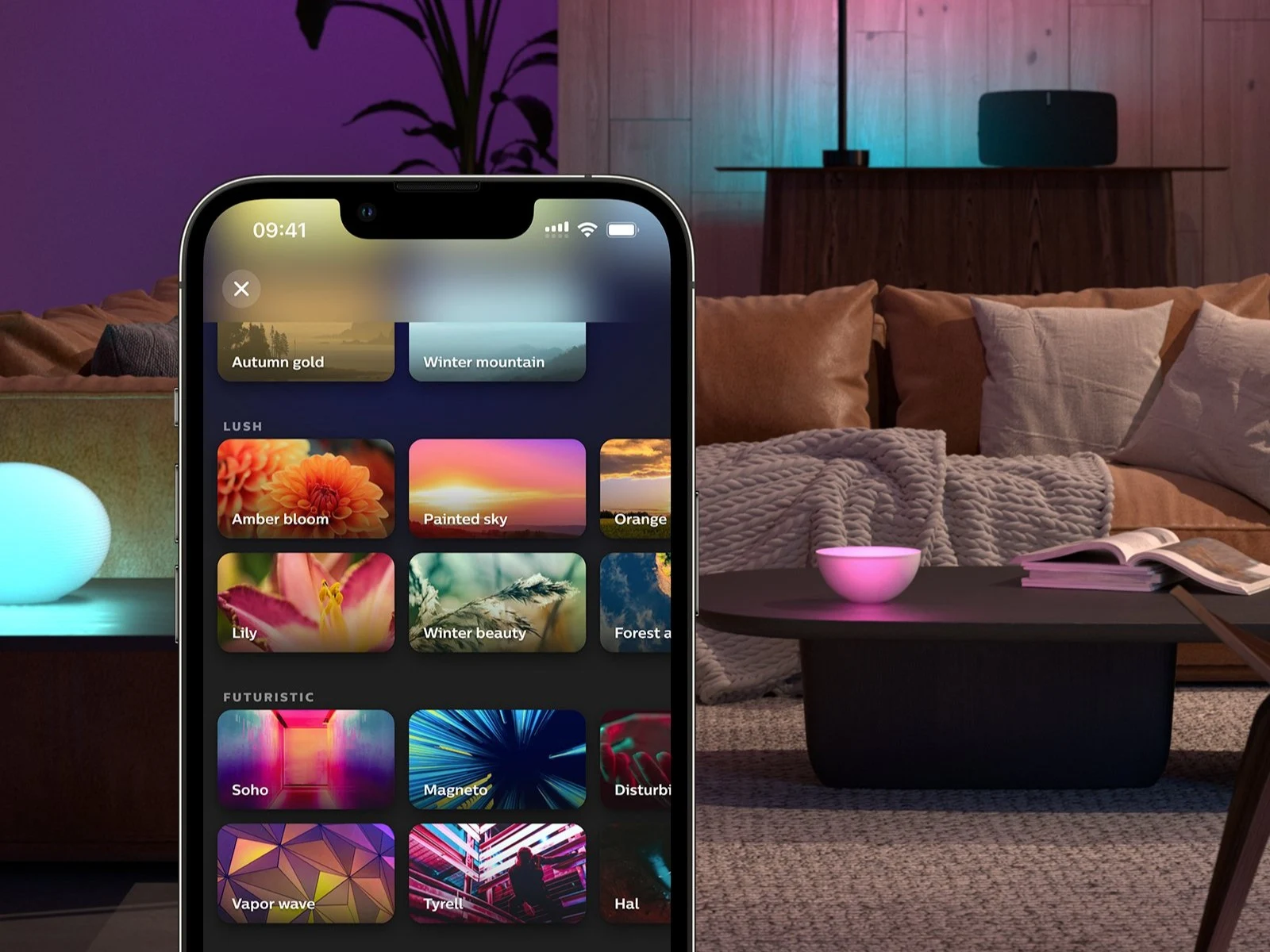
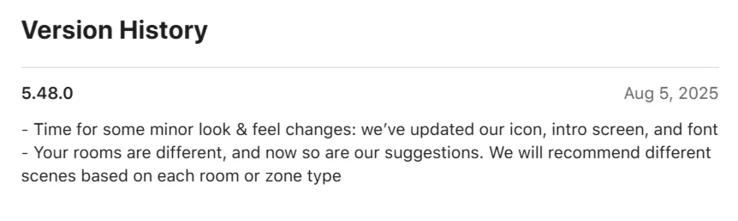
The release notes for the Philips Hue app version 5.48.0 mention that users will now receive more personalized scene suggestions. This means that dynamic lighting effects will be better suited to the specific room or area you are using.
A Fresh Look
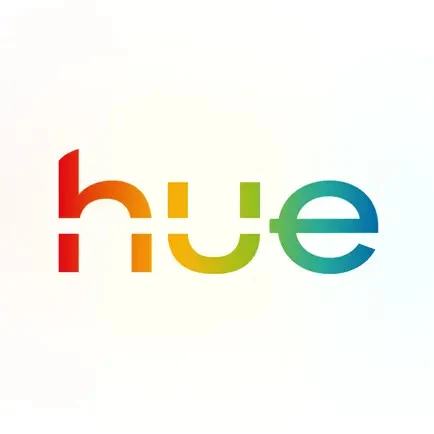
Along with this update, Signify, the parent company of Philips Hue, has introduced a new logo. The updated version drops the ‘Philips’ from the brand name and alters the design of the word ‘Hue’. The logo maintains a white background with text that features a gradient of colors. The new logo has already been seen on some of the latest products, such as the Hue Play Wall Washer light, which is currently priced at $219.99 on Amazon. Furthermore, the app now features a new intro screen that showcases a colorful backdrop and a bigger Hue logo. The font for the home name and the background color within the app have also been modified.
You can download the Philips Hue App version 5.48.0 from the Apple App Store for iOS devices. However, an update for Android users is still pending. Historically, updates for Android have been released a few days after those for iOS, so it is expected to be available in the Google Play Store by mid-August.
Source:
Link
Leave a Reply