
Key Takeaways
1. Philips Hue app version 5.61 is released for iOS and Android devices.
2. The update includes a new Automations tool, allowing users to create or modify Automations directly from a Room or Zone.
3. Users can now see existing Automations listed within the Room or Zone view.
4. The update enhances customization features for wired Hue Secure cameras and the Hue Secure Wired video doorbell.
5. Version 5.61 is available for download on the Apple App Store and Google Play Store.
Philips Hue has released the app version 5.61 for both iOS and Android devices. This marks the second update for February 2026, following the 5.60.1 version which added support for more languages for the brand’s AI assistant. The previous update also introduced new customization features for users of wired Hue Secure cameras and the Hue Secure Wired video doorbell, currently priced at $169.99 on Amazon.
New Features in the App
The official release notes for the Philips Hue app version 5.61 highlight the introduction of a new Automations tool. Initially, this functionality was hinted at in an update for the Hue Bridge v2 and the Bridge Pro. After the 5.60.1 update, some users began to notice this feature. In the past, users had to go to a separate Automations tab within the application.
Improved User Experience
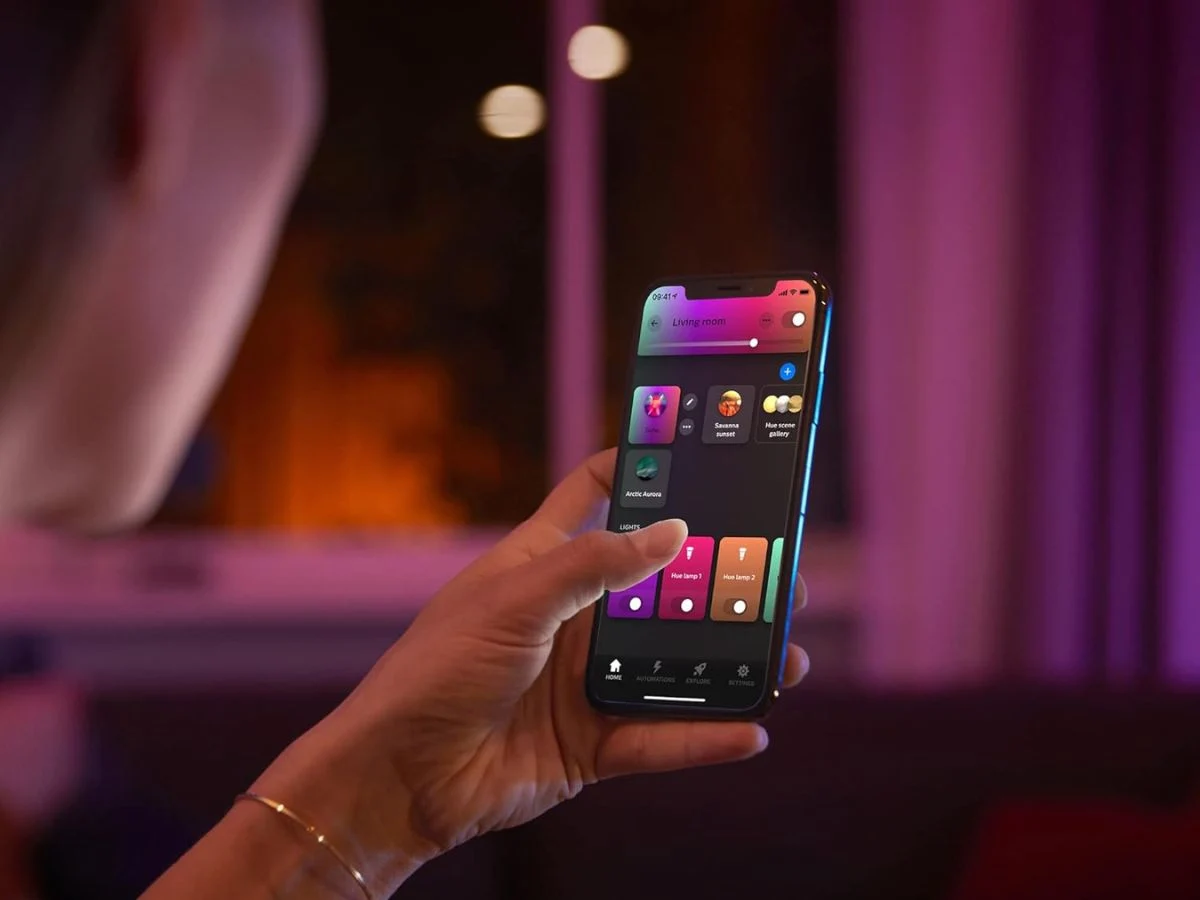
With the latest update, users can now create or modify Automations directly from a Room or Zone. An ‘Automations’ section has been incorporated below the My Scenes, Lights, and Controls areas in the Room or Zone view. Users can see a list of existing Automations for that space. Additionally, you can change the order of the sections in the Room or Zone view by clicking (…) > Edit Room > Order.
Downloading the Update
To get the Philips Hue app version 5.61, you can visit the Apple App Store or the Google Play Store.
Source:
Link
Leave a Reply