Tag: app update

  • Philips Hue App Update: New Customization Feature Released

    Philips Hue App Update: New Customization Feature Released

    Key Takeaways

    1. Philips Hue app version 5.63.0 has been released for iOS and Android, following version 5.62.0.
    2. The update includes various bug fixes and stability improvements.
    3. Users can now remove the Hue AI Assistant, which creates custom dynamic lighting effects.
    4. The Hue AI Assistant is now available in Spanish, German, and Dutch, in addition to English.
    5. Users can customize their experience by disabling the Floating AI Assistant, Hue shop shortcut, and Home switch in app settings.


    Philips Hue app version 5.63.0 has been released for both iOS and Android. This update comes just a few weeks after the previous version 5.62.0, which was launched in early March 2026. The earlier update included a new feature that allowed users to change the orientation of Gradient lights, like the Hue Gradient Lightstrip ambiance (currently priced at $148.49 on Amazon).

    New Features and Fixes

    The official notes for the Philips Hue app version 5.63.0 are quite brief, merely indicating that the update includes “various bug fixes and stability improvements.” However, HueBlog has discovered an unannounced feature: users can now remove the Hue AI Assistant. This tool helps create custom dynamic lighting effects through voice or text prompts. Originally available only for English speakers, this functionality is now also accessible to Spanish, German, and Dutch speakers.

    Customizing Your Experience

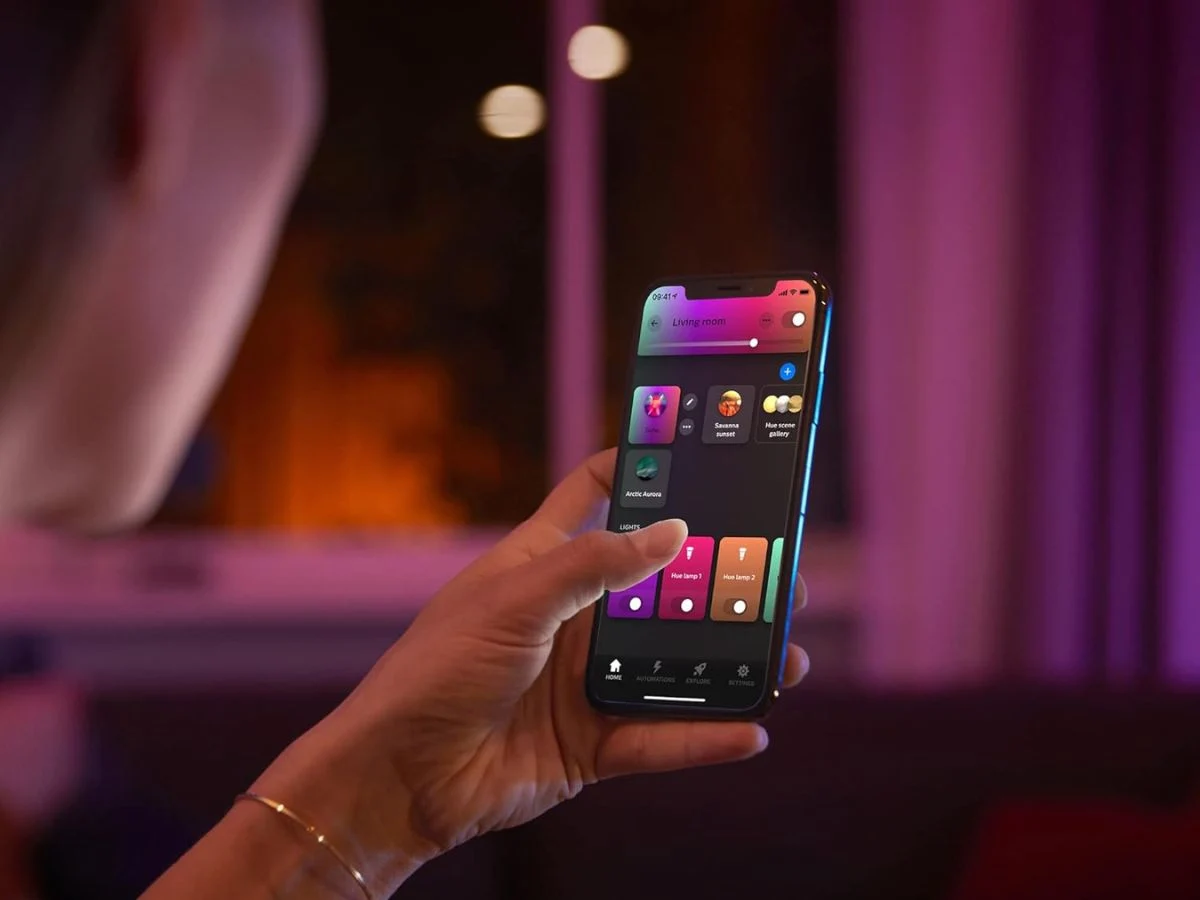
    Users typically access the Philips Hue AI Assistant via an icon located in the lower right corner of the home screen. Now, within the app’s settings, you have the option to turn off the Floating AI Assistant. To do this, navigate to Settings > App preferences > Floating search button. Additionally, you can disable the Hue shop shortcut and the Home switch, which are also features found in the Home tab.

    You can now download the Philips Hue app version 5.63.0 from the Apple App Store or the Google Play Store.

    Source:
    Link


  • Philips Hue App Update Introduces New Automations Feature

    Philips Hue App Update Introduces New Automations Feature

    Key Takeaways

    1. Philips Hue app version 5.61 is released for iOS and Android devices.
    2. The update includes a new Automations tool, allowing users to create or modify Automations directly from a Room or Zone.
    3. Users can now see existing Automations listed within the Room or Zone view.
    4. The update enhances customization features for wired Hue Secure cameras and the Hue Secure Wired video doorbell.
    5. Version 5.61 is available for download on the Apple App Store and Google Play Store.


    Philips Hue has released the app version 5.61 for both iOS and Android devices. This marks the second update for February 2026, following the 5.60.1 version which added support for more languages for the brand’s AI assistant. The previous update also introduced new customization features for users of wired Hue Secure cameras and the Hue Secure Wired video doorbell, currently priced at $169.99 on Amazon.

    New Features in the App

    The official release notes for the Philips Hue app version 5.61 highlight the introduction of a new Automations tool. Initially, this functionality was hinted at in an update for the Hue Bridge v2 and the Bridge Pro. After the 5.60.1 update, some users began to notice this feature. In the past, users had to go to a separate Automations tab within the application.

    Improved User Experience

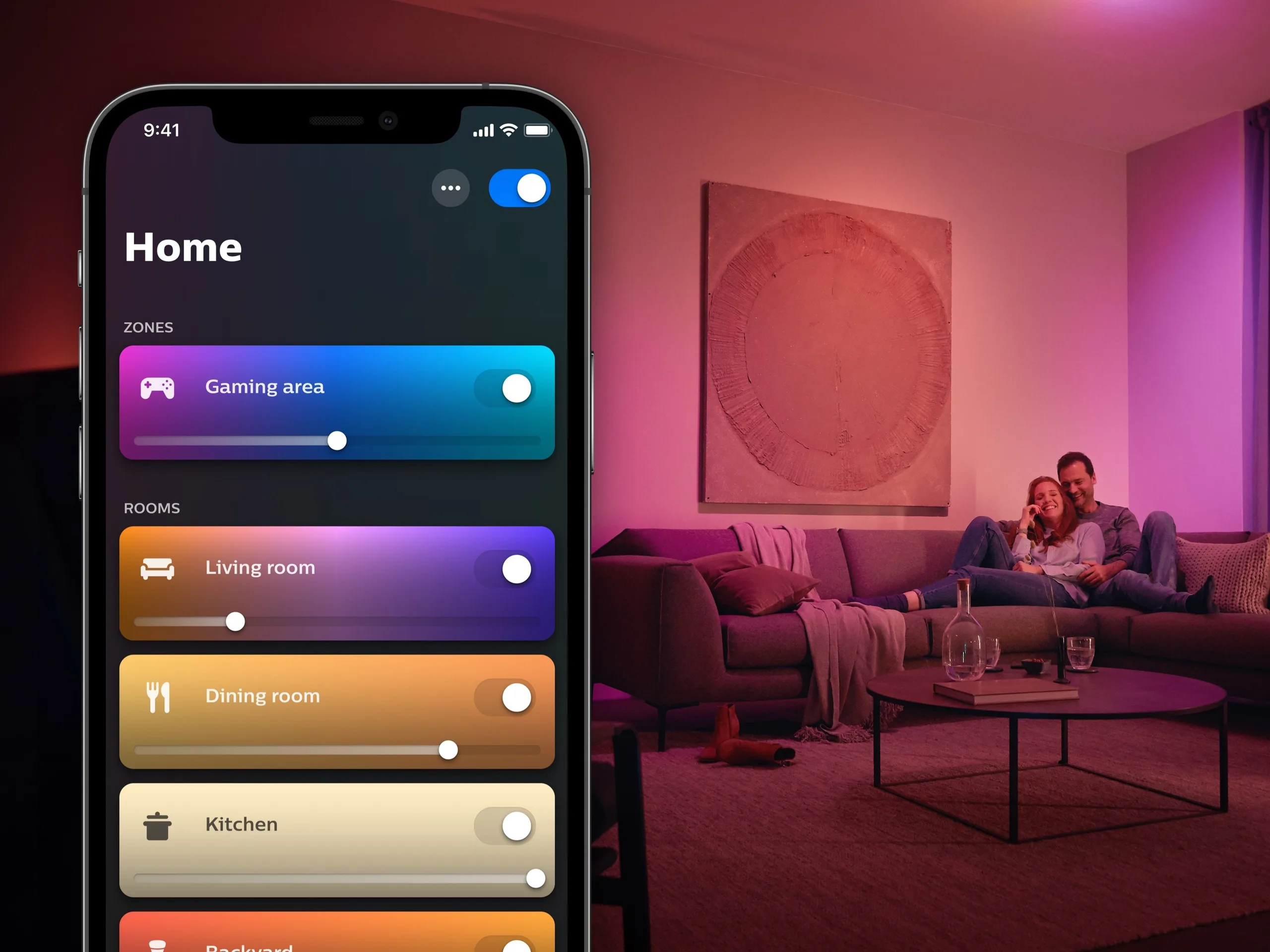
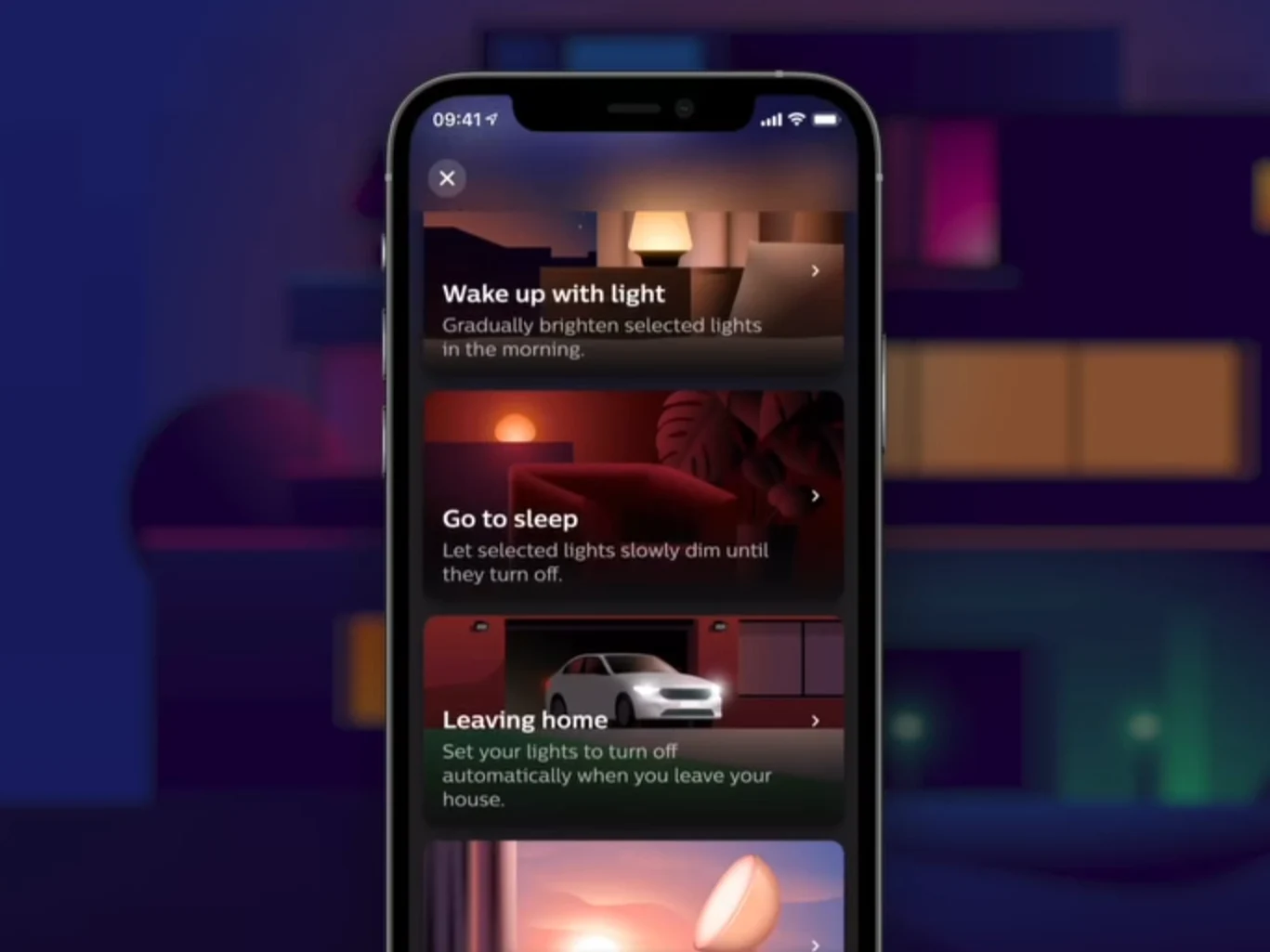
    With the latest update, users can now create or modify Automations directly from a Room or Zone. An ‘Automations’ section has been incorporated below the My Scenes, Lights, and Controls areas in the Room or Zone view. Users can see a list of existing Automations for that space. Additionally, you can change the order of the sections in the Room or Zone view by clicking (…) > Edit Room > Order.

    Downloading the Update

    To get the Philips Hue app version 5.61, you can visit the Apple App Store or the Google Play Store.

    Source:
    Link


  • Philips Hue App Update Introduces New Smart Automations Feature

    Philips Hue App Update Introduces New Smart Automations Feature

    Key Takeaways

    1. Philips Hue app version 5.55 is now available for iOS and Android users.
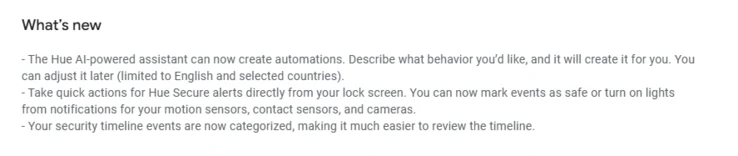
    2. The Hue AI Assistant now allows users to create automations by simply describing their requests.
    3. The Hue AI Assistant is only available in English and not in all countries.
    4. Users can now use shortcuts for Hue Secure alerts from their lock screens for quick adjustments.
    5. The categorization of Secure timeline events has been improved for easier review of recorded footage.


    Philips Hue has rolled out a new update for its mobile application. The latest version, 5.55, is now accessible for both iOS and Android users, following closely on the heels of the previous version, 5.54. The earlier update introduced features like voice command support for the Hue AI Assistant and an additional option for the Motion Aware feature.

    Enhancements to Hue AI Assistant

    In this new update, Philips Hue has made further advancements to the Hue AI Assistant. Users can now create automations simply by describing what they want the bot to do. The assistant will then create the corresponding automation, which can be tweaked by the user as needed. However, it’s important to mention that the Hue AI Assistant is only functional when the app’s language is set to English and is not available in every country just yet.

    Changes Related to Hue Secure

    There are also two modifications related to Hue Secure. Firstly, users now have the ability to use shortcuts for Hue Secure alerts, allowing them to make quick adjustments right from their lock screens. For instance, they can mark an event as safe or turn off a light directly from the notification associated with their smart camera or sensor. The second enhancement pertains to the categorization of Secure timeline events, which the company believes will make it simpler for users to review their recorded footage history.

    You can get the Philips Hue app version 5.55 from both the Apple App Store and the Google Play Store.

    Source:
    Link


  • Philips Hue App Update Introduces New Useful Tool

    Philips Hue App Update Introduces New Useful Tool

    Key Takeaways

    1. Philips Hue app version 5.49 introduces a new feature for setting up automations with accessories like the Hue Smart Dimmer Switch.
    2. Users can preview their selected scene on smart lights before saving it using the ‘Show preview’ toggle.
    3. This update comes just two weeks after the previous version, which added customized scene suggestions and a new logo.
    4. The new AI Assistant for Philips Hue will launch in more countries by the end of August 2025.
    5. The iOS version of the Philips Hue app 5.49 is available on the Apple App Store, while the Android version will be released soon.


    Philips Hue has begun releasing an update for its mobile applications. The new version, 5.49, comes just two weeks after the last update, which introduced customized scene suggestions and a new Hue logo.

    New Features Unveiled

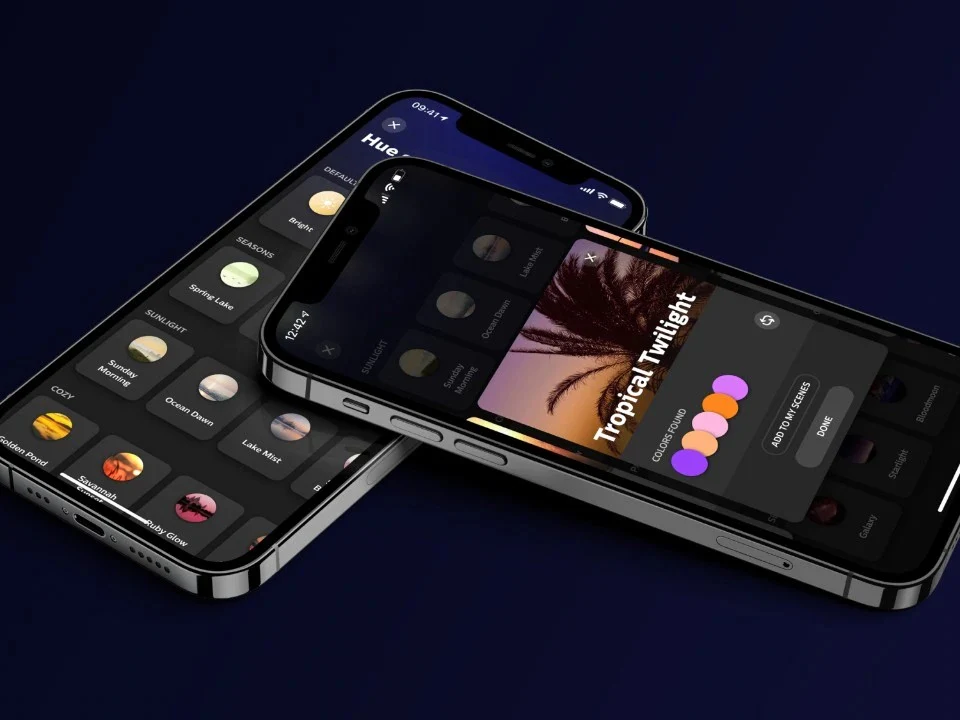
    In the latest Philips Hue app version 5.49, there’s a fresh feature for setting up automations. This option is also available when users are adding a new accessory, such as the Hue Smart Dimmer Switch (currently priced at $22.99 on Amazon). Users can now see a preview of their chosen scene on their smart lights before saving it. This can be adjusted using the ‘Show preview’ toggle located at the bottom of the scene selection screen during setup (illustrated below).

    Upcoming Changes

    This seems to be the only update in version 5.49. Nevertheless, the brand’s new AI Assistant is set to launch in more countries globally by the end of August 2025. You can download the Philips Hue app version 5.49 for iOS from the Apple App Store. As of now, it hasn’t been released on the Google Play Store; the Android version should be available in the next few days.

    Source:
    Link


  • Fitbit App Redesigns Page with Latest Updates Released

    Fitbit App Redesigns Page with Latest Updates Released

    Key Takeaways

    1. Fitbit has redesigned its Device page in the app, aligning it more closely with the Google Pixel Watch app.
    2. The updated Device page features a larger device image, connection status, last sync time, and battery life at the top.
    3. Users can navigate through three tabs for Watch faces, Apps, and Tiles, with additional Settings organized into groups.
    4. The latest iOS app update (version 4.45) includes a new layout for Menstrual Health Onboarding and fixes for GPS exercise map issues and notification adjustments.
    5. The Android app has also been updated to version 4.45, focusing on bug fixes and performance improvements.


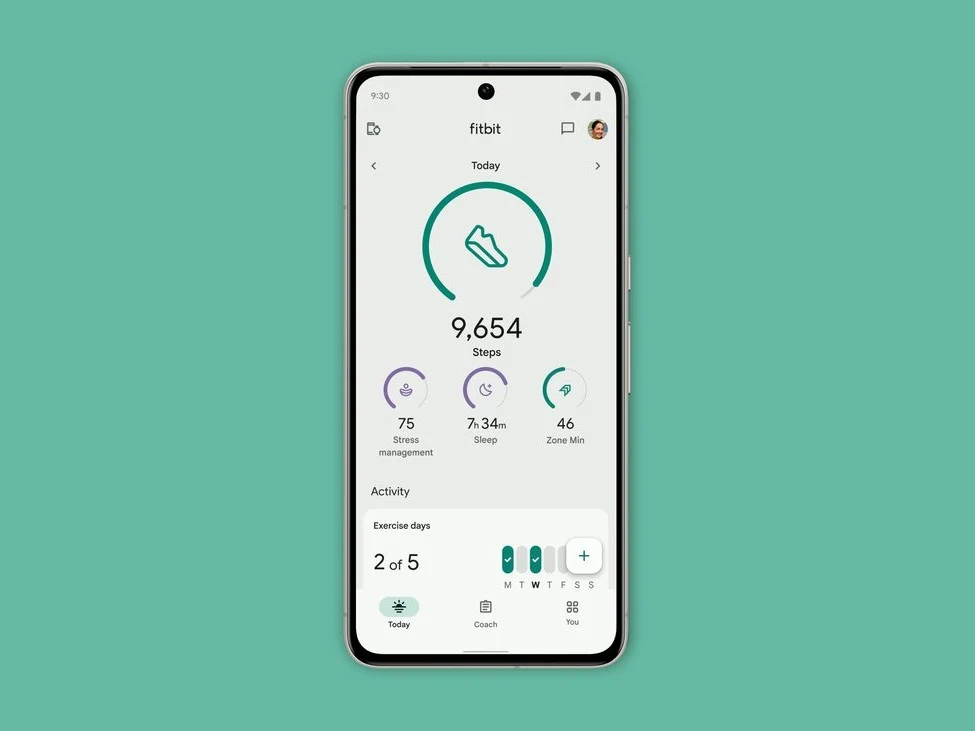
    Fitbit has given its Device page a new look in the app. Over the past year, Google has been updating the design of the Fitbit apps for both iOS and Android, with a recent focus on the Health Metrics part.

    New Design Features

    The Device page in the Fitbit app, where users can modify different settings or select a new watch face, has now been revamped. This section now looks a lot like the corresponding page in the Google Pixel Watch app. At the top, there’s a bigger picture of your device, along with information about its connection status, last sync time, and battery life. Below that, you will find three tabs for Watch faces, Apps, and Tiles. Further down, there’s a list of additional Settings organized into groups such as Notifications, Device preferences, and Fitbit reminders & alerts.

    Recent Update Details

    It seems that this updated Device section, which can be found from the Today tab, has been gradually reaching users over the past few weeks. The latest update for the iOS app, version 4.45, also features a new layout for Menstrual Health Onboarding. There are fixes for issues related to distances displayed on GPS exercise maps and the inability to adjust times for “Reminders to Move” notifications. Additionally, Google has addressed a bug that caused the Fitbit app to freeze when users clicked on exercise details.

    Android Update

    The Fitbit app for Android has also been upgraded to version 4.45, but the change log here only mentions that there are “Bug fixes and performance improvements.” You can grab the latest version of the Fitbit app from either the Google Play Store or the Apple App Store.

    Source:
    Link

  • Philips Hue App Update Introduces New Smart Lighting Scenes

    Philips Hue App Update Introduces New Smart Lighting Scenes

    Key Takeaways

    1. The Philips Hue app has been updated to version 5.39.0 for iOS and Android.
    2. Eight new smart lighting scenes called “Spring Breeze” have been added, featuring various color transitions.
    3. An all-day scene named “The Colors of Nature” adjusts colors throughout the day to align with circadian rhythms.
    4. The Philips Hue AI assistant icon has reverted to its original magnifying glass design without changes to search capabilities.
    5. The app can be downloaded from the Google Play Store and Apple App Store.


    A fresh iteration of the Philips Hue app has just been released for both iOS and Android platforms. The update, version 5.39.0, comes shortly after version 5.38.0, which introduced a QR code feature to simplify product setup and made improvements for users with several Hue Bridge units (currently priced at $44.99 on Amazon).

    New Lighting Scenes

    The latest Philips Hue app update, version 5.39.0, introduces eight exciting new smart lighting scenes under the title “Spring Breeze.” The standard scenes include Crocus, Blossom, Spring Lake, Spring Blossom, Precious, Narcissa, and Baby’s Breath. These scenes feature a variety of color transitions; for instance, Crocus showcases green, yellow, orange, pink, and purple hues.

    All-Day Scene Feature

    Another addition is an all-day scene called The Colors of Nature. Similar to other 24-hour scenes, this one changes colors throughout the day to match your circadian rhythm, typically displaying bright, cooler shades during the day and softer, warmer lighting in the evening. You can find the Spring Breeze scenes in the Hue scene gallery, allowing you to choose one for just a single smart light or for an entire room.

    Icon Update

    An interesting point to mention is that the Philips Hue AI assistant icon, which was introduced in update 5.38.1, has shifted back to the original magnifying glass design. However, there doesn’t seem to be any alterations to the search capabilities. You can easily download the Philips Hue app version 5.39.0 from both the Google Play Store and the Apple App Store.

    Source:
    Link