
Key Takeaways
1. Opera has a long history of over thirty years as a desktop web browser, with the latest version being Opera 122.0.5643.51.
2. The new version features a redesigned browsing History interface and two new dynamic visual themes: Obsidian and Cybercity.
3. Users can now use Google Lens for image searches directly from the browser.
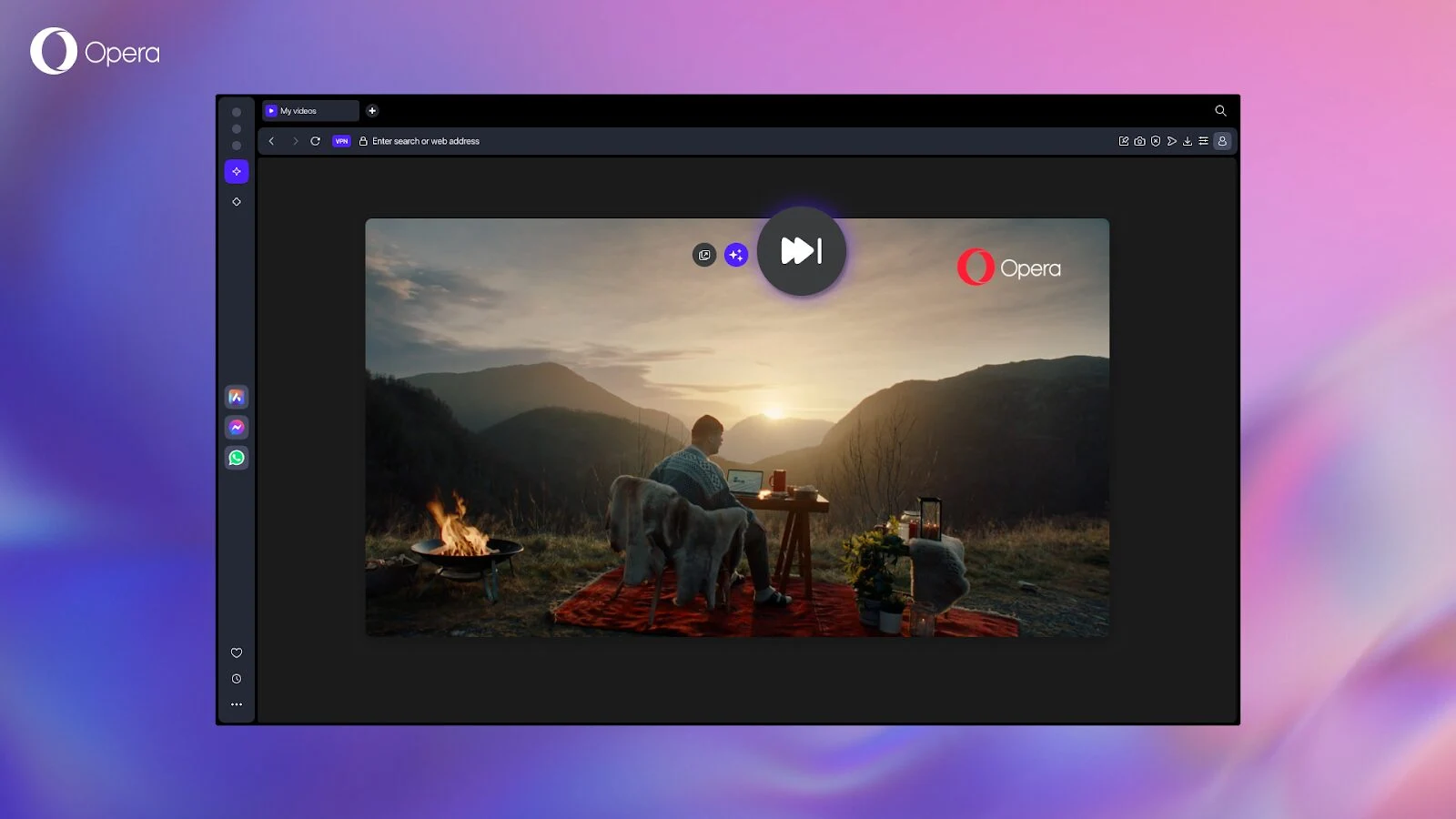
4. A new Video Skip button has been introduced, allowing users to bypass video ads or unwanted content.
5. Opera 122.0.5643.51 is available for download on Windows, macOS, and Linux platforms.
With a rich history spanning more than thirty years, Opera stands out as one of the longest-running desktop web browsers that is still in use. The latest version, Opera 122.0.5643.51, was released last Thursday and comes packed with several noticeable updates, including a revamped browsing History interface. Users can also enjoy two new visual themes that can significantly alter the appearance of the browser, but they must be activated first. Other functional enhancements become apparent during use, such as the Google Lens image search capability and the new Video Skip button.
Noteworthy Changes in History Section
The revamped History section includes two standout features that are worth highlighting. First, there are two new dynamic themes that have been added to Opera One: Obsidian, which offers a sleek black minimalist design, and Cybercity, a futuristic cityscape designed by Mitch Myers that showcases neon lights against a dark urban backdrop. The Video Skip button is now available not only in Opera One but also in Opera Air and Opera GX. As stated in the official blog, this feature is described as “an experimental function that allows you to bypass video ads or unwanted content that appears before the video you actually want to see.”
Availability Across Platforms
Opera 122.0.5643.51 can be downloaded for Windows, macOS, and Linux (including DEB, RPM, and SNAP packages). Users can find the download links in this concise blog post, which also provides access to the changelog.
Source:
Link
Leave a Reply