Tag: Opera

  • Chrome 145 Update Patches Critical CVE-2026-2441 Zero-Day Flaw

    Chrome 145 Update Patches Critical CVE-2026-2441 Zero-Day Flaw

    Key Takeaways

    1. Google’s Chrome Desktop Stable update addresses a high-severity exploit (CVE-2026-2441) related to a use-after-free bug in CSS, which is actively being exploited.
    2. Other browsers like Opera and Vivaldi are also releasing updates to fix the same vulnerability due to their use of Chrome’s core engine.
    3. CVE-2026-2441 could allow attackers to execute arbitrary code in the browser through specially crafted HTML pages.
    4. The rollout of the Chrome update includes versions 145.0.7632.75/76 for Windows and macOS, and version 144.0.7559.75 for Linux, with staggered availability over the coming days/weeks.
    5. Users should check their browser versions in the “About” section and restart the browser to ensure they have the latest updates installed.


    Google’s most recent Chrome Desktop Stable update is being rolled out this week, and it’s something users might want to pay attention too. In their release note from February 13, Google acknowledged an exploit “out there” for CVE-2026-2441, which is a High-severity use-after-free bug in CSS.

    Shared Vulnerabilities Across Browsers

    Since the core engine of Chrome is used by many browsers, the same CVE is also part of other updates. Opera’s Stable update on February 14 recognizes CVE-2026-2441 as a security fix, while Vivaldi’s latest minor update version 7.8 also mentions this vulnerability, specifically indicating an active exploit in the wild.

    Details of the Vulnerability

    The National Institute of Standards and Technology’s (NIST) National Vulnerability Database (NVD) describes CVE-2026-2441 as a use-after-free issue in Chrome’s handling of CSS. This could potentially allow a remote attacker to run arbitrary code within the browser sandbox through a specially crafted HTML page.

    Google’s Chrome Releases post credits Shaheen Fazim for reporting this issue on February 11, 2026, and mentions that access to bug details may be limited until most users receive the update—this is typical for bugs that are actively being exploited.

    Update Versions and Rollout Timing

    According to Google, Chrome Desktop Stable has been updated to versions 145.0.7632.75/76 for Windows and macOS, while Linux users get version 144.0.7559.75, with the rollout expected to continue over “the coming days/weeks.”

    On February 14, 2026, Opera’s Stable channel update included CVE-2026-2441 in its security highlights for version 127.0.5778.64.

    Vivaldi’s “Minor update (2) for Vivaldi Desktop Browser 7.8” indicates it has been updated to Chromium 144 ESR (144.0.7559.175) and includes the fix for CVE-2026-2441, also stating that there is an active exploit known.

    Checking Your Browser Status

    If you are using Chrome, the quickest way to check your status is to visit the “About” page and confirm that you’re on the updated build (and relaunch when prompted). Because Google’s rollout can be staggered, two devices checked on the same day may still show different point releases until the update process is finished.

    For users of Opera and Vivaldi, the best method is the same: navigate to the browser’s built-in update/About section to ensure you have the versions mentioned above (or newer), and then restart the browser to make sure the updated code is loaded successfully.

    Source:
    Link


  • Opera Introduces Redesigned History, New Themes, and Ad Skipping

    Opera Introduces Redesigned History, New Themes, and Ad Skipping

    Key Takeaways

    1. Opera has a long history of over thirty years as a desktop web browser, with the latest version being Opera 122.0.5643.51.
    2. The new version features a redesigned browsing History interface and two new dynamic visual themes: Obsidian and Cybercity.
    3. Users can now use Google Lens for image searches directly from the browser.
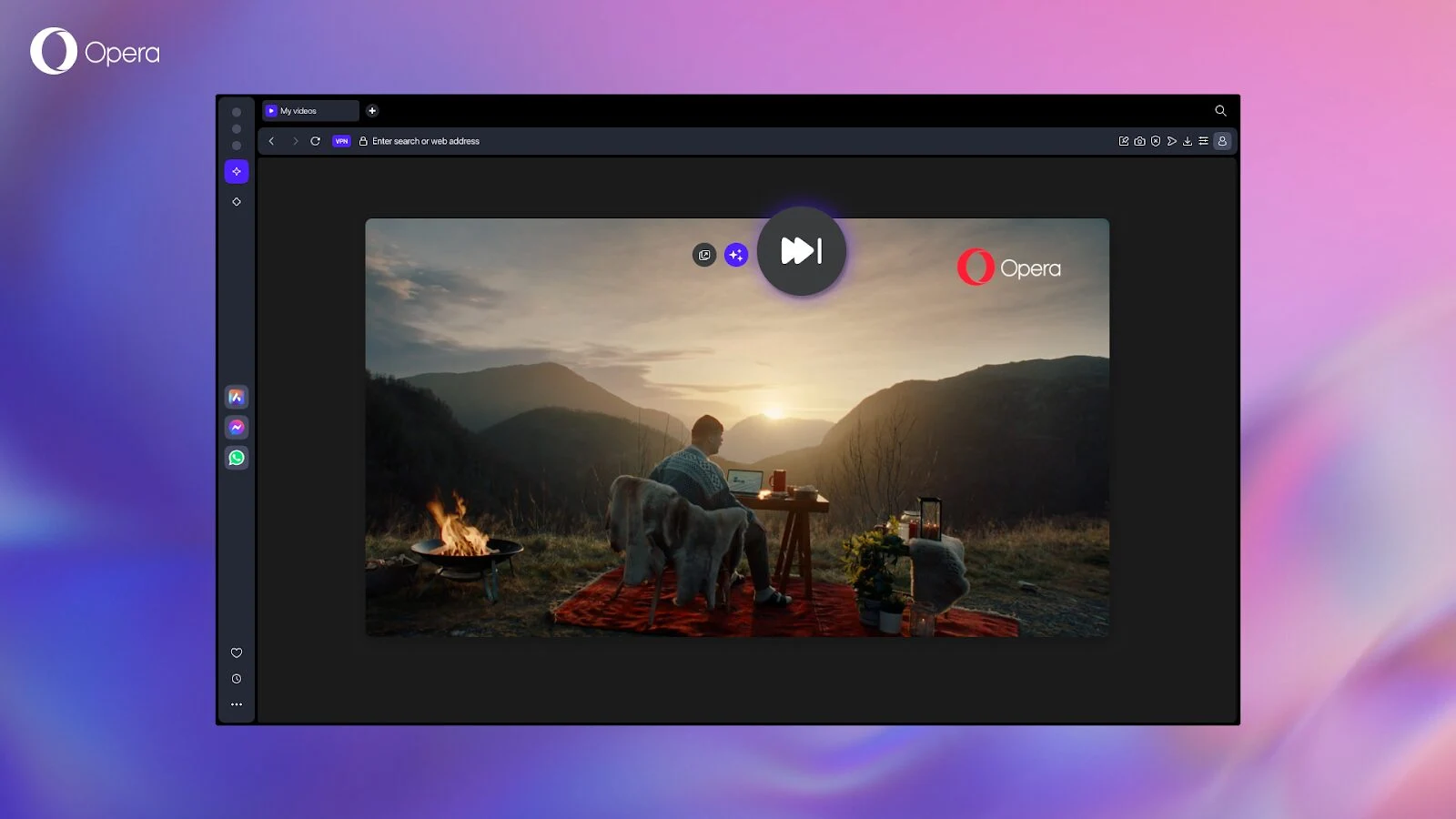
    4. A new Video Skip button has been introduced, allowing users to bypass video ads or unwanted content.
    5. Opera 122.0.5643.51 is available for download on Windows, macOS, and Linux platforms.


    With a rich history spanning more than thirty years, Opera stands out as one of the longest-running desktop web browsers that is still in use. The latest version, Opera 122.0.5643.51, was released last Thursday and comes packed with several noticeable updates, including a revamped browsing History interface. Users can also enjoy two new visual themes that can significantly alter the appearance of the browser, but they must be activated first. Other functional enhancements become apparent during use, such as the Google Lens image search capability and the new Video Skip button.

    Noteworthy Changes in History Section

    The revamped History section includes two standout features that are worth highlighting. First, there are two new dynamic themes that have been added to Opera One: Obsidian, which offers a sleek black minimalist design, and Cybercity, a futuristic cityscape designed by Mitch Myers that showcases neon lights against a dark urban backdrop. The Video Skip button is now available not only in Opera One but also in Opera Air and Opera GX. As stated in the official blog, this feature is described as “an experimental function that allows you to bypass video ads or unwanted content that appears before the video you actually want to see.”

    Availability Across Platforms

    Opera 122.0.5643.51 can be downloaded for Windows, macOS, and Linux (including DEB, RPM, and SNAP packages). Users can find the download links in this concise blog post, which also provides access to the changelog.

    Source:
    Link


  • Opera Neon: The Future Browser for Advanced Background Tasks

    Opera Neon: The Future Browser for Advanced Background Tasks

    Key Takeaways

    1. Opera offers a variety of browsers, including Opera GX for gamers and the newly introduced Opera Neon as an AI interface.
    2. Opera Neon features three main areas: Chat, Do, and Make, enhancing user experience with AI functionality.
    3. The Chat feature provides information without needing to visit multiple websites, similar to existing AI solutions.
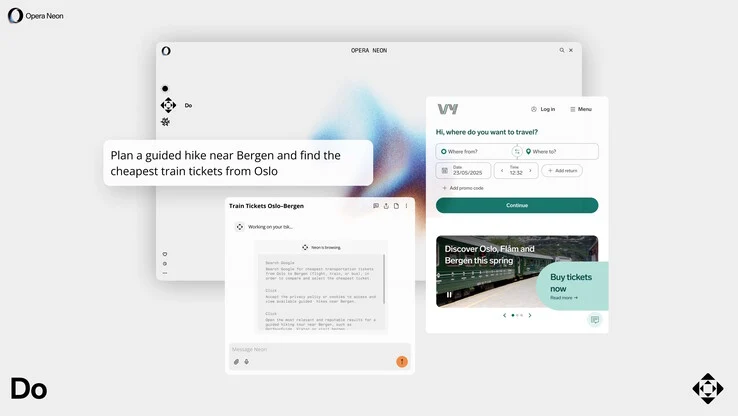
    4. Neon Do acts as a browser assistant, performing tasks like tailored research and making reservations.
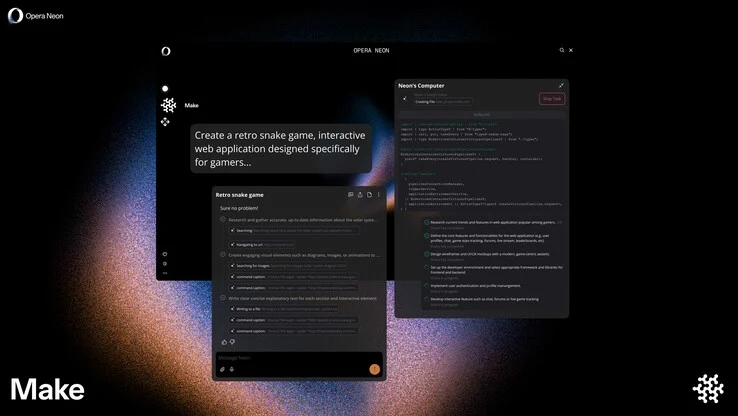
    5. Opera Make builds on the AI Browser Operator, allowing users to handle tasks online and offline, utilizing cloud services for complex operations.


    Opera isn’t merely one browser; it’s a whole range. Even on the same platform like the PC, there are multiple browsers aimed at different users, such as the Opera GX Browser, which is tailored for gamers. Recently, Opera has unveiled a new browser called Opera Neon. However, this isn’t really a traditional browser but more of an AI interface, which the company claims aims to surpass the capabilities of existing AI systems in the market.

    Features of Opera Neon

    Opera Neon’s features are categorized into three main areas: Chat, Do, and Make. The Chat option resembles other AI or LLM solutions already available, letting Opera Neon present information clearly without needing to visit several websites. On the other hand, Neon Do is quite innovative, though not completely original; it functions as a browser assistant that performs specific tasks like tailored research or making reservations.

    Understanding Opera Make

    In a previous article, we discussed what Opera Make does: it essentially builds on Opera’s AI Browser Operator for users who wish to handle different tasks while browsing or even when offline. As per Opera, complex tasks or research are executed on a cloud computer. Utilizing cloud services does come with a (monthly) charge. Currently, Opera Neon is not broadly accessible; those interested can sign up for a waiting list.

    Source:
    Link


  • Opera Browser Launches World-First AI Agent at MWC 2025

    Opera Browser Launches World-First AI Agent at MWC 2025

    Key Takeaways

    1. The Opera Browser Operator introduces a new AI chat feature that goes beyond typical search functions.
    2. It can perform complex tasks like searching for products and navigating online checkouts autonomously.
    3. The AI operates within the app itself, enhancing user privacy by avoiding virtual machines or cloud services.
    4. Users have full control over the AI, allowing them to cancel or veto tasks at any time.
    5. The feature is currently in the Feature Preview phase and will be part of the upcoming AI Feature Drop.


    The Norwegian company Opera has arrived in Barcelona to reveal that its newest AI feature for its main app could be the strongest one yet.

    A New Chat Experience

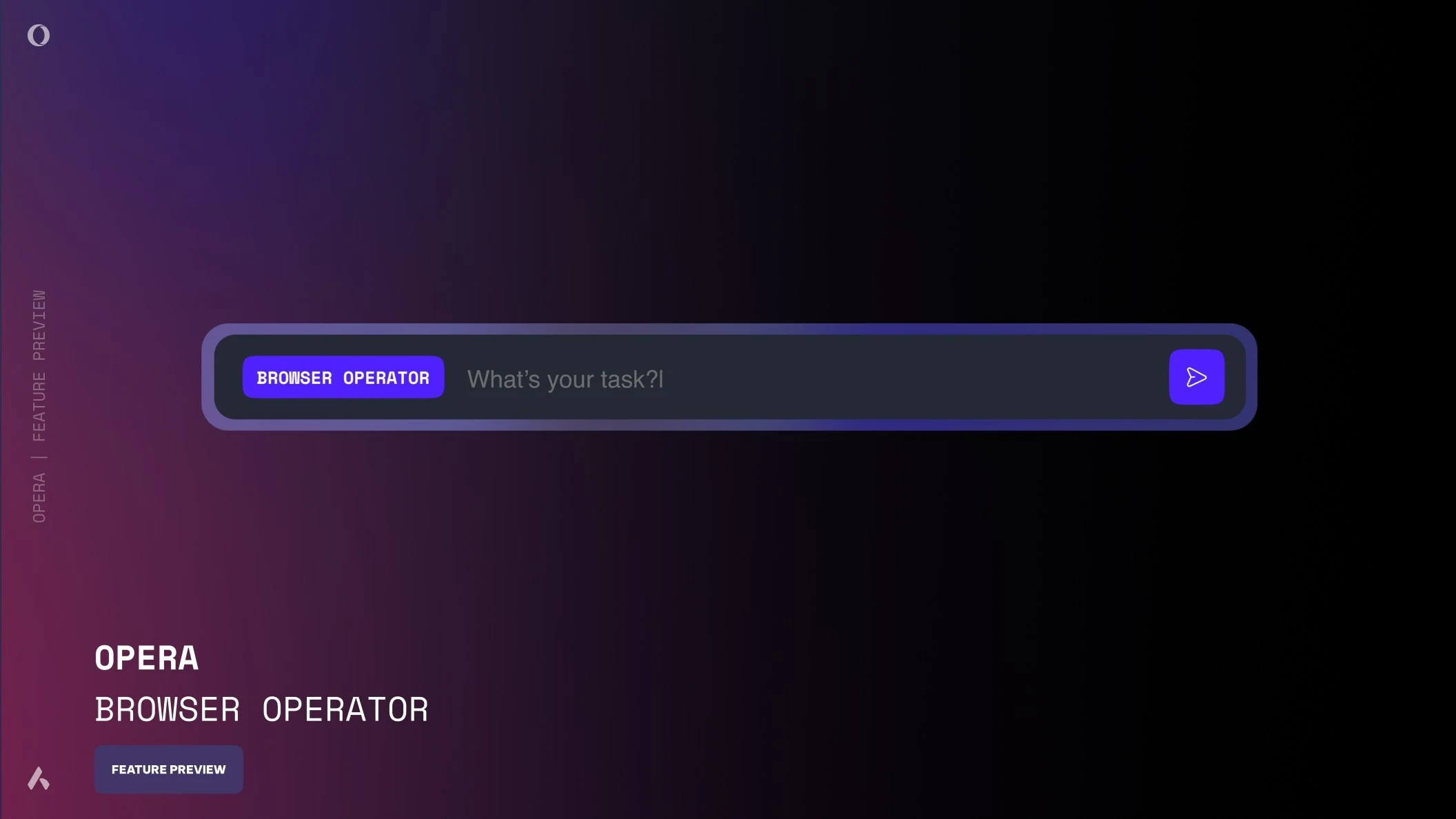
    The Opera Browser Operator resembles other chat interfaces in its current preview, but it is designed to do significantly more than just search like typical bots. According to its developers, this AI is agentic, which means it can perform tasks based on instructions given in “natural language” by the user.

    Capable of Complex Tasks

    These tasks can be quite involved, including things like searching for products, placing orders, and even navigating through online checkouts all on its own. The Browser Operator supposedly never strays from the app’s “core,” avoiding the need to use a virtual machine or cloud services, which helps to maintain user privacy (or so Opera claims).

    User Control and Future Developments

    Users are also said to have complete control and can cancel or veto tasks whenever they want. Currently, the Opera Browser Operator is in the Feature Preview phase and is expected to move to the company’s AI Feature Drop “soon.”

    Source:
    Link

  • Opera One Adds Bluesky, Discord, and Slack to Sidebar

    Opera One Adds Bluesky, Discord, and Slack to Sidebar

    Key Takeaways

    1. Opera aims to provide the best internet browsing experience across all devices, including iPhones.
    2. Users often get distracted by off-browser tasks like messaging and gaming.
    3. Opera’s “AI browser” One will add three new applications (Slack, Bluesky, Discord) to its sidebar for enhanced functionality.
    4. The sidebar feature allows users to create shortcuts to various services and has been in developer beta.
    5. Currently, the app integration feature is only available on the desktop version of Opera One.


    The Norwegian company Opera is on a quest to provide “the best possible internet browsing experience across all devices,” including iPhones.

    Yet, achieving this goal can be tough as users often find themselves distracted by off-browser tasks, like checking messages or replying for work, socializing, or gaming.

    New App Integration

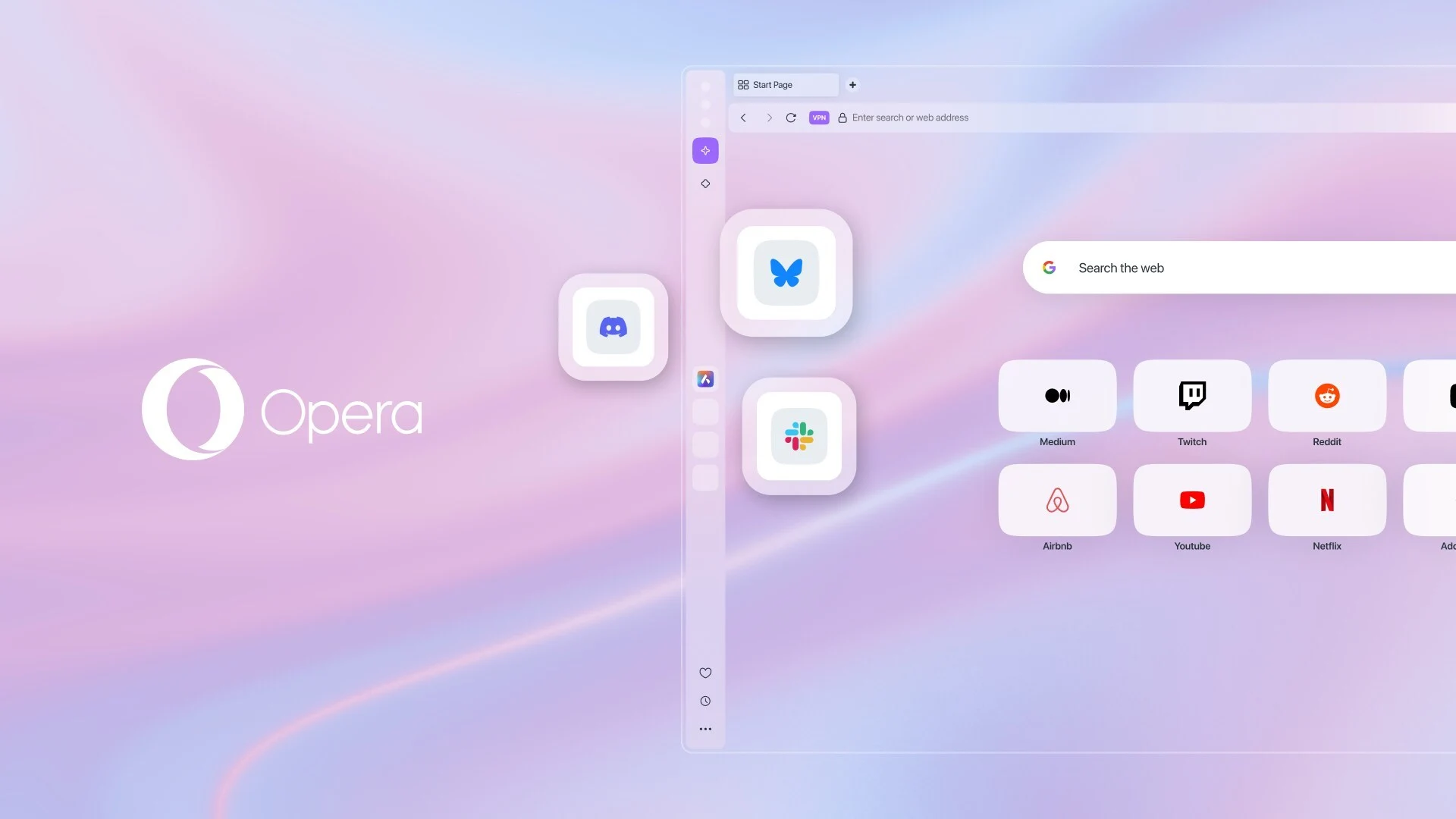
    To tackle this issue, Opera’s “AI browser” One is set to enhance its functionality by adding three new applications to its sidebar. This sidebar, as the name suggests, is located on one side of the user interface, allowing users to create shortcuts to other services.

    This feature has been in the developer beta of Opera One for some time, but it is now ready for the stable version of the app. Slack, Bluesky, and Discord are the latest platforms to be integrated into the Opera One sidebar, joining existing apps like Telegram, WhatsApp, and Instagram.

    Desktop Only

    Currently, this feature is exclusive to the desktop version of the browser. However, Opera believes it can transform the app into a “hub” for users’ workflow on their PCs or laptops.

    Source:
    Link

  • Using AI and VR Technology, Tencent is Revolutionizing Chinese Opera

    Using AI and VR Technology, Tencent is Revolutionizing Chinese Opera

    Tencent, a well-known company in the gaming and social media industry, is now venturing into a new field by giving Chinese opera a modern twist. They have begun with the story of Hua Mulan, the legendary heroine who disguised herself as a man to fight in her father’s place. Thanks to Tencent’s tech-savvy approach, this traditional story is gaining a new audience in China.

    Tencent’s Modern Makeover

    Tencent has taken an old 1956 opera performance and utilized artificial intelligence (AI) to revitalize the video. The use of AI technology has successfully cleaned up the footage, resulting in a fresh and updated version. This project has been a huge success, attracting over 7 million viewers through its live stream. Collaborating with the Ministry of Culture and Tourism, Tencent aims to bring traditional Chinese opera into the digital age.

    Advancing Traditional Art

    Tencent’s efforts go beyond simply enhancing old videos. They are employing advanced technologies like 6DoF, commonly used in virtual reality, to capture the intricate movements of characters from famous operas. This technology allows people today to witness and appreciate the complex beauty of these traditional dances and stories.

    Preserving Cultural Heritage

    The ultimate goal of Tencent’s project is to preserve classic stories and share them with a new generation. Despite facing challenges such as the availability of old opera data, Tencent is finding innovative solutions. They are even planning to establish a digital library, making it easier for more people to access and enjoy these restored performances.

    In China, tech companies are leveraging their resources to celebrate and safeguard traditional culture. Through their efforts, they are ensuring that these significant pieces of China’s heritage will not be forgotten. This serves as a testament to how technology can bridge the gap between the past and the present.