
Key Takeaways
1. Transferring files between Android and Windows using Bluetooth is easy but can be slow.
2. Connecting a Pixel 7 Pro to a MacBook Air can be challenging due to compatibility issues.
3. Third-party apps like Pairdrop often have connection issues and add files into ZIP folders.
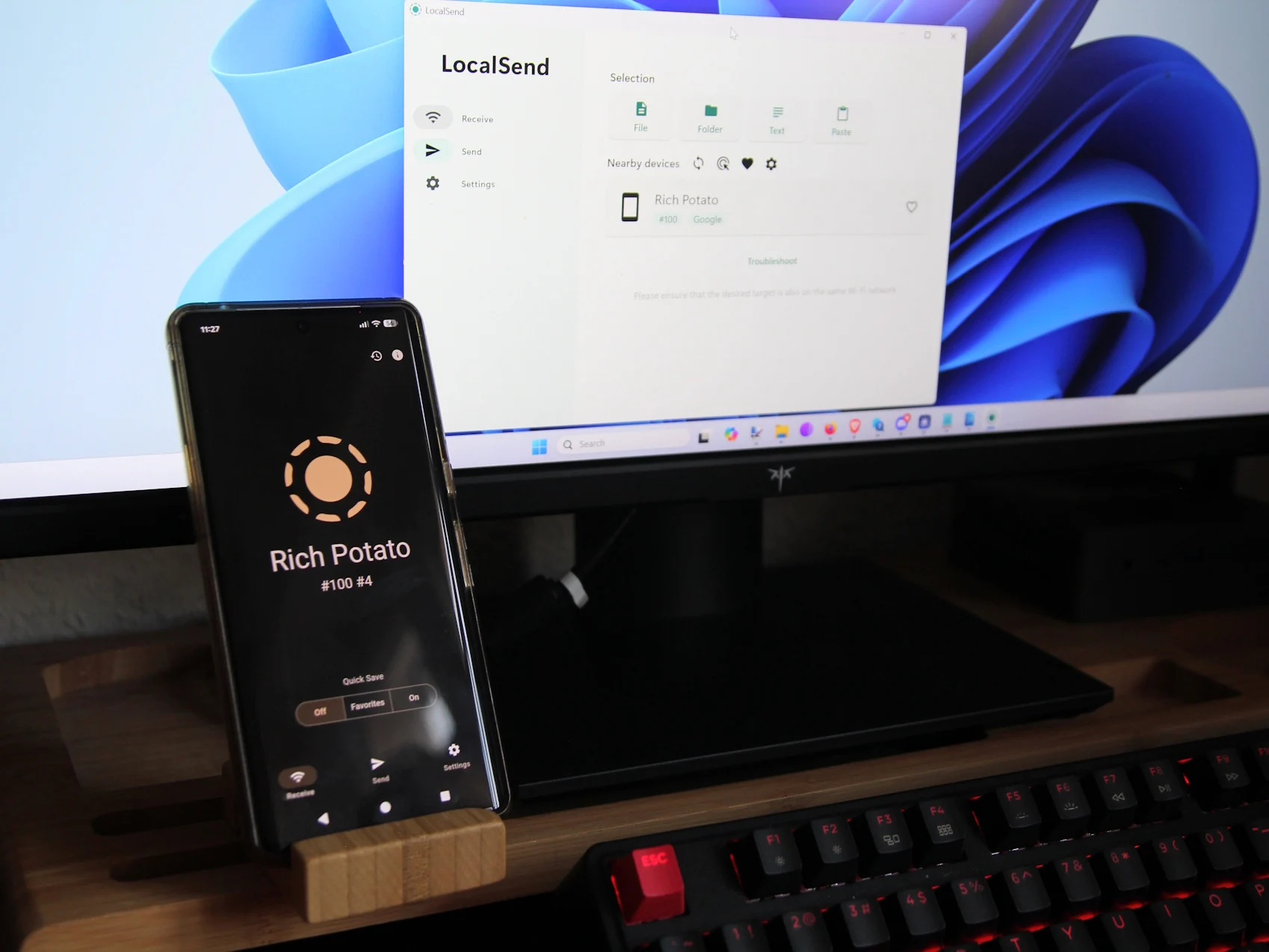
4. LocalSend is an effective open-source tool for fast file transfers over Wi-Fi without zipping files.
5. LocalSend is user-friendly and compatible with multiple platforms, eliminating the need for other apps for file transfers.
Transferring files between Android and Windows is easy, especially with Bluetooth, even if it can be quite slow. A few years ago, when I was new to Mac, I thought it would be just as straightforward on my new MacBook Air M1, which I bought for just $389 Renewd on Amazon. After all, both my Pixel 7 Pro and the MacBook Air have Bluetooth capabilities.
However, when I took my MacBook out to cover a trade show for the first time, I became quite stressed. I needed to transfer photos for a potential article from my Pixel 7 Pro to the Mac, but the two devices simply wouldn’t connect. Everything seemed like it should work! Sadly, it looks like Google, Apple, and others aren’t really keen on making their devices work well together.
I decided to try a few third-party solutions. Many of these apps use quick Wi-Fi connections instead of the slow Bluetooth for file transfers. One app I frequently saw recommended was Pairdrop. Unfortunately, I faced several problems: the connection would often drop, usually right after I had carefully picked all the files I wanted to send. Moreover, Pairdrop adds files into a ZIP folder, which means I have to unzip them on the receiving device.
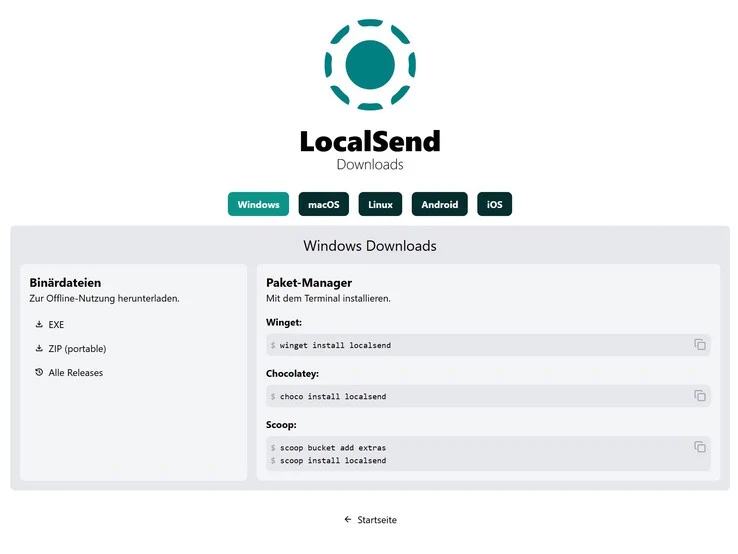
After some searching, I stumbled upon another open-source tool called LocalSend (Website). Unlike Pairdrop, this one doesn’t work from a browser, but its Github page has an app available for nearly every platform—Windows, macOS, Linux, Android, and iOS. I opted to download the Android version from F-Droid instead of the Play Store, as I find it more privacy-oriented.
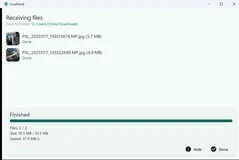
The apps are lightweight and super easy to navigate on all devices. As long as the Android, Mac, and other devices are connected to the same Wi-Fi, you simply launch the app, select the files you wish to send, choose the device from the often quite short list, and—boom—the files transfer quickly (the receiving device has to confirm the incoming transfer) and without any zipping involved.
Since I made the switch to LocalSend, I haven’t felt the need to explore other apps; for now, it meets all my requirements for straightforward file transfers between devices. Out of curiosity, though, I plan to check out Syncthing soon—another popular choice, but it takes a slightly different approach.
Source:
Link
Leave a Reply