Tag: Pixel 7 Pro

  • Open Source Tool for Data Transfer Between Android, Mac, Windows

    Open Source Tool for Data Transfer Between Android, Mac, Windows

    Key Takeaways

    1. Transferring files between Android and Windows using Bluetooth is easy but can be slow.
    2. Connecting a Pixel 7 Pro to a MacBook Air can be challenging due to compatibility issues.
    3. Third-party apps like Pairdrop often have connection issues and add files into ZIP folders.
    4. LocalSend is an effective open-source tool for fast file transfers over Wi-Fi without zipping files.
    5. LocalSend is user-friendly and compatible with multiple platforms, eliminating the need for other apps for file transfers.


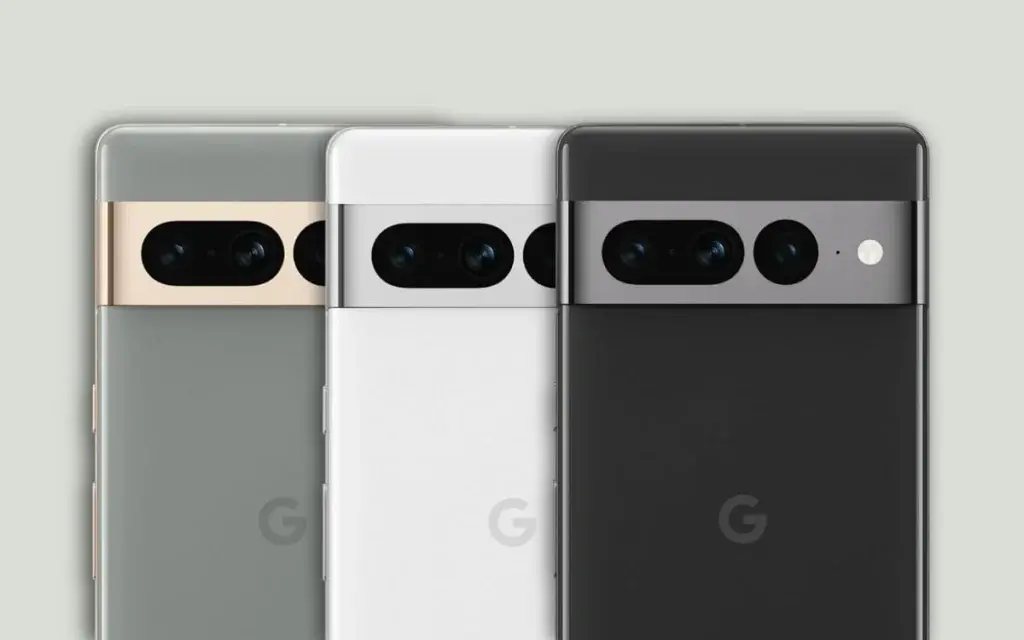
    Transferring files between Android and Windows is easy, especially with Bluetooth, even if it can be quite slow. A few years ago, when I was new to Mac, I thought it would be just as straightforward on my new MacBook Air M1, which I bought for just $389 Renewd on Amazon. After all, both my Pixel 7 Pro and the MacBook Air have Bluetooth capabilities.

    However, when I took my MacBook out to cover a trade show for the first time, I became quite stressed. I needed to transfer photos for a potential article from my Pixel 7 Pro to the Mac, but the two devices simply wouldn’t connect. Everything seemed like it should work! Sadly, it looks like Google, Apple, and others aren’t really keen on making their devices work well together.

    I decided to try a few third-party solutions. Many of these apps use quick Wi-Fi connections instead of the slow Bluetooth for file transfers. One app I frequently saw recommended was Pairdrop. Unfortunately, I faced several problems: the connection would often drop, usually right after I had carefully picked all the files I wanted to send. Moreover, Pairdrop adds files into a ZIP folder, which means I have to unzip them on the receiving device.

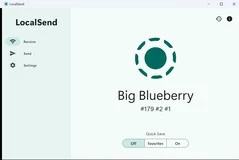
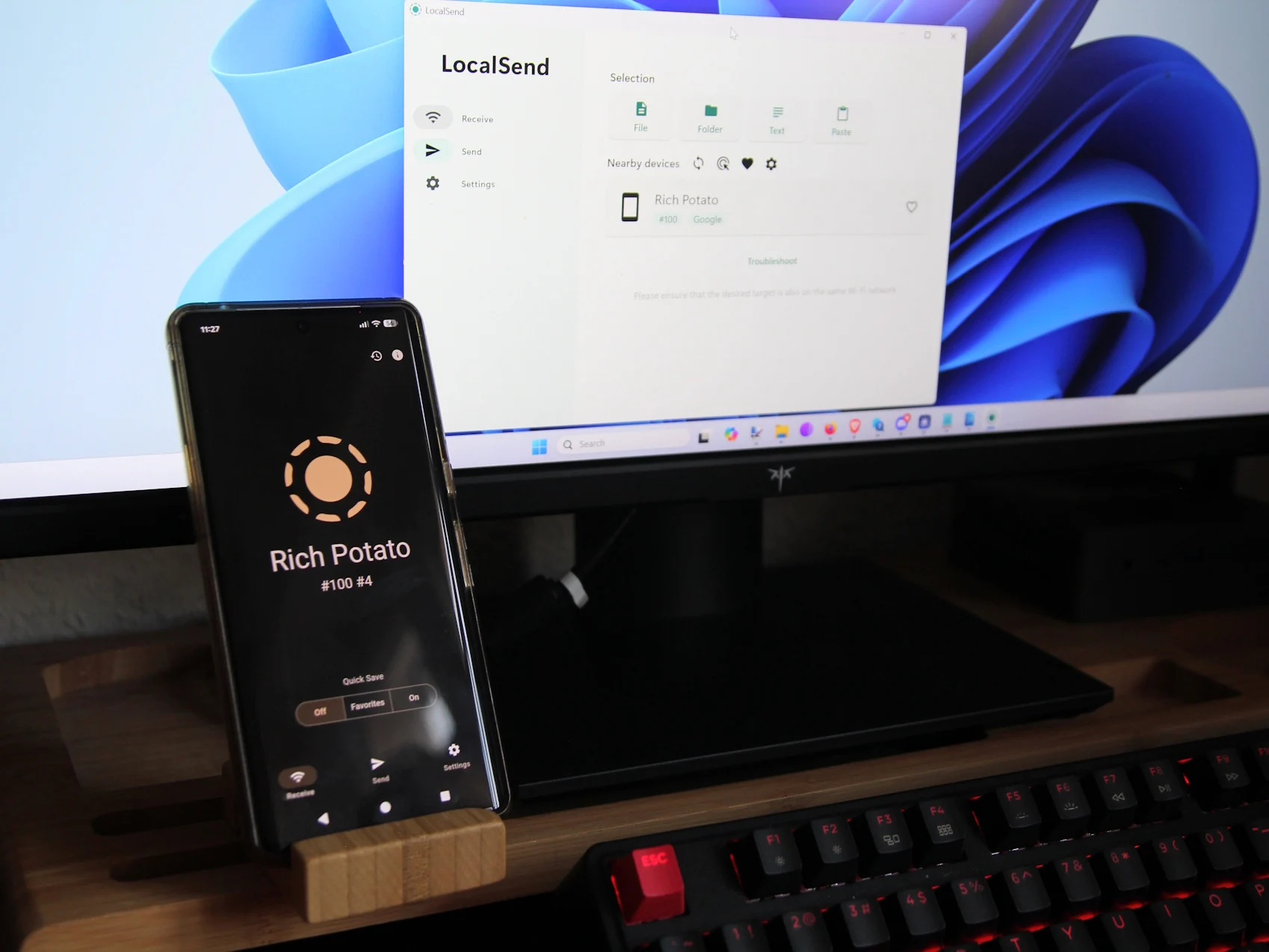
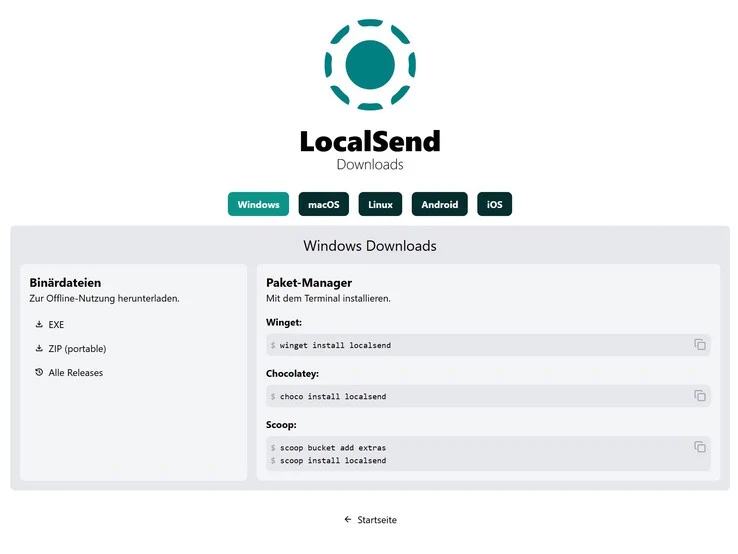
    After some searching, I stumbled upon another open-source tool called LocalSend (Website). Unlike Pairdrop, this one doesn’t work from a browser, but its Github page has an app available for nearly every platform—Windows, macOS, Linux, Android, and iOS. I opted to download the Android version from F-Droid instead of the Play Store, as I find it more privacy-oriented.

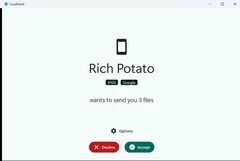
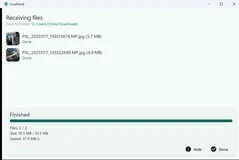
    The apps are lightweight and super easy to navigate on all devices. As long as the Android, Mac, and other devices are connected to the same Wi-Fi, you simply launch the app, select the files you wish to send, choose the device from the often quite short list, and—boom—the files transfer quickly (the receiving device has to confirm the incoming transfer) and without any zipping involved.

    Since I made the switch to LocalSend, I haven’t felt the need to explore other apps; for now, it meets all my requirements for straightforward file transfers between devices. Out of curiosity, though, I plan to check out Syncthing soon—another popular choice, but it takes a slightly different approach.

    Source:
    Link


  • Google Pixel 7 & 7 Pro Prices Slashed in India, Starting at Rs 30,999

    Google Pixel 7 & 7 Pro Prices Slashed in India, Starting at Rs 30,999

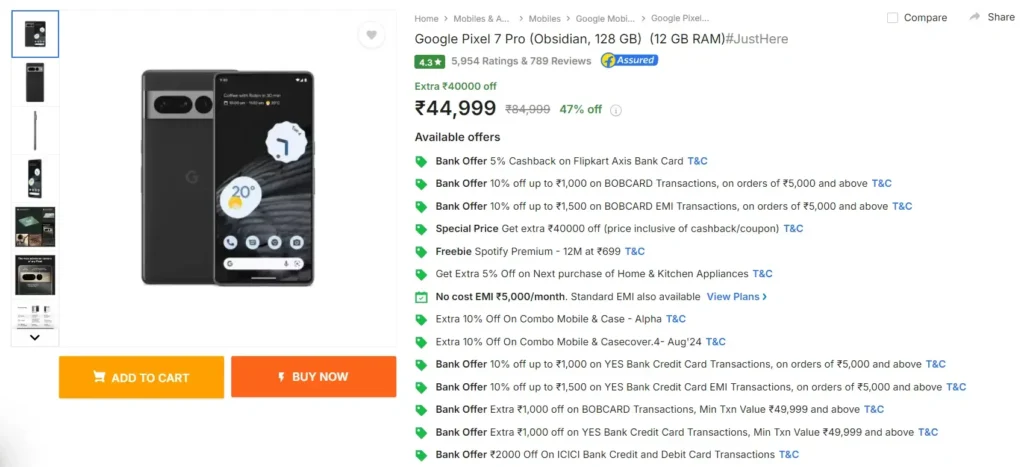
    Google’s Pixel 7 and Pixel 7 Pro smartphones have seen substantial price reductions on Flipkart, just before the anticipated launch of the Pixel 9 series. The Pixel 7 is now available for under Rs. 32,000, while the Pixel 7 Pro can be bought for less than Rs. 43,000.

    Pixel 7/7 Pro Discount Information

    The Pixel 7 is listed at Rs. 32,999 on Flipkart, with additional discounts up to Rs. 2,000 for ICICI and Axis Bank cardholders. Customers can also benefit from exchange offers and no-cost EMI options.

    The Pixel 7 Pro is priced at Rs. 44,999 on the platform, with similar bank discounts and exchange offers.

    Are They Still Worth Purchasing?

    Even though they are older models, the Pixel 7 and 7 Pro remain solid options due to their premium features. These include high-resolution 120Hz OLED displays, the Tensor G2 processor, advanced camera systems, and AI-driven enhancements.

    Google Pixel 7 & Pixel 7 Pro Specifications

    The Google Pixel 7 boasts a 6.3-inch FHD+ AMOLED display with a 90Hz refresh rate. It features a 50MP main camera, a 12MP ultra-wide lens, and an 11MP front camera. Powered by the Google Tensor G2 processor, the Pixel 7 comes with 8GB of RAM and offers storage options of 128GB or 256GB. It is equipped with a 4,700mAh battery that supports 30W fast charging and wireless charging. Running on Android 13, it includes a Titan Security Chip and an in-display fingerprint sensor for added security. Connectivity options include 5G, 4G LTE, Bluetooth, GPS, and a USB Type-C port.3-inch FHD+ AMOLED display

    The Google Pixel 7 Pro features a 6.7-inch Quad HD+ AMOLED display with a 120Hz refresh rate and Gorilla Glass Victus protection. Its camera setup includes a 50MP wide lens, a 12MP ultra-wide lens with macro autofocus, and a 48MP telephoto lens. The Pixel 7 Pro is also powered by the Google Tensor G2 processor, accompanied by 12GB of RAM, and storage options of 128GB, 256GB, or 512GB. It has a 5,000mAh battery with fast charging capabilities. Running on Android 13, the Pixel 7 Pro includes the Titan M2 security chip and an in-display fingerprint sensor for enhanced security.7-inch Quad HD+ AMOLED display


  • Circle to Search Expands Pixel 7 Series for Google SEO

    Circle to Search Expands Pixel 7 Series for Google SEO

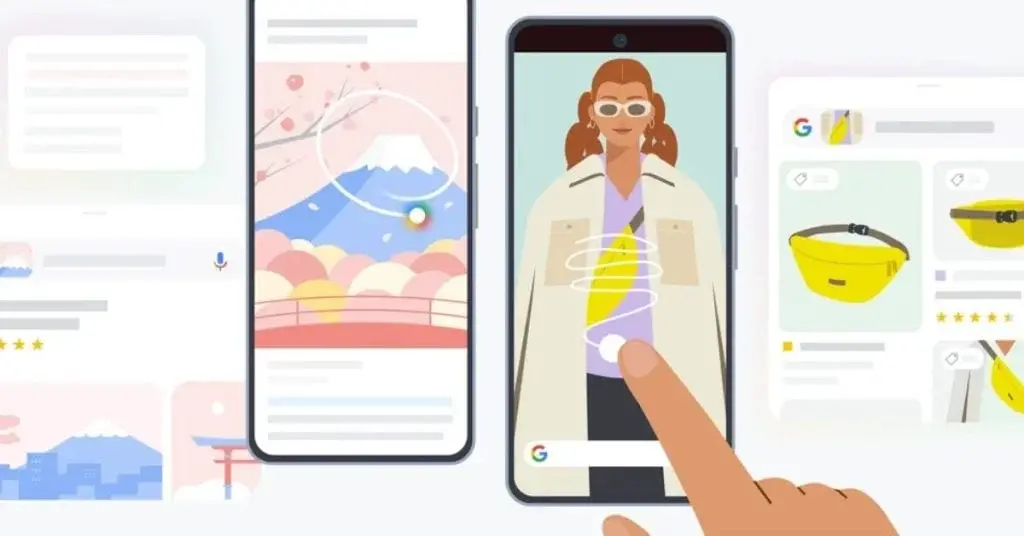
    Google has recently introduced the Pixel Feature Drop for March, unveiling a range of new features. Notably, a feature previously announced two months ago is now being extended to older Pixel models, specifically the Pixel 7 and 7 Pro. This feature, known as Circle to Search, is already present in the Pixel 8 series.

    Circle to Search Widens its Reach to Pixel 7 Series

    In an official blog post, Google confirmed that the March Pixel Drop will bring Circle to Search functionality to the Pixel 7 and 7 Pro. However, as is common with software updates, it may take some time for all devices to receive it. Similar to the process with the Pixel 8 series last month, it appears that Circle to Search activation on the Pixel 7 lineup is a server-side switch.

    The presence of this feature was first noticed by a Reddit user on their Pixel 7 Pro, which was running an Android beta build. Android Police also investigated and found Circle to Search operational on their Pixel 7 device. Their unit was operating on a stable Android 14 version with a February security patch and a January 2024 Play System update. According to reports, the feature became accessible after updating the Google app to the latest beta build, mirroring the experience of the Reddit user. Users could also activate Circle to Search by reverting to the stable version of the Google app, suggesting that the beta version may have triggered its availability.

    Therefore, for those who have not yet received the Circle to Search feature, it is advisable to ensure that the Google app is regularly updated to the most recent version. Users can check for its availability by long-pressing on the home button or navigation bar on their devices.