
Key Takeaways
1. Sony’s new beta update for PS5 and PS5 Pro includes a “Power Saver Mode” to reduce energy consumption by limiting gameplay features and performance.
2. The rollout of this update is planned for a later date and is part of Sony’s ‘Road to Zero’ eco-friendly initiative.
3. The update aims to gather data on console performance in low-power situations, potentially in preparation for a new handheld device.
4. The PS5 consumes about ~200 Watts and the PS5 Pro around 216 Watts; the update could help scale down power usage for future handheld consoles.
5. The beta also allows DualSense controllers to connect to multiple devices (up to four) and simplifies switching between them to enhance user experience.
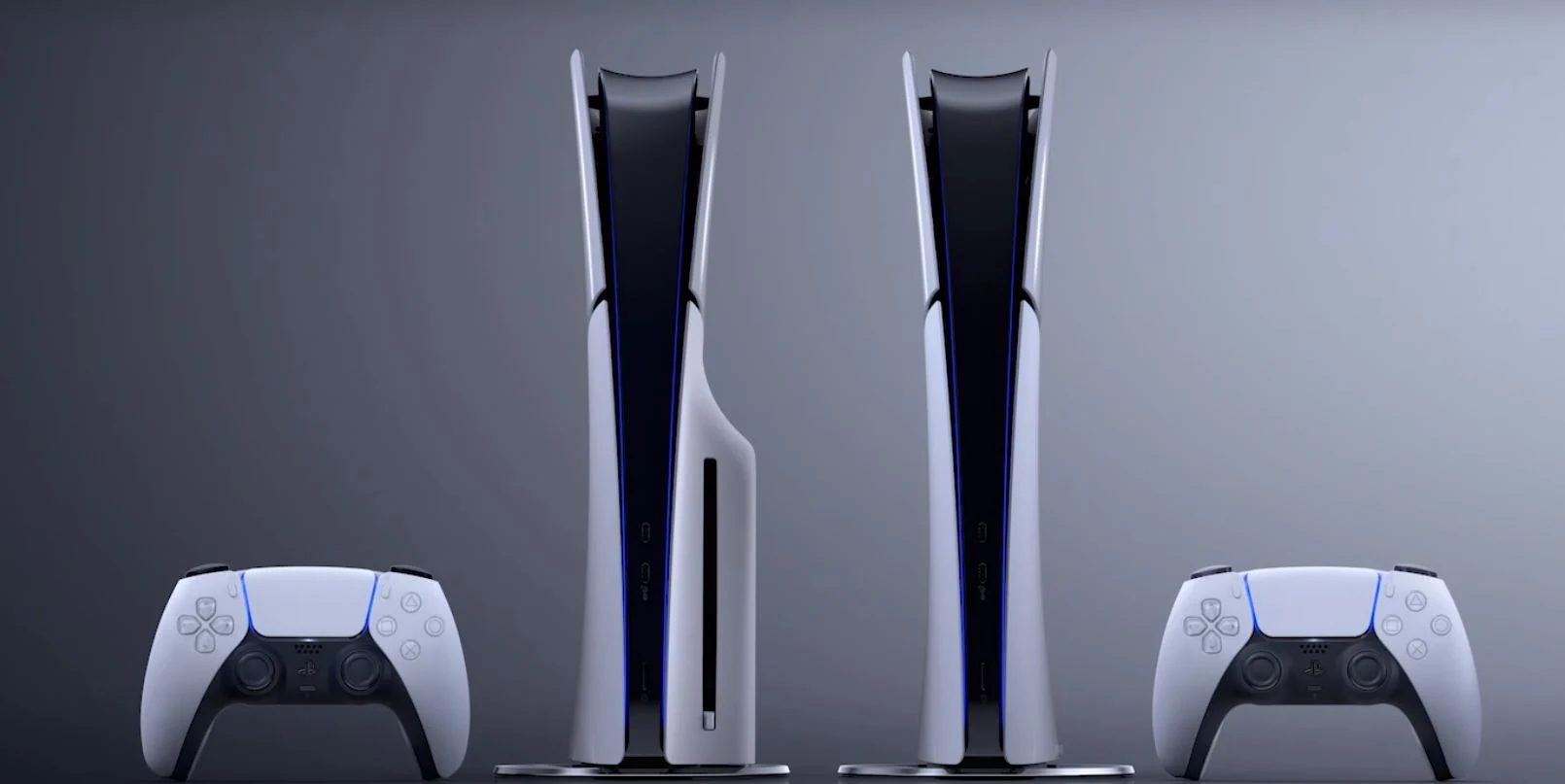
Sony has revealed a new beta software update for the PlayStation 5 and PlayStation 5 Pro. This update introduces a “Power Saver Mode,” which allows the console to operate at a lower energy consumption level. With this mode, certain gameplay features and VR functions will be turned off, and performance for supported games will be reduced.
Rollout Plans
The company has stated that this update won’t be available right away; it will be released at a later time. Officially, this move is part of Sony’s ‘Road to Zero’ eco-friendly initiative, but there might be additional reasons behind it. Unofficially, it could be a way for Sony to assess how the console performs in low-power situations as they prepare for a potential handheld device.
Power Consumption Insights
When running at full capacity, the PlayStation 5’s System on Chip (SoC) can consume about ~200 Watts at 4K, while the PS5 Pro uses around 216 Watts. Even if this power usage is cut by half, Sony would gather essential information about how games function in a power-limited setting. The next step would involve scaling it down to the ~30-50 Watt range typical for most handheld consoles, paving the way for the rumored PlayStation handheld.
Controller Enhancements
The new beta also enables users to connect their DualSense or DualSense Edge controller to multiple devices (up to four). To begin, disconnect the USB cable from your controller, turn it off by holding the PlayStation button, and then enter pairing mode by pressing and holding the PS button alongside one of the buttons (square/triangle/circle/cross) on the target device. After that, locate the DualSense controller and pair it as you normally would. Once paired, the controller will remember its assigned button.
Switching between devices is quite simple; just hold down the PS button and the corresponding button for three seconds. In general, this feature enhance user experience and serves as a testing phase to see how the DualSense controller manages multiple Bluetooth connections—this data could be crucial for future integration with a portable console.
Source:
Link
Leave a Reply