
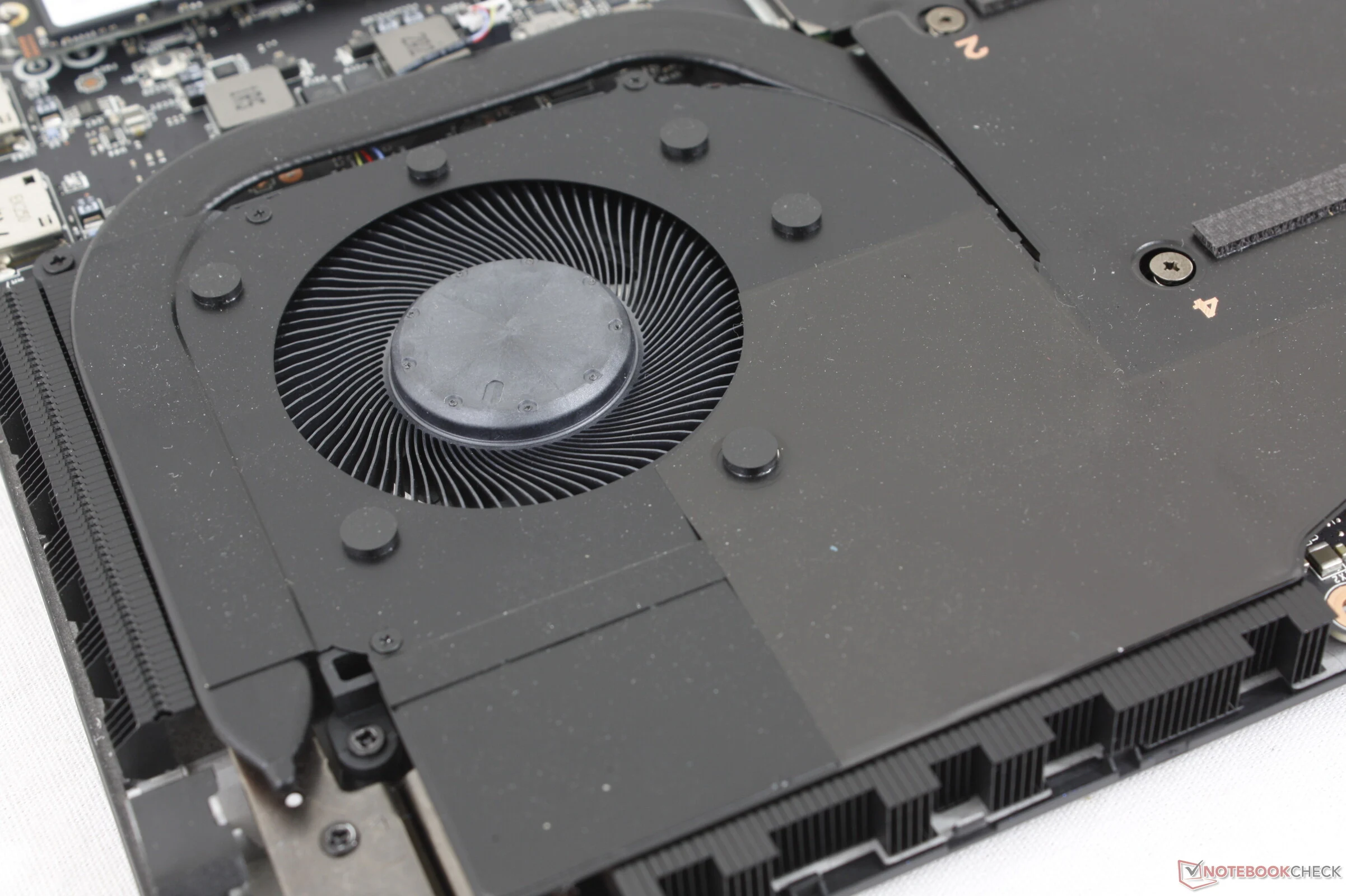
Key Takeaways
1. Gaming laptops offer customizable features, including fan noise control.
2. The “Turbo” mode, called “Cooler Boost” in MSI Stealth 18 HX, increases fan noise significantly to 63 dB(A).
3. Cooler Boost mode reduces temperatures by over 10°C but does not improve actual performance.
4. Without Cooler Boost, fan noise is quieter at around 53 dB(A) during gaming.
5. The feature may benefit users who prefer manual tuning or a cooler system, despite minimal performance impact.
Unlike standard office or simple multimedia laptops, gaming laptops provide a broader range of customizable features, especially regarding fan noise. They typically include a “Turbo” mode, which aims to increase fan noise levels for the sake of enhanced performance—at least that’s the idea. However, sometimes the “Turbo” mode simply helps to lower temperatures with little effect on actual performance.
MSI Stealth 18 HX Review
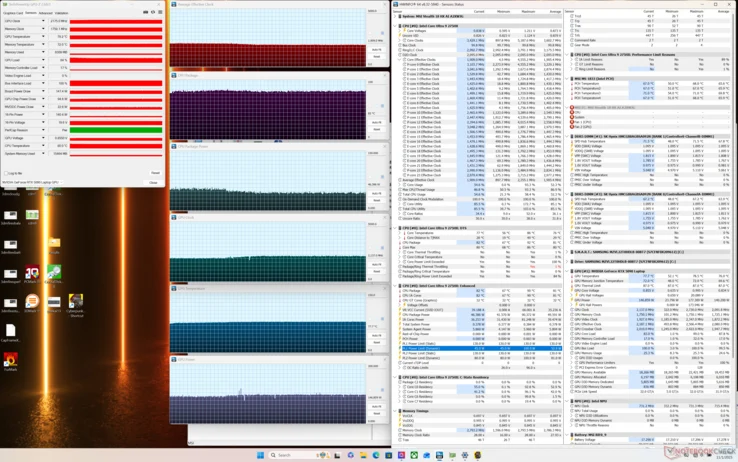
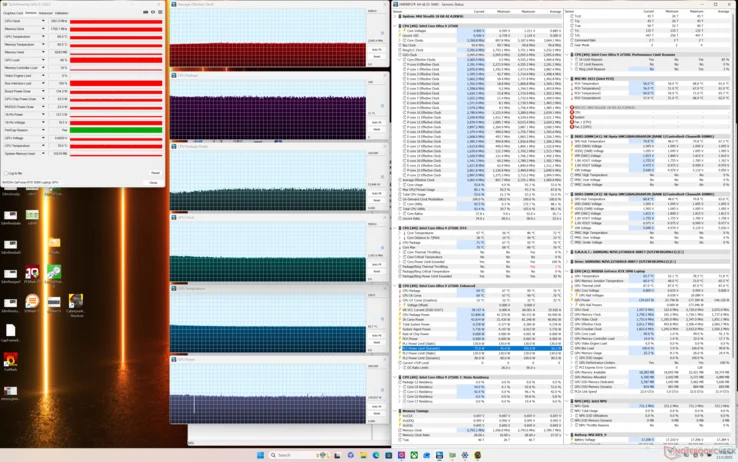
In our assessment of the MSI Stealth 18 HX, the “Turbo” mode is known as “Cooler Boost” mode. This automatically ramps up the fan noise to an ear-piercing 63 dB(A). Our table below indicates that performance levels in this mode are almost the same as in the standard non-Turbo mode. Instead, it reduces core temperatures by just over 10 C for each processor, with no significant changes to clock rates or TGP targets.
Gaming Experience with Cooler Boost
When playing games with Cooler Boost turned off, fan noise is around 53 dB(A), providing a significantly quieter experience. Since the graphics performance hardly changes with Cooler Boost on, the louder fan setting seems to be unnecessary for most gaming scenarios. Nevertheless, this feature can be beneficial for enthusiasts who enjoy manually tuning the CPU and GPU or for users who prefer a cooler system regardless of the fan noise.
Leave a Reply