– MSI Raider 16 Max HX has too many power profiles with no in-software documentation.
– Gaming performance is nearly identical between Balanced and Extreme Performance modes.
– Balanced mode is noticeably quieter than Extreme Performance mode, making it the recommended choice for gaming.
– Maximum GPU TGP is locked behind Apex or Cooler Boost modes, which are the loudest options.
– Use Apex or Cooler Boost only to squeeze extra GPU performance at the cost of much higher fan noise.
MSI Raider 16 Max HX Modes Analysis
The MSI Raider 16 Max HX may be a great gaming laptop, but it arguably has far too many power profile modes to keep track of. Furthermore, its essentially impossible for the end user to know exactly what each mode entails without looking for external sources as MSI provides no documentation or in-software details about the modes for the end user.
Power Profile Comparisons
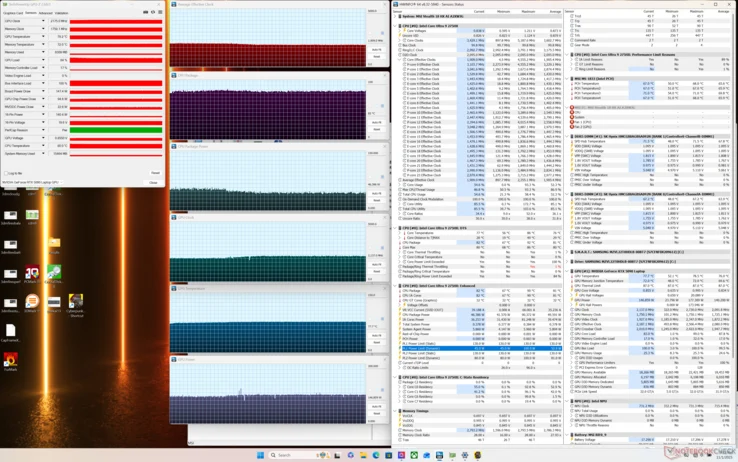
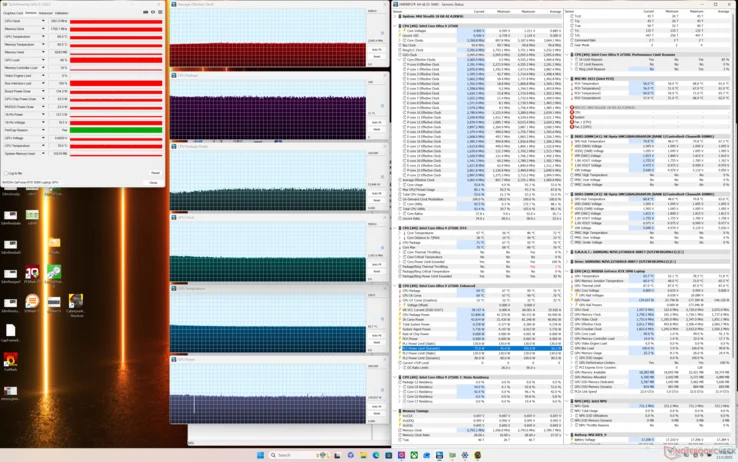
Our table below summarizes the major power profiles (Quiet, Balanced, Extreme Performance, Apex, and Cooler Boost) for the Raider 16 Max HX and how they each impact system performance. Of course, results will vary depending on configuration and model, but MSI ships the same software features across all of its gaming laptops and so the pattern between each mode should remain quite similar regardless of model.
- Quiet mode: Limits fan speed and CPU/GPU power for silent operation, but significanly reduces frame rates.
- Balanced mode: Offers a good trade-off between noise and performance, suitable for most games.
- Extreme Performance: Unlocks higher CPU and GPU clocks, but fan noise becomes more noticable.
- Apex mode: Maximum GPU TGP unlocked, fans run at high speed for best frame rates.
- Cooler Boost: Fans run at 100% speed, sacrificing noise for the highest possible thermal headroom and performance.
Gaming Performance Observations
An interesting observation worth mentioning is that performance when gaming is essentially identical between Balanced mode and Extreme Performance mode even though Balanced mode is noticeably quieter. Maximum GPU TGP is also unfortunately locked behind Apex mode or Cooler Boost mode which are the two loudest power profiles of the system. We recommend gaming on Balanced mode over Extreme Performance mode as the latter offers minimal benefits when fan noise is a concern. Otherwise, be sure to enable Apex mode or Cooler Boost mode to squeeze a few more frames from the GPU.
Benchmark Context
Additional benchmarks and comparisons can be found on our review of the Raider 16 Max HX here. Most users will find that Balanced mode provides the best balance of noise and performance, while Apex or Cooler Boost modes are best reserved for demanding titles or benchmark runs where every frame counts, even if the noise is distubing.