
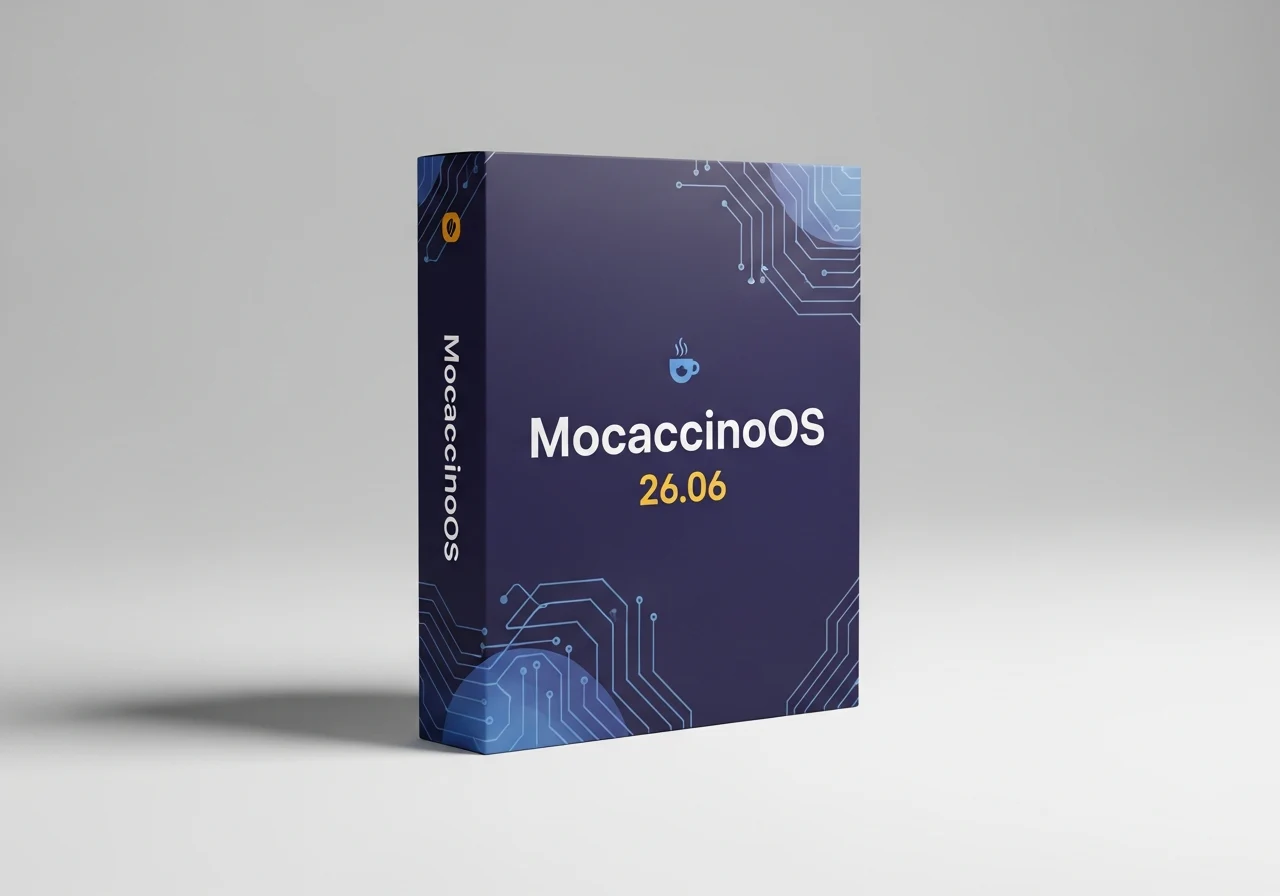
– Version bumped to 26.06, now hosted on SourceForge
– Includes a new LTS kernel
– Offers GNOME, MATE, and DesktopMinimal ISOs
– DesktopMinimal ISO is only 1.6 GB in size
MocaccinoOS is back with a new update, which brings its current version number up to 26.06. This release comes after 26.05 and is the first one to move to the distro’s SourceForge page. Obviously, this is not all that needs to be said about MocaccinoOS 26.06, which also comes with a new LTS kernel and several other goodies.
Release Highlights and What’s New
The MocaccinoOS 26.06 release includes a updated Linux LTS kernel, ensuring better hardware compatability and stability. There are several other system improvements and performance tweaks that make this build a solid step forward for the distro. Users can expect a smoother out-of-the-box experience with this version, specially if they have newer hardware that needs modern driver support.
ISO File Options and Download Sizes
In addition to the three ISO files mentioned above, those interested in this self-proclaimed Windows 11 alternative can also grab the GNOME and MATE versions, as well as a “DesktopMinimal” ISO whose name should say it all. For bandwidth-conscious users, the DesktopMinimal ISO is also a good choice since it only has 1.6 GB in size, while all the others weigh between 2.3 and 2.5 GB.
The variety of desktop enviroments means you can pick your prefered workflow without being locked into a single interface. The GNOME version offers a modern, streamlined experience, while MATE provides a more traditional desktop layout for those who like classic computing. All versions are built on the same stable base, so performence remains consistent across the board.
Kernel and System Under the Hood
This release uses the latest LTS kernel branch, which is a big deal for security and driver support. The developers have also included several under-the-hood optimizations that reduce memory usage and improve boot times. If your running older hardware, you might notice a noticable speed bump compared to previous releases of the OS.
Getting Started With MocaccinoOS 26.06
Downloading the ISO is straight forward from the official SourceForge page. Once you’ve got the file, you can create a bootable USB using tools like Rufus or Ventoy. The installation process remains user-friendly, with a guided wizard that walks you through partitioning and setup. Beginners should find it no trouble at all to get the system up and running.
For those who prefer a lighter footprint, the DesktopMinimal ISO is a excellent choice, coming in at just 1.6 GB. This version strips away some non-essential applications, giving you a clean slate to install only what you need. It also makes for a faster download and a more efficient use of disk space on the target machine.
Community and Future Support
The community behind MocaccinoOS is active and continues to improve the distro with each update. With the move to SourceForge, downloads should be more relible and faster for users around the world. Future updates will likely follow this same distribution model, making it easier to keep your system current with the latest patches and features.
Leave a Reply