
Key Takeaways
1. The Keychron M7 8K is a lightweight gaming mouse priced at $69.99, offering a simpler alternative to high-end models like the Razer Basilisk.
2. A recent firmware update allows users to mimic a “Sniper” feature by setting two DPI levels and switching between them using a side button.
3. Users can now easily change polling rate intervals and program an extra button to switch profiles for work and gaming.
4. The new 20,000 FPS mode enhances mouse responsiveness by locking the sensor frame rate, improving detection of small movements.
5. Keychron’s updates significantly improve the gaming experience, particularly for users with low sensitivity settings.
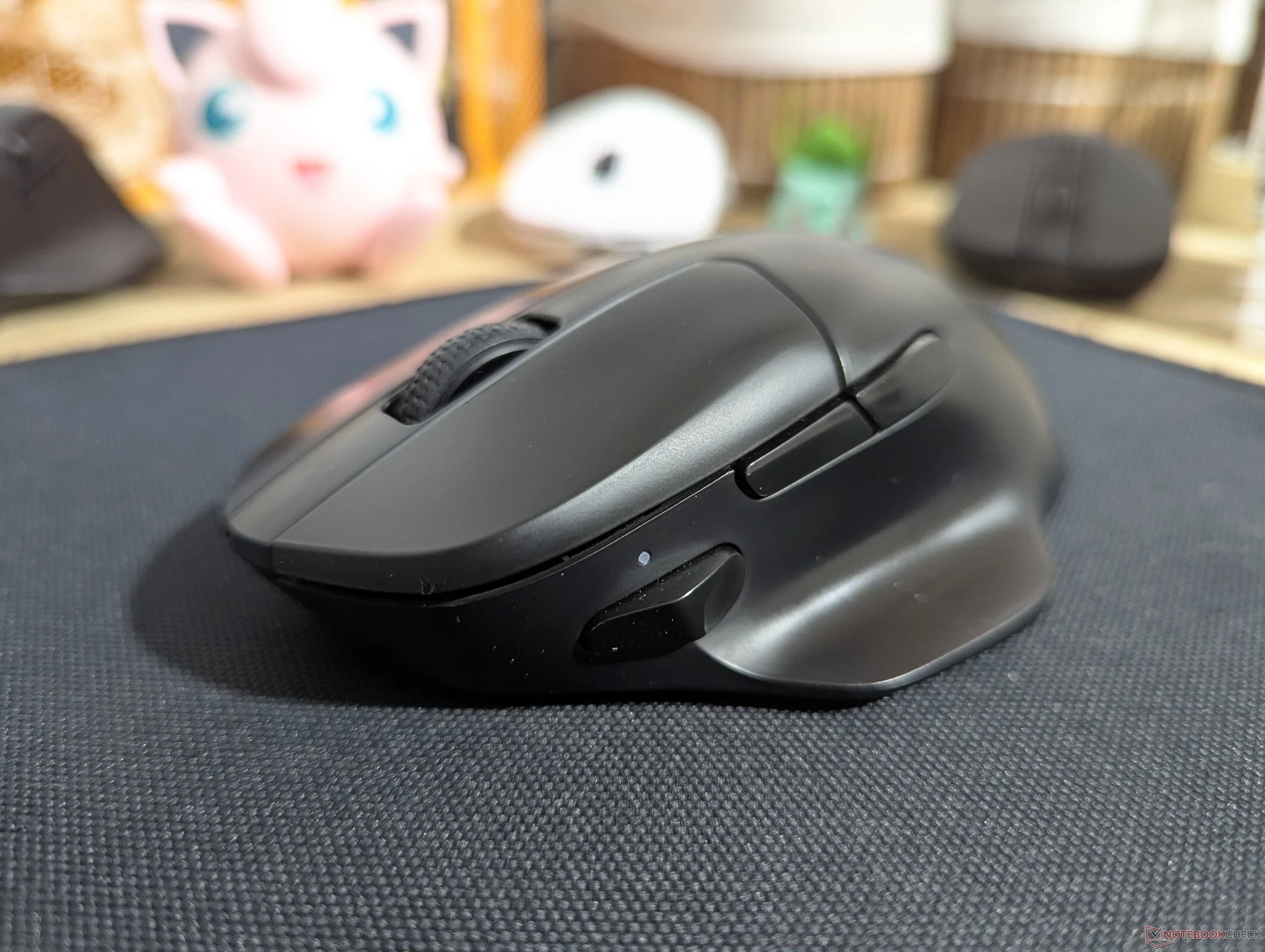
We took a look at the Keychron M7 8K recently and discovered it’s a great lightweight gaming mouse for anyone who wants something like a Razer Basilisk, but without the complicated software or the steep prices. In fact, the M7 8K is priced at just $69.99 on Amazon. However, one downside is that it doesn’t have a feature similar to the “Sniper” option, which temporarily lowers the sensor DPI for those times when you need your aim to be steadier and more precise.
New Feature Update
Thanks to the recent update to Keychron’s gaming mouse software, called Keychron Launcher, and its new firmware, you can now mimic this Sniper feature in a different way. The latest v1.0.1 firmware update, confirmed to be available for the M7 8K, M6 8K, and M3 8K, allows you to add or remove DPI steps. This means you can set just two DPI levels and use a side button to switch between these modes, giving you a way to replicate a Sniper button.
Improved Control
Additionally, Keychron has made it easier to change the polling rate intervals, similar to the new DPI settings. This is great for users who often adjust their mouse polling rate but want to avoid cycling through multiple extra polling rate steps or remembering the combinations for the indicator lights. Now, you can also program an extra button on Keychron’s gaming mice to switch profiles. This is useful for people who use their mouse for both work and gaming, as profiles save all the key bind info, sensitivity, and polling rates.
Enhanced Performance
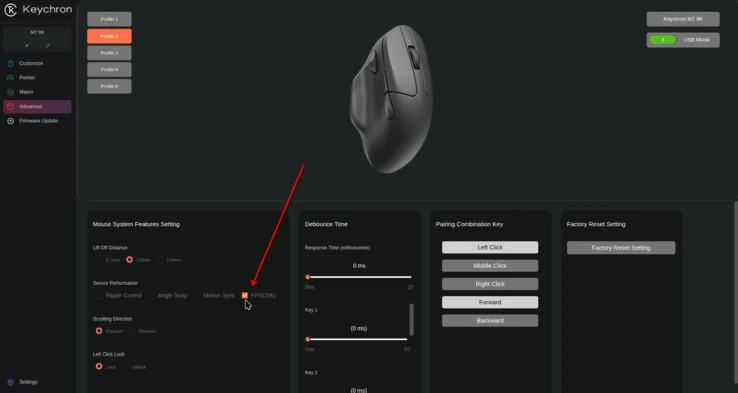
Another new feature for Keychron’s gaming mice includes a 20,000 FPS mode, which fixes the sensor frame rate at 20,000 FPS instead of adjusting the frame rate to conserve power. You can find this 20K FPS option under the Sensor Performance section in the Advanced tab of Keychron Launcher.
In theory, having a higher sensor frame rate could affect battery life, but it should enhance how responsive the mouse feels during the beginning and end of movements. With the frame rate locked at a high FPS, the mouse will be better at detecting small movements right away, without needing to ramp up. This is especially important for gamers who use low sensitivity settings. From our testing, the PAW3950 sensors in Keychron mice only show a noticeable delay in picking up movements when the sensitivity is set below 800 DPI.


Leave a Reply