
Key Takeaways
1. The Google Pixel 10 Pro features a 6.3-inch LTPO OLED display with QHD+ resolution and a brightness of over 3,200 nits, supporting up to 120 Hz refresh rates.
2. It is powered by the Tensor G5 processor, comes with 16 GB of RAM, and offers storage options from 128 to 1,024 GB, along with advanced connectivity features like Wi-Fi 7 and Bluetooth 6.0.
3. The device has a robust battery of 4,970 mAh, supporting 30 W wired and 15 W wireless charging, and runs on Android 16 with seven years of updates.
4. The triple camera system includes a 50 MP primary sensor, ultra-wide-angle, and telephoto lenses with 5× zoom, plus a 42 MP front camera capable of 8K video recording.
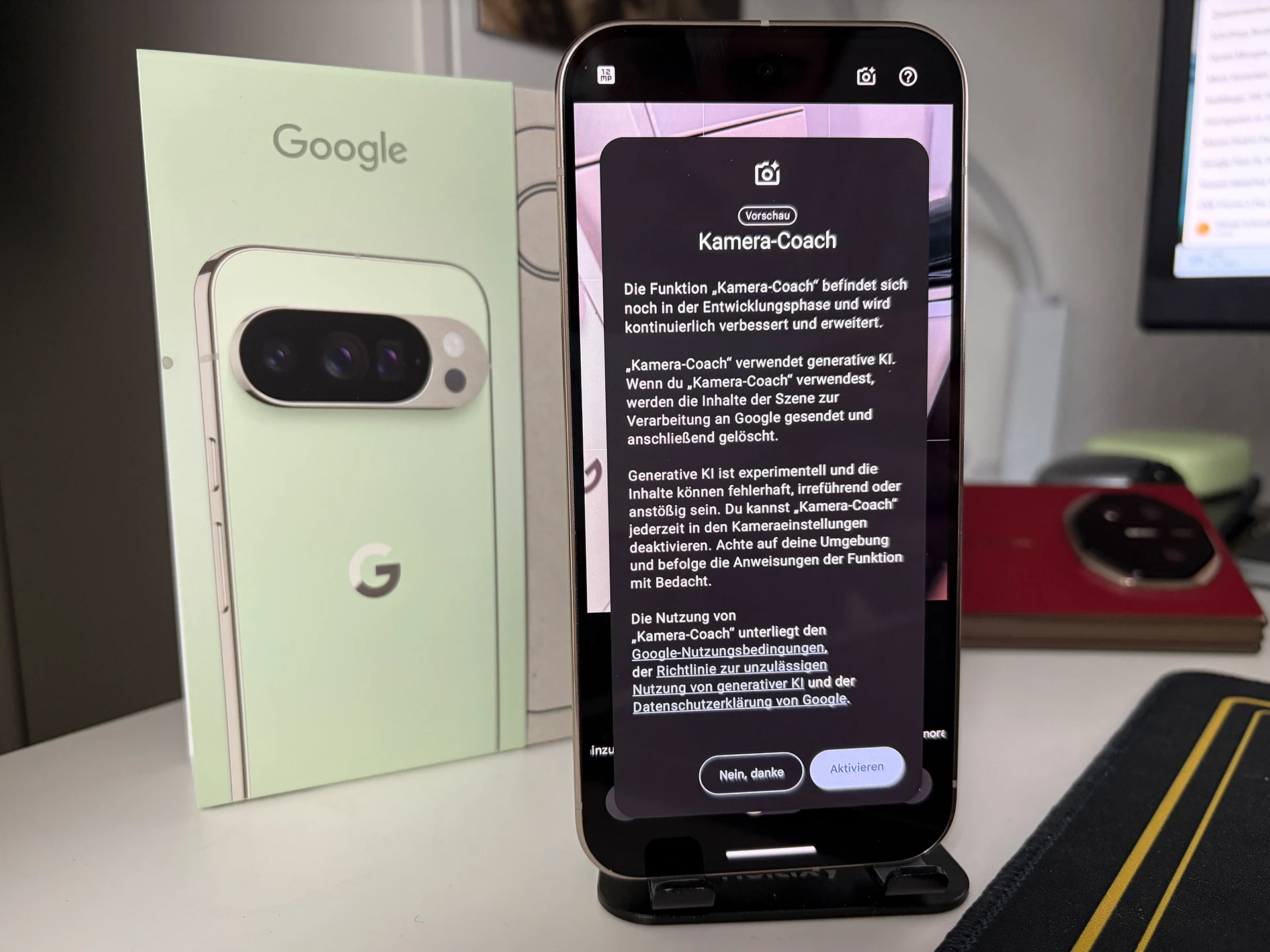
5. The new Camera Coach feature assists users in taking better photos by providing real-time composition suggestions through an AI-driven process in the camera app.
The Google Pixel 10 Pro comes with a 6.3-inch LTPO OLED screen featuring QHD+ resolution, supporting refresh rates of up to 120 Hz and boasting an impressive brightness of over 3,200 nits. It is safeguarded by Gorilla Glass Victus 2, has an IP68 rating, and is driven by the Tensor G5 processor, along with 16 GB of RAM and storage options ranging from 128 to 1,024 GB. Connectivity options include Wi-Fi 7, Bluetooth 6.0, NFC, UWB, and 5G, along with the innovative ‘Pixelsnap’ magnet for accessories. The device is equipped with a 4,970 mAh battery, which supports 30 W wired charging and 15 W wireless charging. It runs on Android 16, providing seven years of updates and advanced AI capabilities like Gemini and Circle to Search.
Camera Specifications
The triple camera system boasts a 50 MP primary sensor equipped with OIS, along with an ultra-wide-angle lens and a telephoto lens that offers 5× zoom. The front-facing 42 MP camera is capable of autofocus. Users can record videos at a maximum of 8K resolution at 30 FPS or 4K at 60 FPS with HDR. A new addition to the camera functionality is the Camera Coach, which aims to assist users in taking better photos. This feature is targeted toward both seasoned photographers and beginners, and is still under development.
Using the Camera Coach
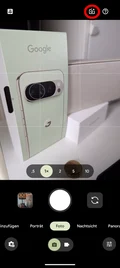
To use it, you need to enable it in the settings, and access it through a small AI camera icon in the camera app. Once you tap the icon, the algorithm processes the live view of the camera in the cloud. The coach then presents various possible image compositions and walks you through the steps needed for capturing the shot, which we have summarized in a series of images, including the final outcome.
Whether or not the camera coach proves to be inspiring is something we’ll have to wait and see. Nonetheless, it could serve as a fascinating tool for those who are new to photography.
Leave a Reply