
Key Takeaways
1. Gboard Dial features ten dials for letter selection, inspired by rotary-dial phones.
2. Three main dials allow users to quickly select letters and essential punctuation.
3. Additional dials provide access to modifier keys like Alt, Ctrl, and Shift.
4. While not the most efficient typing method, it offers a fun experience for some users.
5. Google has shared Gboard Dial design information on GitHub for DIY enthusiasts.
Google’s Gboard team is known for creating keyboards that, while not always practical, have a unique charm. In 2022, they launched Gboard Stick, featuring all the keys arranged in a line, and back in 2019, they even showed off a spoon that could bend to type.
Gboard Dial Features
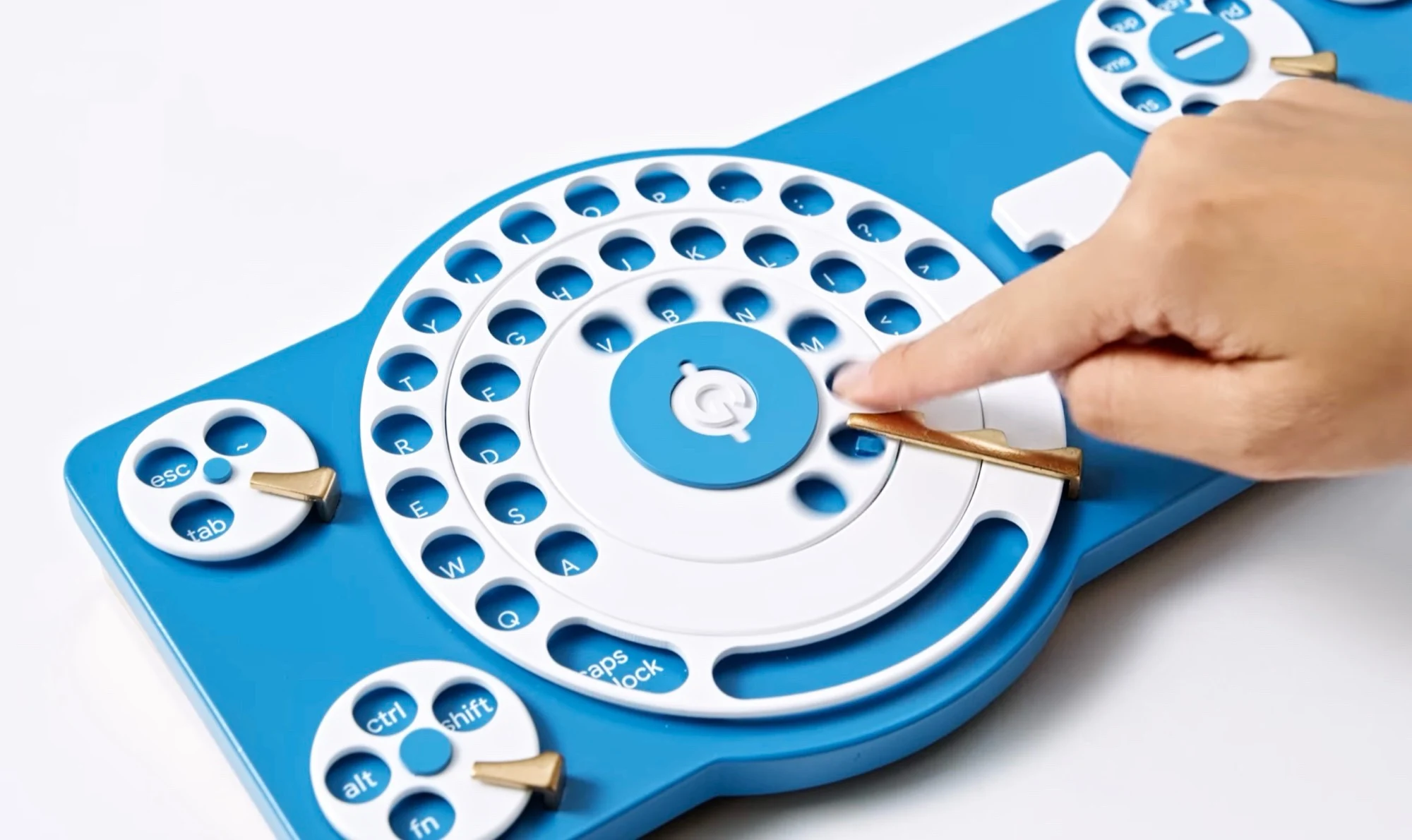
The newest innovation from the Gboard team is the Gboard Dial. This keyboard is equipped with ten dials in total, with three of them working together to make letter selection quicker. The design draws inspiration from classic rotary-dial telephones—users simply need to place their finger in the slot above the letter they want and turn the dial until it stops.
Once the letter is selected, the dial goes back to its original position automatically. The large triple dial includes all the letters, essential punctuation marks, and the spacebar. Additionally, there’s a smaller dial on the bottom left for quick access to the Alt, Ctrl, Fn, and Shift keys. The top left features the Escape and Tab keys, while the right side is reserved for dials that control arrow keys, numbers, mathematical symbols, and shortcuts.
A Unique Typing Experience
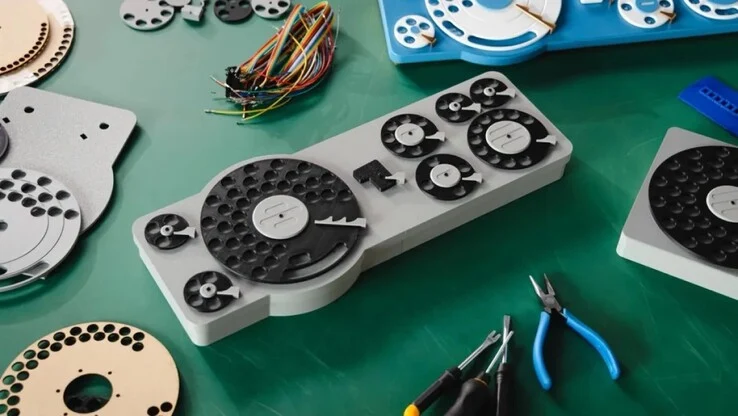
Typing on the Gboard Dial isn’t the most efficient method, but for people who are paid by the hour, it can provide a fun distraction. Though Google has not made the Gboard Dial available for purchase, they have shared the necessary information on GitHub, allowing enthusiasts to create their own version of the keyboard using a 3D printer.
Google Japan | GitHub
Source:
Link
Leave a Reply