
Key Takeaways
1. Garmin smartwatch users are experiencing issues with the real-time turn-by-turn navigation feature, particularly after software update 20.19.
2. Affected models include the Fenix 8, Fenix 7, Forerunner 955, and Enduro 3, with reports shared on forums like Garmin Forum and Reddit.
3. The problem may stem from missing course_point entities in route files, affecting navigation guidance sent from the Garmin Connect app.
4. Courses saved on the smartwatch remain unaffected, but may stop working after syncing with the app.
5. A suggested workaround involves using third-party mapping tools like Plotaroute to create routes and manually uploading the generated FIT file to the smartwatch.
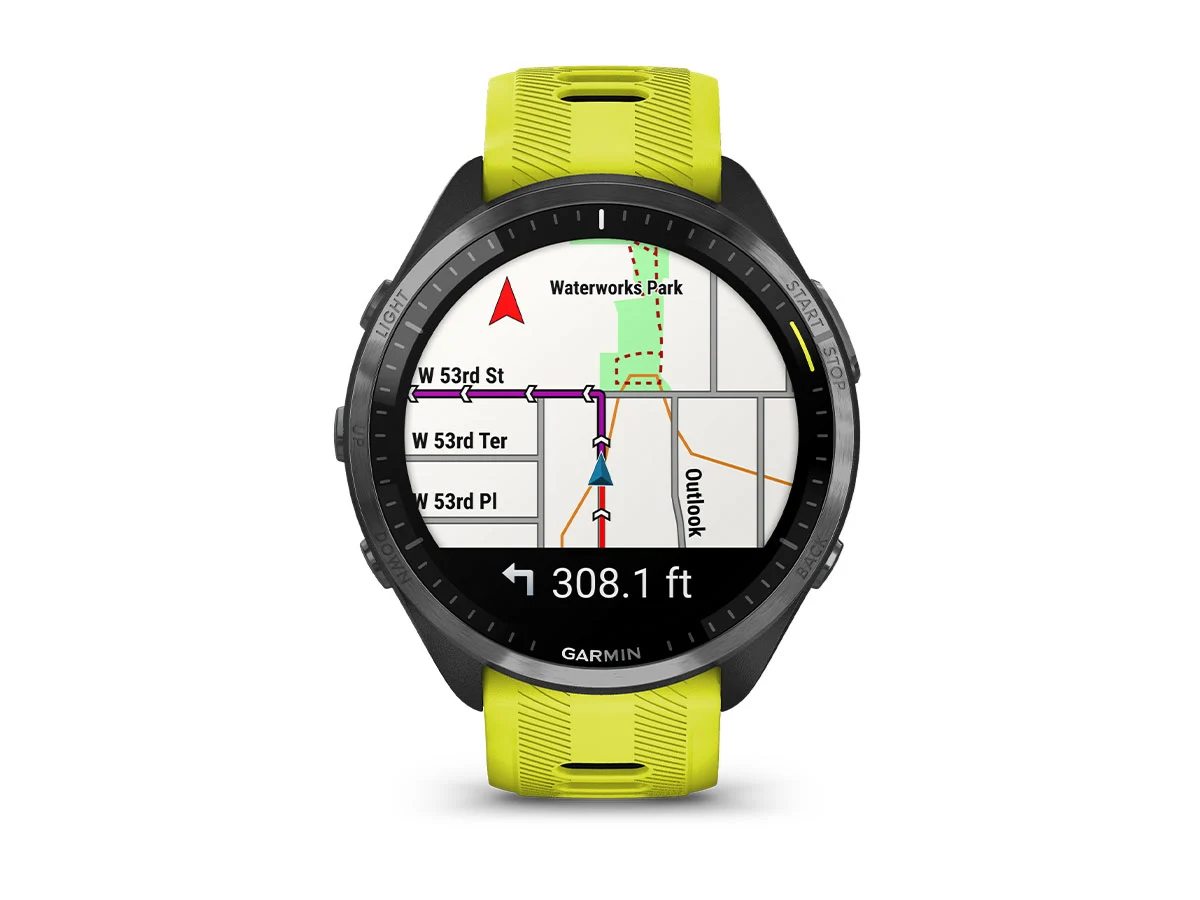
Many users of Garmin smartwatches are facing a problem related to the real-time turn-by-turn navigation feature. This function alerts users about upcoming turns, displaying the distance to the turn directly on the watch screen. Alerts can be in the form of vibrations or sounds, with maps uploaded to the device via the Garmin Connect app.
User Reports and Devices Affected
On forums like Garmin Forum and Reddit, owners of various Garmin models—including the Fenix 8, Fenix 7, Forerunner 955, and Enduro 3 (51mm Solar currently priced at $739.99 on Amazon)—have shared their experiences with this issue. Some users have pointed out that the problem began after the latest system software update, version 20.19. It appears that the issue is linked to the Garmin Connect app, which is responsible for sending navigation guidance to the smartwatch.
Potential Cause and Impact
It is believed that the glitch with turn-by-turn notifications may be caused by missing course_point entities in the route files. Courses already saved on the smartwatch are not impacted, but they may stop working the next time you sync with the app. So far, Garmin has not acknowledged this problem nor provided an explanation or a fix for its users.
Workaround Suggestion
Nonetheless, a Garmin user known as socorsu on the brand’s forum has proposed a potential workaround. They recommend using a third-party mapping tool, such as Plotaroute, to create your course. After creating the route, you can generate a FIT file that should include the necessary data to activate the turn-by-turn notifications. Users will then need to manually place the FIT file in the “Garmin/New Files” directory on their smartwatch.
Source:
Link


Leave a Reply