
Key Takeaways
1. Jailbreak Compatibility: Most Kindle models can be jailbroken using WinterBreak or AdBreak, except for the newest Kindle Scribe. Check compatibility at kindlemodding.org.
2. Choosing a Method: Select between WinterBreak (requires storage management) or AdBreak (simpler for ad-supported models) for the jailbreaking process.
3. Step-by-Step Guidance: Follow detailed guides on the Kindle Modding Wiki for an easy jailbreak process, typically taking less than 15 minutes.
4. Post-Jailbreak Actions: Complete necessary steps to disable OTA updates and consider downloading the KindleForge app for additional functionality.
5. Enhanced Reading with KOReader: Install KOReader for better reading experience, supporting various formats and offering extensive customization options.
Thanks to WinterBreak and AdBreak, jailbreaking your Kindle has become quite easy. Most Kindle models can be jailbroken, except for the newest Kindle Scribe. To check if your model is compatible and find out which firmware it uses, visit kindlemodding.org.
Choosing Your Jailbreak Method
After confirming compatibility with your model, you need to select between WinterBreak or AdBreak for the process. Since I had a Kindle 10th gen that had ads, I decided to go with AdBreak. WinterBreak still works, but it requires you to fill your Kindle’s storage to prevent automatic updates. It’s not a big deal, but it simplifies things a bit.
Step-by-Step Guidance Available
Both WinterBreak and AdBreak have detailed guides on the Kindle Modding Wiki. These instructions are simple to follow and took me less than 15 minutes to finish in total.
The only challenge I faced was when it asked me to locate the .assets folder in the Kindle file system. To do this, I had to change a Windows setting by unchecking the box for “Hide protected operating system files” in the Windows File Manager.
Important Post-Jailbreak Steps
Make sure to complete the post-jailbreak actions to turn off OTA updates. While the latest Kindle OS version (as of this writing) can be exploited, that could change in the future.
During the jailbreak process, I did encounter some app errors, but these can be ignored without worries.
Once you’re back on the home screen, it’s a good idea to head over to Github and download the KindleForge app. Simply copy the contents from the Zip file to the downloads folder on your Kindle and run the script.
Discover KindleForge
KindleForge acts as an app store for your jailbroken Kindle and offers a variety of apps that can be installed easily with one click. Some of the most notable include:
There are many others, so it’s beneficial to explore and see if any fit your needs.
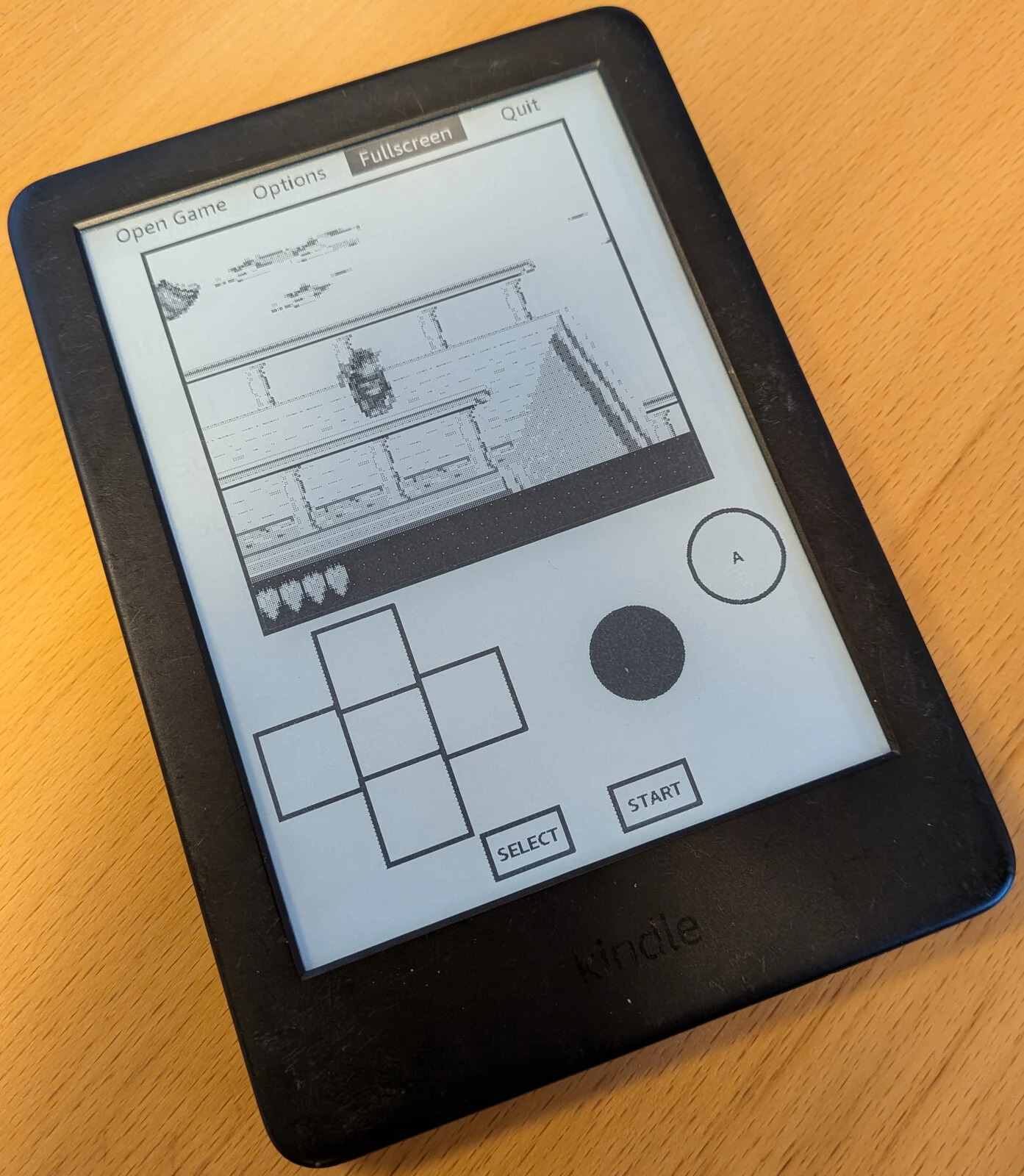
While these additional apps are a great perk, the most important app to enhance your Kindle’s functionality is KOReader.
Using KOReader for Enhanced Reading
After installing KOReader, you can transfer books to your device through USB, KOReader’s Cloud Storage integration (like Dropbox, FTP, or WebDAV), or SSH. Once you have some reading materials on your device, KOReader can open them. It supports a variety of formats, including EPUB, PDF, and MOBI, among others.
The interface is quite basic but gets the job done effectively. After you choose the folder where your books are stored, you’ll see a list of your titles.
Customization Options Galore
There are plenty of customization options, such as setting hot corners and gestures for actions while reading, and creating a book map for easier navigation. You can also adjust fonts, sizes, margins, word spacing, line spacing, and contrast. If you run your own KOReader server, you can sync with Calibre and track your reading progress across devices.
There are numerous features to explore, but it’s clear that many won’t be found on a standard Kindle.
Comparing with Other E-Readers
Although Kindles aren’t the fastest and might not hold up against competitors like Kobo or the Onyx Go 7 from Boox (available on Amazon), they are relatively affordable. A jailbroken Kindle provides a fantastic way to access DRM-free content from other stores or regain some features that Amazon has removed over the past year.
For more information, check out kindlemodding.org, Reddit r/kindlejailbreak, KOReader.rocks, KindleForge (via Github), KOReader-Sync-Server (via Github), and Amazonform.com.
Source:
Link
Leave a Reply