Key Takeaways
1. Garmin released updates for the Forerunner 570 (Beta Version 15.13) and Forerunner 970 (Beta Version 15.12), which included bug fixes and removed the sleep mode shortcut feature.
2. Both smartwatches have now transitioned to Beta Version 15.16, available only through manual installation.
3. To install the new update, users must navigate through the Main menu, Settings, System, and Software Update on their smartwatch.
4. The Beta Version 15.16 fixes issues related to skipped post-activity summary pages and device resets when sleep mode is ended manually.
5. The update also includes unspecified translation improvements, with more details available on Garmin’s forum.
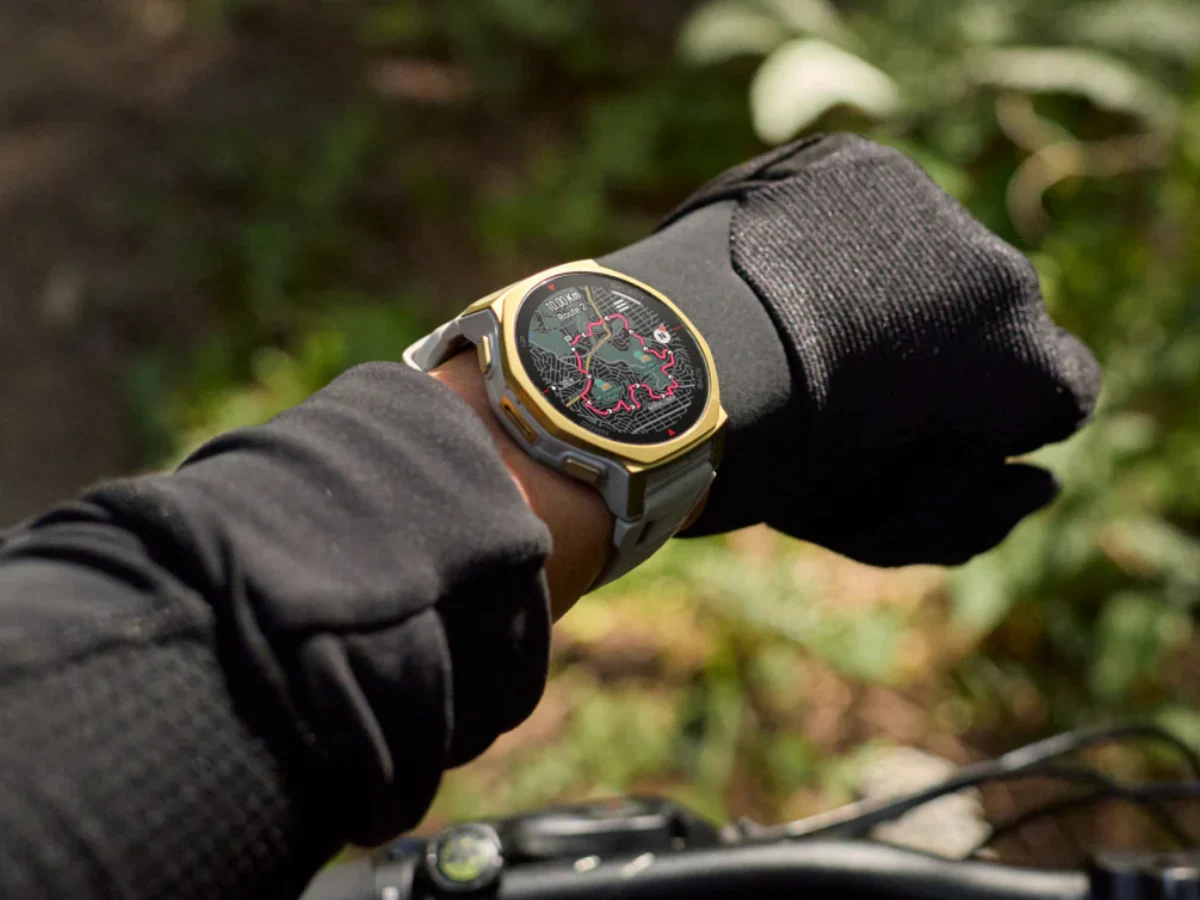
Earlier this week, Garmin made waves with updates for its latest Forerunner 570 and Forerunner 970 smartwatches, currently priced at $749 on Amazon. The updates, labeled as Beta Version 15.13 for the Forerunner 570 and Beta Version 15.12 for the Forerunner 970, shared the same changelog that included several bug fixes and removed the sleep mode shortcut feature.
Transition to New Version
Now, Garmin has moved both smartwatches to version 15.16. This update is also part of its Beta Program and is currently only accessible through manual installation. To download Beta Version 15.16, users need to go through the Main menu, then Settings, followed by System and Software Update, and tap ‘Check for Updates’ on a Forerunner 570 or Forerunner 970 that is enrolled in the Beta Program.
Fixes and Improvements
In a post on their forum, Garmin explained that the Public Beta Version 15.16 addresses an issue where the post-activity summary pages were being skipped during auto-scrolling. Furthermore, they’ve managed to fix a problem that would reset the device when sleep mode was manually ended. The new update also includes translation updates, though the specific areas that were improved remain unspecified. For more information, refer to Garmin’s forum posts regarding the Forerunner 570 and Forerunner 970.
Source:
Link