Key Takeaways
1. Garmin has released multiple updates for its beta and stable software versions recently, focusing mainly on new premium models like the Fenix 8 and Tactix 8.
2. Older models, including the Forerunner 165, 255, 955, and 965, have not received stable updates in over two months, indicating a low priority for these devices.
3. A new Beta Version 24.10 has been made available for several models, including the Forerunner 165, 255, 265, 955, and 965.
4. Users can manually download the Beta update by navigating through their smartwatch settings.
5. The changelogs for the updated models include a bug fix to prevent potential crashes on the watch face.
In the past few weeks, Garmin has rolled out a significant number of updates for both its beta and stable software versions. Typically, the company focuses on its newest premium models, specifically the Fenix 8 and Tactix 8, leaving other devices behind. The introduction of the Forerunner 570, Forerunner 970, and Venu X1 appears to have pushed older or mid-range smartwatches even lower on the priority list.
Update Delays for Older Models
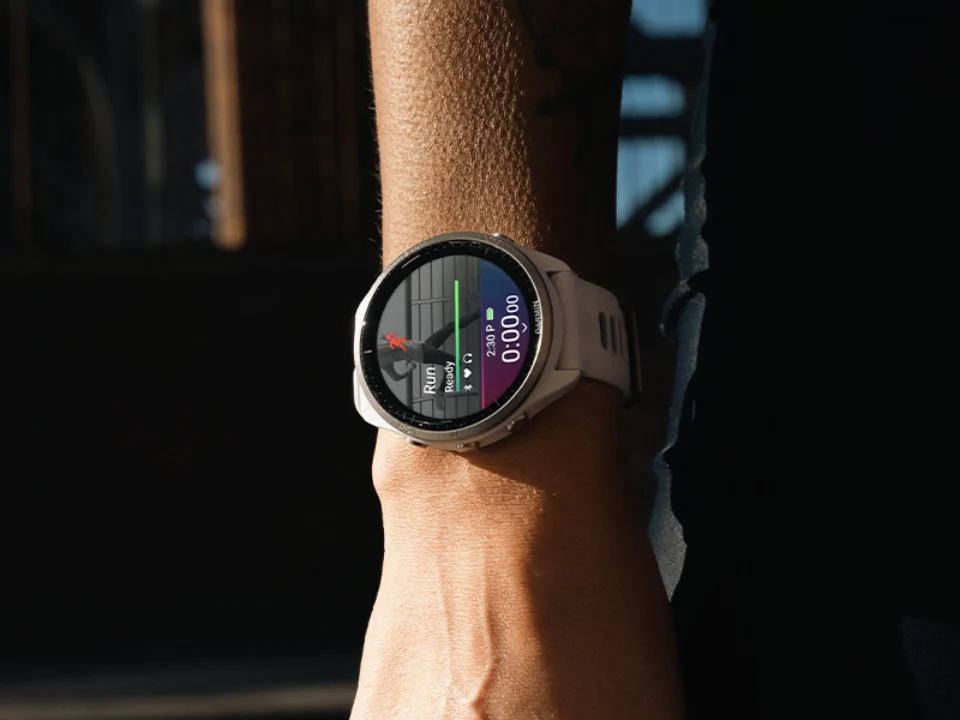
For instance, the older Forerunner 165, Forerunner 255, Forerunner 955, and Forerunner 965 (currently priced at $599 on Amazon) have not seen a new stable update in over two months, since Garmin released System Software 23.20. At the same time, these watches have been stuck on version 24.07 in Garmin’s Beta Program for nearly a month now.
New Beta Version Release
Nevertheless, Garmin has now advanced its Beta Program with the rollout of Beta Version 24.10. This update is available for the Forerunner 165, Forerunner 255, Forerunner 265, Forerunner 955, and Forerunner 965 starting today. Users can manually download the update by going to the Main menu, then Settings, followed by System, and finally Software Update on their Beta Program-registered smartwatch. After that, just hit ‘Check for Updates.’ As usual, the changelogs for these five smartwatches are quite similar, featuring a bug fix aimed at preventing potential crashes on the watch face. Additional details can be found on Garmin’s forum.
Source:
Link