Category: Software

  • New One UI 7 Leak: Settings Icon Design Mirrors iOS

    New One UI 7 Leak: Settings Icon Design Mirrors iOS

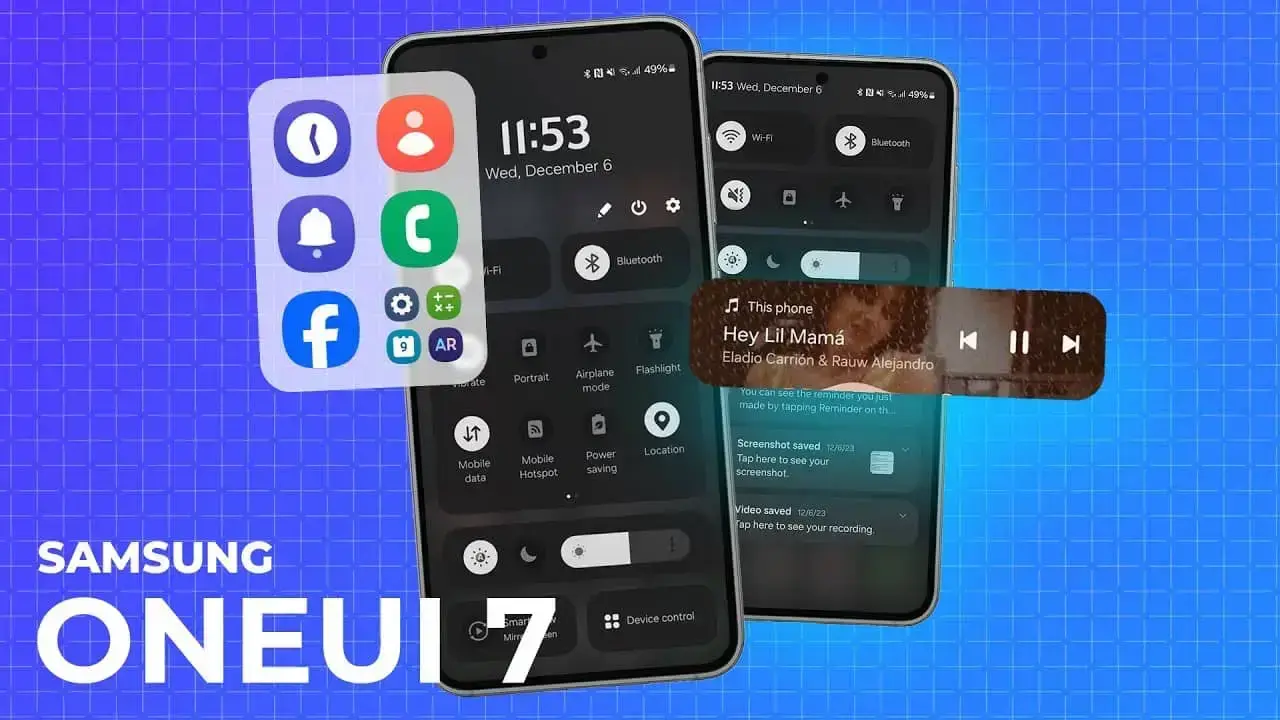
    The steady influx of leaks about Samsung’s forthcoming One UI 7.0 update offers a glimpse into the potential redesign of the company’s Android interface. Earlier speculations pointed to significant modifications, including redesigned UI elements, animations, menus, settings, and a makeover of Samsung’s proprietary app icons.

    New Icon Designs

    Following previous leaks of updated Camera and Gallery icons, new screenshots shared by @chunvn8888 reveal additional icon changes. Despite the imperfect image quality, these screenshots give us some insight into the possible direction of the One UI 7.0 icon design.

    One of the most striking updates is the Samsung Internet icon, which now features a 90-degree rotation and a more vibrant color palette with subtle blue gradients. The Phone app icon has also been tweaked; according to SamMobile, it appears slightly fuller, resembling a pill shape.

    Mixed Reactions to Icon Changes

    The leaks show varied results for other icons. The Contacts icon remains largely unchanged, whereas the Settings icon undergoes a significant transformation, looking more like iOS style. The Clock icon also sees a redesign, now with a white background and clock hands pointing in nearly opposite directions.

    These leaks suggest a possible move away from Google’s Material Design principles, at least for app icons. This shift wouldn’t be entirely unexpected, as One UI already lets users transform most icons into flat, monochromatic versions.

    The new designs emphasize color over monochrome, and in some cases, introduce subtle gradients that hint at a three-dimensional effect, marking a clear departure from the flat aesthetic of Material Design.

    Additional Features and Functionality

    Beyond icons, rumors speculate about other new features in One UI 7.0. This includes a revamped home screen menu with more customization options and a potential feature similar to iOS’s Live Activities.

    Specifically, @UniverseIce suggests that Samsung might add functionality that displays extra information through the status bar’s pill-shaped area during phone calls.

    It’s crucial to remember that these are just leaks. Even if the leaked icons are accurate, there’s no assurance they will appear in the final release of One UI 7.0. The beta program is expected to start next month, and we’ll provide thorough coverage of the firmware and beta participation process.


  • Apple Maps Now Available on Windows and Linux Systems

    Apple Maps Now Available on Windows and Linux Systems

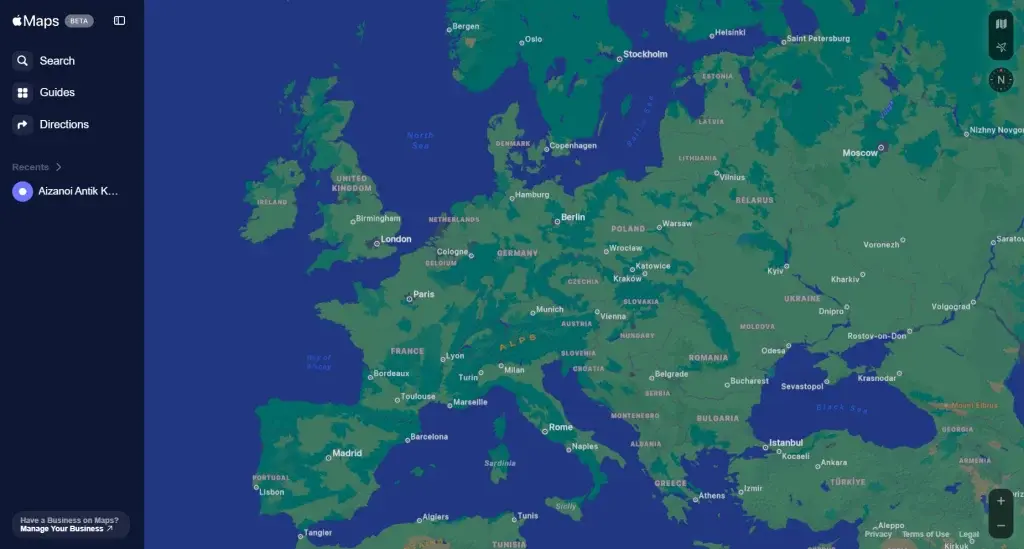
    Apple is a company that generally keeps its premium software exclusive to its own devices. Nevertheless, Apple Music is accessible on both Android and Windows, and the app for these platforms showcases a sleek design. Similarly, FaceTime, Apple’s video calling application, was initially exclusive to Apple devices. With the release of iOS 15, Apple allowed calls to be made with Android users. After much anticipation, Apple Maps is now available on non-Apple devices. The Apple Maps Beta has been released as a platform-independent website.

    Apple Maps Beta Interface

    Users can now access Apple Maps from computers running Windows or Linux operating systems. It is important to note that Apple Maps is not yet functional on Android devices. Apple has not developed a separate client for Windows or Linux. Instead, the maps can be accessed through the Beta website. Attempts to use Apple Maps on an Android device were unsuccessful, as Apple has restricted the service to desktop web browsers only.

    Apple Maps Doesn’t Work on Android Smartphones

    The newly launched website does not function as smoothly as it does on Apple devices but is still worth trying.

    Apple Maps Now Available on Windows and Linux Systems
  • Honor X9b Android 14 MagicOS 8.0 Update: New AI Features

    Honor X9b Android 14 MagicOS 8.0 Update: New AI Features

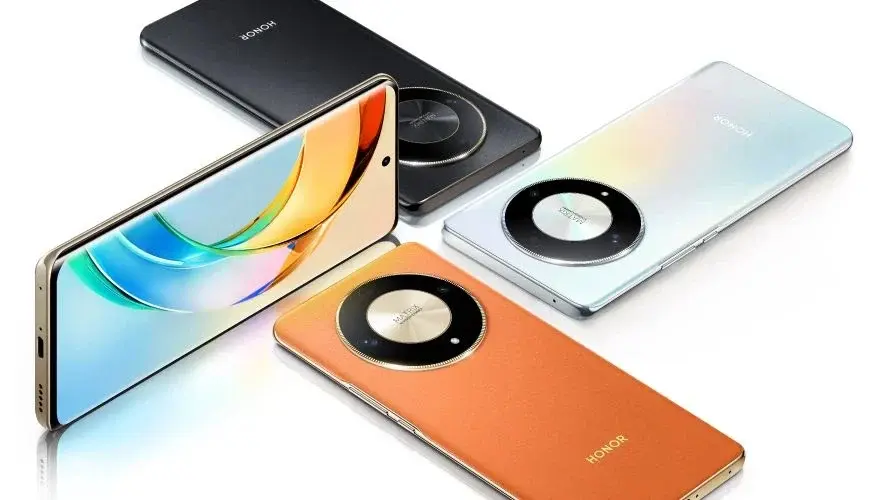
    HONOR has initiated the rollout of the MagicOS 8.0 OTA update for HONOR X9b users in India. Following a beta testing phase, the update is now available for all HONOR X9b devices, introducing new AI capabilities and improved security features.

    What’s New in MagicOS 8.0

    MagicOS 8.0 introduces a redesigned UI that leverages AI for a more intuitive user experience, driven by HONOR’s on-device AI model, MagicLM.

    AI Features:

    • Magic Capsule: Facilitates easy access to calls, alarms, and notifications.
    • Magic Portal: Assists in navigating to relevant apps based on message context.
    • Magic Ring: Simplifies multitasking across up to 8 devices.
    • Magic Lock Screen & Parallel Spaces: Offers a full-screen Always on Display and isolated contact spaces for enhanced privacy.
    • AI Smart Folders & AI Blur: Automatically organizes apps and blurs sensitive information to maintain privacy.

    Improvements:

    • Smooth Animations: Enhances the visual experience with seamless animations.
    • Custom Camera Layout: Allows users to relocate frequently used camera modes for easier access.
    • Enhanced ViLTE’s Video Calling: Boosts video call quality.

    Practical Updates:

    • Ultra Power Saving Mode: Prolongs battery life.
    • 5G Roaming: Ensures stable connectivity during travel.

    Security: Incorporates the latest Android June 2024 security patches.

    Update Availability

    The update is currently being rolled out, and all HONOR X9b users in India can now access it. To check for and install the update:

    1. Go to Settings > System & updates > Software update
    2. Tap on “Check for Updates”

    Xiaomi 14 Civi Limited Edition Launch

    In related news, the Xiaomi 14 Civi Limited Edition featuring a Panda Design is set to launch in India on July 29, 2024. This variant will offer new mirror glass and vegan leather options, available in Pink, Monochrome, and Blue. It is expected to come with up to 12GB RAM and 512GB storage. It shares features with the base model, including a 6.55-inch OLED display with a 120Hz refresh rate, Snapdragon 8s Gen 3 SoC, 4,700mAh battery with 67W fast charging, a 50MP triple rear camera, and a 32MP front camera.

  • Samsung One UI 7 Release in July: New Gallery Icon Leaked

    Samsung One UI 7 Release in July: New Gallery Icon Leaked

    Samsung’s One UI is frequently recognized as one of the leading Android skins available. With the anticipation building for One UI 7, it seems the wait for a glimpse of this new software might be drawing to a close.

    Anticipated Beta Program

    Ice Universe, a dependable source for Samsung leaks, recently indicated that the One UI 7 beta program is likely to commence in late July or early August, barring any unforeseen delays. This prediction stands in contrast to another tipster, Tarun Vats, who forecasted a September rollout in the US, Korea, and Germany. Given Ice Universe’s reputable history, the earlier timeline appears more plausible.

    Inspired by iOS?

    Preliminary details about One UI 7 suggest it may incorporate elements from Apple’s iOS. Expected changes include an updated notification panel, a revamped quick settings section, and new quick actions on the lock screen.

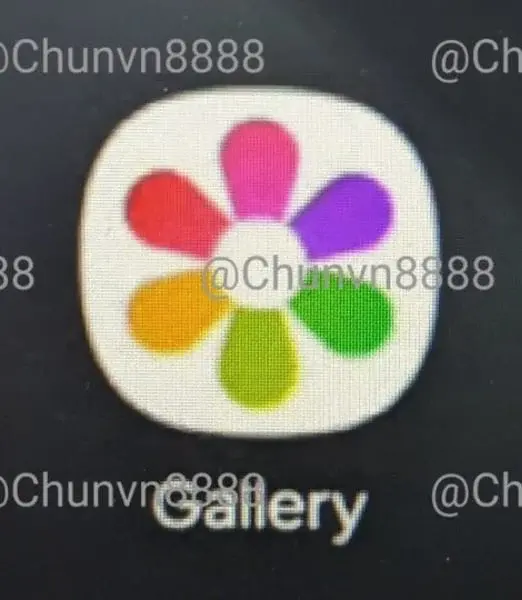
    Adding to the speculation, an image has emerged online, purportedly showing a redesigned Gallery app icon for One UI 7. Shared by @chunvn8888, the new icon moves away from the traditional monochrome design, opting for a more vibrant palette.

    Instead of the usual red background with white petal shapes, the new design features a white base with each petal in a different color, reminiscent of Google’s app icons.

    Icon Revamps and New Features

    This leak suggests Samsung might be overhauling other app icons as well. Similar updates could be expected for existing monochrome icons for apps like Email, Notes, and Camera. Additionally, there are murmurs about a native app-locking feature, akin to those found in other Android skins.

    Samsung’s annual SDC event, typically held in October, might serve as the platform for the stable release of One UI 7. Reflecting on last year’s schedule, Samsung unveiled One UI 6 at the SDC and completed the rollout within the same month.

  • Nigeria Fines Meta $2.2M for Data Protection Breach

    Nigeria Fines Meta $2.2M for Data Protection Breach

    On July 20th, the Nigerian government imposed a significant fine of $2.2 million (about 1.6 billion yuan) on Meta, the parent company of Facebook and WhatsApp, as reported by The Associated Press. This penalty is a result of an investigation that discovered Meta’s repeated breaches of Nigeria’s data protection and consumer rights laws.

    Investigation Findings

    The Federal Competition and Consumer Protection Commission of Nigeria (FCCPC) detailed several specific violations uncovered during their investigation. These included unauthorized sharing of Nigerian user data, depriving consumers of their right to control their data, engaging in discriminatory practices, and abusing its market dominance.

    In a statement, FCCPC CEO Adamu Abdullahi expressed the commission’s approval of the collected evidence and confirmed that Meta had sufficient opportunity to address the issues. “The committee has now entered the final order and punished the Meta Party,” Abdullahi stated.

    Previous Penalties

    This substantial fine follows another penalty that Meta faced last month. In June, the Italian Antitrust Authority (AGCM) imposed a €3.5 million (about 27.74 million yuan) fine on Meta for unfair business practices. The AGCM investigation revealed that Meta did not explicitly obtain user consent for collecting and using data for commercial purposes during the Instagram registration process. Furthermore, the Italian regulator found that Meta failed to provide users with proper communication channels to contest suspended Facebook and Instagram accounts. While the AGCM noted that Meta has since corrected these practices, the repercussions of these policy violations are becoming increasingly apparent.

  • Google’s Dark Web Monitoring Expands to All Users in July

    Google’s Dark Web Monitoring Expands to All Users in July

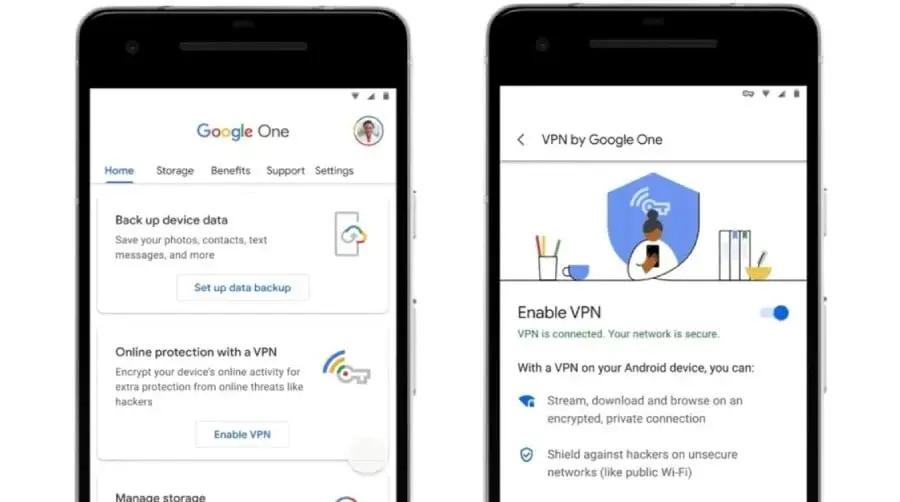
    In a move that seems to emphasize data security over virtual private network (VPN) access, Google is broadening its Dark Web Monitoring service. Previously reserved for paying Google One subscribers, this feature will be accessible to all Google Accounts by the end of July 2024. This rollout follows Google’s recent decision to discontinue the VPN service within the Google One app.

    What is Dark Web Monitoring?

    The Dark Web comprises encrypted online networks that are challenging to reach using standard search engines. These networks are sometimes used for illegal activities and can also host leaked personal information from data breaches.

    Dark Web Monitoring delves into these obscure parts of the internet to look for your personal details, such as your name, address, email address, and phone number. If a match is discovered, Google will alert you and recommend actions to take, such as changing passwords or reporting stolen credit cards.

    Previously a Paid Feature Now Accessible to All

    In the past, Dark Web Monitoring was exclusively available to users with a Google One subscription. This paid service included additional features like expanded cloud storage and family sharing. Now, the essential function of monitoring the dark web will be offered free of charge to all Google Account holders.

    Starting in July 2024, users will notice this change within the "Results about you" tab on the Google One app. This tab helps you identify and request the removal of your personal information from public search results. Dark Web Monitoring enhances this by scanning the more concealed areas of the internet for leaks that might not be immediately visible.

    Enhanced User Privacy in the Era of Data Breaches

    The heightened focus on Dark Web Monitoring underscores the growing concern about data breaches. With online services and products frequently falling prey to cyberattacks, having a method to track your personal information can be an invaluable security measure.

    By providing Dark Web Monitoring for free, Google is making a significant move towards enabling users to safeguard themselves in the digital landscape.

  • Huawei Launches Phase 2 of HarmonyOS NEXT Developer Beta

    Huawei Launches Phase 2 of HarmonyOS NEXT Developer Beta

    Huawei has launched the second phase of its HarmonyOS NEXT developer beta program, presenting another opportunity for developers and early adopters to test the forthcoming operating system on specific Huawei devices.

    Applications for this phase are open until July 26th, 2024, at 3:00 PM PST. Submissions made during this period will be evaluated between July 13th and August 5th, with a processing time ranging from 3 to 7 business days.

    Eligible Devices

    This round includes the same devices as the initial phase: Mate 60 series smartphones, Mate X5 foldable phones, and MatePad Pro 13.2 tablets. Interested participants, whether they are developers or regular users, must satisfy certain criteria.

    First, users need to possess a compatible device with the latest baseline build installed. Developers must be registered with the Huawei Developer Alliance and complete the real-name verification process. Moreover, all participants are required to sign a confidentiality agreement and pass a registration questionnaire before submitting their details.

    Limited Slots Available

    This phase offers 5,000 tester slots, so early registration is advised to improve chances of selection. Selection criteria will consider the details provided in the application.

    Interested parties can find the registration links below. It is crucial to remember that this is a beta program. Beta versions can be unstable, might lead to data loss, and may not be fully compatible with all existing apps. Therefore, it is important to back up all essential data before installing the beta update, using a PC, cloud storage, or another external device.

  • New Discoveries on Milky Way Size by Chinese Astronomers

    New Discoveries on Milky Way Size by Chinese Astronomers

    Chinese astronomers have uncovered new insights into the size of the Milky Way galaxy, indicating it is much larger than previously estimated. Their study, published in the highly regarded journal Nature Astronomy, utilized data from APOGEE, the world’s first extensive near-infrared stellar spectral survey.

    Analysis of Stellar Distribution Across the Milky Way

    The research team, led by Associate Professor Lian Jianhui from Yunnan University, leveraged this survey to consider factors like dust that can obstruct traditional measurements. By examining the distribution of stars throughout the Milky Way, they were able to reconstruct a more detailed image of its structure.

    Their findings contest the long-standing belief that the Milky Way consists of a single exponential disk – a flat structure where stellar density gradually decreases outward. Instead, the study suggests a more intricate structure. The outer disk (beyond 24,000 light-years from the galactic center) aligns with the exponential model. However, the inner disk (between 11,000 and 24,000 light-years) shows a flatter distribution, with stellar density remaining relatively constant.

    Implications of the Revised Understanding

    This updated perspective has significant implications. Earlier estimates based on the exponential disk model placed the Milky Way’s radius at about 10,000 light-years, making it seem denser than galaxies of similar mass. The new data, however, proposes a nearly doubled radius of 19,000 light-years, aligning the Milky Way with other galaxies of its type.

    Professor Lian underscores the significance of near-infrared observations in surpassing the limitations of traditional methods. Dust particles greatly affect visible light, but their impact on near-infrared wavelengths is much less. This allows for a clearer view of stellar distribution, especially within the Milky Way’s dusty inner regions.

    These discoveries provide valuable insights into the structure and features of our galaxy, encouraging further studies to revise estimates of the Milky Way’s overall physical properties.

  • How to Avoid Ads in Windows 11: Skip the Latest Update

    How to Avoid Ads in Windows 11: Skip the Latest Update

    Microsoft continues to enhance Windows 11, refining the latest iteration of its widely-used operating system. Although these updates typically benefit users, this isn’t always the case. For instance, the most recent Windows 11 update introduces new advertisements to your PC. Here are the details…

    Microsoft Inserts Ads in Latest Windows 11 Update – How to Turn Them Off

    Windows remains one of the most widely-used operating systems ever. However, it’s challenging to assert that Microsoft is earning as much from this OS, installed on billions of devices, as it desires.

    Despite generating billions in annual revenue, there’s always potential for more. This is where Microsoft’s clever strategy comes into play: incorporating advertisements.

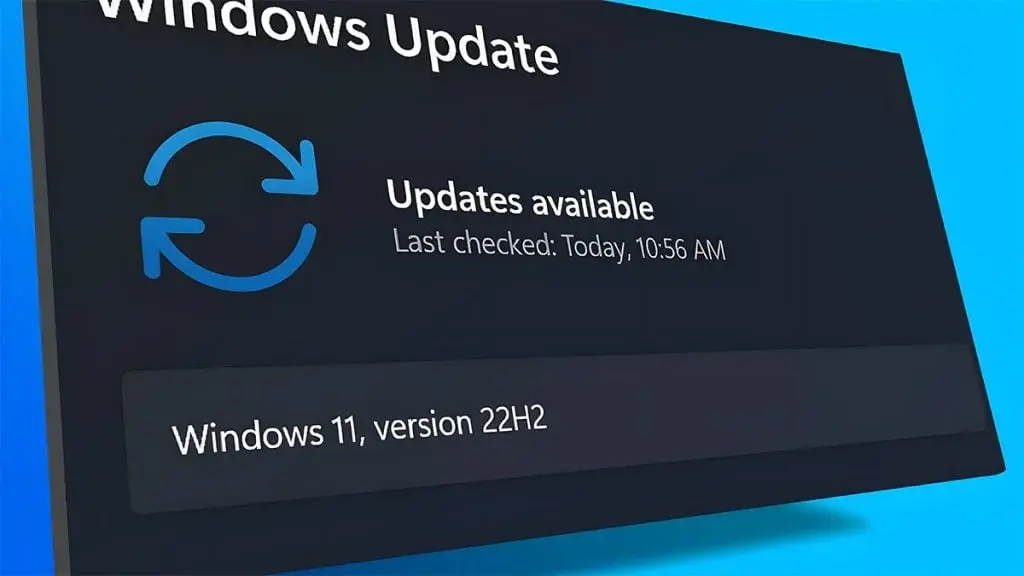
    It’s been known for a while that the company intended to integrate ads into various segments of the OS. Now, in line with this strategy, the tech giant has unveiled a new update for Windows 11 version 23H2 and Windows 11 version 22H2, embedding advertisements into your PC.

    Impact on Users

    The update leads to Windows 11 users encountering advertisements within the Start menu and Settings section. These ads, usually promoting apps, are generally categorized under “recommendations.”

    Disabling the Ads

    However, rest assured; during the beta phase, a method to disable this feature was introduced and is likely available in the current version. To disable these ads, ensure you are running the most recent version and follow these steps:

    1. Open Settings: Press the Windows key and select Settings.
    2. Personalization: Navigate to Personalization.
    3. Start: Click on Start.
    4. Toggle Off: Turn off “Show recommendations for tips, app promotions, and more.”

    By following these steps, you can eliminate the newly added advertisements from your Windows 11 experience.

  • ColorOS 15 may introduce Apple AirDrop-like file transfer feature

    ColorOS 15 may introduce Apple AirDrop-like file transfer feature

    Reputed tipster Digital Chat Station has shared insights about the forthcoming ColorOS 15 update. According to the tipster, the update will introduce enhanced system animations.

    ColorOS 15 Could Introduce a Feature Similar to Apple’s Live Photos

    Additionally, the update is expected to include a feature akin to Apple’s Live Photos. For those who are not aware, this iPhone feature lets users capture moments 1.5 seconds before and after taking a picture. This can be particularly useful for capturing fast-moving subjects, such as birds in flight.

    Furthermore, the tipster mentioned in a separate Weibo post that devices running ColorOS 15 will be able to transfer files to Apple devices using a feature similar to AirDrop. AirDrop, developed by Apple, allows users to wirelessly send photos, videos, documents, and more to other Apple devices effortlessly. However, to use this feature on ColorOS 15, users will need to install an additional app on their Apple devices. Unfortunately, specific details about this app are currently unavailable.

    But which models will get the feature first? Ma Xin, Director of User Experience and Solutions for OPPO ColorOS, has previously shed light on this. He indicated that several models might receive this feature for internal public testing with the upcoming ColorOS 15 update. Below is the list of devices eligible for the AirDrop-like feature: