
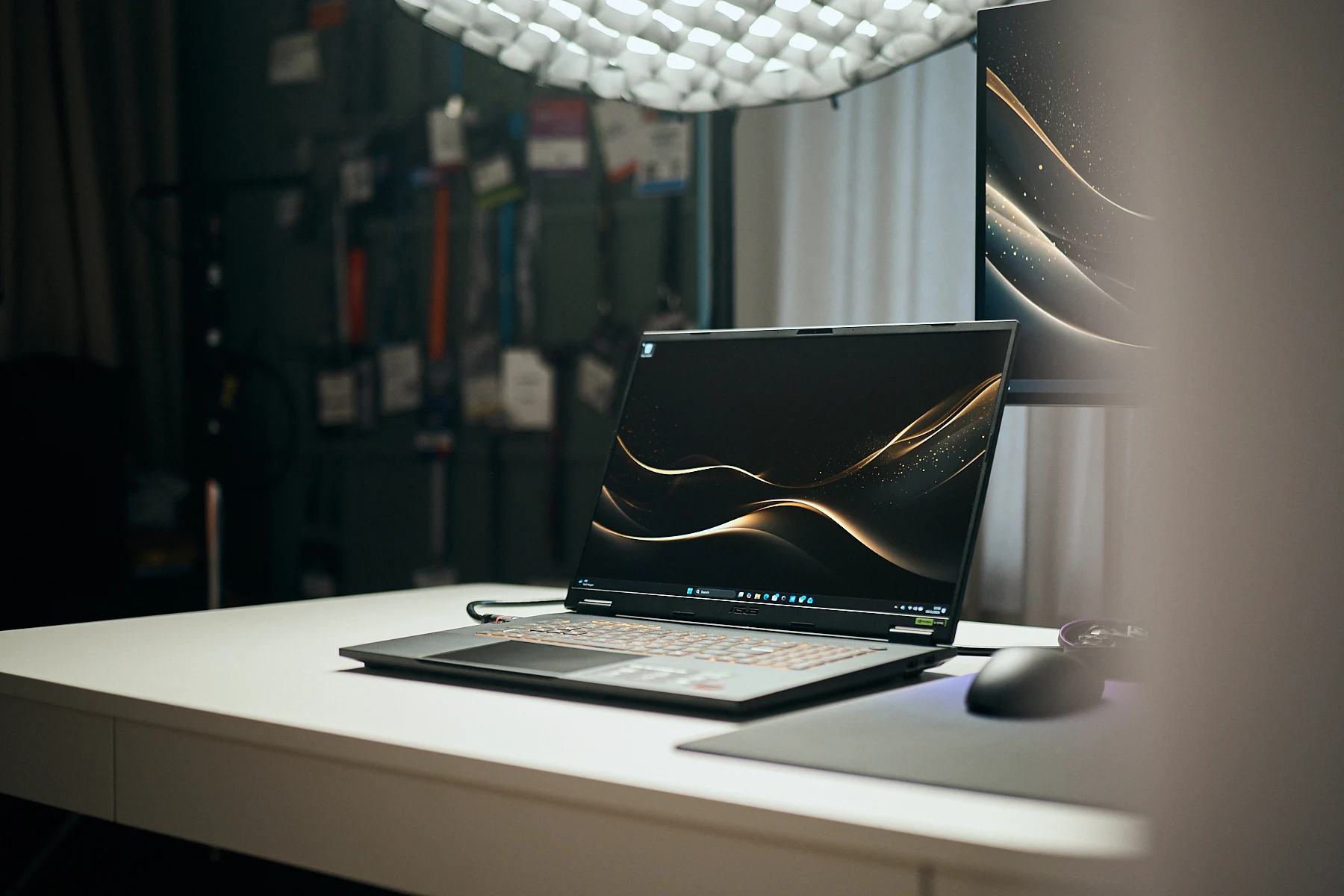
Key Takeaways
1. Testing Consistency: Fair evaluation of gaming laptops requires testing under similar performance conditions, despite changes in manufacturer control-center apps.
2. Variability in Performance Modes: Performance modes across different brands and even within the same brand can yield inconsistent results, complicating comparative testing.
3. Impact of Turbo Mode: Some laptops, like the Asus TUF Gaming A18, show significant performance boosts in Turbo mode, highlighting the variability in how different modes are optimized.
4. Trade-offs in Performance Settings: The A18’s Performance mode offers quieter operation and better energy efficiency, albeit at the cost of lower gaming performance compared to competitors.
5. Importance of Comprehensive Reviews: It’s essential to read full reviews to understand all performance settings and their implications, as scoring may only reflect one mode.
To evaluate (gaming) laptops in a fair way, we make it a point to test each device under similar performance conditions. Back when manufacturers did not have control-center apps, this process was simpler—we could depend on Windows’ power modes (Energy Efficient, Balanced, Performance).
Changes in Testing Procedures
When these control centers were first introduced, most brands retained Windows’ naming systems and only made slight adjustments to the settings. However, this is no longer the case today, creating more challenges for comparative testing.
A Performance mode on device A from brand X often doesn’t perform the same as the similarly named mode on device M from brand Y. Even laptops from the same brand can show differences, despite sharing identical settings with the same labels. For instance, with the 2025 Asus ROG Strix G18, we discovered that “both GPU and gaming performance in Turbo mode were not actually better than in Performance mode.”
Performance Variations
In contrast, the recently evaluated Asus TUF Gaming A18 shows a different story. In this case, GPU performance increases noticeably when Turbo mode is activated—enough to allow the laptop to compete with other models only when Turbo is in use.
This also indicates that the A18’s so-called “Performance” mode provides gaming performance that is significantly lower than that of the G18 or other competitors. However, the A18 operates much quieter and is far more energy-efficient in this mode—something that our scoring system takes into account. Losing a few points in 3D performance leads to much higher ratings in temperature, noise, and power consumption.
Assessing the Performance Modes
One could argue that the A18’s Performance mode is merely a (better) Balanced mode with a new name—and that Turbo should have been regarded as the real high-performance setting. After all, the A18 does not even have a Balanced mode. Yet as reviewers, this isn’t clear at the beginning; it only becomes apparent during testing. More importantly, the mode is well-optimized: performance dips are only slight, while improvements in other aspects are quite significant.
So, did Asus “cheat” by eliminating the Balanced mode or simply rebranding it as “Performance”? Or has the company finally developed a well-optimized performance preset that sacrifices just a few frames for much lower noise and power consumption? It’s up for each reader to determine—our benchmarks and data related to specific modes can help clarify this matter.
Conclusion
Yes—most likely. Our scoring system takes into account results from only one mode. That’s why it’s crucial to read the complete review (Asus TUF Gaming A18 review), where we elaborate on all performance settings, not merely the one used for scoring.
Leave a Reply