
Key Takeaways
1. The Amazon Echo 5 is limited by the Amazon Fire OS ecosystem, restricting its app and feature development.
2. A jailbreak method exists for the first-generation Echo 5 and 8 models, allowing users to enhance functionality.
3. Users can choose between two options: maintaining Amazon services with some Fire OS limitations or replacing Fire OS with Lineage OS for full Android capabilities.
4. Both options have trade-offs, such as performance slowdowns with Fire OS or losing access to Amazon services with Lineage OS.
5. The installation process for either option carries a risk of permanently damaging the device (bricking).
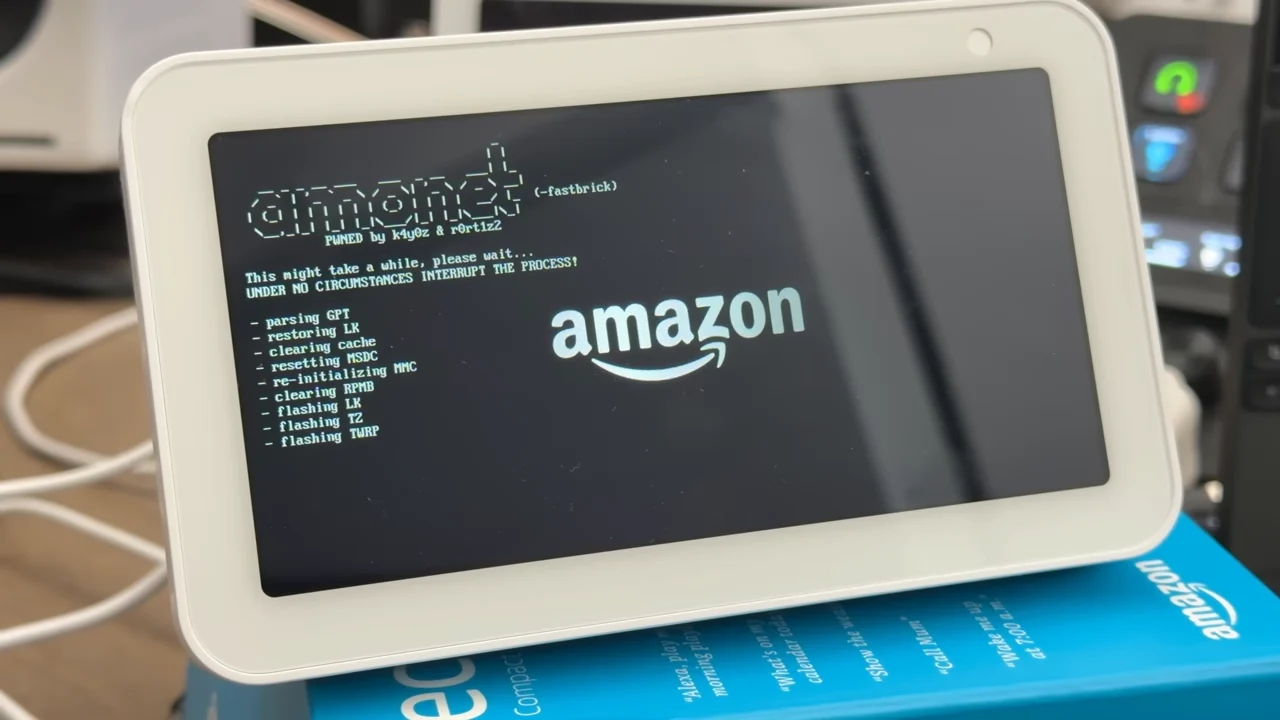
Like all Amazon devices, the Amazon Echo 5 is tied to the Amazon Fire OS ecosystem, which limits the potential of this device to just a few underdeveloped apps and features for users. Thankfully, with the help of an exploit discovered by Roger Ortiz and a custom version of Lineage OS created by bengris32, there are resources to jailbreak these devices. This allows users to enhance the functionality of their devices beyond what was initially intended. Additionally, users of the Amazon Echo Show can still maintain the device’s Amazon services, such as Alexa, giving them a balance of both worlds. However, users must be cautious, as such jailbreak methods can risk damaging the device permanently.
Options for Users
Mark Watt Tech mentioned in his video that the exploit necessary to turn the Amazon Echo 5 into a fully functional Android tablet is currently only applicable to the first-generation Echo 5 and 8 models, and it won’t work on other types of hardware. For those who own the 1st Gen Amazon Echo 5 or 8, there are two ways to enhance their Echo Shows, both of which are detailed on the XDA forums. The first option keeps the original capabilities of the Echo Show, including Alexa. On the other hand, the second option completely removes Fire OS from the device and replaces it with a custom, open-source version known as Lineage OS. Each option has its advantages and disadvantages, with the first option experiencing some performance slowdowns due to background operation of Fire OS, while the second option loses all access to Amazon services. Nevertheless, both options provide increased functionality, such as access to more apps and greater control over the device.
Installation Process
Moreover, both choices follow a similar installation method, which includes:
Fortunately, Mark Watt Tech explains these steps and provides guidance on how to install Lineage OS on an Echo Show 5. It’s important to reiterate that this process comes with the risk of bricking the device. Those interested can check out more information about the installation process and features of Lineage OS in the resources listed below.
Source:
Link
Leave a Reply