
Tag: Windows Hello

  • Asus launches new desktop worldwide as Apple iMac rival

    Asus launches new desktop worldwide as Apple iMac rival

    Key Takeaway

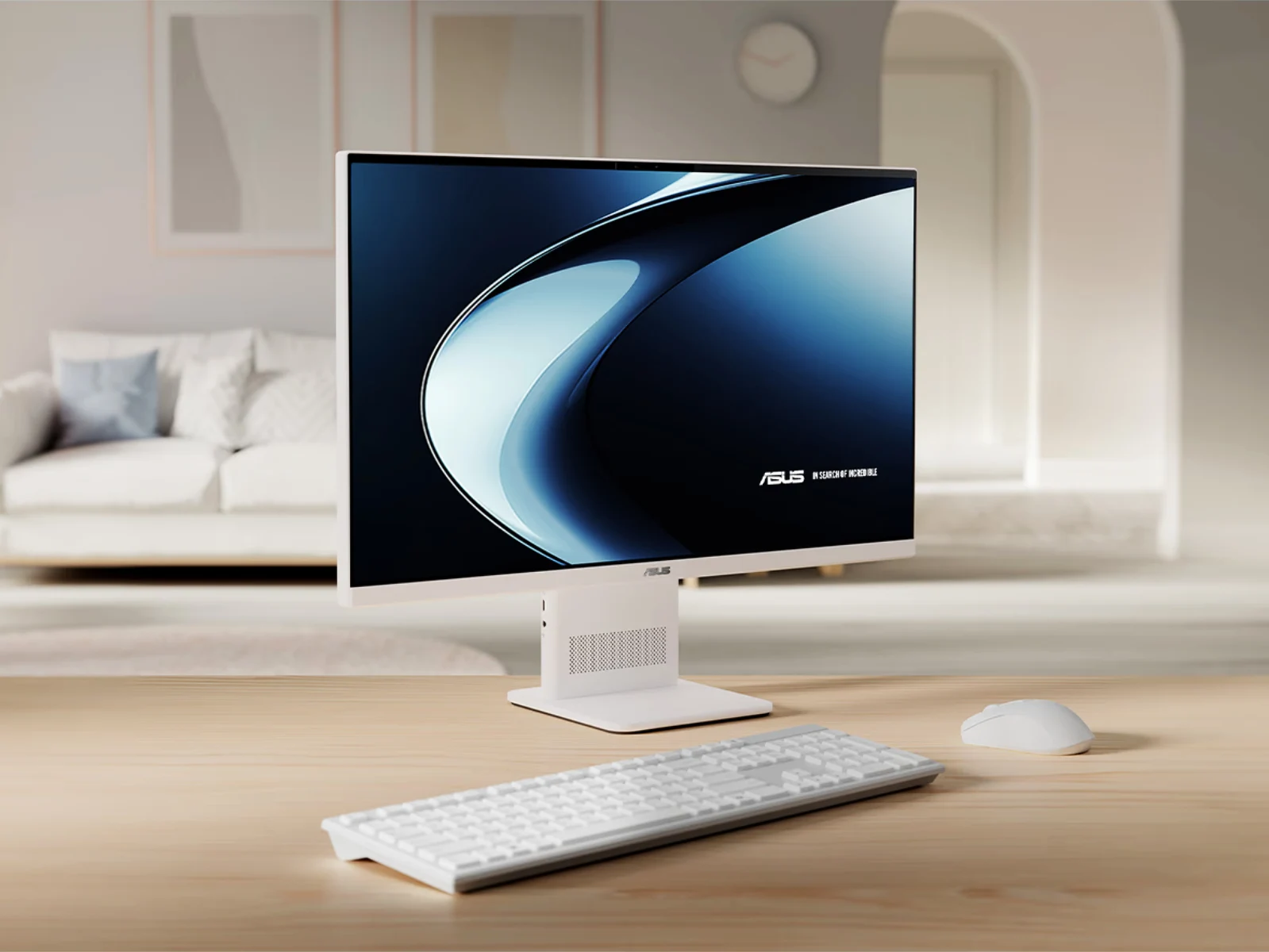
    – Asus has released a Snapdragon X-powered all-in-one desktop, the VM441, positioned as an iMac-like alternative with a 23.8″ 1080p display and 60 Hz refresh rate.
    – It uses an older Snapdragon X1-26-100 chipset, includes 16–32 GB RAM (16 GB currently available), built-in speakers, mic array, 5 MP Windows Hello webcam, Bluetooth 5.3, and Wi‑Fi 6E.
    – Availability and pricing: marketed in the US and India (sold via Best Buy and other channels), with confirmation of 16 GB variants currently in stock.


    Asus launches Snapdragon X powered AiO desktop

    Asus has rolled out a new all-in-one computer this year, stepping into the Snapdragom X arena with a model that mirrors the Apple iMac in concept if not in price. The VM441 (V400 AiO VM441QA) is billed as Asus’ response to sleek, compact desktops, and it arrives with the older Snapdragon X X1-26-100 chip that previously powered the Zenbook A14. The device comes with a 23.8-inch 1080p panel that maxes out at 300 nits, and it covers 100% of the sRGB color gamut while delivering a 60 Hz refresh rate.

    • Display: 23.8-inch 1080p, 300 nits peak, 100% sRGB, 60 Hz
    • Processor: Snapdragon X X1-26-100
    • Ports: Various I/O options included

    Built‑in features and connectivity

    The VM441 isn’t just about a single screen and silicon; it also packs a built-in speaker system, a microphone array, and a 5 MP webcam that supports Windows Hello for easier sign‑ins. In addition, Asus adds wireless features like Bluetooth 5.3 and Wi‑Fi 6E, making it reasonably current for contemporary home or small office setups. The device is marketed with 32 GB RAM on the official page, but at present only 16 GB configurations are available to buy. The company is offering the VM441 in select markets such as the US and India, with pricing currently listed at various retailers.

    Pricing, RAM, and availability

    In terms of price, Asus positions the VM441 similarly to premium all‑in‑ones, though exact street pricing can fluctuate by region and retailer. The RAM story is a bit tangled, as Asus touts 32 GB on its site, yet stock ships as 16 GB by default, leaving buyers to weigh whether an upgrade is necessary or if the existing memory suffices for their workloads or casual use. Availability is being scoped to markets like the United States and India for now, with future expansions possible depending on demand and supply chains.

    Sources
  • New Windows Hello Vulnerability Allows Face Login by Hackers

    New Windows Hello Vulnerability Allows Face Login by Hackers

    Key Takeaways

    1. ERNW introduced a new exploit called “Faceplant” that compromises Windows Hello for Business, revealed at Black Hat USA 2025.
    2. The attack allows an attacker with admin rights to bypass another user’s facial recognition login by injecting a stolen biometric template.
    3. The attacker can create a biometric template by registering their face on any computer, then decrypt and pull the victim’s template.
    4. This method differs from the previous “Face Swap” exploit, which required exchanging identifiers between registered user accounts.
    5. The findings emphasize the need for improved security measures in biometric systems to prevent such vulnerabilities.


    ERNW has revealed a new method to compromise Microsoft’s Windows Hello for Business. This revelation took place at the Black Hat USA 2025 conference. The exploit builds off a related vulnerability that was disclosed by the company in July.

    Details of the Attack

    This latest exploit, known as “Faceplant,” enables an attacker with admin rights to completely circumvent another user’s facial recognition login. The researchers clarified that the attacker can first register his/her face on any computer, which creates a biometric template. In simple terms, a biometric template is a digital version of your face that the computer makes and stores when you register your face or fingerprint. This template is what the computer uses to recognize your face or fingerprint when you try to log in.

    To execute the attack, the intruder decrypts and pulls the template. In the final phase, the attacker injects this template into the victim’s biometric database on the target machine. This grants the attacker access as if they were the victim, using their own facial features. This attack marks a notable shift from the Face Swap exploit that ERNW discussed in July.

    Comparison to Previous Exploit

    The earlier attack required the attacker to exchange identifiers, which are tags that point to templates, between two user accounts that were already registered on the same device. In contrast, this new method targets the templates directly, rather than the identifiers, allowing the perpetrator to create the harmful template on any computer.

    ERNW has made a significant advancement in demonstrating these risks within biometric security systems, highlighting the need for enhanced protections.

    Source:
    Link


  • Windows Laptops and Desktops Have Security Flaw for Unauthorized Login

    Windows Laptops and Desktops Have Security Flaw for Unauthorized Login

    Key Takeaways

    1. Vulnerability found in Windows Hello for Business, allowing identity theft by attackers with device access.
    2. “The Face Swap” attack exploits biometric data processing, enabling unauthorized access.
    3. Attackers with administrative rights can alter user biometric identifiers, fooling the system.
    4. Proof-of-concept demonstrated that attackers can impersonate other users on the same device.
    5. Microsoft has been informed, but a comprehensive fix may require a complete system redesign.


    A recent investigation by ERNW, a security research company based in Germany, has uncovered a vulnerability in Windows Hello for Business, which is Microsoft’s system for password-free authentication. This study was part of a project supported by Germany’s Federal Office for Information Security (BSI). The findings reveal that attackers who already have access to a device can take advantage of the system’s design to carry out identity theft.

    The Face Swap Attack

    The attack, called “The Face Swap,” exploits how Windows Hello processes biometric information. Rather than using a person’s biometric data for direct verification, the system unlocks a cryptographic key that is kept on the device. ERNW’s researchers discovered that someone who has administrative rights can reach and alter the database that connects a user’s identity to their biometric template.

    Proof-of-Concept Demonstration

    During their testing, the researchers managed to interchange the identifiers of two users who were registered in the system. This swap completely fooled the system; an attacker could simply sit in front of the camera, and Windows Hello would recognize their face, granting them access to the victim’s account, which includes all corporate network resources, files, and sensitive data.

    In simpler words, on any Windows computer equipped with Windows Hello that has more than one user profile, this security flaw enables anyone with admin rights to impersonate other users within that system.

    Disclosure and Future Implications

    ERNW has informed Microsoft about these vulnerabilities, but they believe that a comprehensive fix is improbable since it would necessitate a complete redesign of the system’s architecture. In another incident, ERNW also reported a significant flaw in Linux systems two weeks ago that allowed attackers unrestricted access to those systems.

    Source:
    link

  • Windows Hello Unveils New Login Design: Fingerprint, Face, Passkey

    Windows Hello Unveils New Login Design: Fingerprint, Face, Passkey

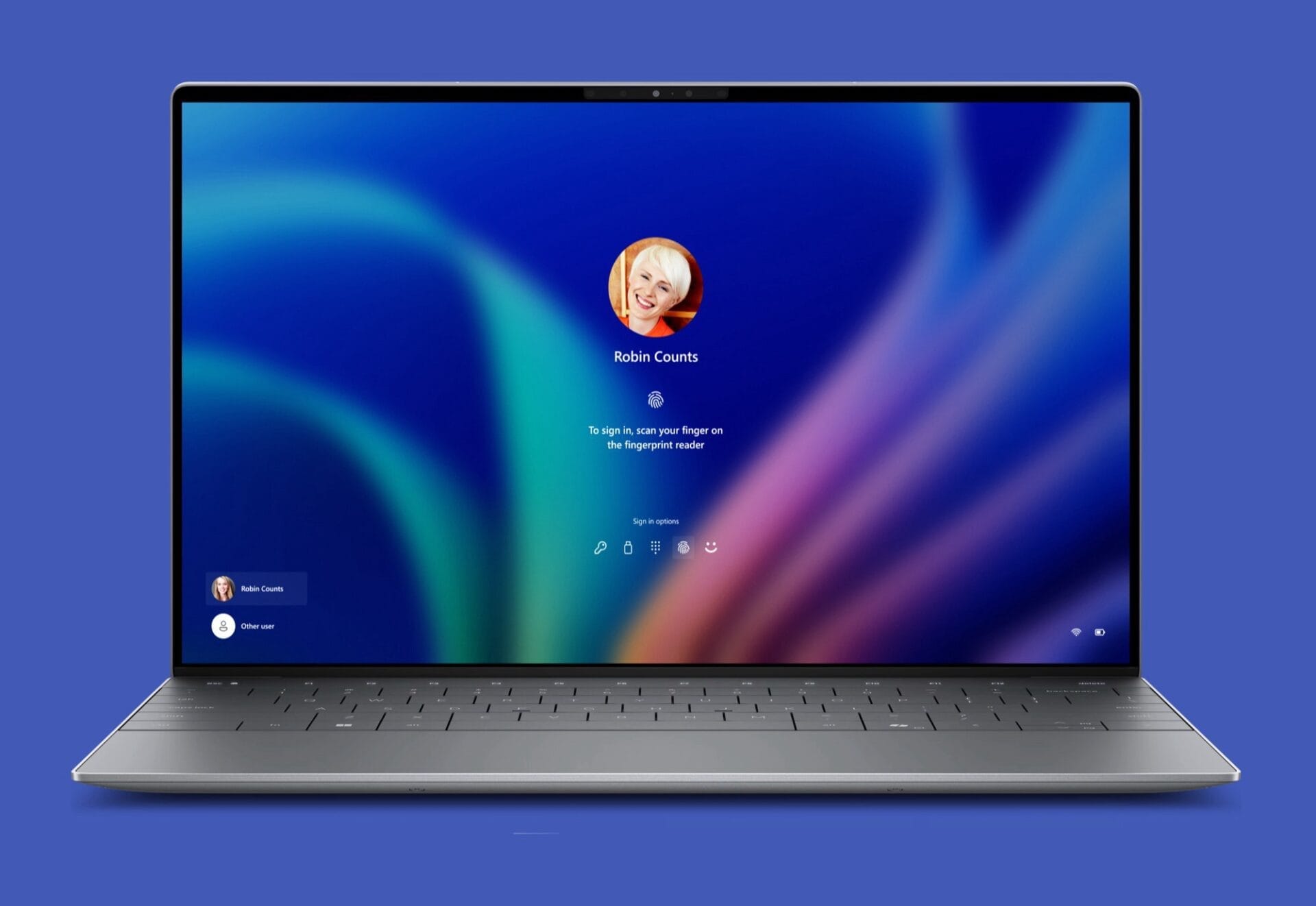
    Microsoft has rolled out a fresh Windows Insider preview version (build 22635.4440), which mainly updates Windows Hello. The firm has crafted new icons that will represent the method of login, whether it be through password, fingerprint sensor, or facial recognition across the system in the future. Furthermore, Microsoft has revamped the Windows Hello login screen in Windows 11 to better inform users about their choices for unlocking their devices.

    Streamlined Passkey System

    In addition, Microsoft has made adjustments to the passkey system in Windows, simplifying the process of switching between various passkeys and devices in this new preview version. For instance, users now have the capability to authenticate their login using a second laptop instead of relying solely on a smartphone. This feature is expected to be very beneficial for the new Administrator Protection feature, which is set to debut in an upcoming update for Windows 11 24H2.

    Enhanced Administrator Protection

    This new functionality permits the authentication of administrator permissions precisely when they are required, rather than granting full administrator access to an entire application. Consequently, the updated passkey system facilitates the use of an administrator’s passkey for authentication, even when the PC is predominantly used by another individual.

    This added layer of administrator rights protection is optional and seems to be primarily aimed at businesses. Moving forward, passkeys will be able to sync across multiple authorized Windows devices via a Microsoft account, improving the convenience of using this password alternative.


    Image 1
    Image 1