
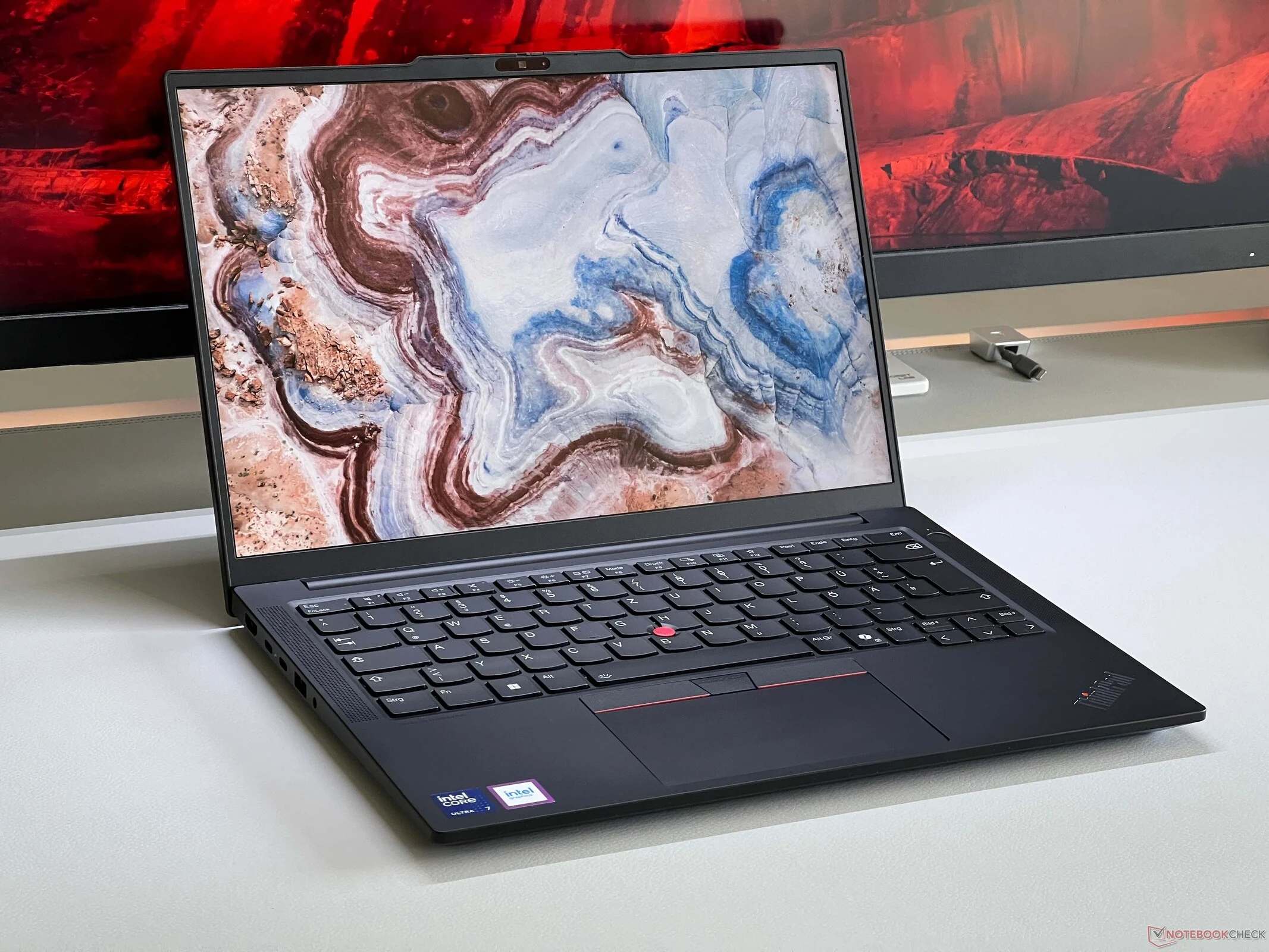
Tag: ThinkPad E16 G3

  • Lenovo ThinkPad E14 Gets Improved 120Hz Display for Budget Users

    Lenovo ThinkPad E14 Gets Improved 120Hz Display for Budget Users

    Key Takeaways

    1. Budget office laptops typically feature IPS screens with around 300 nits brightness, 60 Hz refresh rate, and limited color range.
    2. High-end business laptops often use OLED panels, but IPS panels avoid PWM flickering and light reflection issues.
    3. Lenovo’s ThinkPad E-series now offers upgraded IPS screens with higher resolutions and refresh rates for an additional cost.
    4. The ThinkPad E14 G7 has a higher resolution of 2880 x 1800 pixels, but may appear grainy in bright areas, while the E16 G3 performs better with 2560 x 1600 pixels.
    5. The improved refresh rate on upgraded displays allows for better image editing capabilities.


    Inexpensive office laptops usually come with rather poor screens, and not long ago, there were still VA panels around. Currently, the norm for budget-friendly office notebooks features IPS screens with a brightness level of approximately 300 nits, 60 Hz refresh rate, and limited color range. This decision makes sense for companies aiming to cut costs, especially with the rise of flexible workspaces where laptops are frequently connected to larger external displays. Consequently, the quality of the built-in screen becomes less significant.

    Premium Laptops and Their Displays

    High-end business laptops typically offer OLED panels, which do have their clear benefits. However, IPS panels are free from PWM flickering issues, and matte screens do not reflect light problems either. Lenovo is now providing improved IPS screens for its more affordable ThinkPad E-series. Both the ThinkPad E16 G3 and the ThinkPad E14 G7 can be upgraded to high-resolution IPS panels boasting 120 Hz refresh rates and full sRGB color coverage for an extra fee of merely 60 Euros.

    Screen Comparisons and Performance

    Interestingly, the smaller ThinkPad E14 G7 features a slightly higher resolution of 2880 x 1800 pixels (16:10), although it does present a somewhat grainy appearance on bright areas. In contrast, the larger 16-inch display of the ThinkPad E16 G3, with 2560 x 1600 pixels, performs better in this regard. Nevertheless, the image quality is undoubtedly superior compared to the standard screen. The enhanced refresh rate, in particular, represents a significant upgrade, allowing users to even edit images on the optional displays.

  • Lenovo ThinkPad E16 G3: Best Budget Office Laptop 2023

    Lenovo ThinkPad E16 G3: Best Budget Office Laptop 2023

    Key Takeaways

    1. Lenovo’s E-series ThinkPads, including the E16 G3, are budget-friendly laptops ideal for office use, providing solid value with no significant flaws.
    2. The E16 G3 is powered by the Arrow Lake Intel Core Ultra 5 225U processor, suitable for typical office tasks, but offers faster GPU options with upgraded CPUs.
    3. The laptop features good build quality, a variety of ports, user-friendly input devices, and respectable speakers, along with impressive battery life.
    4. An optional high-resolution WQHD display is available, offering 400 nits brightness, full sRGB coverage, and a refresh rate of 120 Hz for enhanced visual performance.
    5. Pricing for the reviewed configuration is 900 Euros through Lenovo’s campus program, while the standard online price is 1,050 Euros, which is still considered reasonable.


    Lenovo’s E-series ThinkPads are budget-friendly laptops designed for office use, effectively meeting all essential requirements and delivering solid value for money. This is also applicable to the latest 16-inch ThinkPad E16 G3, which sees enhancements in several key areas. Our comprehensive analysis revealed no significant flaws in the new model, powered by the compact Arrow Lake Intel Core Ultra 5 225U processor. It features a good build quality, an adequate selection of ports, user-friendly input devices, and even respectable speakers. The battery life is impressive as well.

    Performance Insights

    The Arrow Lake processor’s CPU capabilities are more than enough for typical office activities, although its GPU performance falls short. If you require a quicker integrated GPU, you can opt for the E16 G3 with one of the two advanced CPU choices (Core Ultra 5 225H or Core Ultra 7 255H), which are paired with significantly faster integrated GPU models, Arc Graphics 130T/140T. The fan operates quietly most of the time, and you can upgrade the RAM to a maximum of 128 GB.

    Display Upgrade

    After Lenovo enhanced its display offerings in the consumer line, the ThinkPad E16 now has an optional screen enhancement. For an extra 70 Euros over the standard 300-nits Full-HD display, you can choose a high-resolution WQHD panel that boasts 400 nits brightness, full sRGB coverage, impressive color accuracy, and a refresh rate of 120 Hz. The matte display avoids PWM flickering and delivers quick response times. Overall, this screen is an excellent option for intensive work tasks.

    If you’re part of Lenovo’s campus program, you can acquire our reviewed configuration for 900 Euros (including Windows 11), but the standard price of 1,050 Euros in Lenovo’s online store is still quite reasonable. For further details, please refer to our in-depth review of the new ThinkPad E16 G3.