Tag: software update issues

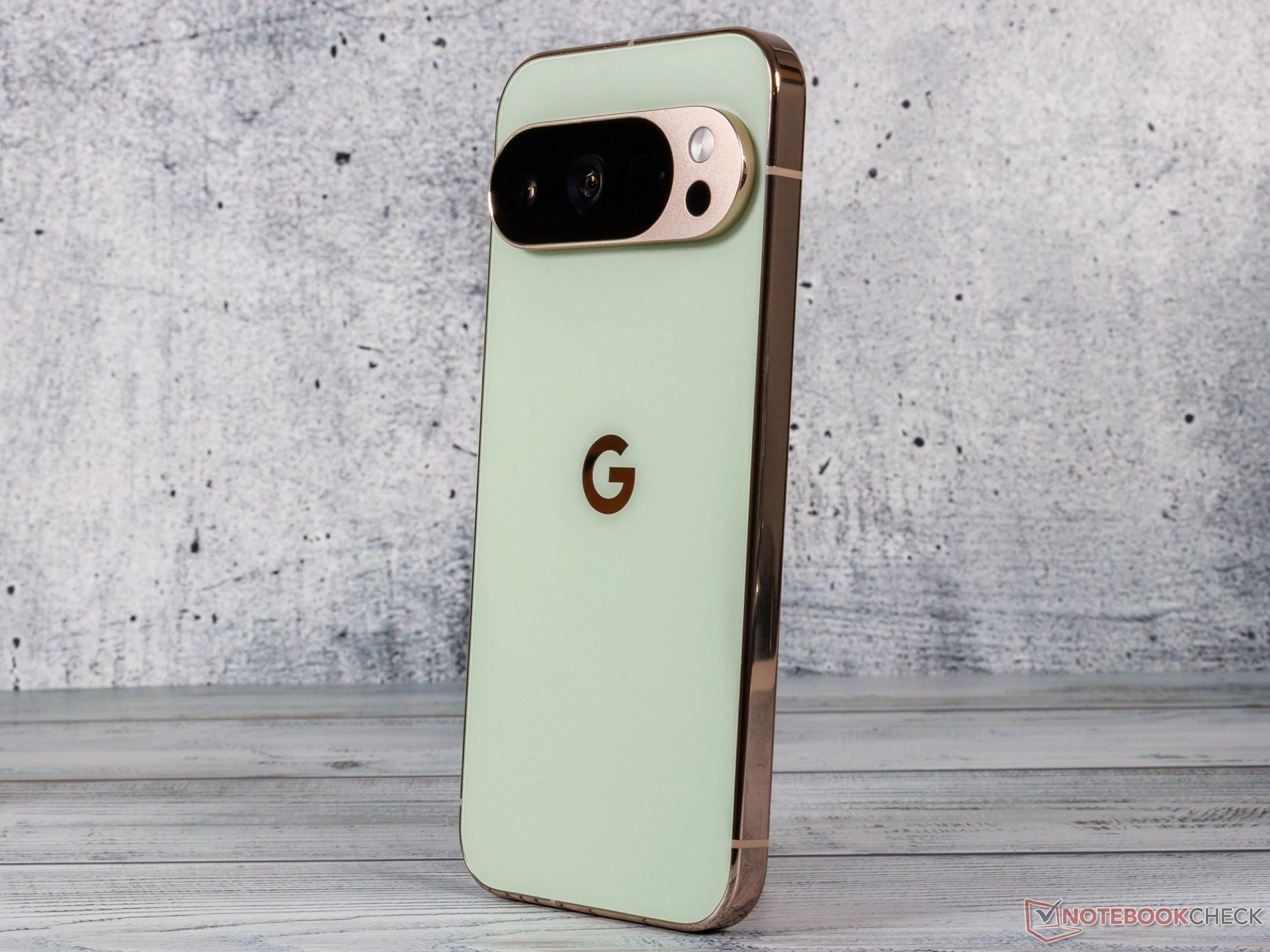
  • Google Pixel 10 Pro Users Report Major Problems After Update

    Google Pixel 10 Pro Users Report Major Problems After Update

    Key Takeaways

    1. Recent software updates for Google Pixel smartphones, particularly the Pixel 10 and 10 Pro, have caused significant user issues.
    2. Affected users report problems with WiFi, Bluetooth, cameras, and LED flashlight functionality.
    3. Common troubleshooting methods, such as restarting or factory resetting, have not resolved the issues.
    4. A temporary fix involves disabling Google Play Services and the Fitbit app, but this limits access to Google apps and the Play Store.
    5. Google is aware of the issues but has not provided a timeline for a permanent fix.


    Software updates are generally meant to resolve issues, but sometimes they can create new ones. Recently, there has been a notable problem with an update for certain Google Pixel smartphones. Users have been expressing their frustrations on Reddit and in the Google Support Forum. The most affected models seem to be the Google Pixel 10 and the Google Pixel 10 Pro (XL), although some owners of older Pixel devices have also reported experiencing similar faults.

    Issues Caused by the Update

    The problematic software update is said to lead to four main issues. Users are finding that their WiFi and Bluetooth connections are failing to work, the cameras are inoperable, and they cannot turn on the LED flashlight since the system claims it is already on. Not every affected Pixel phone experiences all these problems, however. In any case, restarting the device or using safe mode does not appear to resolve these issues. At least one user attempted to reset their affected Pixel phone to factory settings, yet this also did not fix the problems.

    Temporary Fixes and Google’s Response

    A member of the Google community named Julas23 has found that the trouble may be linked to Google Play Services. They discovered that removing or disabling Google Play Services as well as the Fitbit app seemed to fix the issues. Nonetheless, without Google Play Services, users cannot access Google apps or the Google Play Store, which makes this solution impractical for the long-term. Google has acknowledged the issue and is aware of it, but there has been no announcement regarding when a fix will be available.

    Source:
    Link


  • Garmin Update Makes Many Smartwatches Nearly Unusable

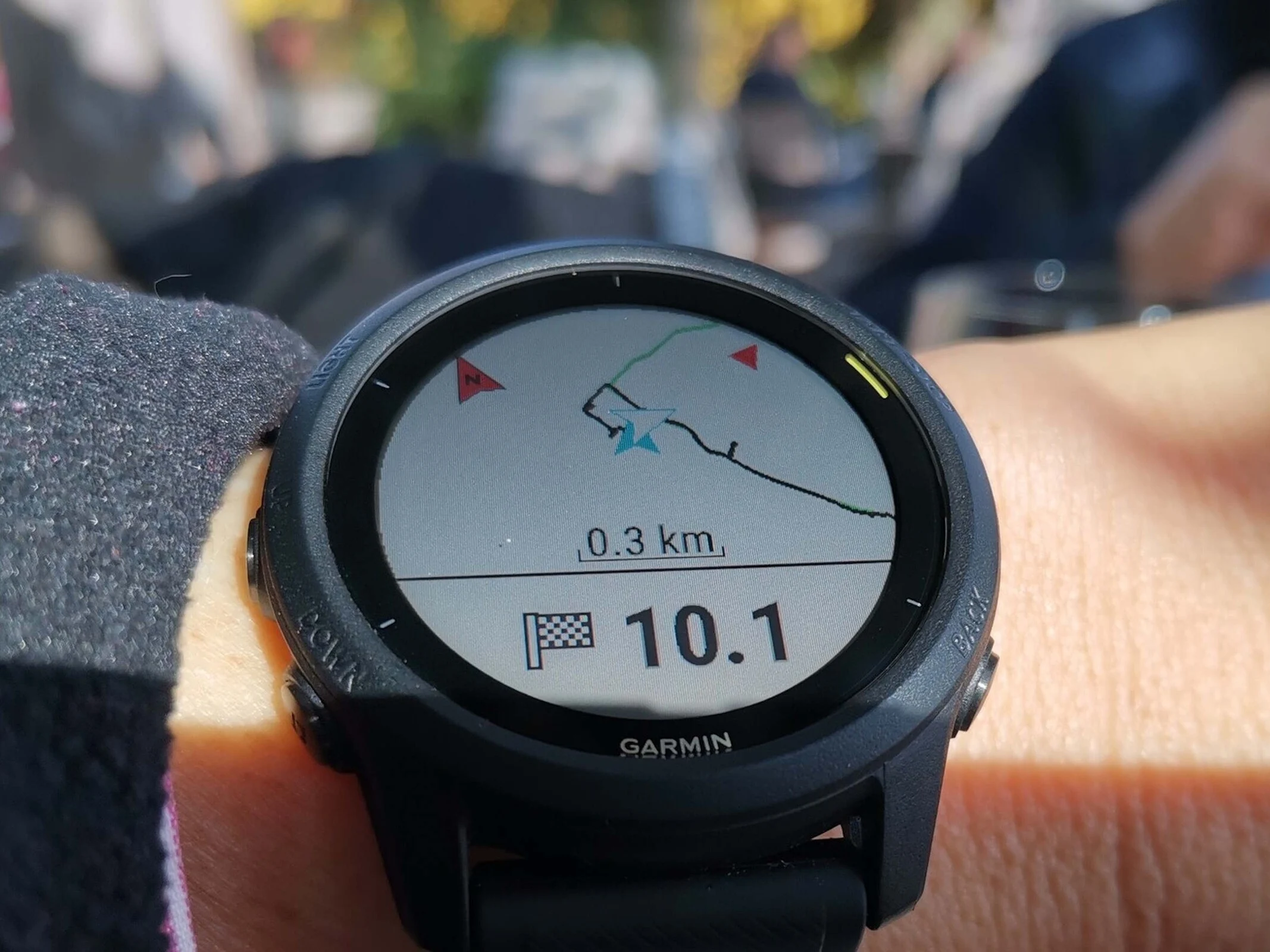
    Garmin Update Makes Many Smartwatches Nearly Unusable

    Key Takeaways

    1. Significant issues reported with Garmin Forerunner models after software update 27.09, affecting functionalities.
    2. Sleep tracking, step counting, and heart rate monitoring have become unreliable or non-functional on the Forerunner 165.
    3. Restarting devices may help but is not a guaranteed fix for the problems experienced.
    4. Community frustration is high, with many users expressing disappointment and seeking a resolution from Garmin.
    5. Garmin has acknowledged the issues but has not yet announced a firmware update to address them.


    Several users have experienced significant issues with multiple Garmin Forerunner models after a recent software update. Following the installation of software version 27.09, many people have reported serious problems with their Garmin Forerunner 165, Forerunner 265, and Forerunner 965 (which you can find here on Amazon). These aren’t just small bugs; these issues drastically limit the watches’ functionalities, severely impacting many of their smart features. It’s hard to determine how widespread these problems are, as some users claim they didn’t encounter any issues with the new software. Restarting the devices seems to help in some situations, but it’s not a guaranteed fix. One user on Reddit mentioned experiencing lag after the update.

    Sleep Tracking Issues

    A particular post highlights that the Garmin Forerunner 165 has stopped tracking sleep data, making it impossible for users to assess both the quality and length of their sleep. The step counter has ceased to function, and heart rate monitoring has become either unreliable or completely erratic. Even though the Forerunner 165 is not entirely unusable, it seems to have lost a significant portion of its smartwatch features. For instance, without reliable heart rate data, users cannot accurately monitor their workouts. Garmin has been made aware of these problems, but an official solution, like a firmware update, has not been announced yet. Those preparing for races may find these issues particularly challenging compared to casual users.

    Community Feedback

    In discussions on Reddit, many users have shared their frustrations regarding these updates. While some have found workarounds, the overall sentiment is one of disappointment. The lack of timely communication from Garmin has also added to the dissatisfaction. Users are eager for a resolution that restores their watches to full functionality so they can use them without worries. It seems the updates have turned their once reliable devices into sources of stress.

    Source:
    Link


  • Garmin Fixes Forerunner Touchscreen Issues with Latest Update

    Garmin Fixes Forerunner Touchscreen Issues with Latest Update

    Garmin is known for updating its smartwatches more often than its competitors, but these updates sometimes come with problems, even with a public beta program in place. Recently, this was the case with Software Version 21.19, which Garmin began releasing to several smartwatches at the beginning of the month.

    Update Issues

    Reports indicate that the update caused touchscreen issues during activities for nearly all smartwatches except for the Forerunner 255 (curr. $284 on Amazon). Interestingly, the changelog for Software Version 21.20 shows that its previous version also had a bug that made the Connect IQ watch face crash on the Forerunner 255. This issue affects all the other Forerunner models mentioned as well.

    Improvements Made

    Furthermore, the touchscreen settings are now supposed to be "respected" on the Forerunner 165, Forerunner 265, Forerunner 955, and Forerunner 965. Additionally, the last two models have fixed a different bug that stopped distance updates during golf activities. Sadly, it is still unclear when a new update focused on features will be made available. For further information, check out the forum posts linked below.

    Source: Link

  • Warning for Galaxy S10 & Note 10: Recent Update May Brick Phone

    Warning for Galaxy S10 & Note 10: Recent Update May Brick Phone

    Uh oh, if you own a Galaxy S10 or Note 10, there’s a possibility that your phone is facing a serious issue after the latest update.

    Boot Loop Problems

    Recently, many users have reported online that their Galaxy devices are getting stuck in a boot loop. This means that the phones keep restarting and can’t get past the initial boot screen. It appears that the software update has caused Samsung Galaxy Note 10 and S10 models to malfunction.

    User Complaints

    On Reddit, threads started by users like “rbthompsonv” and “mikethespike056” are filled with complaints, indicating this problem may be impacting many, if not all, Galaxy S10 and Note 10 versions. Reports also suggest that the Galaxy M51 might be affected too, suggesting the issue could be broader than just these two models.

    Cause of the Issue

    The exact reason for this problem is still not known. However, a report from Android Authority hints that it might be linked to the recent SmartThings Framework update, which began rolling out a few days ago.

    Unfortunately, if you find yourself with a bricked phone, the only solution currently available is quite drastic: a factory reset. Since the devices can’t boot up normally, retrieving data or trying other fixes isn’t possible. This means that you will have to erase everything stored on your phone, making a recent backup of your apps and data extremely important.

    The Factory Reset Dilemma

    Though it’s frustrating, performing a factory reset might bring your phone back to life. However, this comes at the cost of losing anything not backed up, including photos, messages, and app data.

    If you haven’t updated your Galaxy S10, Note 10, or M51 recently, you might want to wait a bit. Hopefully, Samsung will soon resolve this issue and provide a solution that is easier for users.

    We will continue to monitor the situation and will provide updates as more information becomes available. In the meantime, it’s advisable for S10 and Note 10 owners to refrain from installing any recent updates until this matter is settled.