Tag: performance mode

  • Crimson Desert PS5 Patch Boosts Performance with FSR Upscaling

    Crimson Desert PS5 Patch Boosts Performance with FSR Upscaling

    Key Takeaway

    1. The 1.01.00 update introduced a fixed 4K toggle in performance mode, improving visuals on PS5.
    2. FSR upscaling contributed significantly to sharper images, pleasing many players despite some frame rate compromises.
    3. The update also reduced load times and addressed critical bugs, enhancing overall game stability and performance.
    4. While players appreciate the visual improvements, some express concerns about potential frame rate drops to around 40fps with 4K enabled.

    Improved Visuals on PS5 After Last Update

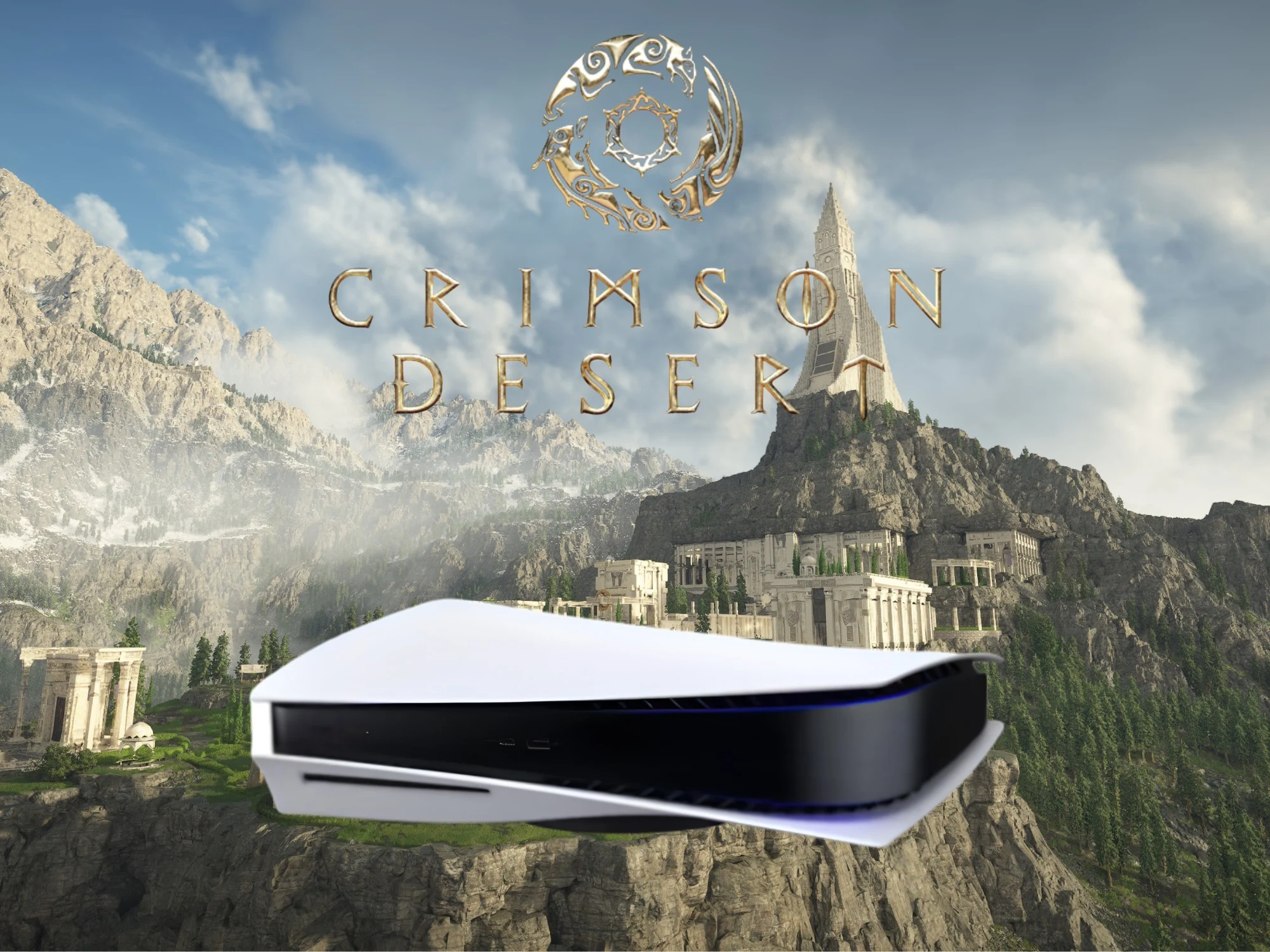
    After the release of Crimson Desert, many console players, specifically those on PS5, had issues with blurry visuals. The performance mode, which was meant to give higher frames, ended up delivering subpar graphics. But fans started noticing a shift after the recent patch, which made things look better.

    Patch 1.01.00 Details

    In the new update, Pearl Abyss added a very useful fix. They included a toggle to force 4K resolution in performance mode, which helps games look sharper on even basic TVs and monitors. The big boost probably comes from the use of FSR upscaling, which many Reddit users are praising. This gives players the chance to enjoy a more detailed vision of the game without sacrificing too much on frame rate.

    Player Reactions & Community Feedback

    Gamers on Reddit are talking about the update’s impact, with some calling it “incredible.” Users like 68WhiskeyAR mentioned they are “blown away how smooth and consistent” the gameplay now feels after just one update. Many who value more fluid action feel the visuals are now much sharper, making gameplay more enjoyable.

    Some Drawbacks Still Persist

    Not every player is entirely happy about the changes. Although performance mode on PS5 looks better with 4K enabled, there are some downsides. Frame rates tend to dip to around 40fps when reaching that resolution, which is similar to the balanced setting. Still, despite these issues, most gamers are quite satisfied with the improved visuals and stability from the update.

    Other Fixes & Game Performance Enhancements

    The patch isn’t just for visuals — it also brought a lot of other improvements. There are shorter load times across different platforms, making the game more enjoyable. Developers managed to fix critical bugs, like the map crash problem that was causing trouble on PlayStation consoles. Overall, the game’s momentum has grown, especially on PC where peak Steam players have increased significantly.

    Game State & Future Prospects

    Before its launch, it was suspected that Pearl Abyss might have kept some Crimson Desert footage under wraps. The game, initially, didn’t seem fully ready, which was a concern. But now, even without certain features like PSSR upscaling on the PS5 Pro, the standard version has improved visuals that come closer to what was expected. Fans are hopeful for further updates and refinements.
    Sources
  • RTX 5060 Laptop: 60% Quieter in Entertainment Mode, 12% Loss

    RTX 5060 Laptop: 60% Quieter in Entertainment Mode, 12% Loss

    Key Takeaways

    1. The Apex 17 is the top-performing RTX 5060 laptop in 3D benchmarks and gaming, thanks to its strong AMD processor.
    2. The laptop’s cooling system is effective but leads to higher noise levels, especially in Performance mode.
    3. Different modes (Performance, Entertainment, Silent) affect performance; Entertainment mode reduces CPU performance by about 15% but remains competitive.
    4. Despite a performance drop in Entertainment mode, the Apex 17 still outperforms many competitors in various tests.
    5. Switching to Entertainment mode significantly reduces fan noise by approximately 60%, while maintaining a good balance between performance and sound levels.


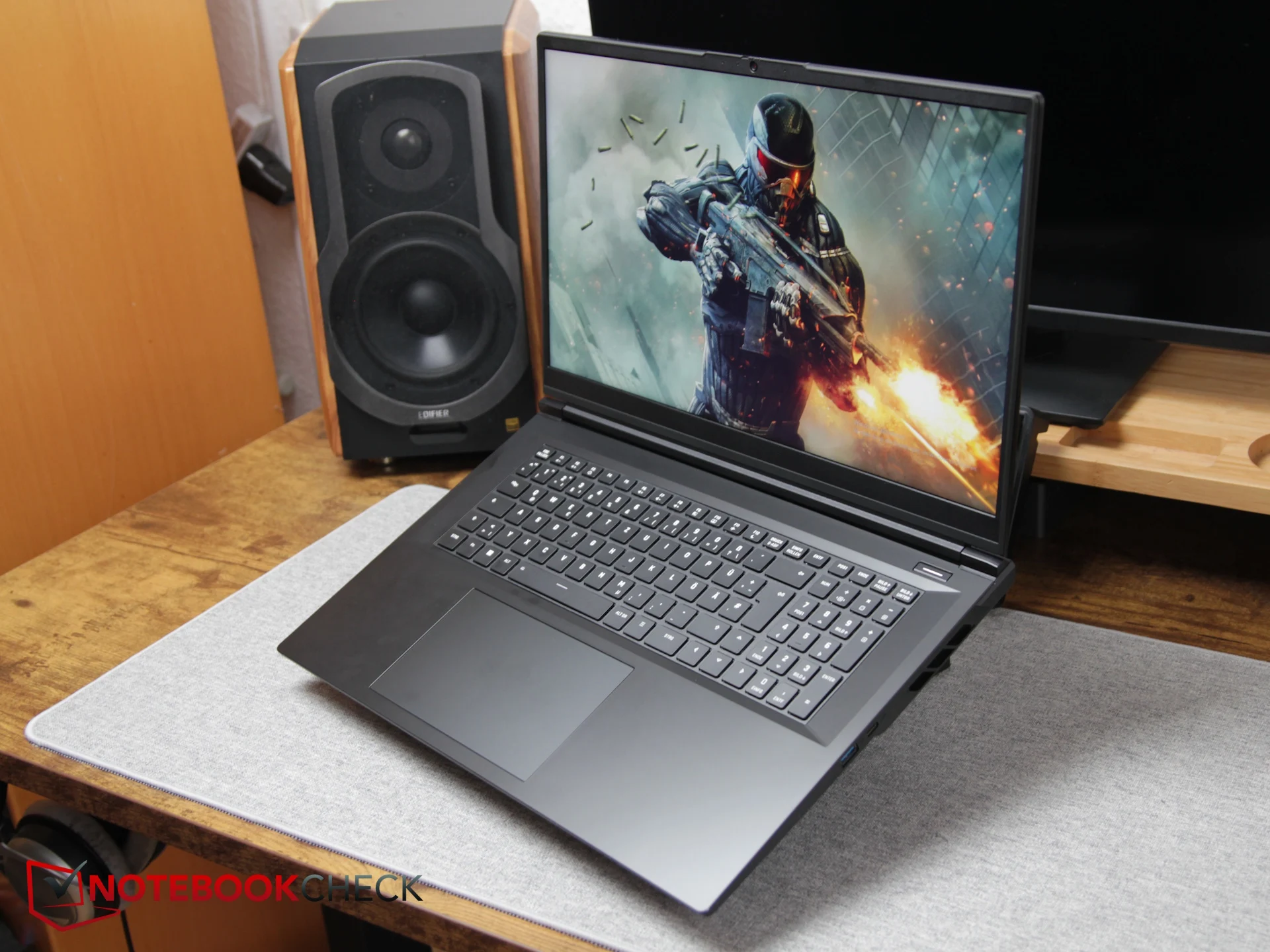
    In synthetic 3D performance, the Apex 17 (our review) leads among all RTX 5060 laptops we’ve tested, based on our 3DMark benchmarks. Its superiority is even more evident in actual gaming, where the advanced CPU significantly influences results. With a strong AMD processor, the Apex 17 stands unrivaled in CPU performance within its category.

    Cooling System Challenges

    To achieve such high performance, a robust cooling system is essential. However, powerful cooling often leads to increased noise levels. While the laptop remains cool during intense tasks, it also ranks among the loudest RTX-5060 laptops when set to Performance mode.

    Testing Different Modes

    Besides Performance mode, the Apex 17 has two other preset options: Entertainment and Silent. We examined these modes to see how much performance might be sacrificed for quieter operation—specifically, how much speed you give up for a more serene experience.

    Using Cinebench R15 Multi Core, Fire Strike Graphics, and Cyberpunk 2077, we assessed the various profiles. In Cinebench, the CPU performance dropped about 15 percent in Entertainment mode. Nevertheless, the score of 4,921 points (down from 5,739) still equates to the Intel Core Ultra 7 255HX found in devices like the Lenovo Legion 7 16 and other Intel processors.

    Performance Comparison

    In the Fire Strike Graphics test, we noticed a decline of roughly 10 percent in Entertainment mode. Despite this drop, the Apex 17 outperformed competitors such as the Tulpar T6, the Alienware 16 Aurora, and the MSI Cyborg 17. However, models like Omen 16 and Legion 7 had a slight edge in this quieter setting.

    When it comes to gaming, the results follow a similar trend. In Cyberpunk 2077, the average frame rates decreased from 84.4 FPS to 74.4 FPS, marking a drop of around 12 percent. This benchmark was never the Apex 17’s strongest suit, and it already lagged behind the Legion 7 in Performance mode. Yet, in Entertainment mode, it still outpaced the MSI Cyborg 17, even if other rivals surpassed it slightly.

    Noise Levels

    Despite the moderate drop in performance, the reduction in noise is significant. Fan noise decreases from about 55 dB to just 40.5–43.5 dB, making it approximately two and a half times quieter. In other titles—especially those heavy on CPU—the laptop remains quiet while still benefiting from the powerful Ryzen 9 processor, which aids in keeping performance high.

    The Apex 17 is among the most potent RTX-5060 gaming laptops on the market, though it can be quite noisy in Performance mode. Switching to Entertainment mode makes it around 60 percent quieter, with 3D and gaming performance only dipping by 10 to 12 percent. Even in this quieter profile, the Apex 17 stays very competitive, providing a great balance between performance and sound levels.

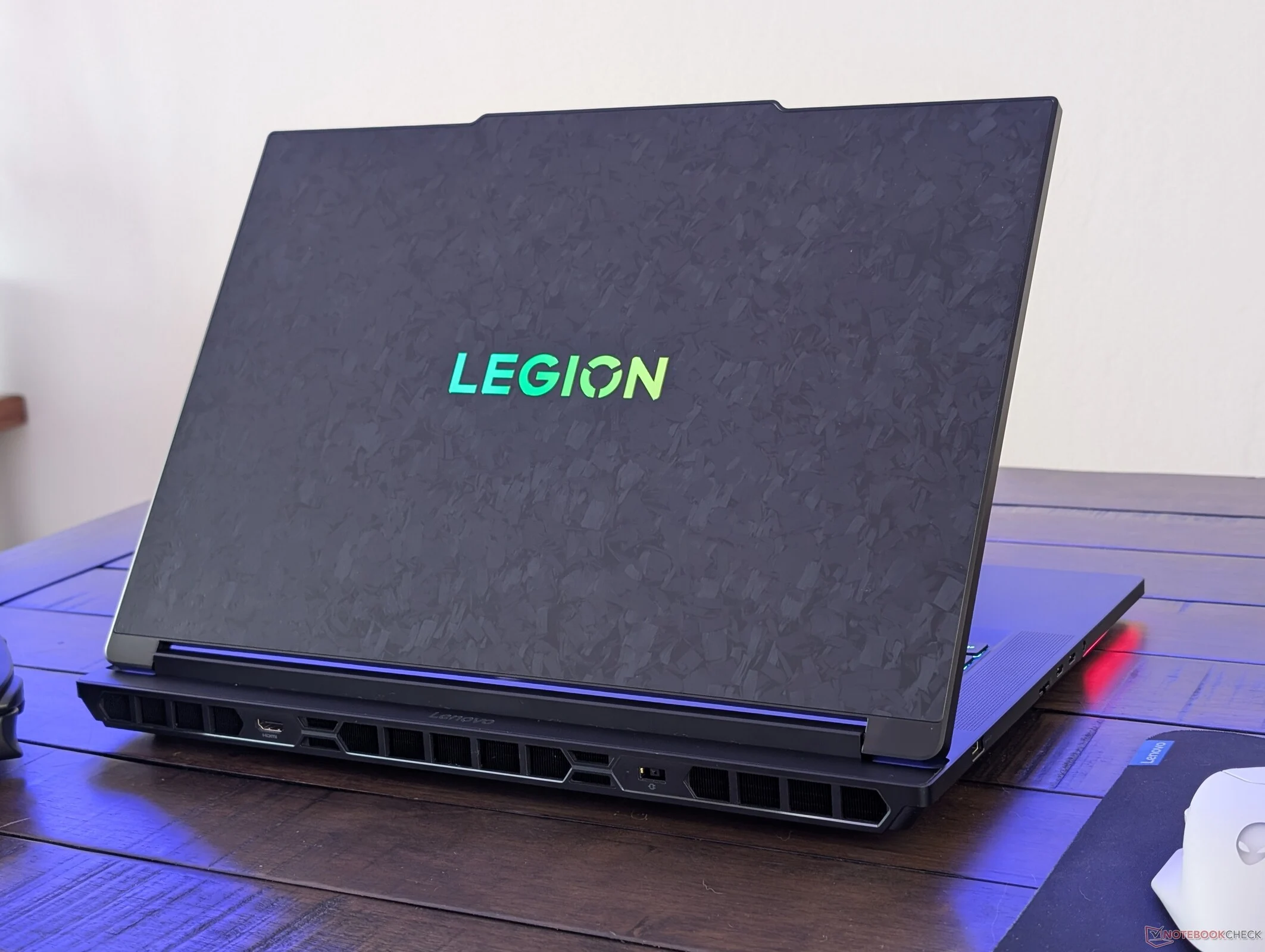
  • Lenovo Legion 9 18 Performance Drops 20% in Balanced Mode

    Lenovo Legion 9 18 Performance Drops 20% in Balanced Mode

    Key Takeaways

    1. Lenovo has launched the 18-inch Legion 9 18IAX10, its most powerful gaming laptop yet.
    2. The laptop performs significantly better in Performance mode compared to Balanced mode, with a 20% drop in graphics performance when using Balanced mode.
    3. In Balanced mode, the laptop reduces graphics power usage from 170 W to 95 W, affecting GPU and memory clock speeds.
    4. Balanced mode offers quieter operation, with fan noise dropping from nearly 50 dB(A) in Performance mode to 42-47 dB(A).
    5. Competing gaming laptops typically show only a 10-15% performance difference between modes, making Lenovo’s model stand out with a larger gap.


    Lenovo has just started delivering its largest and most powerful gaming laptop to date, the 18-inch Legion 9 18IAX10. We recently got to try out this model ourselves, and even though it didn’t come with the high-tech glasses-free 3D setup, we were still quite impressed by its capabilities compared to well-known gaming brands such as Razer, Asus, and MSI. To truly maximize the laptop’s potential, it’s crucial to set the system to Performance mode instead of Balanced mode.

    Performance Insights

    Our Fire Strike tests and accompanying screenshots illustrate that operating the system in Balanced mode instead of Performance mode significantly cuts the graphics power usage from around 170 W down to only 95 W, along with a notable decrease in both GPU and memory clock speeds. This results in graphics performance slowing down by over 20 percent when using Balanced mode. While experiencing a performance dip is common in gaming laptops, Lenovo’s model shows a slightly larger gap; competing models usually see a performance difference of only 10 to 15 percent between Balanced and Performance modes.

    Noise Levels

    A key advantage of using Balanced mode is the reduction in fan noise. When playing Cyberpunk 2077 in Performance mode, the fan noise reaches nearly 50 dB(A), whereas in Balanced mode, it ranges from 42 dB(A) to 47 dB(A).


  • New Lossless Scaling Update: 2x Performance Boost & Visuals

    New Lossless Scaling Update: 2x Performance Boost & Visuals

    Key Takeaways

    1. Lossless Scaling 3.1 introduces a performance mode that can reduce GPU load by up to 2x.
    2. There may be a slight decrease in image quality with the performance mode, though some users might experience improved visuals due to higher frame rates.
    3. The update enhances image quality in Fixed Mode and Adaptive Mode, reducing flickering and ghosting effects.
    4. A smarter interface detection system has been added for better scaling of menus and displays.
    5. The update expands localization to include Finnish, Slovak, Toki Pona, Georgian, Greek, and Norwegian.


    Lossless Scaling version 3.1 has just gotten a significant update, marking it as a big release for the tool used for upscaling and generating frames. A key feature of this update is its performance mode, which reportedly can cut the GPU load by as much as 2x.

    Performance Trade-Offs

    However, this increase in performance might have a downside. The developer mentions that there might be a minor drop in image quality when using this mode, which can vary based on your settings and hardware. In some instances, though, users might actually notice a visual enhancement due to a higher base frame rate.

    Quality Enhancements

    Alongside the performance enhancements, the new update for Lossless Scaling 3.1 also aims to improve image quality in both Fixed Mode and Adaptive Mode. The update addresses issues like reduced object flickering and lesser ghosting effects, contributing to the overall quality upgrades in this version.

    Interface and Localization

    In addition, a smarter interface detection system has been introduced to ensure stable scaling of menus and heads-up displays. The update broadens its localization capabilities, now including Finnish, Slovak, Toki Pona, Georgian, Greek, and Norwegian. This suggests a growing international user base for the tool.

    If you didn’t catch it, the previous major update to Lossless Scaling introduced Adaptive Frame Generation (AFG). This feature helps to maintain a chosen frame rate in both soft-capped and hard-capped games. To find out more about this upscaling and frame generation tool, check out the video linked below.

    Source:
    Link