Tag: Linux distribution

  • Mageia 10 RC1: New Artwork, Screensavers, and Updates

    Mageia 10 RC1: New Artwork, Screensavers, and Updates

    Key Takeaway

    – Mageia 10 RC1 is available in multiple ISO options (full 5.6 GB, and live images for Plasma, GNOME, and Xfce ~4.5–5.1 GB).
    – Stable Mageia 10 is not released yet; users should check the Mageia 10 Errata before testing.
    – The RC1 edition runs well on ~1.2 GB memory and includes updated apps, packages, and new artwork; post-build updates/fixes were applied to some packages.
    – Testers are urged to report undocumented issues via Bugzilla.


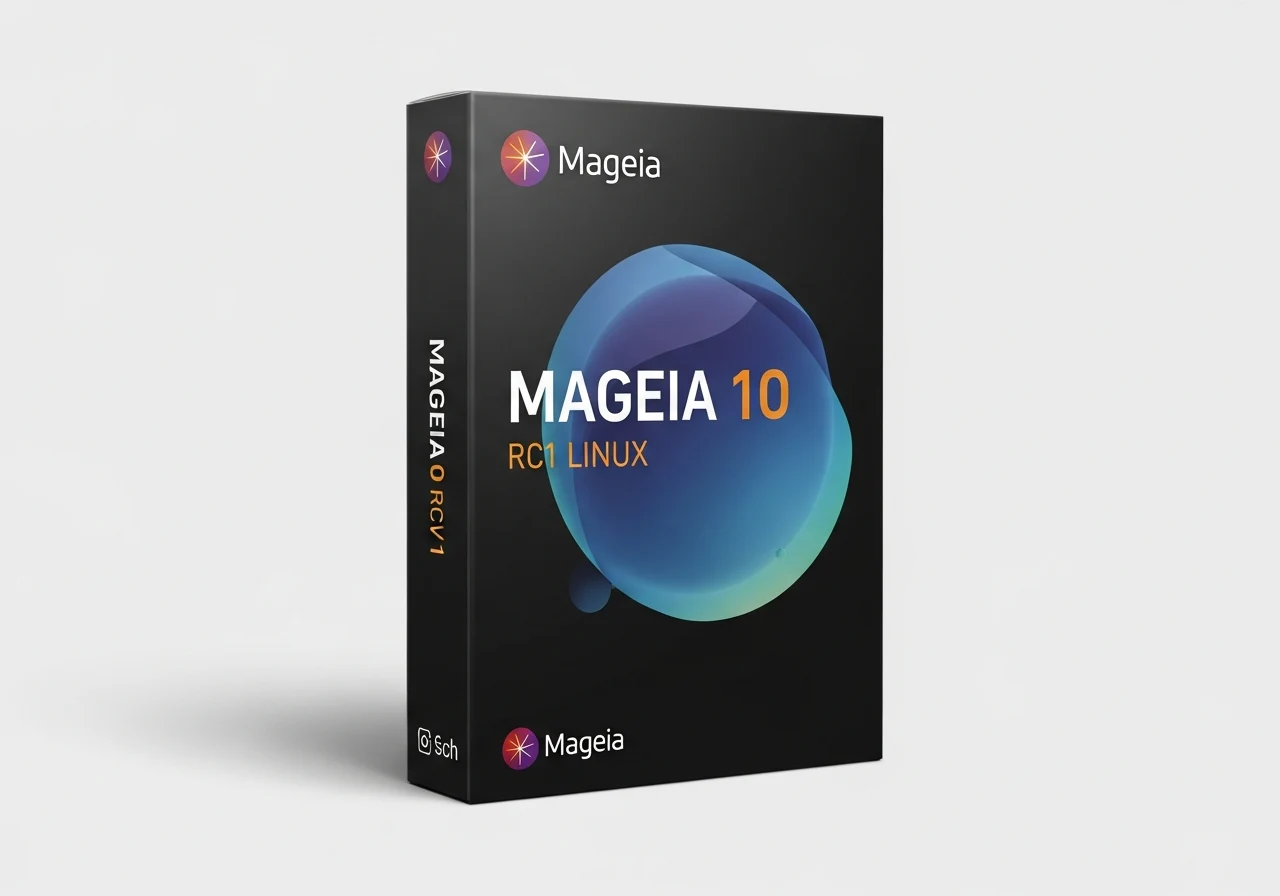
    Mageia 10 RC1 lands in three ISO variants beyond the full size, which weighs in at 5.6 GB, and the live flavors include Plasma, GNOME, and Xfce. The approximate sizes for these three live images are about 5.1 GB, 4.8 GB, and 4.5 GB respectively, to give you a rough idea. Since the stable Mageia 10 release is still ahead, those who wish to test this build should first check the Mageia 10 Errata before proceeding.

    Overview and early impressions

    The RC1 release runs reasonably smooth, using around 1.2 GB of memory during a brief hands-on period, and it performed quite well overall. The official blog post mentions new artwork and a lengthy list of updated apps and packages, signaling ongoing polish and enhancements. The atmosphere around this release is cautiously optimistic, with users eager to see how the final product shapes up.

    Updates and packages

    Following the ISO build, some packages received additional updates and fixes. These updates cover various components and code areas, reflecting ongoing maintenance and refinement in preparation for the eventual stable release. The release notes point to a number of improvements, although not every change is itemized in detail here.

    Bug reporting and community feedback

    Testers are encouraged to report issues that aren’t documented in the referenced page (see the link at the end of the first paragraph) via Bugzilla. This pathway helps collate user experiences, reproduce problems, and track resolutions as Mageia 10 moves toward finalization. Community participation remains a key part of the RC1 lifecycle.

    Mageia Blog (English)

    Sources

  • Zorin OS 18.1 Enhances Windows App Detection and Compatibility

    Zorin OS 18.1 Enhances Windows App Detection and Compatibility

    Key Takeaway

    1. Zorin OS 18.1 introduces a Lite edition optimized for older and lower-spec hardware.
    2. The update emphasizes improved speed, ease of use, security, and overall performance.
    3. Compatibility expanded to include popular laptops and handheld devices like the ASUS ROG Ally.

    Introduction of Zorin OS 18.1

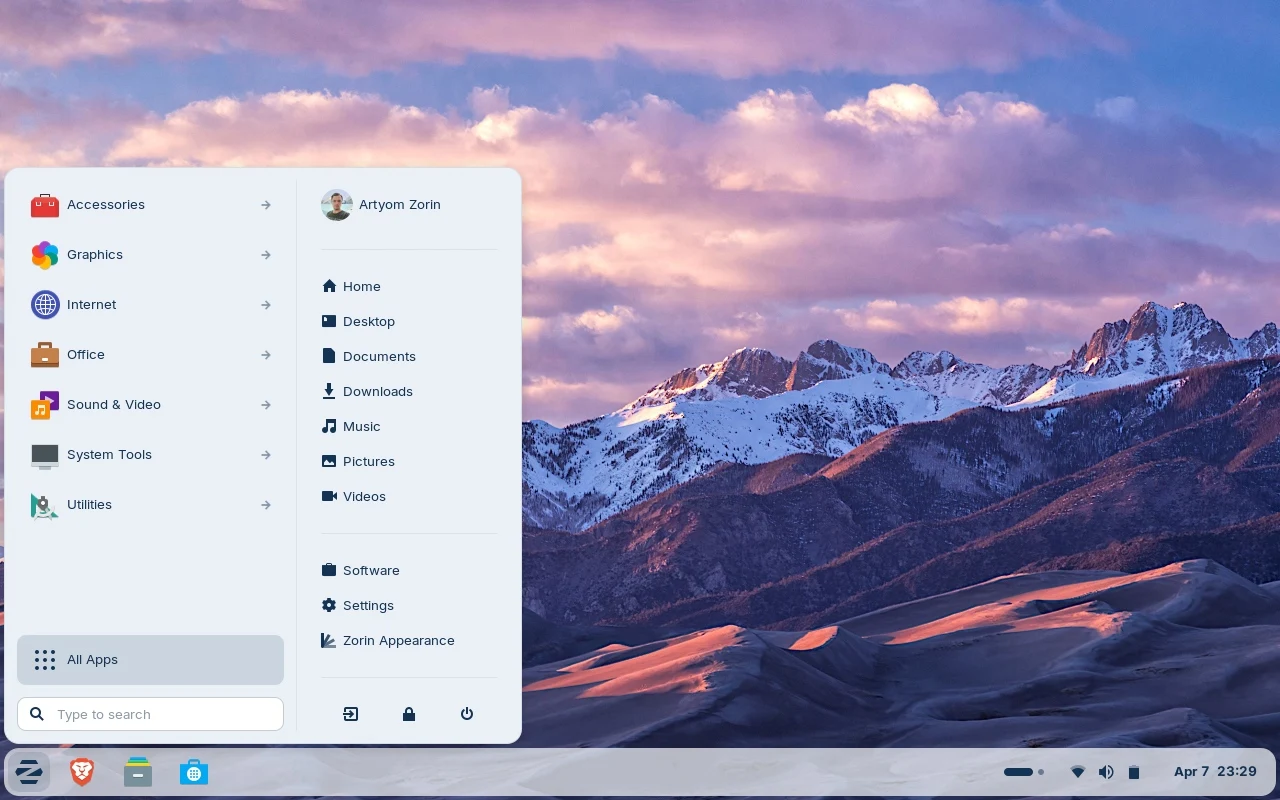
    On October 14, 2025, Zorin OS 18 was released with a bunch of improvements. This Linux-based system, built on Ubuntu, has been downloaded over 3.3 million times so far. Now, the newest version, 18.1, comes with the promise to be more faster, easier to use, more secure, and overall better than before. Its main aim is to give users a smooth and reliable computing experience.

    Features and Updates in 18.1 Version

    The latest update also brings a brand new Lite edition, specially designed for older computers and ones with low specs. Those who are using newer, high-performance machines probably won’t need the Lite version and should stick with the standard one. This update emphasizes performance improvements and additional security measures, making the user experience more seamless and safe across all devices.

    Device Compatibility and Availability

    Compatible with a wide range of hardware, including recent Lenovo ThinkPad and Samsung Galaxy Book laptops, Zorin OS 18.1 is also expected to work well on gaming handhelds such as the ASUS ROG Ally. Currently, the ASUS ROG Ally is available at many stores, like Amazon, where it’s selling at a discounted price of $539.99, down from the original $599.99—about a 10% saving. This broad hardware support means users can expect the OS to perform well on various machines, from traditional laptops to handheld gaming devices.


    Sources

  • Netrunner 26 Launches with XLibre X11 and Enhanced Security

    Netrunner 26 Launches with XLibre X11 and Enhanced Security

    Key Takeaway

    1. Netrunner has transitioned from a Debian 12 Bookworm base to Debian 13 Trixie, maintaining its Debian-based heritage.
    2. The latest version, Netrunner 26 Twilight, features the 6.16 kernel, updated software, enhanced security, and a focus on modern aesthetics.
    3. It includes updated applications such as Qt 6.8.2, KDE Apps 25.04.3, Thunderbird ESR 140.6.0, and VirtualBox 7.2.6.

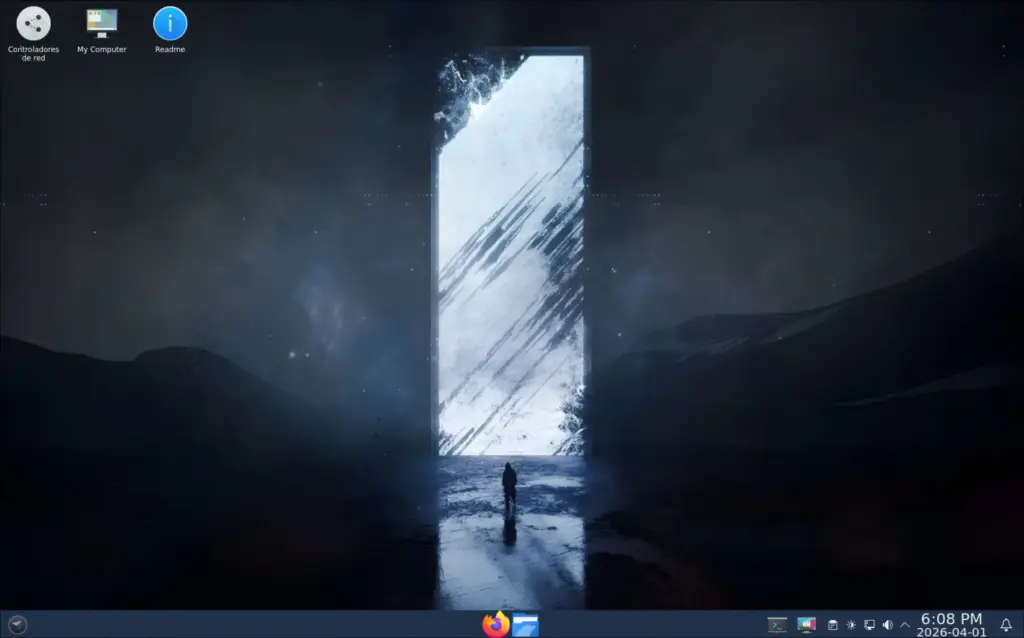
    Netrunner is a well known Linux distributions with a long history spanning over 15 years. This distro initially started based on Kubuntu but has since switched to Debian, making it quite robust and reliable. They just recently updated their core to Debian 13 Trixie from the previous Debian 12 Bookworm, with version 26 arriving a little over a year after the last update. The latest ISO is a 64-bit release, boasting the 6.16 kernel, aiming to offer users a modern aesthetic with latest software, security patches, and stability all in one package.

    Recent Updates and Features

    The official notes highlight some key improvements and recent features included in this release. For example, newer versions of core components ensure the system is fresh and secure. The inclusion of software like Qt 6.8.2 and KDE Apps 25.04.3 demonstrates their commitment to up-to-date desktop environments and utilities. Additionally, Thunderbird ESR 140.6.0, Inkscape 1.4, and VirtualBox 7.2.6 are some of the highlighted applications that enhance the user experience.

    Technical Specifications and Download Info

    The Netrunner 26 Twilight iso file weighs in at approximately 3.4 GB. Interested users can access the download through their official page, ensuring they get the latest and most secure version. This latest iteration continues to focus on providing a stable, secure, and visually appealing desktop environment, catering to both new and experienced Linux users. All these updates solidify Netrunner’s reputation for delivering a dependable and modern Debian-based distro for a broad user base.

    Sources
  • Arch-based LinuxHub Prime 3.1.5: New Updates and Fixes Released

    Arch-based LinuxHub Prime 3.1.5: New Updates and Fixes Released

    Key Takeaways

    1. LinuxHub Prime version 3.1.5 allows users to create personalized respins from the live ISO.
    2. The update includes a one-click installation for various desktop environments and window managers.
    3. This is the third update of the year, following versions 3.1.3 in January and 3.1.4 in February.
    4. The new version 3.1.5 is smaller in size at 2.5 GB compared to the previous version 3.1.4, which was 2.6 GB.
    5. Project files are easily accessible on SourceForge for quick downloading.


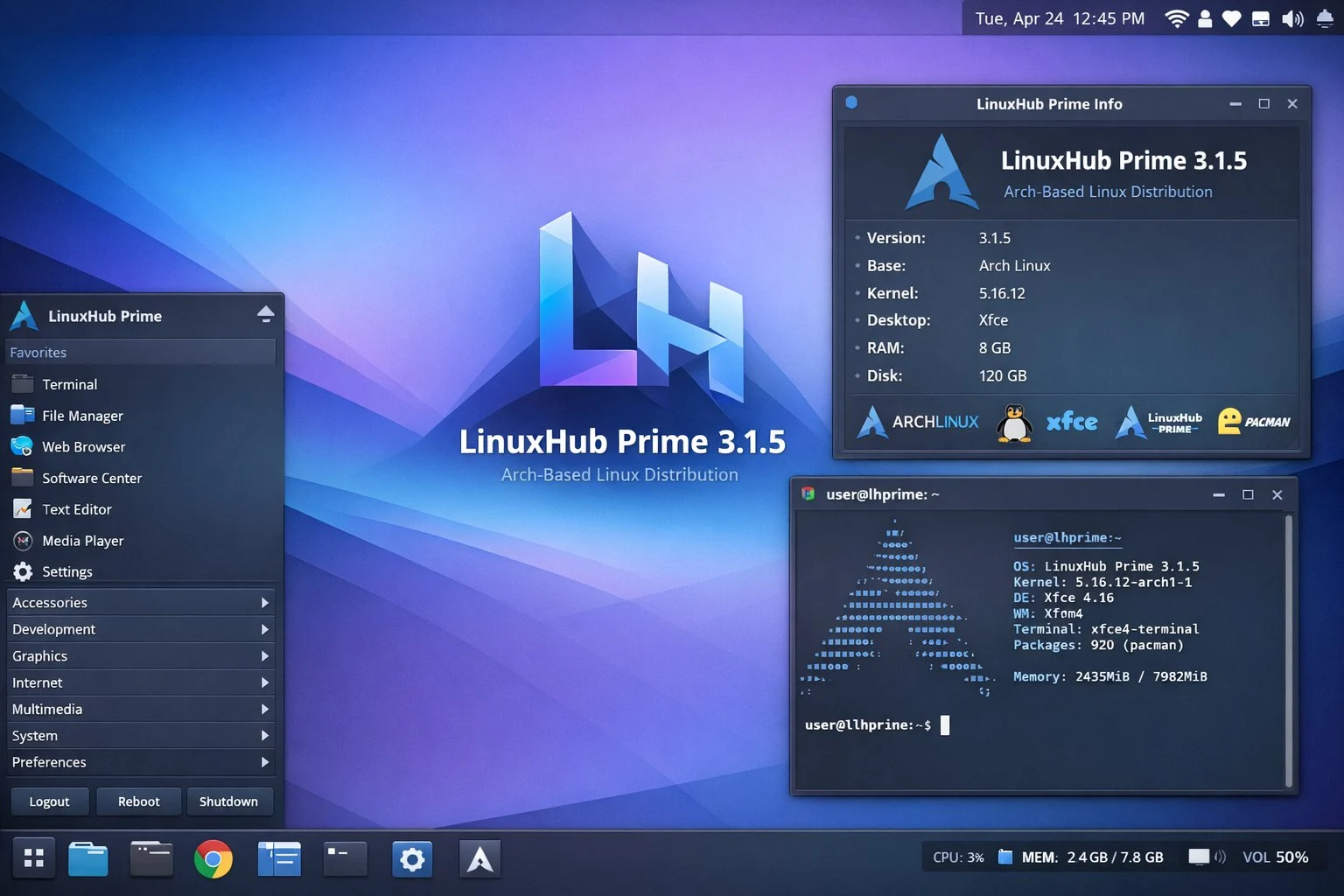
    A recent update to a project that lets users create personalized respins of the distro from the live ISO has been released. This update, version 3.1.5 of LinuxHub Prime, also includes a simple way to install various desktop environments and window managers with just one click. This marks the third update of the year, following versions 3.1.3 in January and 3.1.4 in February.

    Key Features of the Update

    Here are some of the key features of LinuxHub Prime 3.1.5: The project files are readily available on SourceForge. The previous version, 3.1.4, was 2.6 GB, while the new version is a bit smaller, at 2.5 GB. You can also find a Magnet file link by clicking here.

    Easy Access to Files

    Accessing the project files is simple and quick. Users can download the latest version without any hassle. The size difference between the two versions is minor, but it shows progress in optimizing the software.

    Source:
    Link