
Tag: Debian-based

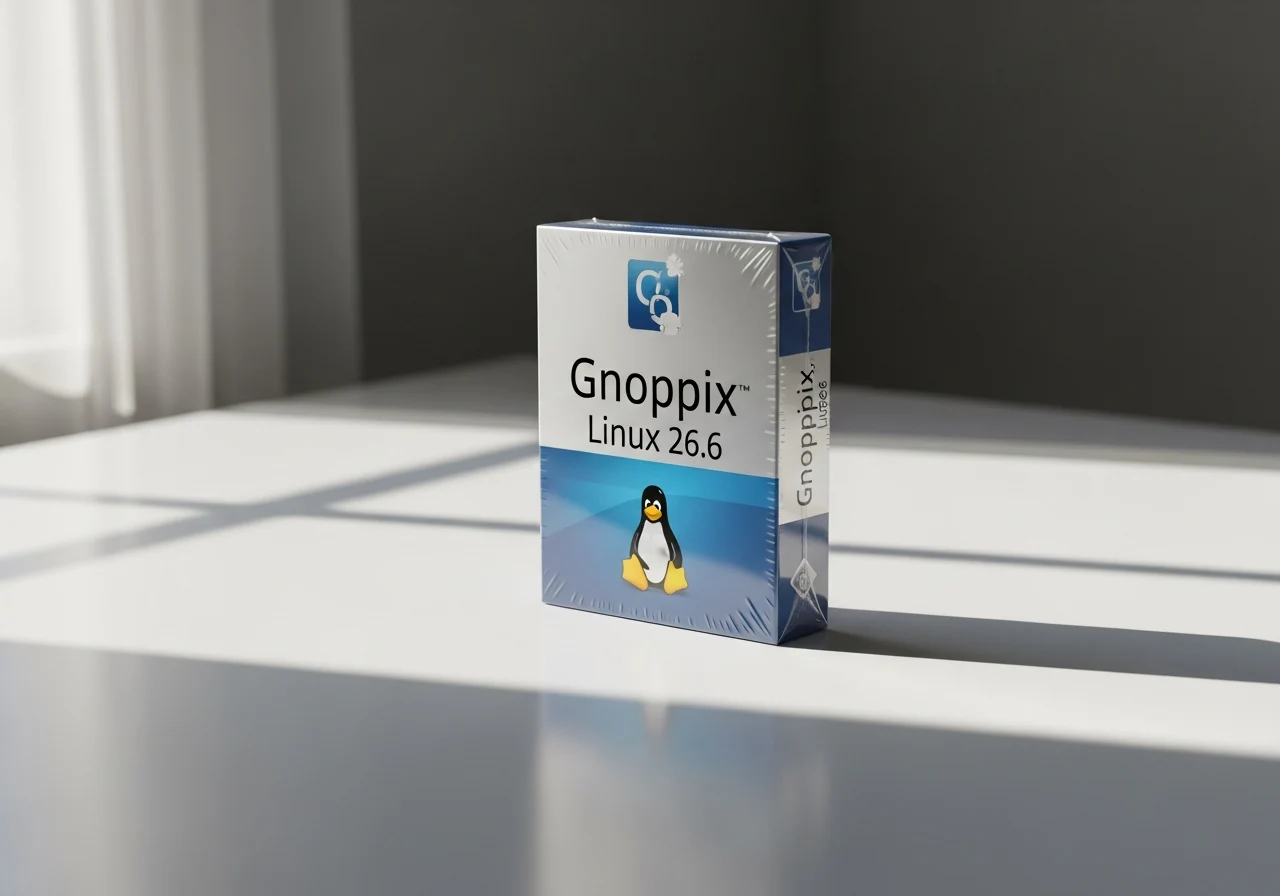
  • Privacy-focused Gnoppix Linux 26.6 with AI now available

    Privacy-focused Gnoppix Linux 26.6 with AI now available

    Key Takeaway

    – Gnoppix 26.6 release focuses on build system stability, repository security, desktop UX cleanup, and live boot capabilities.
    – The OS remains Debian-based, AI-infused, lightweight, with a free Core edition and a $2.50/month Pro edition.
    – Currently only the Xfce ISO is available; the Core KDE version is expected soon.


    Back from the shadows in 2021, Gnoppix remains around as it was: Debian-based, AI-infused, lightweight, and available in a free Core edition alongside a Pro flavor (members that get access to all the exclusive goodies have to pay $2.5 per month).

    Details of the latest version

    This week’s release takes the current version number up to 26.6 and, according to the official release notes, “focuses heavily on stabilizing our underlying build system, securing repository pipelines, cleaning up the desktop user experience, and introducing highly requested live boot capabilities.”

    What’s new inside

    The list of changes includes the following:

    • Integrated AI assistant now works offline, reducing cloud dependancy
    • Live boot capability added to both Core and Pro editions
    • Repository pipelines are now fully encrypted and signed
    • Xfce desktop recieved many visual refinements and bug fixes
    • Base system upgraded to Debian 12 (Bookworm) for better compatability
    • Pro edition includes pre-installed machine learning frameworks and additional tools
    • Power management improved for extended battery life on laptops
    • Updated kernel to version 6.1 LTS for better hardware support

    The ISO images are available on SourceForge. For now, only the Xfce ISO is listed. The Core KDE version should follow in the coming days.
    Sources

  • Debian TileOS 2.0 Update with Multiple Changes

    Debian TileOS 2.0 Update with Multiple Changes

    Key Takeaway

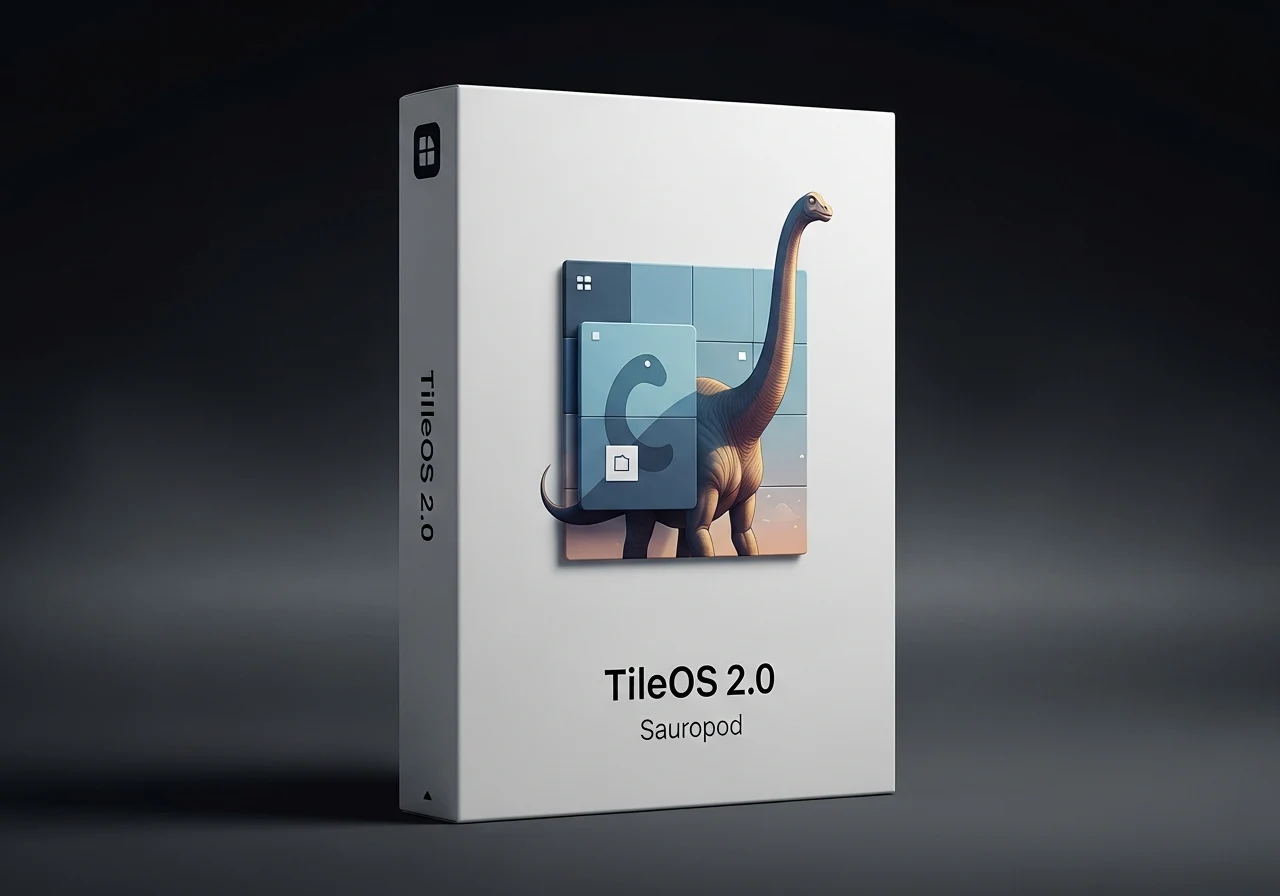
    – Introduces TileOS 2.0 “Sauropod,” a Debian-based distro featuring two new Wayland tiling compositors and updated components.
    – Default kernel is Debian 13 Stable with Secure Boot; option to install Liquorix kernel for desktop-focused optimizations.
    – Stable release supports multiple Wayland tilers (Sway, River, Qtile, Niri, MiracleWM) with ~2.25 GB ISOs available for quick trials.


    TileOS 2.0 Brings Two New Wayland Tiling Compositors

    One of the younger Debian-based distros, TileOS, presents a fresh stable release that focuses on offering two new Wayland tiling compositors along with multiple updated pieces of code. Labeled 2.0 and dubbed “Sauropod,” this distro hails from Russia and ships with the native Debian 13 Stable kernel as default. But those who want a system with optimizations for typical desktop tasks can opt to install the Liquorix kernel instead. Before moving to the other highlights, it should be noted that the default kernel comes with Secure Boot support.

    New Highlights and Core Details

    TileOS 2.0 also sports the following highlights: In addition to the above, there are several other new and updated components. All the release notes are available in the source link further down the page.

    How to Try TileOS 2.0

    While the source code is also available for download, those who want to take this distro for a quick spin can grab one of the ISO files available, each for one of the Wayland tiling compositors available for TileOS, namely Sway, River, Qtile, Niri, and MiracleWM. All ISOs have roughly 2.25 GB in size and can be found on this page.

    Additional Context

    TileOS Git

    Sources
  • Netrunner 26 Launches with XLibre X11 and Enhanced Security

    Netrunner 26 Launches with XLibre X11 and Enhanced Security

    Key Takeaway

    1. Netrunner has transitioned from a Debian 12 Bookworm base to Debian 13 Trixie, maintaining its Debian-based heritage.
    2. The latest version, Netrunner 26 Twilight, features the 6.16 kernel, updated software, enhanced security, and a focus on modern aesthetics.
    3. It includes updated applications such as Qt 6.8.2, KDE Apps 25.04.3, Thunderbird ESR 140.6.0, and VirtualBox 7.2.6.

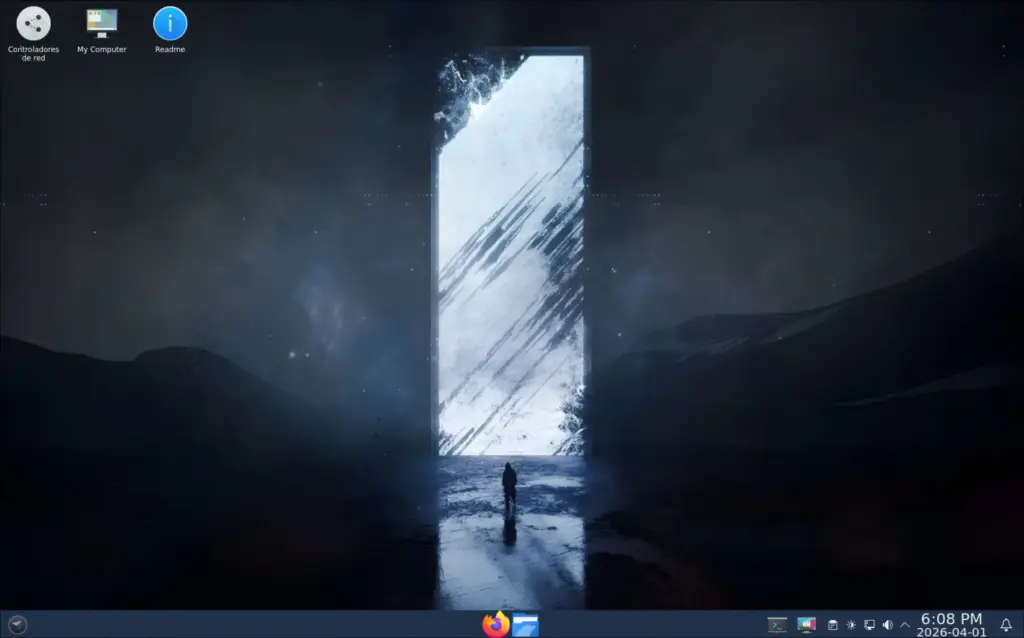
    Netrunner is a well known Linux distributions with a long history spanning over 15 years. This distro initially started based on Kubuntu but has since switched to Debian, making it quite robust and reliable. They just recently updated their core to Debian 13 Trixie from the previous Debian 12 Bookworm, with version 26 arriving a little over a year after the last update. The latest ISO is a 64-bit release, boasting the 6.16 kernel, aiming to offer users a modern aesthetic with latest software, security patches, and stability all in one package.

    Recent Updates and Features

    The official notes highlight some key improvements and recent features included in this release. For example, newer versions of core components ensure the system is fresh and secure. The inclusion of software like Qt 6.8.2 and KDE Apps 25.04.3 demonstrates their commitment to up-to-date desktop environments and utilities. Additionally, Thunderbird ESR 140.6.0, Inkscape 1.4, and VirtualBox 7.2.6 are some of the highlighted applications that enhance the user experience.

    Technical Specifications and Download Info

    The Netrunner 26 Twilight iso file weighs in at approximately 3.4 GB. Interested users can access the download through their official page, ensuring they get the latest and most secure version. This latest iteration continues to focus on providing a stable, secure, and visually appealing desktop environment, catering to both new and experienced Linux users. All these updates solidify Netrunner’s reputation for delivering a dependable and modern Debian-based distro for a broad user base.

    Sources
  • Zenclora OS 2.0 Launches with ZPM Unified Package Management

    Zenclora OS 2.0 Launches with ZPM Unified Package Management

    Key Takeaways

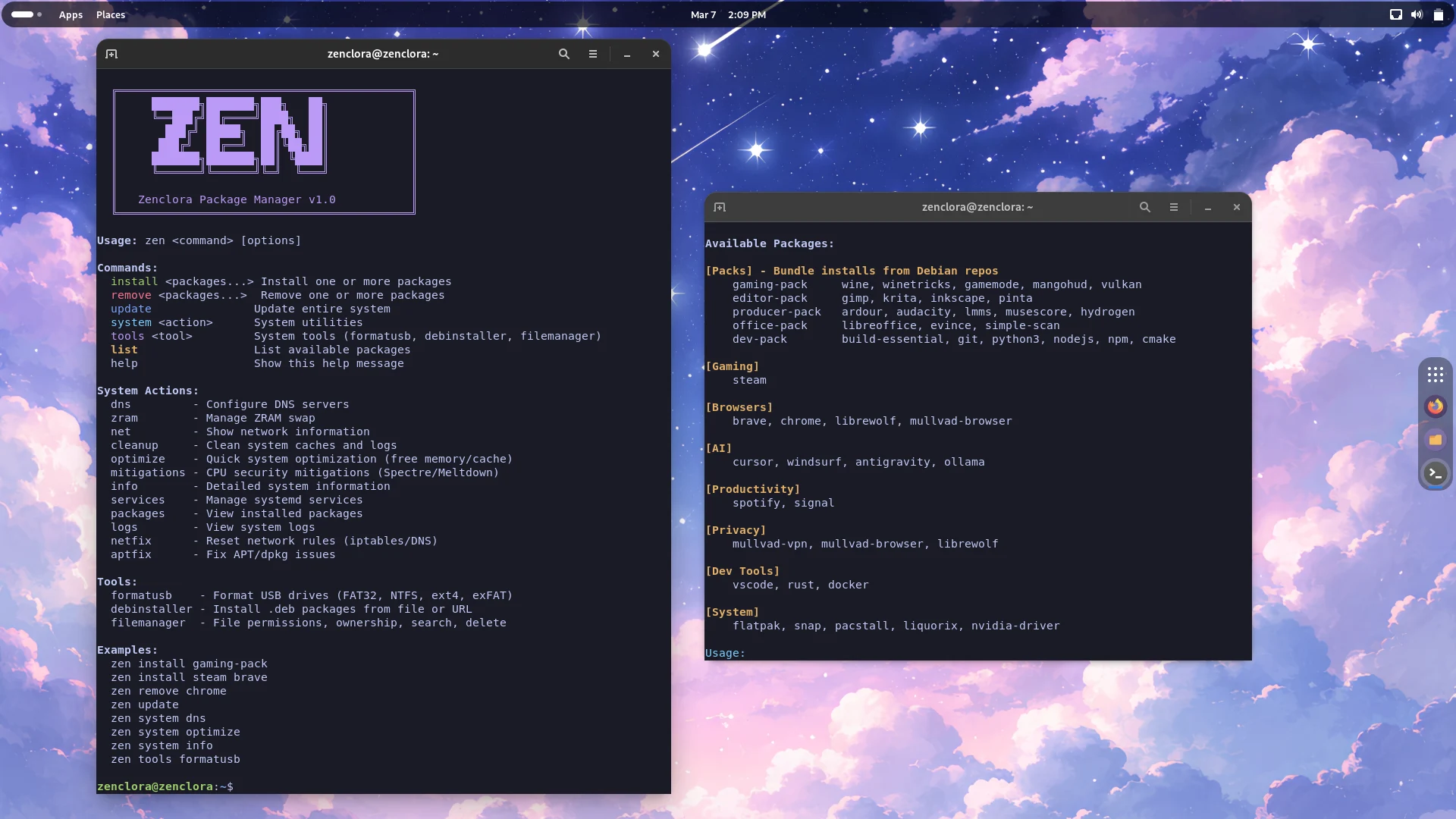
    1. Zenclora Linux 2.0 introduces a new package manager that combines software and system management.
    2. The release includes significant performance enhancements and high-performance packages for gaming and development.
    3. The minimum hardware requirements are a 64-bit 1 GHz dual-core processor, 2/10 GB of memory/storage, and integrated graphics for 1024×768 resolution.
    4. The recommended hardware for optimal performance includes a 2 GB quad-core processor, 4/25 GB of memory/storage, and a GPU supporting 3D acceleration and 1080p resolution.
    5. The Zenclora website has been revamped, now featuring the Zenclora Cafe for a coding-friendly audio experience and improved documentation for user support.


    Introduced in the beginning of 2026, Zenclora Linux has hit a big milestone with its latest release. The new Version 2.0 of this Debian-based distribution includes a fresh package manager that merges software and system management into a single, cohesive tool. It also boasts several visual and functional upgrades, high-performance packages for both gaming and development, support for external packages, and much more.

    Performance Enhancements

    Zenclora 2.0 “Adrenweald” offers numerous under-the-hood enhancements that, while subtle, significantly elevate the overall performance and reliability of the system. Here are some key highlights of this version:

    Moreover, the Zenclora website has undergone a complete makeover, now featuring the Zenclora Cafe, which provides a lo-fi audio ambience ideal for coding sessions. The minimum hardware specs require a 64-bit 1 GHz dual-core processor, 2/10 GB of memory/storage, and integrated graphics that can handle a resolution of 1024×768. For optimal performance, it is recommended to use a 2 GB quad-core processor, 4/25 GB of memory/storage, along with a GPU that supports 3D acceleration and 1080p resolution.

    ISO Size and Documentation

    The Zenclora Workstation ISO is available at a size of 2.5 GB, and the newly designed website includes a fantastic documentation section to assist users in getting started.

    Source:
    Link