Key Takeaways
1. Windows 11 on handheld devices can be frustrating due to touchscreen limitations, often requiring external monitors for better usability.
2. Microsoft and Asus have collaborated to create a new Xbox full-screen experience for handhelds, optimizing controls for easier access to games.
3. The Xbox full-screen mode enhances usability but does not significantly improve performance compared to existing Windows features.
4. Future improvements are needed for the Xbox full-screen experience to provide better gaming performance and usability without relying heavily on Windows.
5. There is a notable performance difference between Windows and SteamOS versions on handhelds, with SteamOS offering better optimization for gaming.
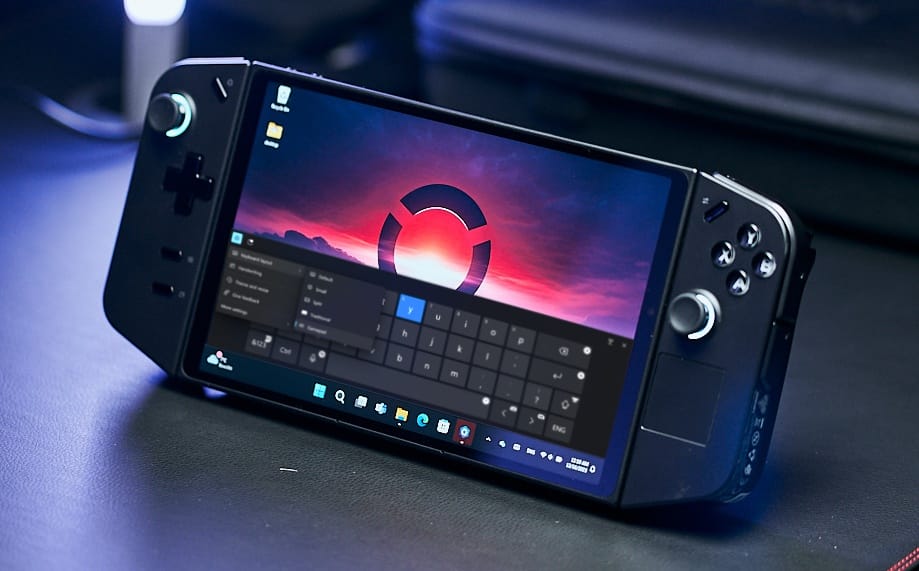
Gaming handhelds are becoming increasingly popular, but they also highlight the challenges of using Windows 11 with touchscreens. Setting up a new Windows handheld can be quite frustrating on such a small display, often leaving users feeling irritated before they even begin to play games. The best workaround up to now has been connecting the handheld to an external monitor using a USB-C power supply and additional input devices, allowing for a setup similar to a regular PC without relying on the touchscreen.
Microsoft’s Collaboration with Asus
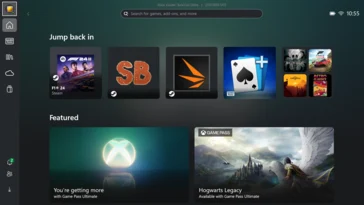
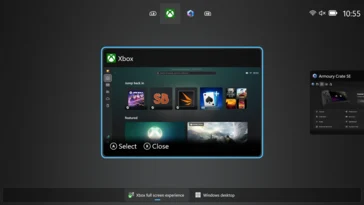
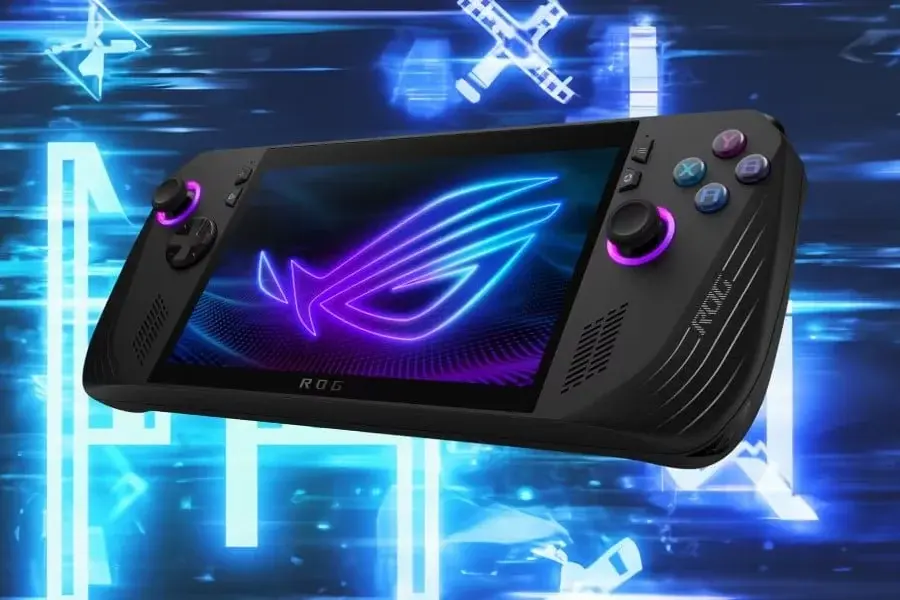
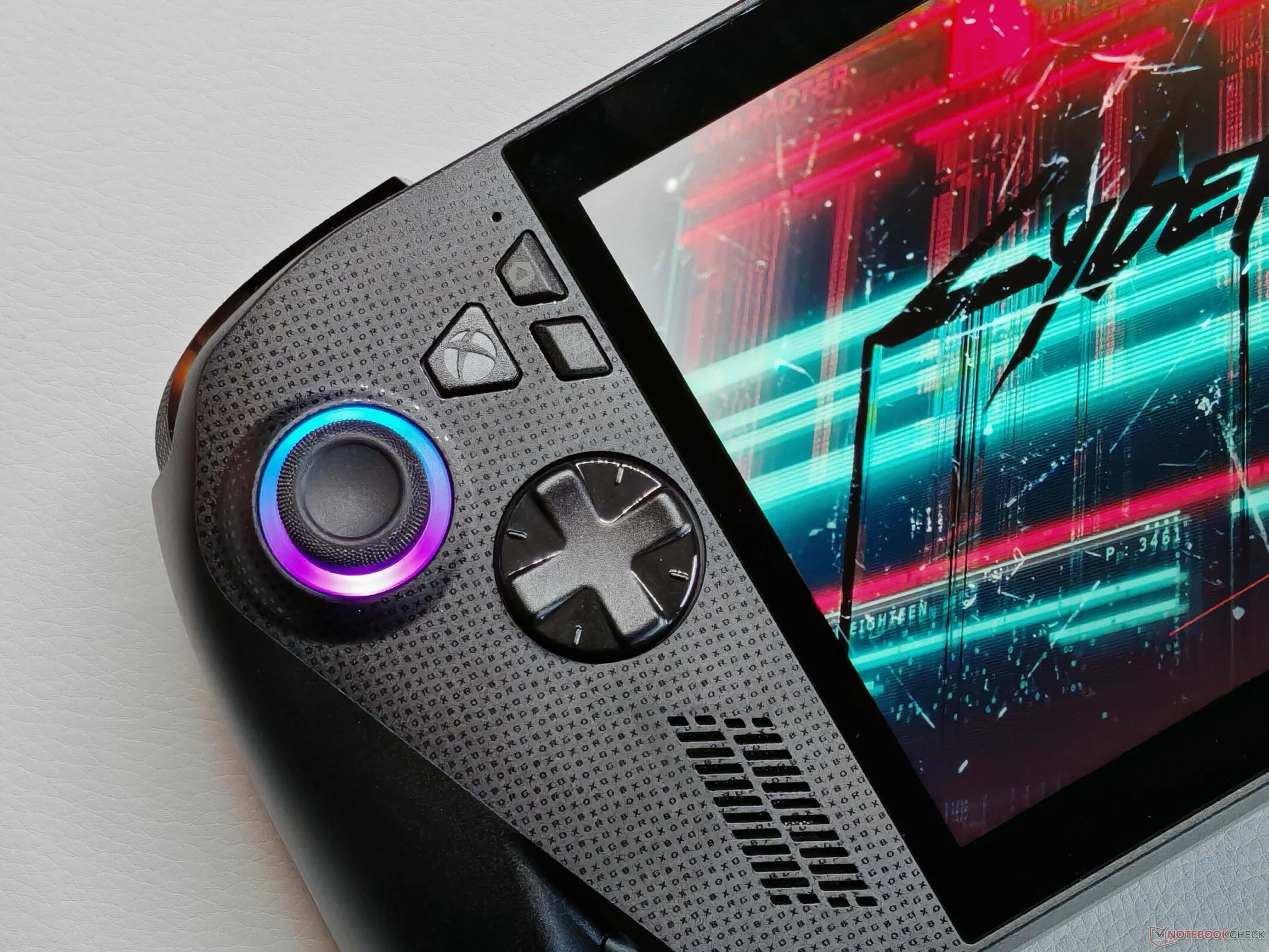
Microsoft has recognized this problem and worked closely with Asus to introduce the new Xbox full-screen experience, which we examined in our review of the ROG Xbox Ally X handheld. Upon startup, the handheld will automatically open the Xbox app (or Asus’ Armoury Crate SE, if preferred), and it has been optimized for handheld controls. Users can now also install other game launchers, such as Steam, Ubisoft, EA, GoG, Epic, etc., directly from the Xbox full-screen mode. The games will appear in the Xbox app and can be launched from there.
Enhancements and Limitations
Overall, the new Xbox full-screen mode is a positive change and enhances usability, but it remains “just” a new mode layered over the existing Windows operating system. While unnecessary background services have been turned off, this was already a feature of the well-known Game Mode. We did not observe any significant performance improvements with the new Xbox full-screen mode.
Future Improvements Needed
The Xbox full-screen experience is certainly a move in a better direction. It is also useful to switch to desktop mode to access all Windows features. However, we are uncertain how many users will actually take advantage of this. Looking ahead, we hope for further optimizations to the Xbox full-screen mode so that it isn’t merely an additional layer over Windows. Restarting the device to switch to full desktop mode wouldn’t be a problem, for instance.
This could also enhance gaming performance, which should be the primary concern. In our review of the Lenovo Legion Go S, we observed a notable performance gap between the Windows and SteamOS versions. SteamOS was able to extract significantly more from the AMD Ryzen Z2 Go (between 30-35%), showcasing a considerable difference. You can certainly install SteamOS (available for the Ally X) or Bazzite as alternatives, but this would limit the selection of games.