
Key Takeaways
1. Retroid has announced the discontinuation of the Pocket G2 handheld but will continue to provide support and updates.
2. The latest update, version 1.0.0.176, includes various fixes and new features, including the charge separation functionality.
3. The charge separation feature allows the Pocket G2 to draw power directly from the charger, improving battery health and lifespan.
4. Users can enable the charge separation feature through the Quick Settings menu by customizing the tile.
5. To update the device, users should navigate to the Settings app, select System, and check for the latest update under Retroid Pocket FOTA.
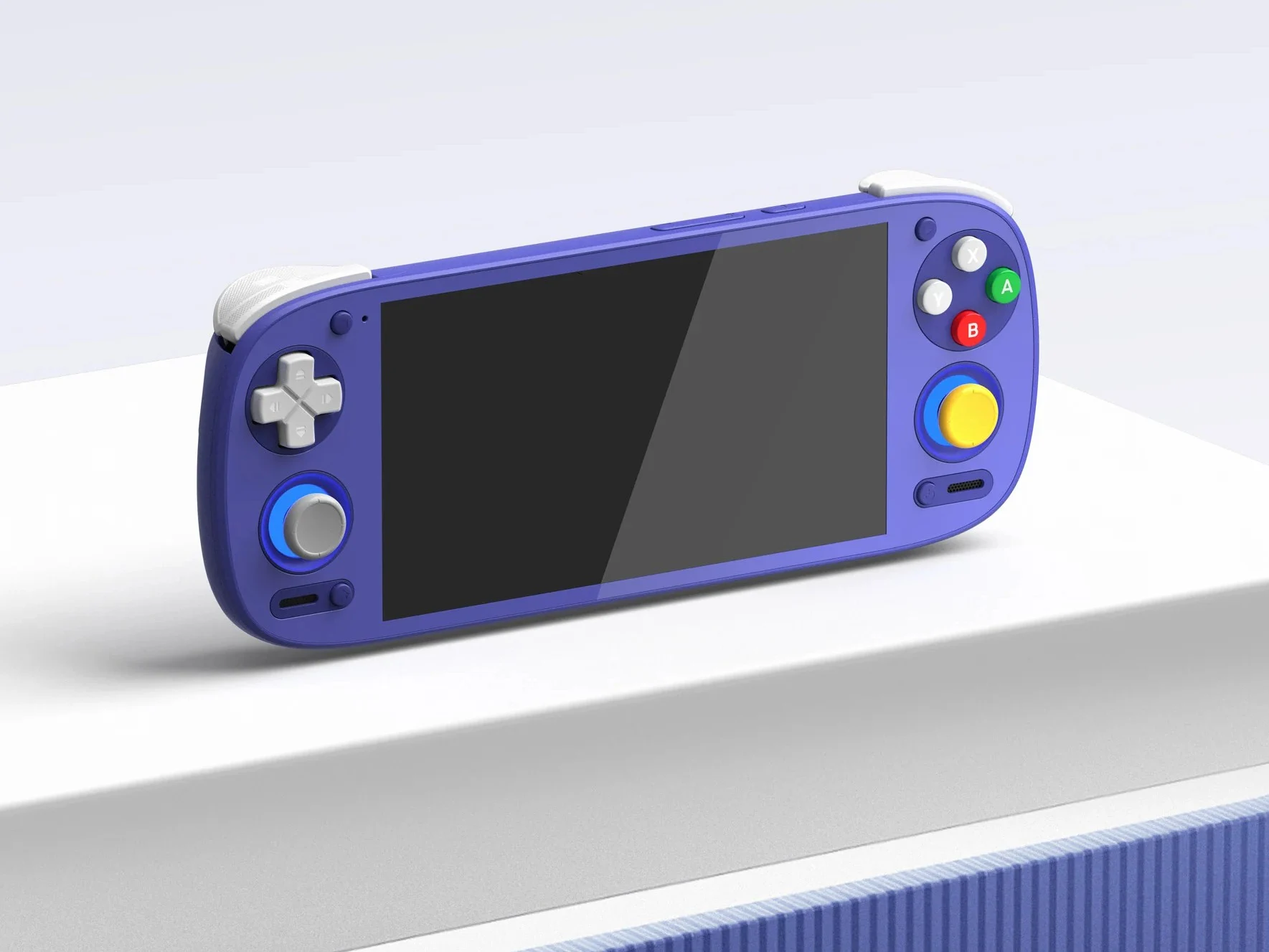
Retroid has recently made an announcement regarding the Pocket G2 handheld, which was launched late last year, stating that it will no longer be produced. Despite this news, the device will continue to receive support, as the company has rolled out an OTA update that addresses various issues and introduces new functionalities.
Update Version Details
This update, confirmed during the discontinuation announcement, is designated as version 1.0.0.176. A notable feature included in this update is the bypass charging functionality, which Retroid refers to as the Charge separation feature.
Benefits of Charge Separation
When this feature is turned on, the Pocket G2 can pull power straight from the charger instead of relying on the battery while it’s connected. This can be beneficial for the health of the battery and can prolong its lifespan. It’s especially useful for long gaming sessions or when the device is being used in docked mode.
Enabling the Feature
You can easily enable the charge separation feature from the Quick Settings menu, but you’ll need to add the tile first. To do this, pull down the Quick Settings menu and click the pen icon in the bottom corner. Scroll until you see the Charging separation tile. Hold it and drag it to your preferred location. Tap the back arrow in the top left corner to return to the Quick Settings menu, and just tap the tile to toggle the feature on or off.
The complete changelog for this update is provided below:
To update your device, open the Settings app and scroll down to System. Tap on it, then select Retroid Pocket FOTA. Hit check version to see if there’s an update available. Download the update and install it, and you should be prompted to restart your device afterward.
Leave a Reply