
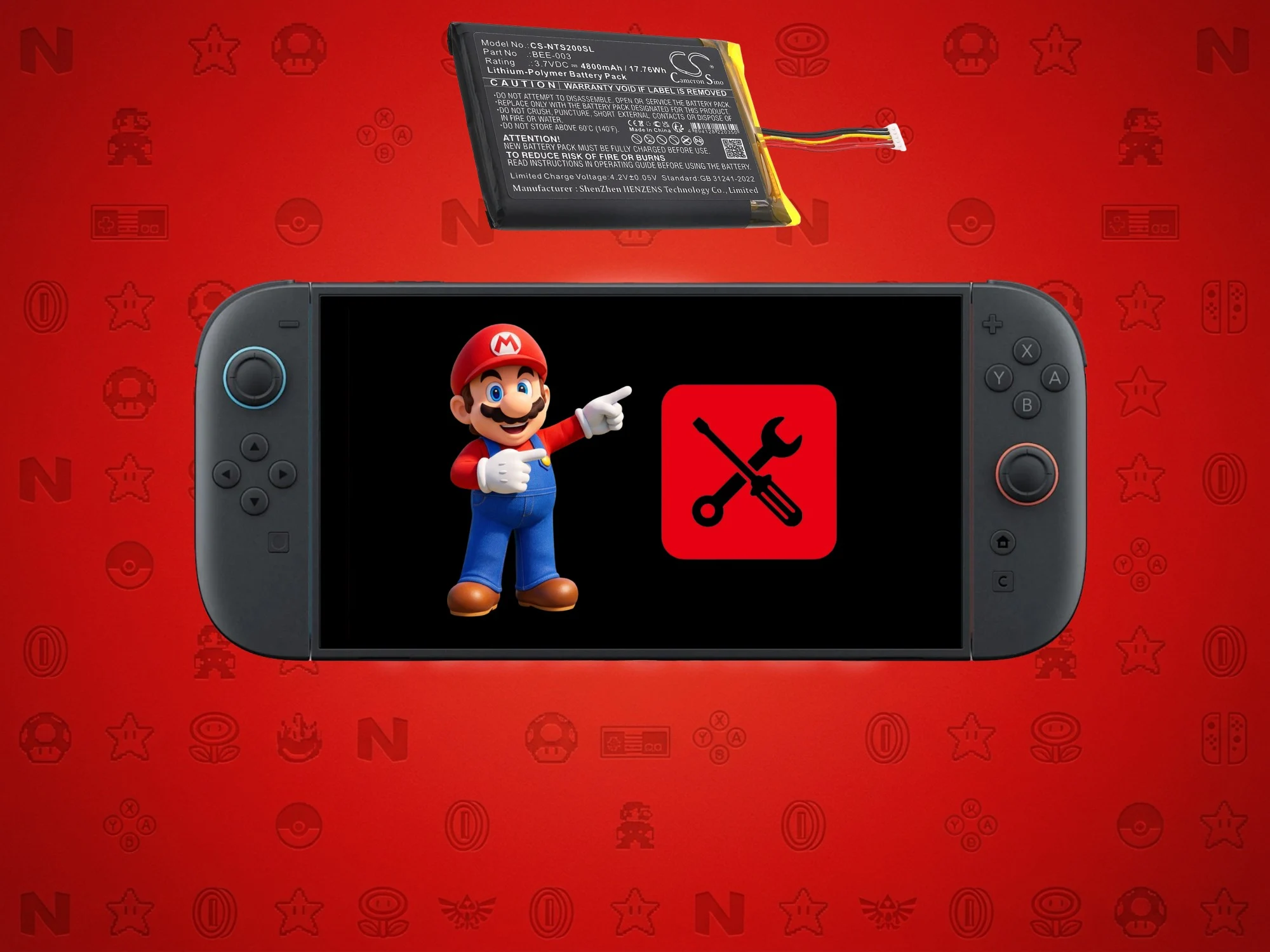
1. Nintendo advises charging or playing the Switch or Switch 2 at least once every 6 months to prevent battery degradation.
2. Extended periods of inactivity can cause lithium-ion batteries to lose charge, become unable to hold a charge, or swell, posing safety risks.
3. The Switch 2 includes features like a “stop charging around 90%” setting to help preserve battery health and facilitate easier repairs.
Important Reminder for Nintendo Gamers
Many gamers are well aware that leaving their consoles with lithium-ion batteries unattended can cause some problems. Still, Nintendo Support felt that it was necessary to remind everyone about the potential risks. The company posted on social media that players should be sure to charge or actively use their Switch or Switch 2 at least once every 6 months to avoid issues.
Warnings About Battery Storage
In a Japanese message picked up by Genki, Nintendo warns us that lithium-ion batteries inside gaming devices might stop charging if they sit around neither charging nor being used for long stretches. This advice is especially important for those with the Switch 2, the original Switch, and even older Nintendo consoles. If ignored, the battery level will slowly decrease over time, and if it hits 0%, the device might not turn on anymore even when plugged in. This can lead to a frustrating experience where battery capacity drops, and recharging becomes more frequent.
Potential Risks and Battery Care
Though not explicitly stated, there’s a possibility that lithium-ion batteries swelling can happen. Since the Switch 2 is fairly new, reports of swollen units are rare, but it’s still a good idea to follow proper precautions. Gas buildup inside the battery can cause serious damage or safety hazards. Therefore, taking care to avoid prolonged periods of disuse and not letting the battery fully drain is recommended for safety reasons and to keep your device working well.
Battery Saving and Maintenance Features
Nintendo has added smart features to help extend battery life and make replacements easier. In the system settings, users can choose to “stop charging around 90%,” which helps safeguard battery health through multiple charge cycles. When storing the console unused, it’s best to keep it in a cool, dry place with roughly 40-60% charge. These small steps can massively help in maintaining the device’s longevity.
Design Changes for Better Repairability
Recently, Nintendo announced a redesign for their latest handheld to make repairs simpler. This change is part of their response to EU right-to-repair policies. However, this upgrade may not be available in all regions. For players whose batteries degrade or swell, alternative repair options outside Nintendo’s usual service centers might be a wise choice, especially if they want faster or more affordable solutions.
Leave a Reply