
Key Takeaways
1. Easy Setup for Xbox Remote Play: Connecting the Lenovo Tab P12 Pro to the Xbox Series S and linking a controller is simple and quick, allowing immediate access to the game library.
2. Impressive Display Quality: The tablet features a 12.6-inch AMOLED screen with vivid colors and deep blacks, providing a rich visual experience for gaming.
3. Smooth Performance Across Titles: The Lenovo Tab P12 Pro handles demanding games like Assassin’s Creed Shadows and lighter games like Roblox with smooth graphics and minimal input lag.
4. Stunning Visuals with High Resolution: The 2K resolution display enhances game visuals, and while Remote Play streams at 1080p, the upscaling maintains clarity and vibrancy.
5. A Great Secondary Use for Gamers: The Lenovo Tab P12 Pro serves as an excellent portable gaming device for Xbox Remote Play, delivering console-quality gaming experience anywhere at home.
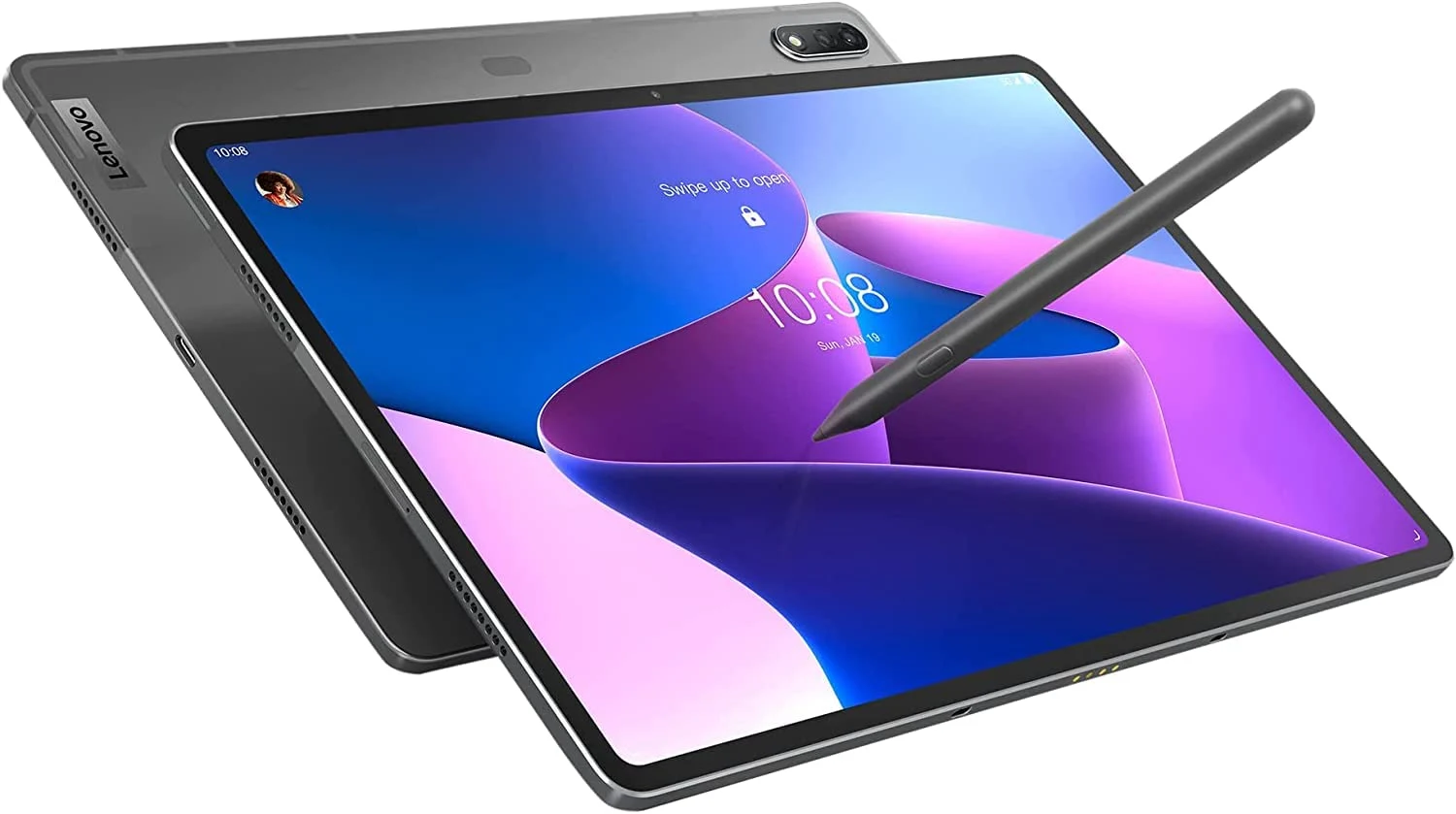
When considering premium tablets, the Lenovo Tab P12 Pro might not be the first choice that pops in your head for gaming on the Xbox Series X/S. However, when combined with Xbox Remote Play, it turns into an impressive portable console screen with surprisingly good performance. Equipped with the Precision Pen 3, this tablet is crafted for productivity and creativity, but it also proves to be a fantastic option for both casual and even competitive gaming.
Easy Setup for Xbox Remote Play
Setting up Xbox Remote Play on the Lenovo Tab P12 Pro was quite easy. After connecting the tablet to my Xbox Series S and linking a controller through USB, I was swiftly in my game library, ready to try out various titles.
Impressive Display Quality
The 12.6-inch AMOLED screen was immediately eye-catching. Colors were vivid, blacks were deeper, and the overall visual experience was richer than I had anticipated from a tablet that also serves as a gaming monitor.
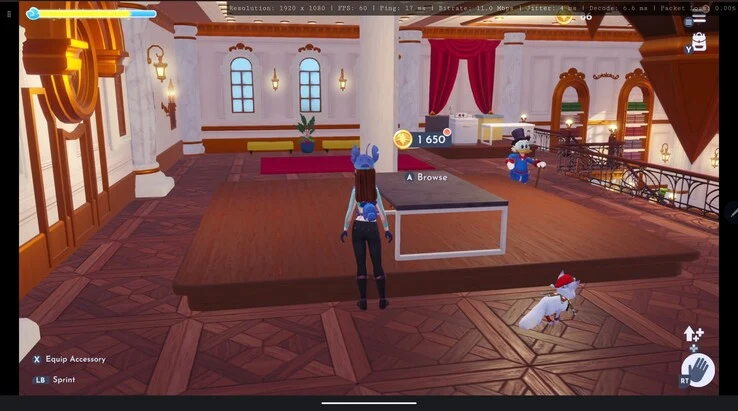
The screenshot below illustrates the experience… It started as a test image from Disney Dreamlight Valley, which made me even more eager to explore other games. Here are the specs:
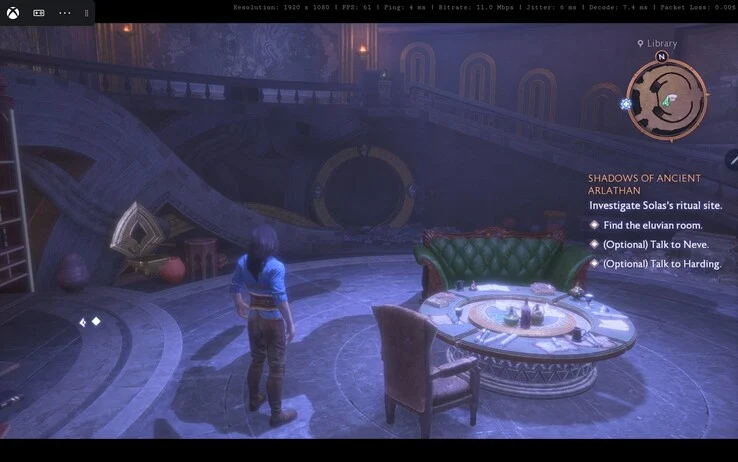
This setup allows for gaming that feels just as smooth as playing directly on the console. The 60 FPS significantly enhances responsiveness, while the low ping keeps input lag minimal. No visible stuttering, no dropped frames, and absolutely no packet loss — it’s about as good as streaming can get.
Smooth Performance Across Titles
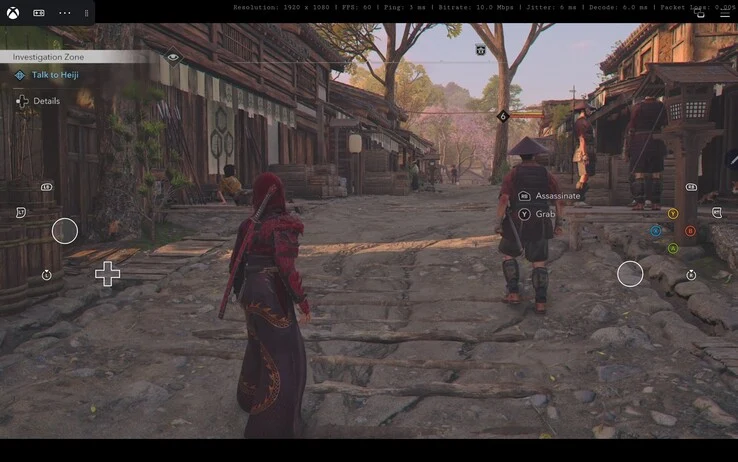
One of the more demanding games, Assassin’s Creed Shadows, performed exceptionally well. The streaming handled the expansive open-world settings without any artifacts, and the AMOLED display offered excellent contrast during nighttime stealth missions.
Roblox, being less demanding, showcased the Lenovo Tab P12 Pro’s ability to manage lighter graphic loads effectively. Movement was smooth, every input was immediate, and my experience felt just like playing on a native console.
Fast and competitive, Fortnite is often a real challenge for input delay. Here, the Lenovo Tab P12 Pro stood out: aiming was precise, and building mechanics were seamless, even though I lean towards Zero Build, and I never felt hindered by the streaming.
Minecraft’s blocky landscapes appeared sharp on the AMOLED screen. The tablet managed quick movements and multiplayer sessions effortlessly… confirming its reliability for casual gaming.
Stunning Visuals with High Resolution
The 12.6-inch AMOLED display at 2K resolution (2560 × 1600 natively) greatly enhances the visual quality of games. While Remote Play streams at 1080p, the upscaling is clear and vibrant. HDR content shines especially well, adding depth to games like Assassin’s Creed Shadows.
Remote Play relies heavily on internet quality, and in this trial, the results were impressive. With a 17 ms ping and no packet loss, the stream maintained a steady bitrate of 11 Mbps, showing that a robust network makes a significant difference.
The Lenovo Tab P12 Pro with Precision Pen 3 is marketed as a tool for creativity and productivity, but in my experience, it serves as an excellent device for Xbox Remote Play. Whether you’re exploring feudal Japan in Assassin’s Creed Shadows or casually building in Minecraft, the gameplay remained smooth, responsive, and visually stunning.
A Great Secondary Use for Gamers
For those who already own a Lenovo Tab P12 Pro, this is one of the best secondary uses for the tablet. It’s portable, features a breathtaking display, and with the proper internet setup, it offers console-quality gaming anywhere in your home.
Source:
Link
Leave a Reply