
Key Takeaways
1. Keychron has released firmware updates for various Keychron and Lemokey keyboards, enhancing per-key RGB functionality.
2. New customization features include a revamped RGB control interface and improved wireless connectivity management.
3. The updates introduce per-key RGB options, allowing individual key color configurations and mixed RGB features.
4. Wireless settings have been improved to reduce reconnection issues and extend deep sleep mode to 12 hours for better usability.
5. The updates enhance battery-saving options, allowing users to fine-tune power usage without compromising performance.
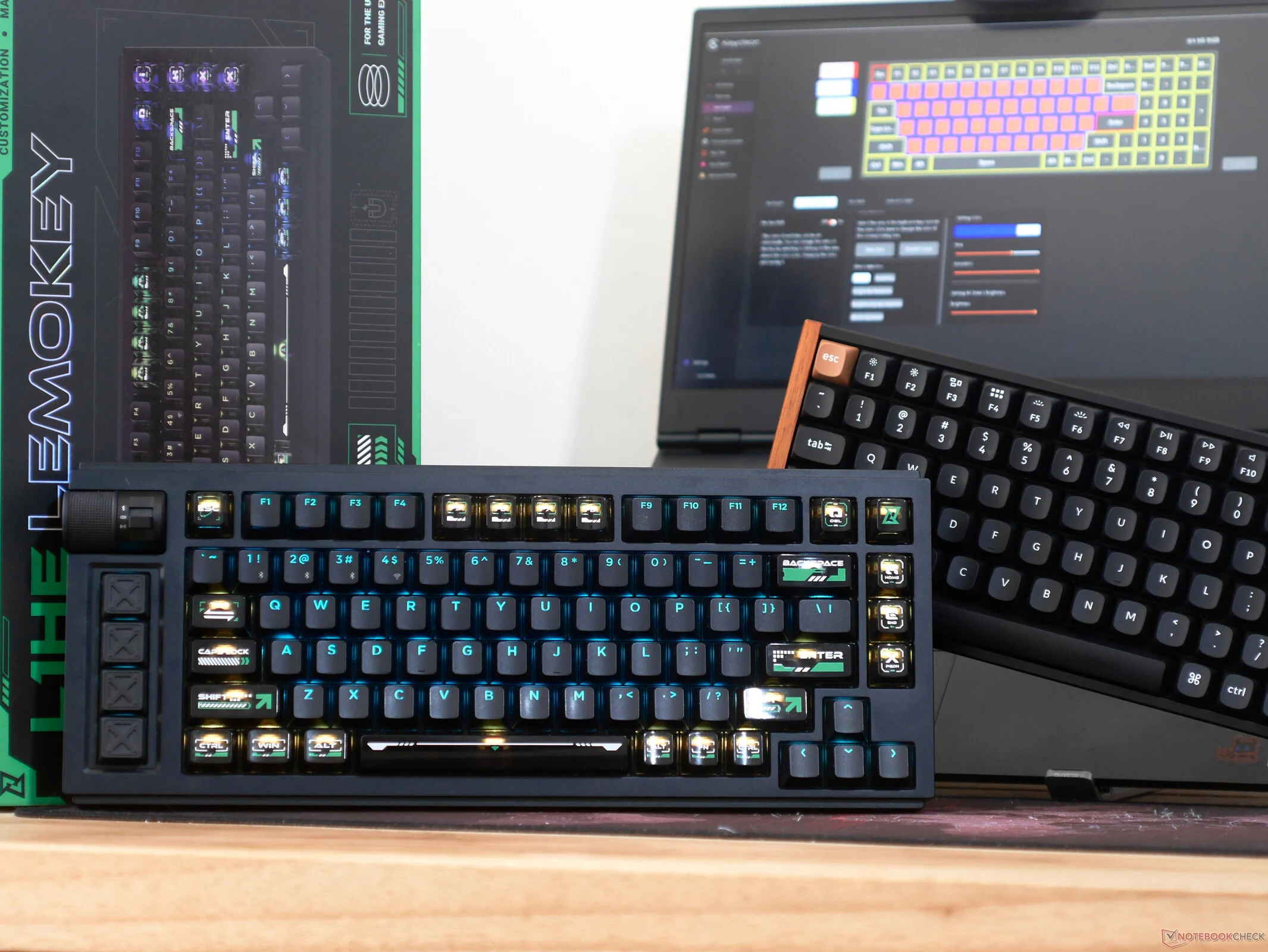
Keychron has rolled out updates for a selection of its keyboards, including those under the Keychron and Lemokey brands. This update introduces new firmware that improves per-key RGB functionality for its Hall-effect gaming keyboards along with many mechanical keyboard models. While it’s not completely clear which specific Keychron keyboards are included in this update, my testing confirms that both the Keychron K4 HE and Lemokey L1 HE have received these enhancements. Additionally, users on r/Keychron on Reddit have mentioned that the Lemokey P1 HE (currently priced at $169.99 on Amazon) and Keychron K1 Version 6 QMK, along with K1 Max, have also been updated. Based on previous firmware updates, it’s reasonable to assume that the entire Lemokey HE series, Keychron K HE series, and many of the newer QMK-compatible K-series keyboards have been upgraded too.
Enhanced Customization Features
When I evaluated the Keychron K4 HE earlier this year, I complimented the Keychron Launcher for its extensive customization options, noting that it was similar to Wooting’s Wootility in terms of features and ease of use. With this firmware update, the much-needed features for Hall-effect keyboards have been added, and more. The most significant addition is a new RGB control interface, but Keychron has also improved the management of wireless connectivity options, such as backlight time-out, matrix scan time-out, and wireless connectivity time-out.
New RGB Capabilities
The latest changes to backlighting controls introduce the mixed RGB features that were seen in the Q Max series earlier in the year, as well as a new per-key RGB option that allows for individual key color configurations. You can assign distinct colors to each zone, and each key can operate as its own zone. With this per-key mode, along with the mixed RGB settings, there are numerous ways to personalize your keyboard’s appearance, which is especially important for shine-through models favored by gamers.
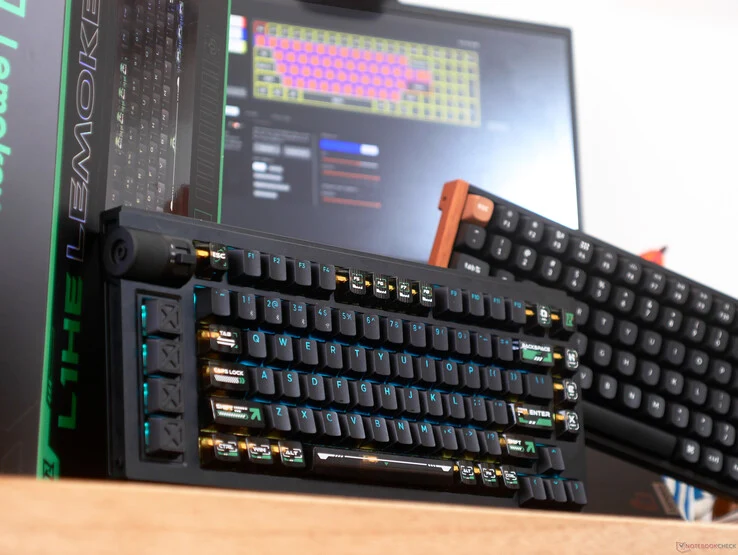
The added RGB controls mean that the Keychron K4 HE, for instance, is now as customizable as I found the Wooting 80HE to be in my review, plus it offers additional productivity features that the 80HE lacks, like wireless connectivity and onboard macro recording. This combination of features and high customization levels makes the Keychron K4 HE and the Lemokey L1 HE that I’m currently testing for an upcoming review among the finest gaming keyboards I’ve ever used. The Lemokey L1 HE stands out due to its shine-through keycaps and enthusiast design, which now offers even more customization.
Improved Wireless Settings
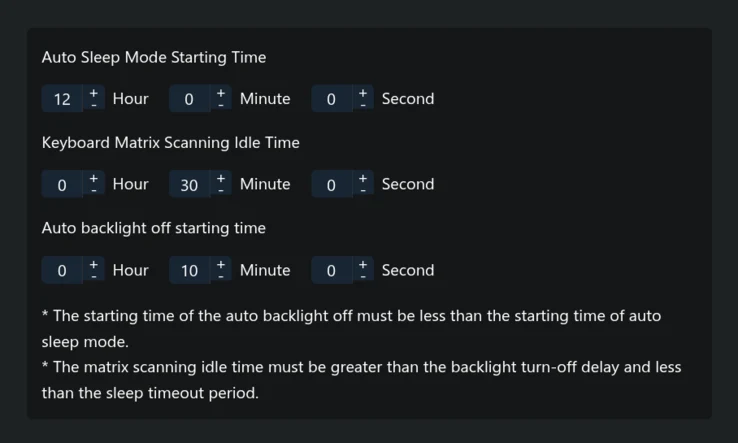
While the updated wireless connection settings may seem unimportant, they address a major issue I faced during my review of the Lemokey L1 HE — having to tap the space bar to wake the keyboard from sleep. Before the update, both the 2.4 GHz and Bluetooth wireless connections would go into deep sleep after 30 minutes, which isn’t terrible, but reconnecting through Bluetooth meant re-establishing a connection with the host. If you’ve used a keyboard and mouse on Android, you know that the reconnection can be a bit unpredictable, and this often led to a slight lag — a common problem with multiple devices and seems to be a bug in OnePlus’s Android version. By extending deep sleep mode to 12 hours, I can now avoid the hassle of reconnecting, eliminating the unpredictability that came with it.
The options for “auto backlight off starting time” and “keyboard matrix scanning time” allow you to fine-tune power usage if you prefer using your keyboard wirelessly, as key scanning at 1 kHz can quickly drain battery life. Here, you can save battery without needing to let the keyboard go into deep sleep mode, which takes a moment to wake up from. This feature could also benefit those who wish to let their computer sleep and wake it up immediately using the 2.4 GHz connection.
Source:
Link
Leave a Reply