
Key Takeaways
1. GIMP 3.0.6 introduces bug fixes and enhancements for a better user experience, including improved Photoshop brush compatibility.
2. The non-destructive editing workflow has been upgraded, with clearer communication on filter capabilities and improved performance.
3. User interface updates include theme color integration for dockers and more precise cursor functionality for sliders.
4. GIMP will now automatically add transparency to layers when needed, enhancing usability for less experienced users.
5. Future updates will focus on CMYK color management, printing capabilities, and overall stability and performance improvements.
Previously, we discussed the announcement of GIMP 3.0 and all the many improvements in UI and compatibility that this new version of the free image editor would bring. Since that time, the GIMP team has been busy working on version 3.2, which is set to introduce significant updates to features such as vector layers, link layers, the text tool, plugins, and even more refinements to the user interface.
Update 3.0.6 Enhancements
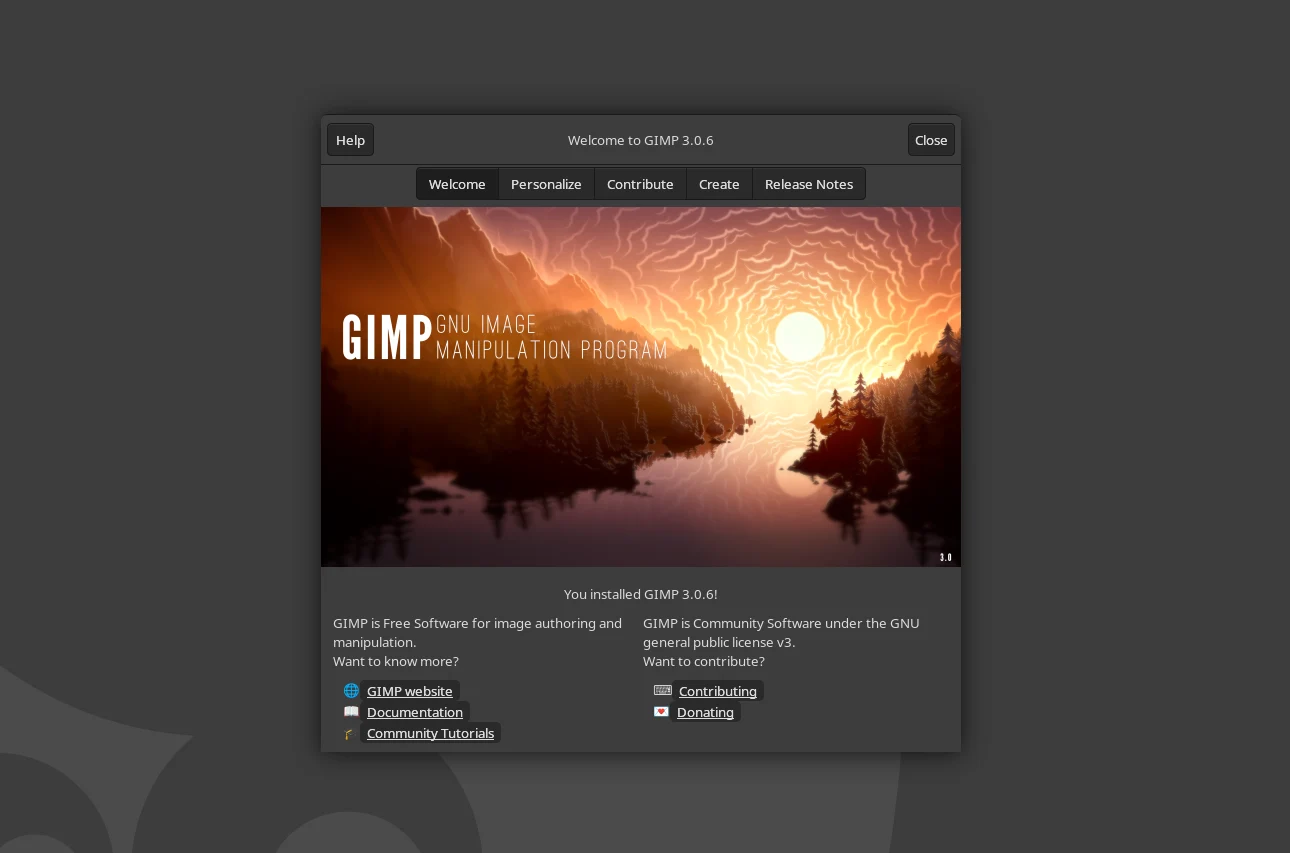
With the release of 3.0.6, there are lots of bug fixes, enhancements for user experience, and some adjustments that make using Photoshop brushes feel more unified. Among the most notable features introduced in GIMP 3.0 is the non-destructive editing workflow, which has seen its filters improved for better stability. The clean-up of this code aligns the development and stable code bases, bringing the latest advancements from the 3.1.4 release back to GIMP 3.0.6. Now, there’s clear communication about which filters can be applied non-destructively and which cannot. Performance upgrades have also been made to these filters.
Interface Improvements
The user interface has also been updated, with palette, brush, and font dockers now using theme colors—this may seem like a small change, but it could greatly enhance the overall feel of the UI. Additionally, clicking on sliders in GIMP will now produce a more precise cursor, replacing the pointing hand feature that came with the 3.0 update.
As of version 3.0.6, GIMP will automatically add transparency to a layer when a feature requires it, no matter the file type—though the restrictions related to file types will still apply upon export. This should make features more intuitive for users, especially those who are less experienced.
Future Changes Ahead
Many significant updates are on the horizon for GIMP, including CMYK color management and printing capabilities. However, a lot of these updates will be background improvements aimed at enhancing the stability and performance of the free image editor. The GIMP development team is also focused on making it easier to maintain and work with the GIMP codebase, which should help in achieving feature parity with better-funded products like Photoshop.
Source:
Link
Leave a Reply