
Key Takeaways
1. Garmin released software update version 16.37 for five smartwatch models: Venu 4, Venu X1, vivoactive 6, Forerunner 570, and Forerunner 970.
2. The update includes performance enhancements for the course planner tool, particularly for Forerunner smartwatches, and improved translations.
3. Three bug fixes are included, addressing potential crashes with headphones and HIIT sessions, and a goal alert issue.
4. The update is automatically installed when syncing with the Garmin Connect App or Garmin Express, but can also be checked manually.
5. The smartwatches start at a price of $714.99 on Amazon.
Garmin has revealed the latest software update, version 16.37, for five of its smartwatch models: the Venu 4, Venu X1, vivoactive 6, Forerunner 570, and Forerunner 970. This update comes right after the beta version, featuring the same change log.
Performance Enhancements
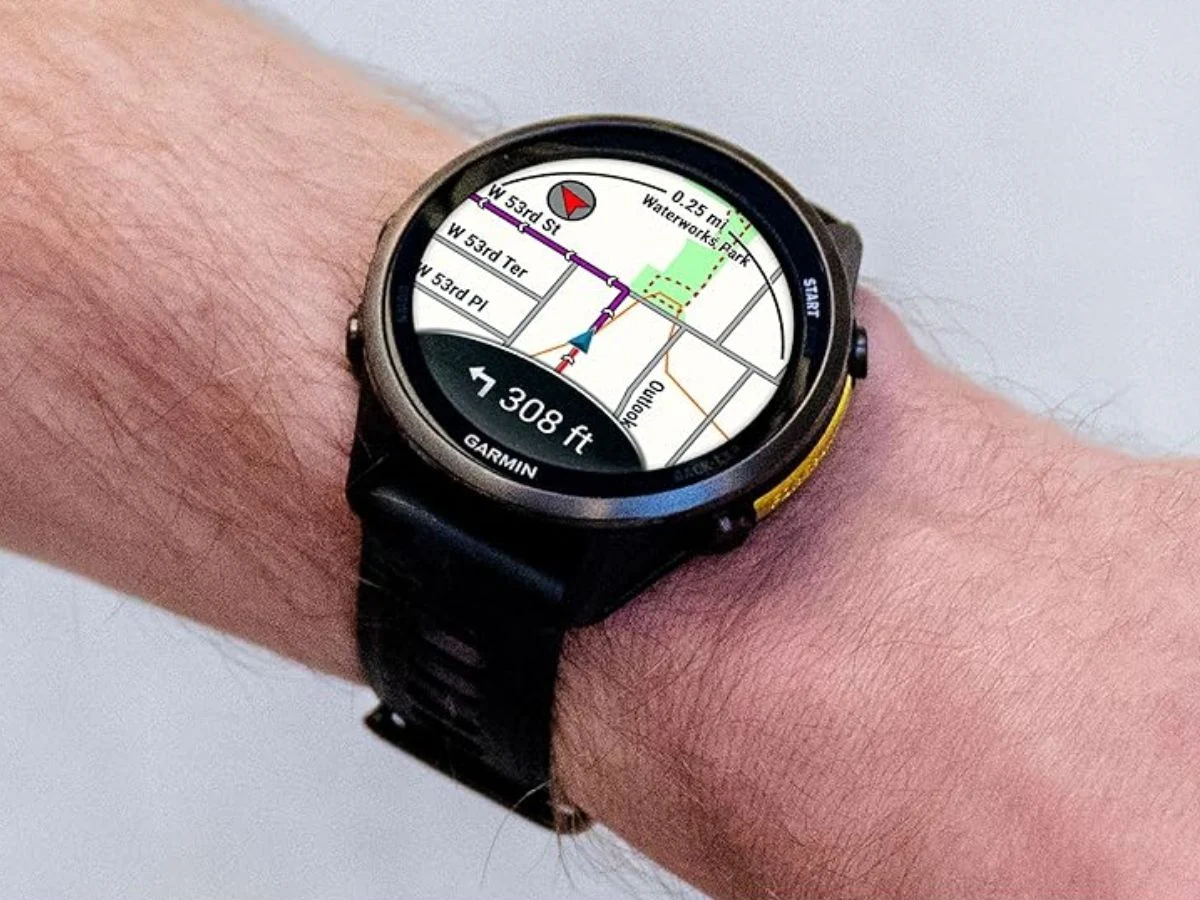
A recent update on the Garmin forum notes that software version 16.37 includes enhancements for the course planner tool specifically for the Forerunner smartwatches. The release notes mention that translations for these devices have been improved, although the specific languages that have been updated are not specified.
Bug Fixes Included
In addition to the performance upgrades, the new stable update includes three bug fixes for the Garmin Forerunner, Venu, and vivoactive smartwatches. Two of these fixes address potential crashes that may happen when the watches are paired with headphones or during high-intensity interval training (HIIT) sessions. The third fix resolves an issue with the goal alert feature, where users previously received only one goal alert per day.
Availability of the Update
The software version 16.37 update is now accessible for all users of the Venu 4, Venu X1, vivoactive 6, Forerunner 570, and Forerunner 970 models, which start at $714.99 on Amazon. The update should automatically install on your device when it syncs with the Garmin Connect App or Garmin Express. If you prefer, you can manually check for the update by navigating to Menu > System > Software Update > Check For Updates.
Source:
Link


Leave a Reply