
– Adds a new golf performance glance for Venu X1 and enables marking putts with the Green View map, plus support for multiple coordinate input formats.
– Enables Venu X1 to connect with Approach CT1 Golf Club Trackers and introduces quick-access silent mode and swipe-up access for the keyboard layout menu.
– Outdoor Maps+ layers can be viewed via QR codes, and users can navigate to a previously marked Last MOB (Man Overboard) point.
Garmin’s software update details
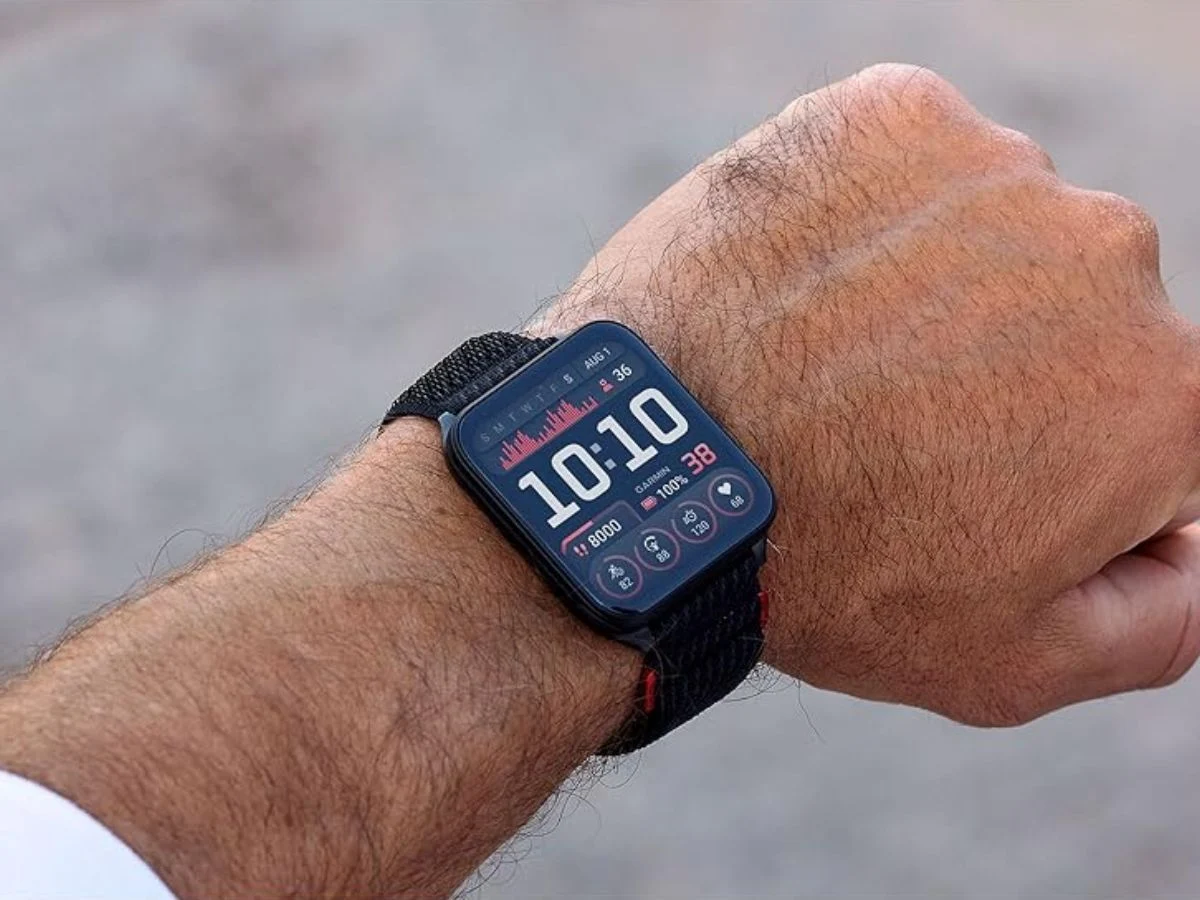
Garmin’s new software version 17.33 is rolling out to the Venu X1 smartwatch. Similar updates are currently rolling out to other wearables in the brand’s range, like the Forerunner 570, the Forerunner 970, the Venu 4 and the vivoactive 6. The release notes for Garmin software version 17.33 state that it adds a new golf performance glance to the Venu X1. Another new golf-related feature is linked to the Green View map, allowing users to mark a putt. Plus, the smartwatch now supports several position formats for entering coordinates.
New features and compatibility
Users of the Garmin Venu X1 smartwatch can now connect it to the brand’s Approach CT1 Golf Club Trackers (curr. $99.99). Other new features include a quick access silent mode and swipe up access for the keyboard layout menu. On top of this, the descriptions of layers on Outdoor Maps+ can now be viewed via QR codes, and users gain the option to navigate to a Last MOB (Man Overboard) point which you have previously marked.
Availability and install notes
The Garmin software version 17.33 was announced in an official forum post. You can find a screenshot of the release notes below. Users of the Garmin Venu X1 smartwatch should automatically install it when it is connected to Garmin Connect Mobile or Garmin Express. Alternatively, you can manually download the software from the watch’s settings. However, it is worth noting that the update is currently only available for around 20% of users.
Leave a Reply