
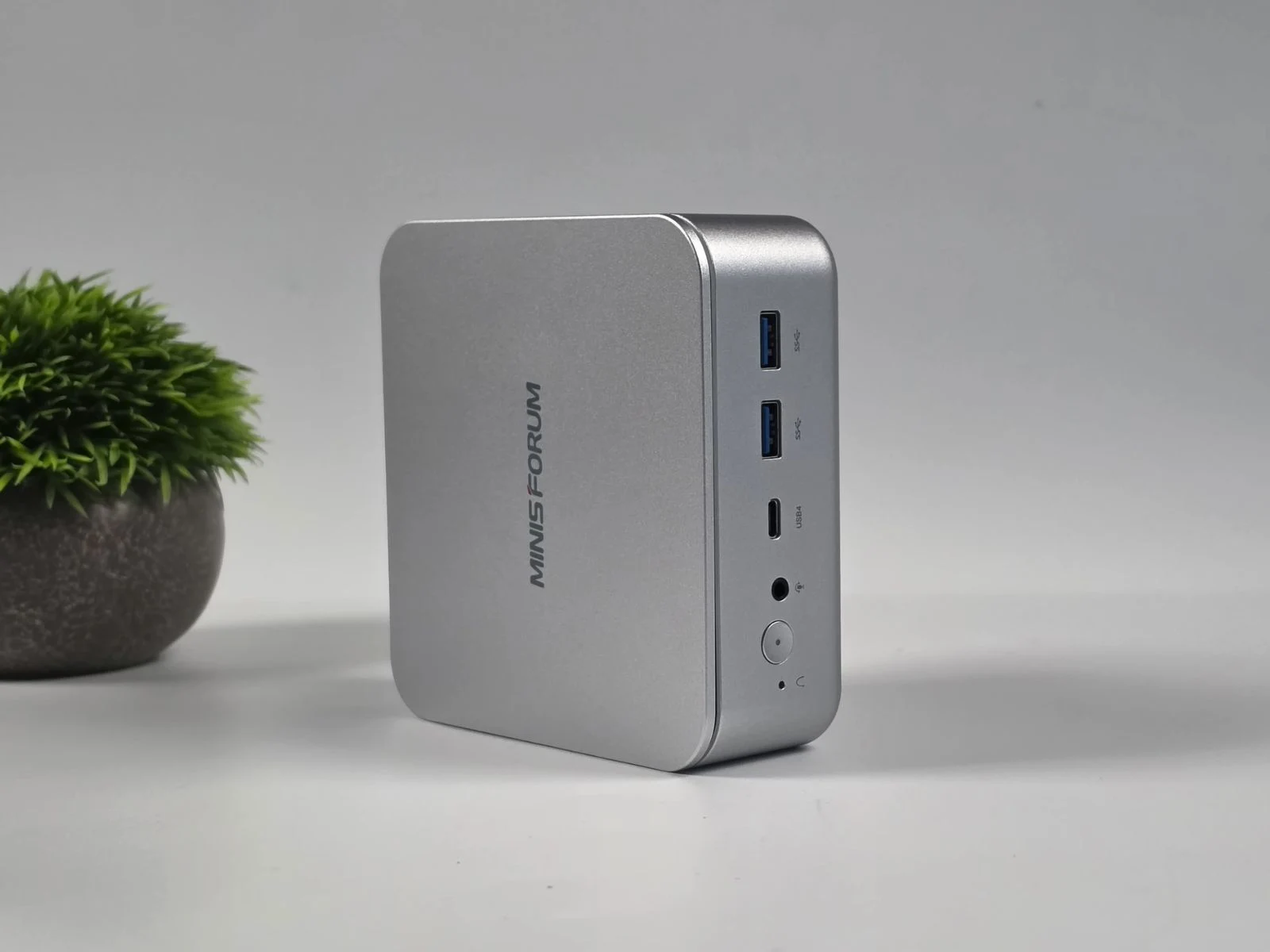
– The Minisforum M2 pairs an Intel Core Ultra 7 356H with dual NVMe slots, Wi-Fi 7, and PCIe 4.0 storage for about $575, but it uses a standard iGPU with only four Xe cores (not a higher-end XeDG solution).
– In synthetic CPU/GPU benchmarks, it scores around 2,696 (single) / 15,073 (multi) in Geekbench 6 and about 3,273 in 3DMark Time Spy, lagging behind higher-tier chips like Ryzen AI 9 HX 470.
– In gaming tests at 1080p, Cyberpunk 2077 runs ~45–50 FPS using XeSS/FSR tweaks; enabling 4X Frame Generation can exceed 100 FPS but may introduce artifacts, with balance/quality trade-offs recommended.
– 1080p Crimson Desert stays ~25–30 FPS (up to ~70 FPS with 2X frame gen, but ghosting occurs); Red Dead Redemption 2 results were reported but not specified in detail.
Minisforum M2 Overview and Pricing Details
Minisforum M2 could very well be one of the most affordable bare-bones Intel Panther Lake mini PCs on the market, featuring the Intel Core Ultra 7 356H, two M.2 2280 NVMe SSD slots (PCIe 4.0 x4), Wi-Fi 7, and Bluetooth 5.4, costing around $575. But don’t get confused by the Intel Panther Lake branding, as the processor uses the standard Intel Graphics iGPU instead, featuring only four Xe graphics cores.
Previous Claims and Onboard Graphics Considerations
In our previous reporting of the device, we had reported that, to counter the weak iGPU, Minisforum has included a USB4 port for connecting an eGPU dock. However, the question still remains as to how the Minisforum M2 performs on its own in terms of gaming, without any external graphics power.
ETA Prime’s Test and RAM Configuration
YouTube channel ETA Prime might have an answer, as they recently tested the Minisforum M2 mini PC in their latest video. The affordable Intel Panther lake mini PC was equipped with 32 GB of DDR5-5600 RAM in a quad-channel configuration, meaning it used two 16 GB modules.
CPU and Graphics Benchmarks
In Geekbench 6, it scored 2,696 in single-core and 15,073 in multi-core performance. Compare that to the AMD Ryzen AI 9 HX 470, which has median scores of 2,963 and 15,813, respectively, according to the Notebookcheck database.
GPU and Gameplay Performance
Moreover, in GPU-based benchmarks like 3DMark Time Spy, the HX 370 scored noticeably higher at 4,138 compared to the Core Ultra 7 356H’s 3,273.
Cyberpunk 2077 Testing and Settings
In terms of gaming, the first game on the test bench was Cyberpunk 2077, for which the YouTuber chose the Steam Deck preset but manually switched the upscaler from FSR to XeSS Balanced. At this point, the game ran between 45 and 50 FPS and was easily playable without any hiccups.
Frame Generation Experiments
They also tried a 4X Frame Generation Override using Intel Graphics Software, since Cyberpunk 2077 has not yet been updated to natively support Intel’s multi-frame generation multipliers. This resulted in over 100 FPS in-game, as the YouTuber also turned off XeSS scaling and switched back to native 1080p.
A Balanced Recommendation and Visual Quality Trade-offs
In the end, the YouTuber did say that changing the multiplier to 3X or switching XeSS scaling back to the “Quality” preset would be the ideal way to go, as it would help alleviate visual artifacts and ensure a much smoother, more stable experience.
Crimson Desert and Frame Generation Effects
Next up, they tested Crimson Desert at 1080p with XeSS set to Balanced, and it ran between 25 and 30 FPS. With a 2X frame generation multiplier, the frame rate did go up to 70 FPS; however, it also caused a lot of in-game ghosting.
Other Titles
They also tested Red Dead Redemption 2 later in the video, which you can watch linked down below.