
Key Takeaways
1. Occasional Instability: The TUF Gaming A18 showed infrequent instability during testing, though it did not significantly affect the overall score.
2. 4K Gaming Experience Issues: The laptop experienced restarts and unresponsiveness when connected to an external monitor for 4K gaming.
3. High Latencies Detected: LatencyMon indicated high latencies, suggesting performance issues despite smooth playback of YouTube videos.
4. Need for Optimization: The laptop is not fully optimized, with potential driver issues and unnecessary Asus-specific processes contributing to performance problems.
5. Suggestion for Manufacturer: Asus should address underlying issues and reduce preloaded bloatware to improve overall performance and stability.
In previous discussions, we looked at the unique performance mode and considered if this lightweight, quiet, and efficient laptop is aiming to appeal to budget-conscious creatives. Our evaluations revealed that the TUF Gaming A18 ($1,989 on Amazon) achieved a respectable score of 84 percent. Today, we want to touch on some details that may not be reflected—or are just slightly reflected—in the overall score.
Occasional Instability
While we were testing, the 18-inch laptop showed signs of instability from time to time. These glitches were infrequent and mostly unrepeatable, so they didn’t directly affect the final score. Nevertheless, we believe it’s essential to share this information with our audience.
4K Gaming Experience
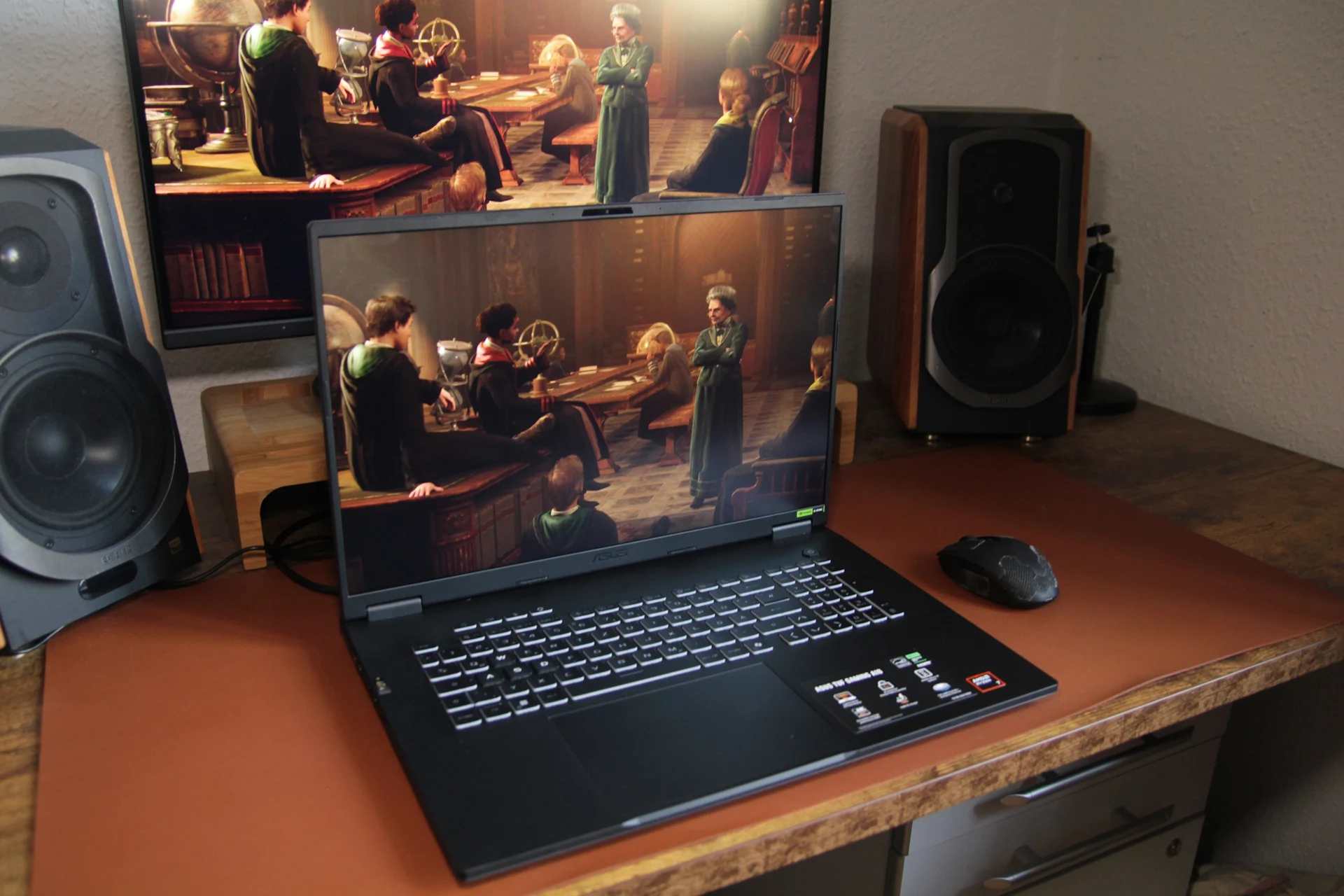
In addition to our regular testing, we also tried out the gaming laptop at a 4K resolution with various games by connecting it to an external monitor. The very first time we hooked up the HDMI cable, the laptop surprisingly restarted itself.
At two different points during testing, the device would suddenly become unresponsive. In each instance, we had to perform a manual restart to get it working again. The tool LatencyMon indicated fairly high latencies, but at least our YouTube test video played smoothly without frame drops. It appears that the Kernel Mode Driver Framework might be behind some of these issues.
Need for Optimization
Such problems are not typical and ideally should not occur. They suggest that the A18 is not yet fully optimized. Issues with drivers or processes could be partly to blame, but the numerous Asus-specific processes might also contribute to the situation. Asus tends to install a lot of apps and processes that aren’t really necessary, which increases the likelihood of encountering problems.
Asus needs to promptly look into the underlying issues and release updates. It’s also wise for the manufacturer to reduce, merge, or streamline the preloaded bloatware, apps, and processes. Do gaming laptops really need to run this many Asus-specific tasks (refer to the screenshot)?