Tag: Pixel smartphones

  • Google Pixel Lock Screen Issue After March Update Fix

    Google Pixel Lock Screen Issue After March Update Fix

    Key Takeaways

    1. Google released a significant update for Pixel phones, focusing on a new desktop mode for Pixel 8 and later models when connected to an external monitor.
    2. Many users, especially on Pixel 9 and Pixel 10, are experiencing lock screen freezing issues after the update.
    3. The freezing problem allows activation via the lock button, but the screen remains stuck until a forced restart is performed.
    4. Some users suggest reverting to the February 2026 patch or reinstalling the latest feature drop as possible solutions to the glitch.
    5. Google is aware of the issue and is working on a fix, but no timeline for a resolution has been provided; users are advised to avoid the latest update until the problem is resolved.


    On March 3rd, Google made a significant update for Pixel phones, including models up to the Pixel 10, which is priced at $549 on Amazon. The main goal of this update was to introduce a new desktop mode for the Pixel 8 and later versions when linked to an external monitor. However, since this update rolled out, many users have taken to Reddit to express their frustrations about their phones freezing on the lock screen.

    User Experience with the Update

    Even though the smartphone can still be activated using the lock button, the screen remains stuck on the lock screen until users perform a restart by holding down the lock and volume up buttons together for several seconds. This issue seems to predominantly affect the Pixel 9 and Pixel 10 models, yet some owners of the Pixel 8 Pro have also mentioned encountering a similar lock screen freeze.

    Possible Solutions and Google’s Response

    One user has indicated that reverting Android to the February 2026 patch may resolve the issue. There are claims that reinstalling the most recent feature drop has led to the return of this glitch. All signs suggest that the March update from Google has caused this problem. The official Pixel Community account on Reddit has acknowledged that Google is aware of the issue and is currently working on a fix, but no timeline for a resolution has been provided yet. Users who haven’t updated to the latest feature drop are advised to hold off until Google can address this issue.

    Source:
    Link


  • Google Pixel Watch 4 Gains Satellite Connectivity in Europe

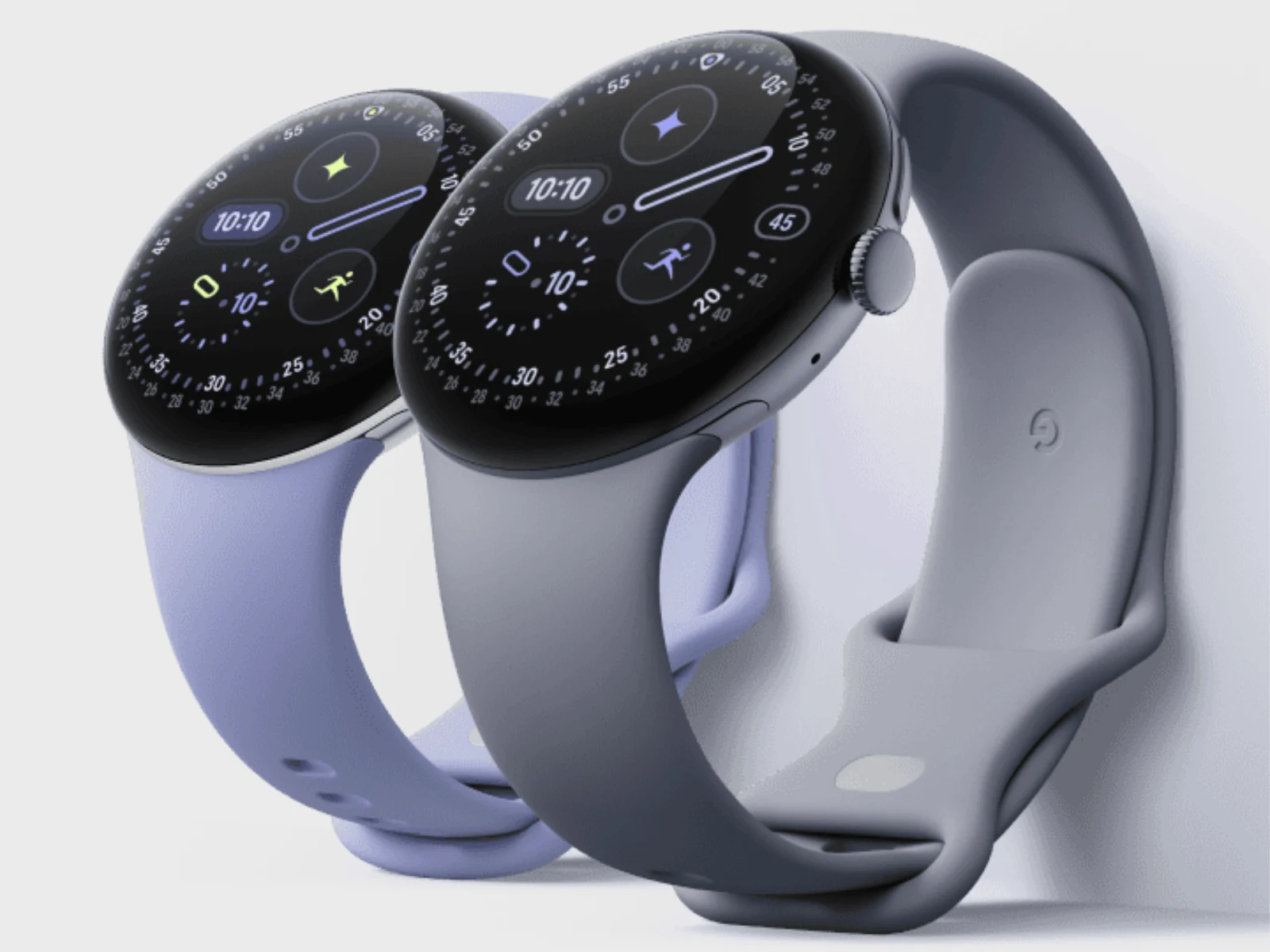
    Google Pixel Watch 4 Gains Satellite Connectivity in Europe

    Key Takeaways

    1. The March 2026 Feature Drop introduces new features for Pixel smartphones and the Pixel Tablet, including the long-awaited desktop windowing feature for the tablet.
    2. The older Pixel Watch 3 will receive gesture controls, allowing users to interact with their connected smartphones more easily.
    3. Satellite connectivity for the Pixel Watch 4 is expanding to more markets, including Europe, beyond its initial availability in the US.
    4. Pixel Watch 2 and newer models can now use tap-to-pay options and access transit systems without opening the Wallet app.
    5. These updates enhance the overall functionality and user experience of Google’s Pixel devices and smartwatches.


    Google is beginning to introduce a variety of fresh features to its Pixel smartphones as part of the March 2026 Feature Drop. This update is also making its way to the Pixel Tablet, which will finally have the desktop windowing feature that was missing from its earlier version.

    New Features for Smartwatches

    In addition to the smartphones, Google has announced that new functionalities are on the way for its smartwatches too. For instance, the older Pixel Watch 3 will get gesture controls with the arrival of the March 2026 update. These controls, which were once only available on the Pixel Watch 4 (currently priced at $399 on Amazon), allow users to answer calls, browse notifications, and snap photos on a connected smartphone simply by tapping their thumb and index finger together on the watch.

    Expanding Connectivity Options

    Furthermore, Google has broadened the satellite connectivity options for the Pixel Watch 4, making it accessible in additional markets. Initially, this feature was only available in the US, but the March 2026 Feature Drop will also extend it to Europe. Additionally, the Pixel Watch 2 and newer models can now utilize tap-to-pay options or access transit systems without needing to open the Wallet app first. For further information, you can visit Google’s blog post.

    Source:
    Link


  • Android 16 Public Beta Now Available for Pixel 9 Pro and More

    Android 16 Public Beta Now Available for Pixel 9 Pro and More

    Google has launched the initial public beta version of Android 16 today, just two months after the developer beta was released in November. If you own a Google smartphone from the Pixel 6, 7, 8, or 9 series (starting at $649 on Amazon), you can now register for the beta program and get an early look at the upcoming major operating system update. The beta is also accessible for the Pixel Fold and Pixel Tablet.

    Important Considerations Before Installing

    As is typical with beta software, there may be some bugs present, so it’s advised to make a comprehensive backup of all your data prior to installing the Android 16 update. Additionally, it might not be wise to put this update on your main device or daily use phone. This first beta release mostly brings a handful of new features as Google concentrates on the technical foundations of the new Android version. More substantial updates and key features are expected to be revealed in the weeks leading up to the official release.

    Release Timeline and New Features

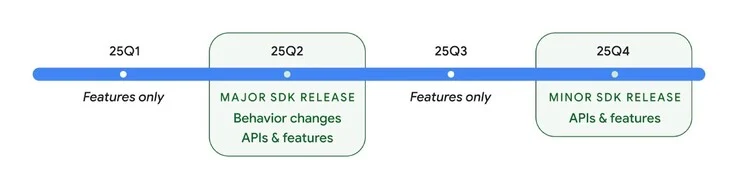
    Per Google’s revised schedule, the arrival of Android 16 is planned for the second quarter of 2025, which indicates that the update should be rolled out by the end of June. The first public beta includes live notifications, which are akin to those found on iPhones, and are updated in real-time to display the latest football scores or the estimated arrival time of an Uber, for example.

    In Android 16, applications must function in both portrait and landscape orientations and automatically adapt to the layout of larger screens typical of foldable smartphones and tablets. Applications that show unsightly black bars on the sides are no longer allowed. Android 16 also introduces support for the Advanced Professional Video (APV) codec, enabling the rendering of nearly lossless 10-bit videos at data rates reaching up to 2 Gbps.

    Google’s new operating system continues to evolve, promising a more refined experience for users in the future.

    Source:
    Link


  • Google Pixel 9 Pro Gains Bypass Charging for Longer Battery Life

    Google Pixel 9 Pro Gains Bypass Charging for Longer Battery Life

    Google has told Android Authority that the new Feature Drop will bring two fresh features to Pixel phones that help with battery life. The first feature allows users to limit their charging to 80%. When this setting is turned on, Pixel devices will only charge up to 80% of their battery capacity.

    Bypass Charging Benefits

    Moreover, bypass charging now kicks in automatically when the battery reaches 80% and the phone stays plugged in. This means the phone gets its power directly from the USB-C cable instead of going through the battery. There are a couple of perks to this. For one, the phone stays cooler since the battery isn’t being used, which is nice for those who like gaming while charging. Also, this method helps to protect the battery, possibly increasing its lifespan, particularly for phones that get charged frequently for long durations.

    Potential for Other Devices

    The bypass charging feature might also be implemented on the Google Pixel Tablet, especially if it’s used as a smart home hub with its matching dock, as Google envisions. Batteries face the most stress when they are either fully charged or completely drained. Using bypass charging can slightly extend the total number of charging cycles a smartphone can go through over the years, while keeping the charge limit at 80% can further lengthen the battery’s life, as long as users don’t let their battery drop close to 0% too often.

    Source: Link