Tag: Nintendo support

  • Nintendo Addresses Switch 2 Missing HDMI Cables

    Nintendo Addresses Switch 2 Missing HDMI Cables

    Key Takeaway

    – The Switch 2 HDMI cable is hidden under the top compartment, which many buyers overlook.
    – The cable is a standard 5-foot HDMI 2.1 cable, not unique, but required for 4K/60Hz output.
    – No bundled cable supports VRR, despite initial suggestions it might be an option.
    – Nintendo released an official unboxing video to clarify where each accessory sits.
    – Most social media replies mock the need for clarification and the slow pace of the video.


    Packaging Confusion Leads to Nintendo Response

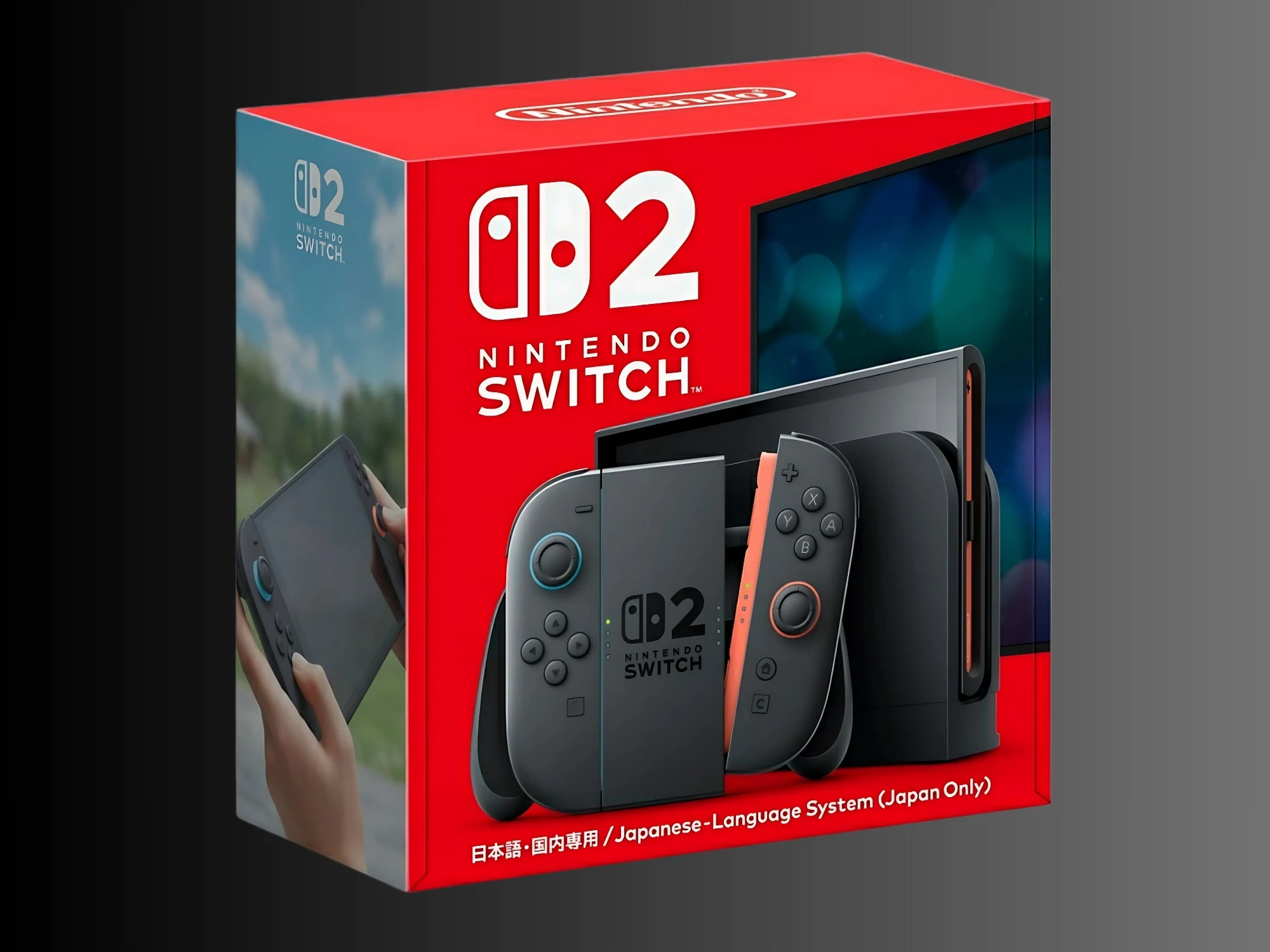
    The layout of the Switch 2 packaging has proven too mysterious for some buyers. After recieving complaints about a missing HDMI cable, Nintendo Support has issued a response. The company shared an unboxing video that reveals exactly where each accessory sits.

    No Evidence of Routine Mistakes

    There is no evidence that Nintendo routinely forgets to bundle extras with the console. Nevertheless, the confusion prompted the manufacturer to provide guidance. A post on the Japanese social media account explains:

    We sometimes recieve inquiries from customers who have purchased the Nintendo Switch 2, saying, ‘The HDMI cable was not included in the box’

    Video Reveals Hidden Compartment

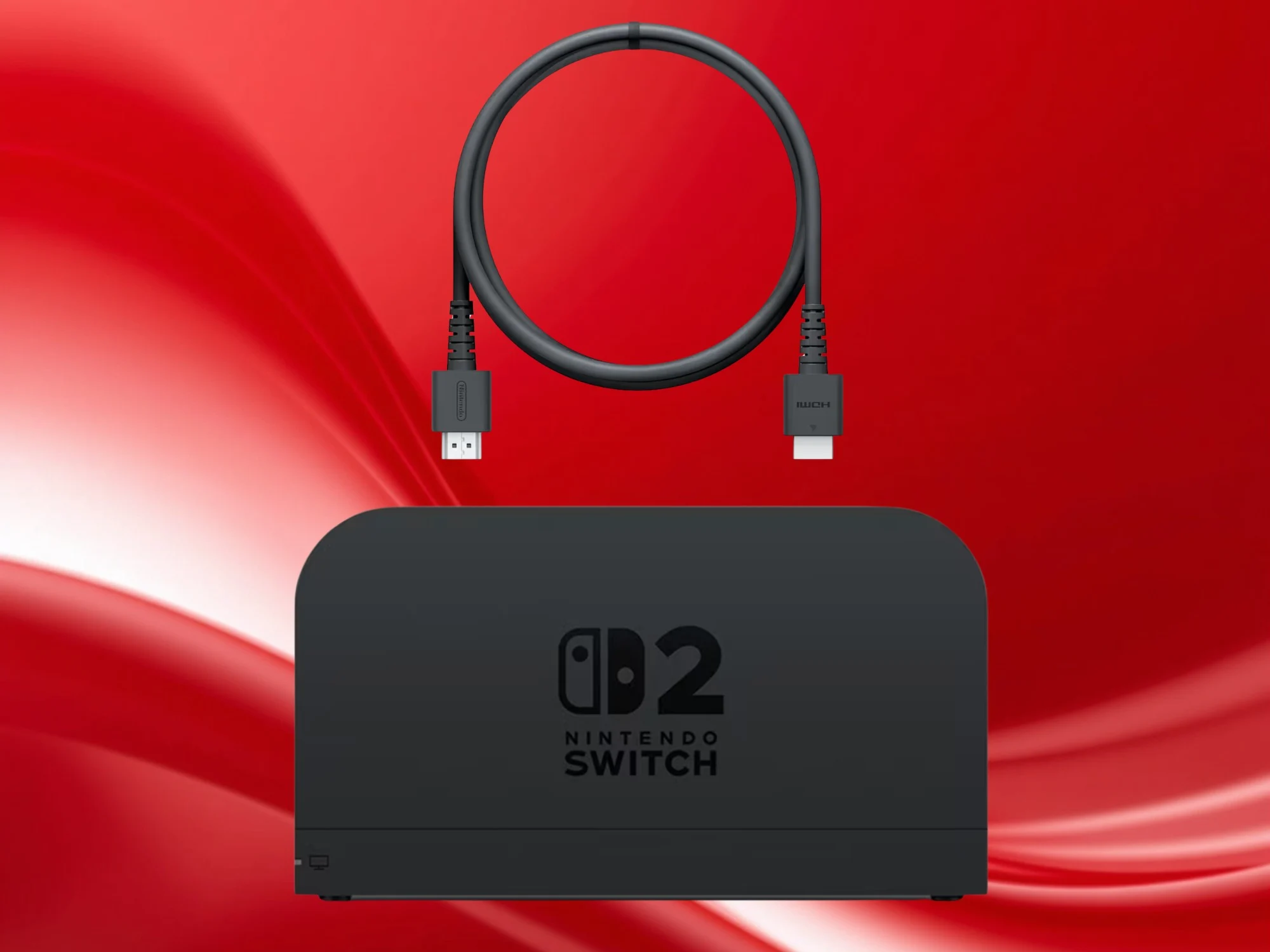
    A linked help article contains a video and a description of each section of the packaging. The top compartment holds the handheld itself, next to the left and right Joy-Con 2. For whatever reason, gamers seem to overlook the section underneath. That’s where the ultra-high-speed Switch 2 HDMI cable is found adjacent to straps for the controllers.

    Less Trouble With Other Accessories

    Players have less trouble locating the Joy-Con 2 grip, Switch 2 dock, AC adapter, and charging cable in the bottom compartment. Regardless, most social media replies question why the clarification was necessary. They also make fun of the slow pace of the unboxing video, which takes several minutes to adress the issue.

    HDMI Cable Specifications

    For buyers who still can’t track down the accessory or need a replacement, there is nothing unique about the Switch 2 HDMI cable. Still, it has advantages over the cable bundled with the original handheld. It’s 5 feet long and meets the HDMI 2.1 spec, supporting enough bandwidth for a 4K/60 Hz signal. Higher refresh rates are possible at lower resolutions.

    The cable is primarily used to connect the Switch 2 dock to a TV. Unfortunately, no alternative will enable VRR (Variable Refresh Rate) to minimize screen tearing during fast-paced gameplay. It’s another common question posed to Nintendo Support, since the company initially suggested it was an option.
    Sources

  • Nintendo Switch 2 Pro Controller Sticky Thumbstick Durability Concerns

    Nintendo Switch 2 Pro Controller Sticky Thumbstick Durability Concerns

    Key Takeaway

    – The left thumbstick base ring can accumulate gummy debris, causing sticky, resistant movement over time.
    – Cleaning helps temporarily, but a permanent fix requires replacing the problematic base ring.
    – Self-service is difficult; contacting Nintendo Support is often necessary, especially after warranty expires.

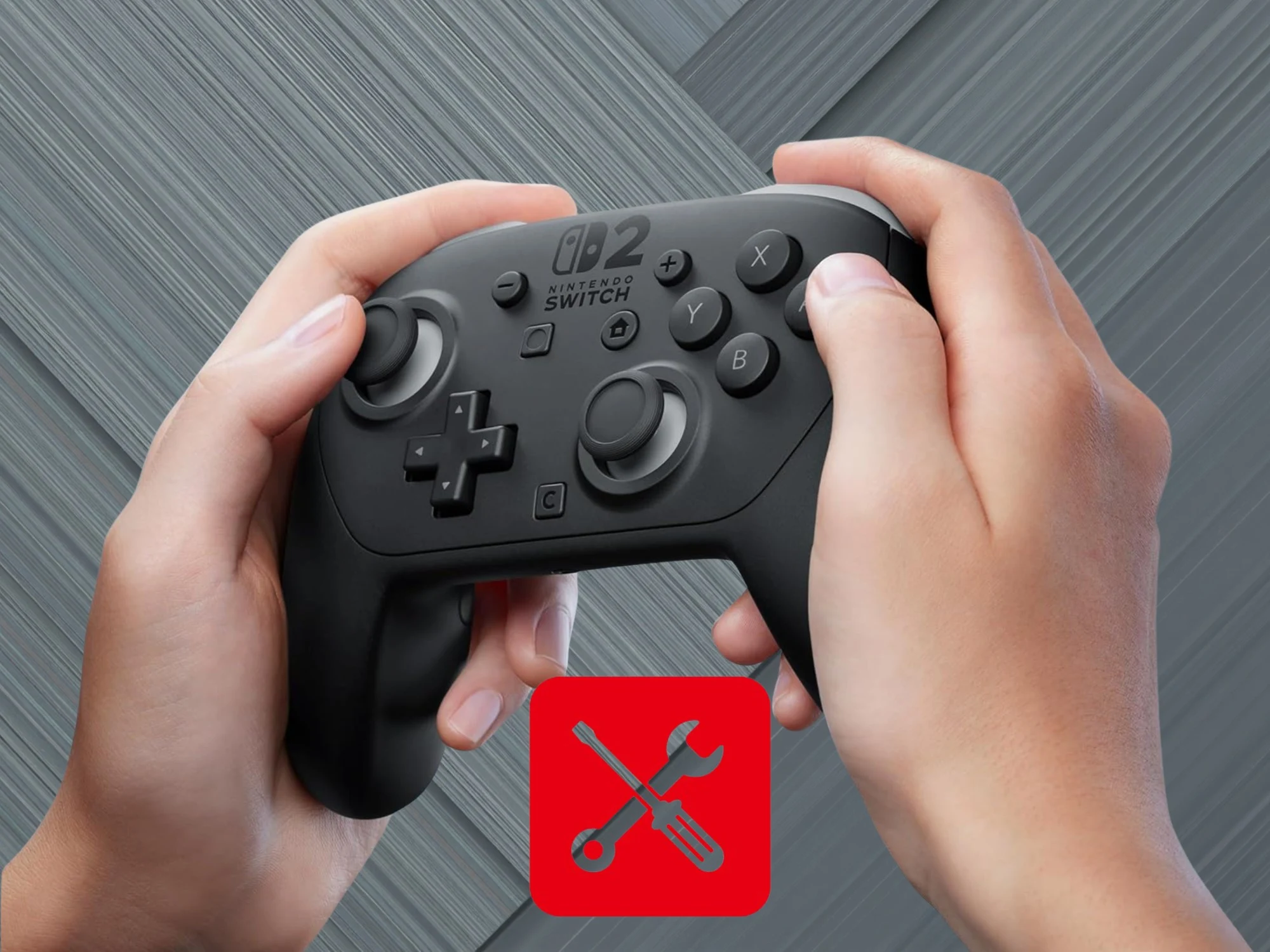
    Many gamers consider the Nintendo Switch 2 Pro Controller an essential accessory. Unfortunately, it may be more prone to wear and tear than expected. A Japanese content creator documented his struggles to repair his controller, which suffered from sticky analog sticks.

    Overview of the issue

    Nintendo Patents Watch alerted fans about the video posted on Akihito’s Game Channel. The gamer began noticing that the left thumbstick no longer moved smoothly. After 350 gameplay hours, small flakes had accumulated around its shaft.

    Technical concerns

    Critics had worried about the part’s durability once they learned that it lacked TMR or Hall effect technology. However, the YouTuber confirmed it wasn’t a typical case of stick drift. While disassembling the Switch 2 Pro Controller, he realized that the base ring underneath was the culprit.

    Root cause and mechanism

    During use, the thumbstick’s umbrella grinds against this circular component. Gummy, shredded material builds up over time, causing the sticky sensation. Nintendo Patents Watch notes that filings for the device reference a more resilient material. Perhaps to reduce noise levels, the manufacturer opted for a less durable option.

    Repair and implications

    After cleaning the flakes, the situation improved, but the gamer still encountered some resistance. The only permanent solution is to replace the problematic base ring. Since the peripheral is not easy to self-service, gamers may need to contact Nintendo Support.

    Warranty and support

    The company has set up a support page that provides guidance for the issue. Even so, calibration on the console and other common fixes aren’t likely to address its root cause. Once the 1-year warranty expires, buyers could face an expensive service request.

    Market reception

    Reddit and social media posts complaining about malfunctioning Switch 2 Pro controllers are rare. Still, it’s only been on the market since the handheld’s June 2025 release date. Hopefully, the accessory will fare better than the original Joy-Cons, which were plagued by stick drift.

  • Nintendo Warns Switch 2 May Overheat in Summer, Faces Winter Issues

    Nintendo Warns Switch 2 May Overheat in Summer, Faces Winter Issues

    Key Takeaways

    1. Nintendo advises against exposing the Switch 2 to extreme temperatures, with warnings for both high (above 35°C) and low (below 5°C) conditions.
    2. High temperatures can cause performance issues, but the console has built-in safety features that trigger sleep mode if overheating is detected.
    3. Gamers are concerned that the upgraded specs of the Switch 2 may make it more vulnerable to overheating, especially when docked.
    4. Instances of serious overheating and permanent damage are rare, but some users report battery swelling due to high temperatures.
    5. Nintendo warns that cold weather can damage the Switch 2, making it unsuitable for use in very low temperatures, such as on ski slopes.


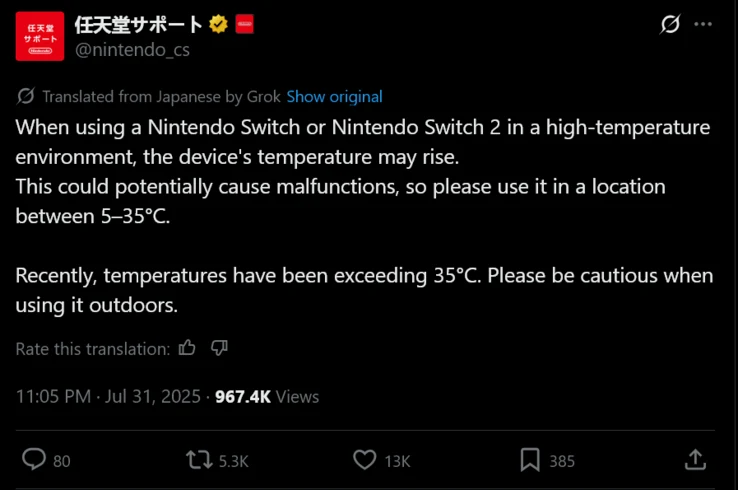
    One of the benefits of the Switch 2 is that it allows owners to relish the warm summer days. Nevertheless, Nintendo Support in Japan is cautioning gamers against exposing their devices to extreme conditions. In many areas of the nation, temperatures have climbed above 35°C, surpassing the suggested limit. With other regions also facing similar heat, gamers everywhere should keep an eye out for any signs of overheating with the Switch 2.

    Risks of Extreme Temperatures

    According to a translation by Automaton, Nintendo indicated that high temperatures could lead to performance issues. The company hasn’t gone into detail about the potential damages, perhaps trusting that the built-in safety features will avert serious problems. As was the case with the original Switch, the Switch 2 will show a warning message if it senses overheating, prompting it to enter sleep mode automatically.

    Concerns Over Enhanced Specs

    Even with these safety measures in place, some gamers are concerned that the upgraded specifications of the Switch 2 may increase its vulnerability. While enjoying the bright outdoors is often prioritized, the console might face more strain when it’s docked. Gamers have noticed that the handheld’s fan operates at higher speeds because its GPU runs at elevated clock rates. The dock for the Switch 2 is equipped with an internal fan; however, it is mainly meant to cool the dock itself.

    Rare Overheating Reports

    Up to now, instances of Switch 2 overheating that lead to permanently damaged machines are uncommon. There have been some signs of possible battery swelling, which can be exacerbated by high temperatures. Even less demanding Switch 2 games can push the console to its limits. Some users are taking precautions by using external devices like the Jsaux USB-C Cooling Fan USB-C.

    Cold Weather Warnings

    Nintendo Support has also pointed out that temperatures below 5°C can negatively affect the Switch 2. Severe cold conditions might cause delicate components and plastic parts to deteriorate. This has led to worried responses from individuals in Northern Japan regarding Nintendo’s advisory. It’s clear that bringing the Switch 2 to the ski slopes is not a wise idea.

    Source:
    Link


  • Nintendo Alerts Gamers and Scalpers on Switch 2 Price in Japan

    Nintendo Alerts Gamers and Scalpers on Switch 2 Price in Japan

    Key Takeaways

    1. The Nintendo Switch 2 launched in Japan at a lower MSRP of about $343, surprising some analysts compared to higher prices in the U.S. market.

    2. The Japanese version of the console has language limitations and requires a region-specific Nintendo Switch Online account for online features, posing challenges for international users.

    3. Nintendo issued a warning about the warranty for the Switch 2, stating it does not cover damage outside of Japan.

    4. Scalpers are interested in the lower Japanese price, but warranty limitations may deter buyers from purchasing the console for export.

    5. Nintendo’s pricing strategy may be influenced by the weaker yen and the company has focused on strong sales within Japan.


    The price of the Nintendo Switch 2 in Japan has caught some analysts off guard, including a former PlayStation executive. When it launched, the non-bundle MSRP converted to about US$343, significantly lower than the $450 many American consumers are paying. For gamers or scalpers intending to export the console, Nintendo Support has put out a new alert.

    Restrictions for International Users

    The Japanese version of the console comes with several limitations for users outside the country. Unfortunately, owners cannot modify the default language of the handheld. This becomes a challenge for exporters since a few Switch 2 games depend on the system’s settings. Additionally, players need a region-specific Nintendo Switch Online account to use the eShop and other online features. Visitors in Japan do have the option to buy a multi-language Switch 2, but it comes at a much higher price.

    Manufacturer’s Warnings

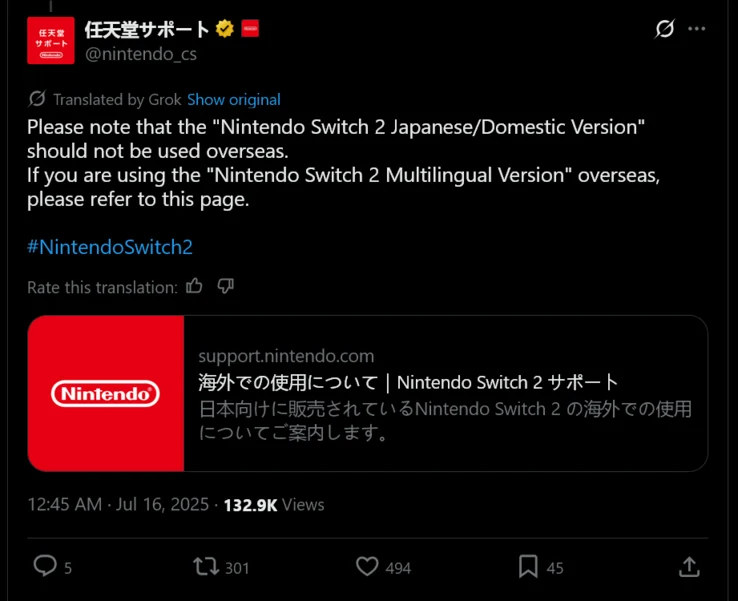
    Nintendo has previously informed gamers about the restrictions of the domestic handheld, but they recently shared another notice on social media to caution potential buyers, as noted by NintendoSoup. The company also provided a link to a Nintendo Support page for further details. On this website, there’s an important clarification regarding the standard Switch 2 warranty; it does not cover any damage that occurs outside of Japan.

    Specs and Scalper Interest

    It is generally not believed that the specifications of the two models vary. This has not stopped North American scalpers from trying to take advantage of the cheaper Japanese Switch 2 price. The warranty limitations are yet another reason for shoppers to think twice about acquiring this console. Nonetheless, even Japanese residents who plan to travel may opt to buy the multi-language version.

    Nintendo might be using the weaker yen compared to previous console generations to justify the domestic pricing. Regardless, the company has focused on selling the Switch 2 in Japan, achieving notable success. While denying the claims, reports have suggested that Nintendo provided the handheld to Japanese retailers at considerable discounts.

    Source:
    Link


  • Nintendo Switch 2 Dock Ethernet Port Issues: Known Problem Alert

    Nintendo Switch 2 Dock Ethernet Port Issues: Known Problem Alert

    Key Takeaways

    1. The Switch 2 features a Gigabit Ethernet port, improving wired connectivity compared to the original model, but issues persist with reliability.
    2. Users experience automatic switching from wired to wireless connections, with some needing to reboot the system for temporary fixes.
    3. The root cause of the Ethernet problems is unclear, with possibilities of software or hardware issues, and previous firmware updates have not resolved them.
    4. Nintendo support primarily offers repairs for the entire console, rather than addressing individual accessory issues, while a USB-to-Ethernet adapter serves as a potential workaround.
    5. Despite including WiFi 6 for better wireless speed, the Switch 2 may still struggle with dead zones, making wired connections more reliable for gaming setups.


    Some Nintendo enthusiasts find themselves stuck with unreliable home WiFi connections. The Switch 2 comes with a dock that has a Gigabit Ethernet port, which is a big improvement compared to the original non-OLED device. Sadly, there are growing reports of issues with these wired connections not working properly. After reaching out to Nintendo support, some representatives have indicated that the company is aware of the problem.

    Wired Connection Issues

    When using the console, it will automatically search for wireless networks as the default setting. To use the Ethernet port on the Switch 2 dock, players need to select the wired connection option. Nevertheless, some users have noticed that the console switches back to a wireless network unexpectedly. In some cases, rebooting the system fixes the issue, while other gamers still face frustration even after trying typical troubleshooting methods.

    Uncertain Origins of the Problem

    It remains unclear if the difficulties with the Ethernet port are linked to software or hardware issues. Although firmware updates might offer a fix, they have not shown any beneficial effects thus far. Some owners of the Switch 2 attribute the problems to the hurried production of the console, which may have led to faulty parts. Nintendo produced a remarkable number of units in a brief period to tackle issues from scalpers and tariffs.

    Support and Alternatives

    Many frustrated gamers report that the only solution provided by Nintendo support is to return the console and dock for repairs. Typically, the company asks for the whole system, regardless of whether just one accessory is not functioning. An alternative fix is to use a USB-to-Ethernet adapter to bypass the issue.

    Alongside the specs of the Switch 2, it includes WiFi 6, which, while not the most cutting-edge technology, is still quicker than the wireless standard of the original Switch. That said, it might not fully address problems with dead zones in homes, which could require investing in an expensive mesh network. When there’s an Ethernet cable nearby a TV, it often proves to be the more dependable option.

    With its ability to support higher resolutions and refresh rates, the Switch 2 dock enhances the handheld for contemporary setups. One can only hope that Nintendo will soon solve the puzzle of the troublesome Ethernet ports.

    Source:
    Link