Tag: mechanical keyboards

  • Keychron’s New Wireless Mechanical Keyboard: Num Pad & 8kHz Polling

    Keychron’s New Wireless Mechanical Keyboard: Num Pad & 8kHz Polling

    Key Takeaways

    1. Keychron is set to release two new mechanical keyboards: the Q6 Ultra 8K and the V1 Ultra 8K, featuring updated layouts and functions.
    2. The Q6 Ultra 8K introduces new Keychron Silk POM switches, departing from the usual Gateron switches.
    3. The design has evolved to a dual-tone black and blue keycap style, maintaining a high-quality KSA profile.
    4. Both keyboards feature an 8 kHz polling rate and wireless connectivity, with the V1 Ultra 8K being a more compact 75% layout.
    5. Customization options are available through Keychron’s Launcher software, although it may face challenges with the unreleased Q6 Ultra 8K.


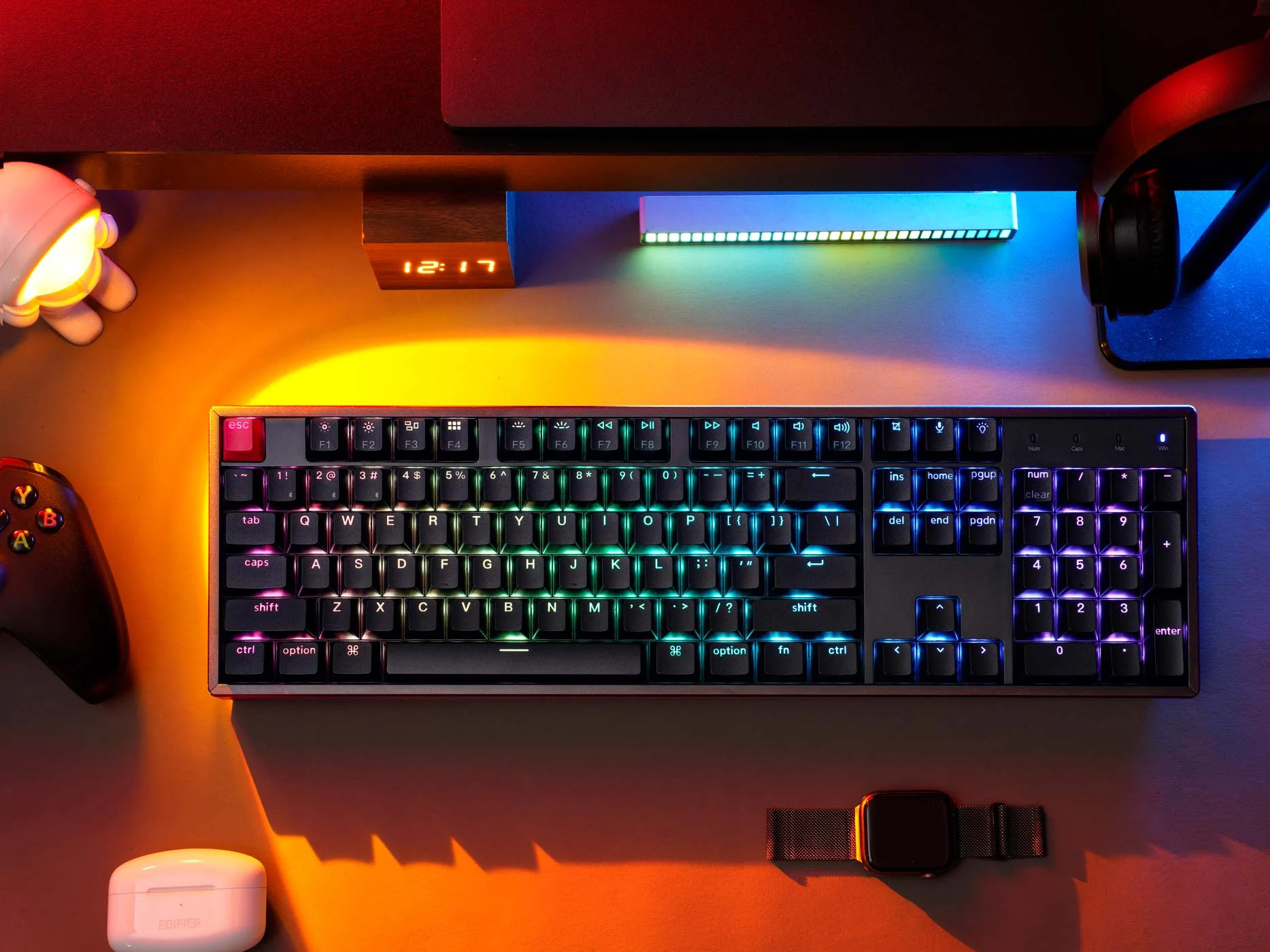
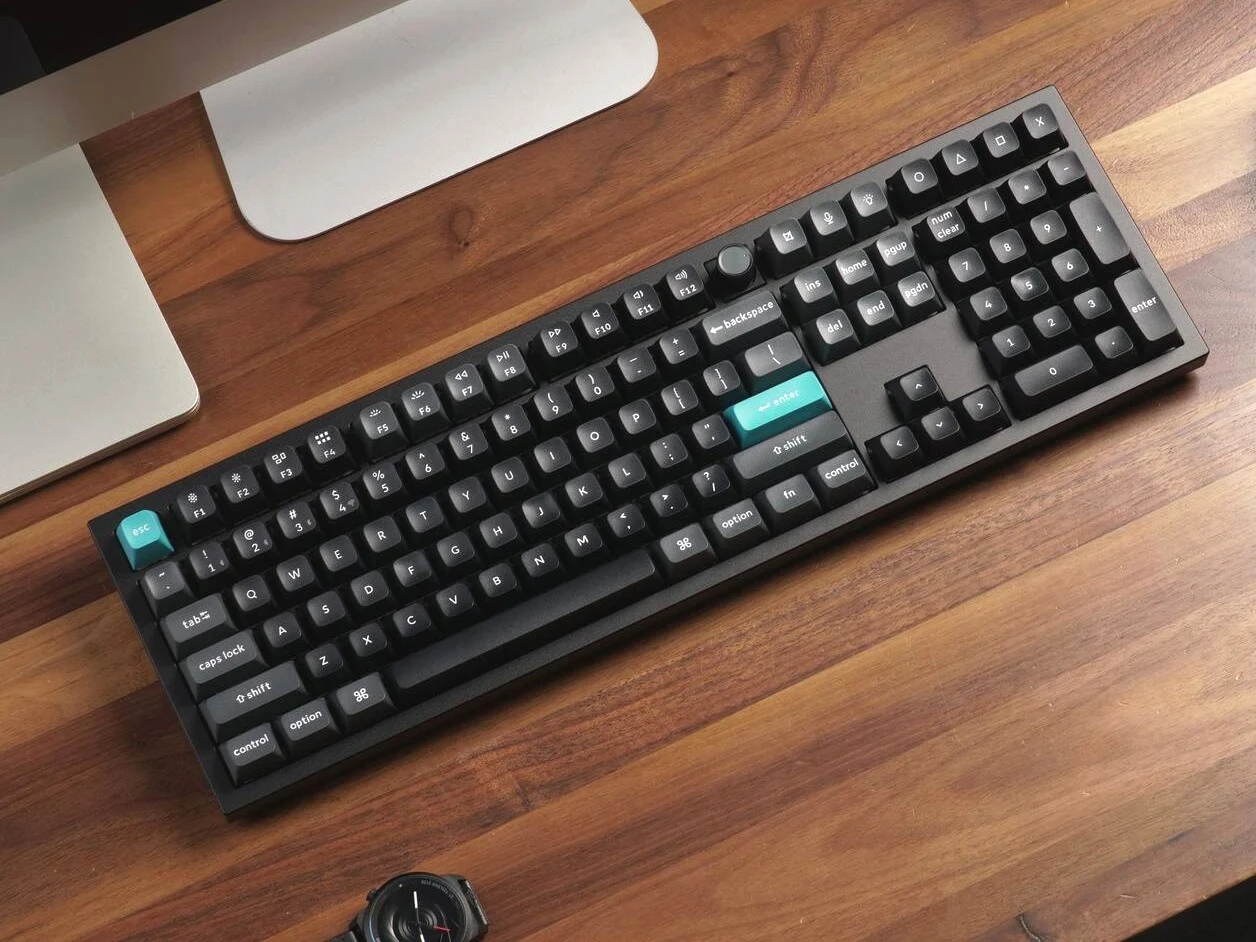
    Keychron is constantly bringing out new models for its mechanical keyboards, featuring updated layouts, fresh functions, and minor design adjustments. Recently, two new wireless mechanical keyboards seem to have appeared before their official launch. The Q6 Ultra 8K full-size mechanical keyboard and the V1 Ultra 8K 75% mechanical keyboard were spotted on Best Buy’s site. These listings showed up without any mention on Keychron’s own website or any other sellers. The unusual text on Best Buy’s product pages hints this might be a pre-release listing, possibly an error. As the names imply, these new keyboards come with 8 kHz polling, which, based on our testing of the C1 Pro 8K, doesn’t dramatically change the experience for a mechanical keyboard, but there are other updates.

    Discovery of the Q6 Ultra 8K

    The news about the Keychron Q6 Ultra 8K first surfaced on Reddit when a user, u/Jseepersaud10, found the keyboard at his local Best Buy and bought one. While the Best Buy listing lacks detailed information apart from the layout, form factor, 8 kHz polling rate, and price, photos shared by the Reddit user offer more insight about the Q6 Ultra 8K. According to the Best Buy listing, the Q6 Ultra 8K is priced at $239.99, while the original Q6 Max is available for $219.99 on Amazon.

    Key Features and Changes

    To start, the image of the keyboard’s packaging and the ensuing comments confirm that the Q6 Ultra 8K comes with new switches, keycaps, and a refreshed design. Instead of the typical Gateron Jupiter Brown, Red, and Banana switches that are common in Keychron’s premium wireless keyboards, the Q6 Ultra 8K uses Keychron Silk POM switches. These seem to be a new type of switch that hasn’t been officially announced yet. This follows the recent release of the Keychron K9 Max, which introduced Keychron low-profile Milk POM switches, suggesting that Keychron may also be ready to launch a full-height POM switch in this model. The brown tactile switches suggest there might be red linears and possibly banana tactiles available too, which provide a sharper tactile feedback.

    Design and Customization Options

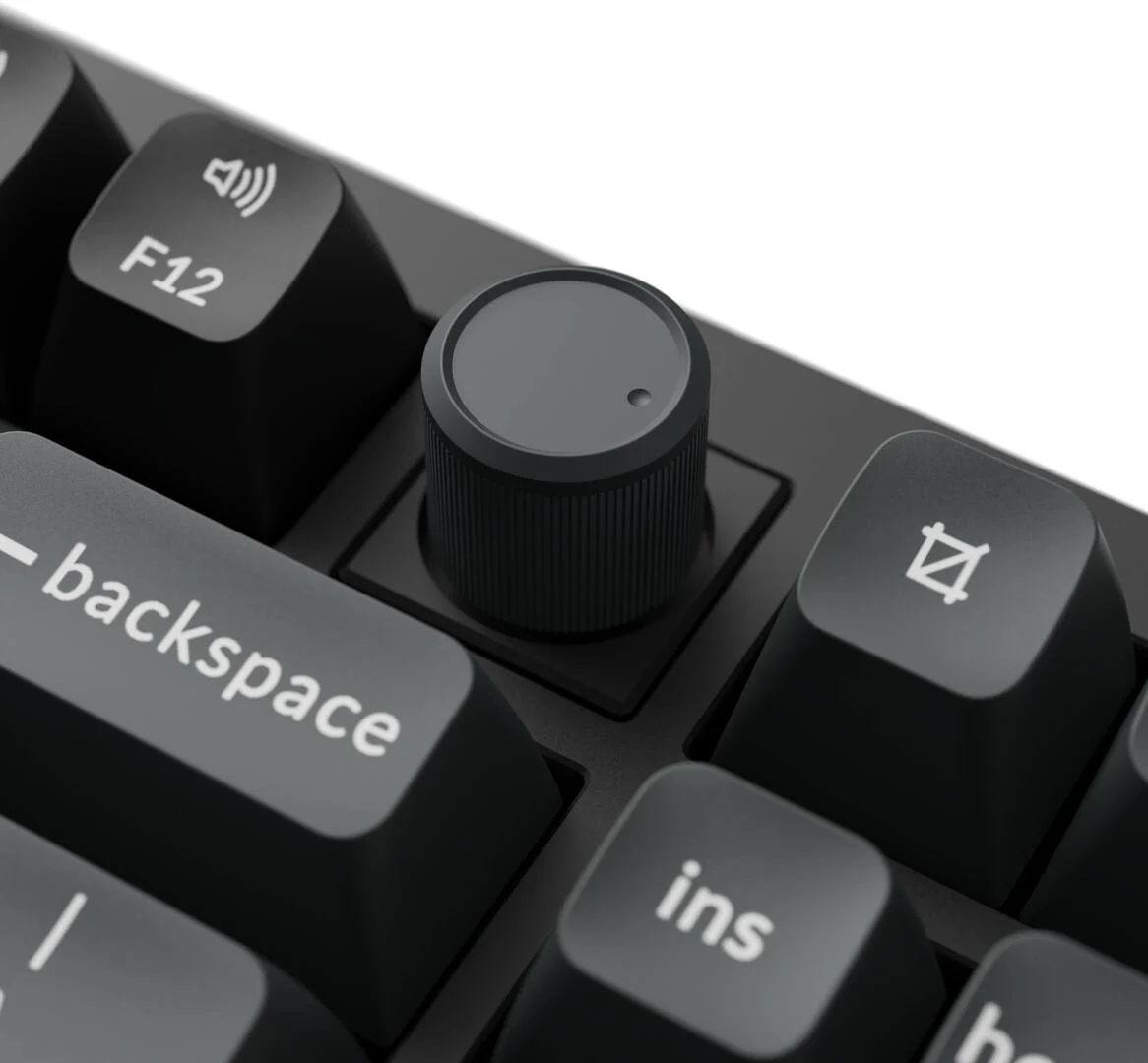
    Another notable change is the shift from a mix of black, white, and blue keycaps to a dual-tone black and blue design. The keycaps retain the same KSA profile as the recently reviewed Keychron Q13 Max, suggesting they should be of good quality based on previous experience. The knob’s cap has seemingly been updated as well, though it’s uncertain what material will be used for it.

    Details like the plate material, internal sound dampening, and RGB setup remain undisclosed, but it appears the stabilizers on the new Ultra 8K keyboards might have been redesigned to minimize rattling and ticking, which would be a significant advancement.

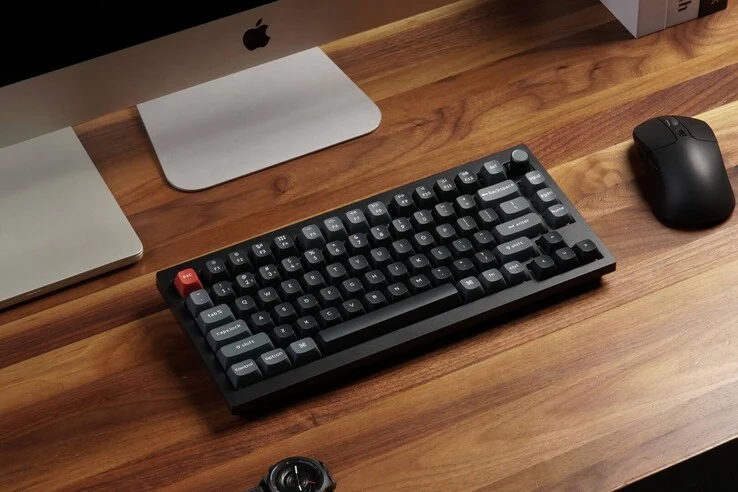
    Alongside the Keychron Q6 Ultra 8K, Best Buy has also listed the Keychron V1 Ultra 8K, which is a more affordable and compact alternative to the Q6 Ultra 8K. It appears to include the same 8K polling rate, wireless connectivity, and updated design, but it features a 75% layout that removes the num pad and navigation cluster found on the Q6 Ultra 8K. However, there is still a knob in the upper right corner, and it seems Keychron is sticking with the OSA profile for the V1 Ultra 8K instead of the KSA profile used in its full-sized metal counterpart.

    Speculation on Switches and Software

    Both keyboards are said to utilize magnetic switches according to the Best Buy listings, but this is worth examining closely. Keychron already has similarly priced wireless Hall effect keyboards with the same layouts. They are known to use only two types of magnetic switches, neither of which are labeled “Red” or “Brown” like these new keyboards. The Reddit user who bought the Q6 Ultra 8K has also mentioned that the switches seem to be standard 5-pin mechanical switches, adding weight to the theory that these are not Hall effect or TMR keyboards.

    Both keyboards can also be customized using Keychron’s Launcher web-based software, which has previously received positive reviews for its ease of use and extensive customization options. However, it seems that the Launcher is currently unsure how to handle the unreleased Q6 Ultra 8K.

    Source:
    Link


  • Keychron K4 QMK V3 96% Keyboard and M3 8K Gaming Mouse Launch

    Keychron K4 QMK V3 96% Keyboard and M3 8K Gaming Mouse Launch

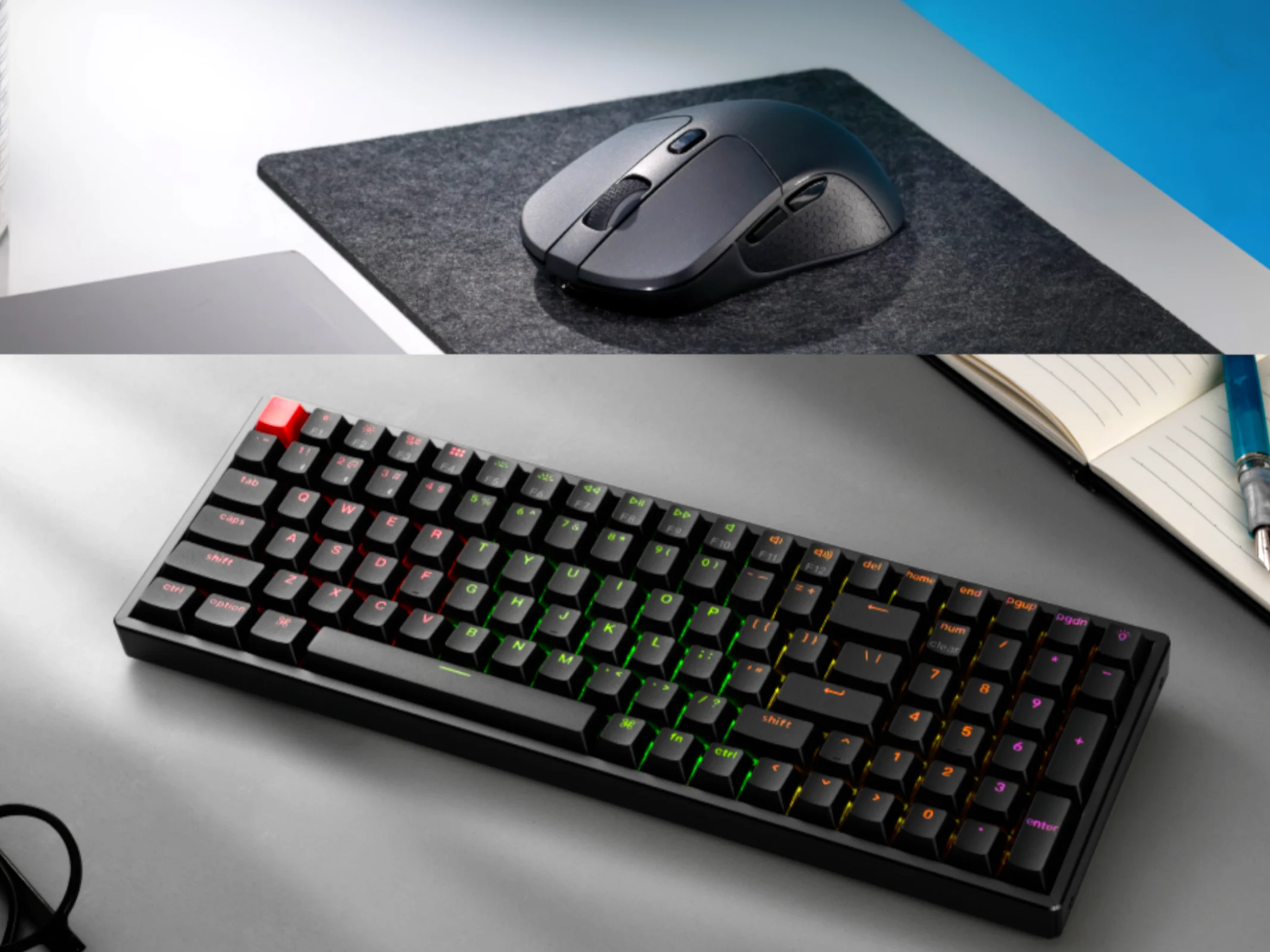
    Keychron has been refreshing several of its mechanical keyboards with the latest QMK firmware, improved acoustic materials, and various hardware updates, including the switch to PBT keycaps. Now, the Keychron K4 Version 3 is making a comeback as the K3 QMK Version 3. In addition to this relaunch, Keychron has also upgraded its M3 gaming mouse with a new sensor and enhanced features.

    Compact Layout

    Like its previous version, the Keychron K4 QMK V3 boasts a compact 96% layout. This design combines a numeric keypad and a reduced navigation cluster into a more compact form. It might take a little time to adjust to this layout, but it’s perfect for users who need a num pad yet want to maximize their desk space.

    Improved Durability and Sound

    One of the primary upgrades to the K4 Version 3 is the new PBT keycaps, which are designed for better durability, even if they produce a slightly higher-pitched sound. Another significant enhancement is the acoustic treatment included in the Keychron K4 QMK V3, addressing a major issue that users had with the K4 V2. However, since the keyboard is tray-mounted with an aluminum plate, it may create a firmer typing experience, although using an o-ring mod can help mimic a gasket mount easily.

    If you’re after a gasket-mount 96% layout mechanical keyboard from Keychron, you might want to look into the $104 Keychron V5 Max at Best Buy.

    Customizable Features

    As indicated by its name, the K4 QMK V3 now officially supports QMK firmware, allowing for remapping through the browser-based Keychron Launcher, VIA, or QMK for those who want to experiment.

    The Keychron K4 QMK V3 comes in various configurations. The basic model features white backlighting, fully plastic build, and soldered Keychron Super switches, retailing at $84. Opting for an RGB backlight with a plastic frame and soldered switches raises the price to $94. Choosing the RGB PCB with an aluminum frame and soldered switches brings the cost to $104, while the most premium option, which includes RGB backlighting, an aluminum frame, and hot-swap Keychron Super switches, is priced at $114.

    Enhanced Gaming Experience

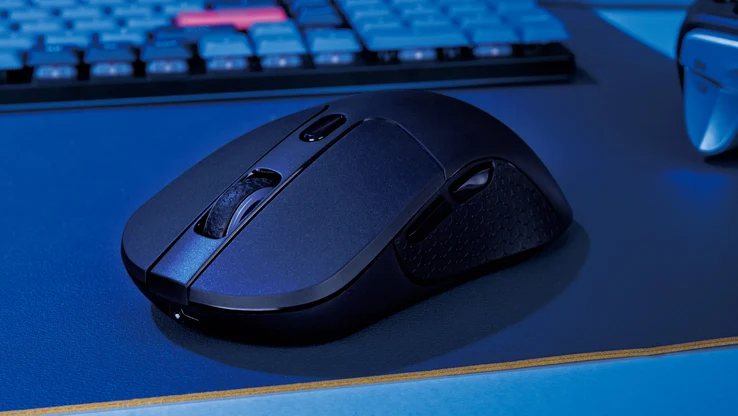
    A less prominent update is found in the Keychron M3 8K wireless gaming mouse, which adds 8K polling, doubling the performance of the previous model. The new M3 wireless mouse utilizes the Pixart 3950 sensor, allowing a peak resolution of 30,000 DPI, a maximum tracking speed of 750 IPS, and 50 g acceleration—improvements over the M3 4K’s 26,000 DPI and 650 IPS.

    Interestingly, Keychron asserts that the M3 8K can maintain the 8K polling rate in both wired USB-C and 2.4 GHz wireless modes. The M3 4K also features a 125 Hz Bluetooth connection for everyday tasks, and the 600 mAh battery is said to last up to 140 hours in Bluetooth mode.

    Ergonomics and Design Features

    In terms of design and comfort, the M3 mouse has not changed, retaining its symmetrical ergonomic shape (with customizable buttons only on the left side). There are switches located at the bottom of the mouse for adjusting DPI, connection modes, and polling rates without needing software. Additionally, the M3 8K is compatible with Keychron’s Launcher software, which allows for button remapping, profile creation, macro assignments, and adjustments for DPI and lift-off distance. Weighing in at 79 g, the Keychron M3 8K isn’t extremely lightweight, but it is still far from being one of the heaviest gaming mice on the market.

    The Keychron M3 8K can be purchased directly from the Keychron store for $69.00. It is available only in black, and there is no RGB version offered.

    Source:
    Link


  • Keychron K10 V2 Wireless Mechanical Keyboard: New Switch Options

    Keychron K10 V2 Wireless Mechanical Keyboard: New Switch Options

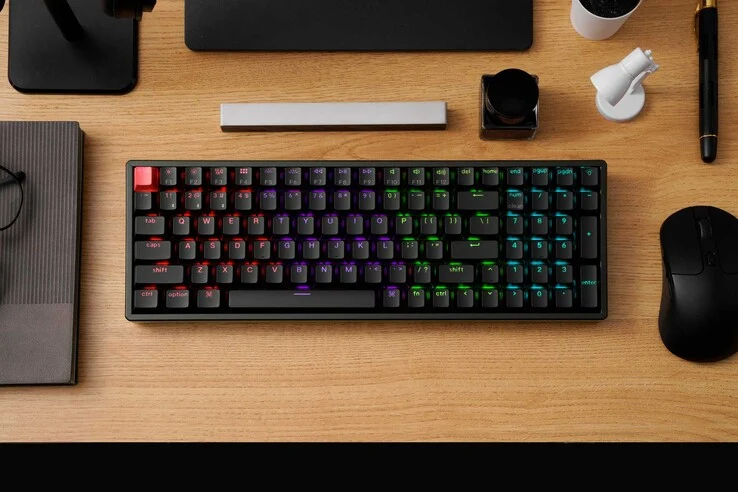
    Keychron has been quite active recently, refreshing many of its affordable and mid-tier mechanical keyboards with QMK firmware, better materials, and new Keychron Super Switches. Now, the spotlight is on the K10, as the K10 QMK Version 2 is now available on Keychron’s website, bringing several enhancements to the user experience.

    Available Models and Prices

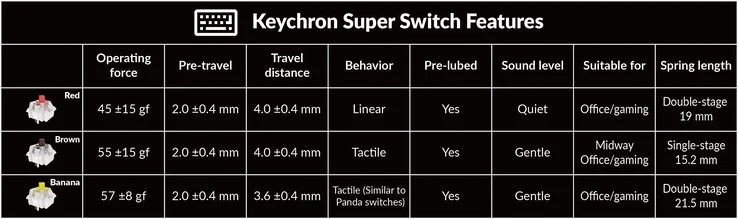
    The Keychron K10 QMK V2 comes in different configurations, each with its own pricing. No matter which version you choose, you will have the option between Keychron Super Red (linear), Brown (lightly tactile), or Banana (strong, sharp tactile bump) switches. Even though these switches carry the Keychron brand, they appear to be produced by Gateron, as they share similar specs.

    A Closer Look at Features

    Keychron’s recent updates focus on making their keyboards more versatile and user-friendly. The K10 QMK V2 stands out with its programmable keys, allowing for a tailored typing experience. This model also boasts a sleeker design and a more durable build, ensuring it can withstand daily use while providing a satisfying typing feel.

    Conclusion

    In summary, the Keychron K10 QMK Version 2 is a solid addition to the lineup, appealing to both budget-conscious consumers and enthusiasts alike. With its variety of switch options and enhanced features, it’s clear why Keychron continues to attract attention in the mechanical keyboard community.


    Image 1
    Image 1
    Image 1
  • Messy Work Louder Nomad E: $350 Mechanical Keyboard Launch Tips

    Messy Work Louder Nomad E: $350 Mechanical Keyboard Launch Tips

    Work Louder is a new PC accessory company that creates unique mechanical keyboards and consoles aimed at enhancing productivity and catering to specific workflows or creative applications. Although they charge high prices for their items, they have faced criticism in online spaces, including their own Discord server, concerning issues with purchasing, production delays, and the overall quality of their latest Kickstarter-backed product, the Nomad [E].

    User Feedback on Build Quality

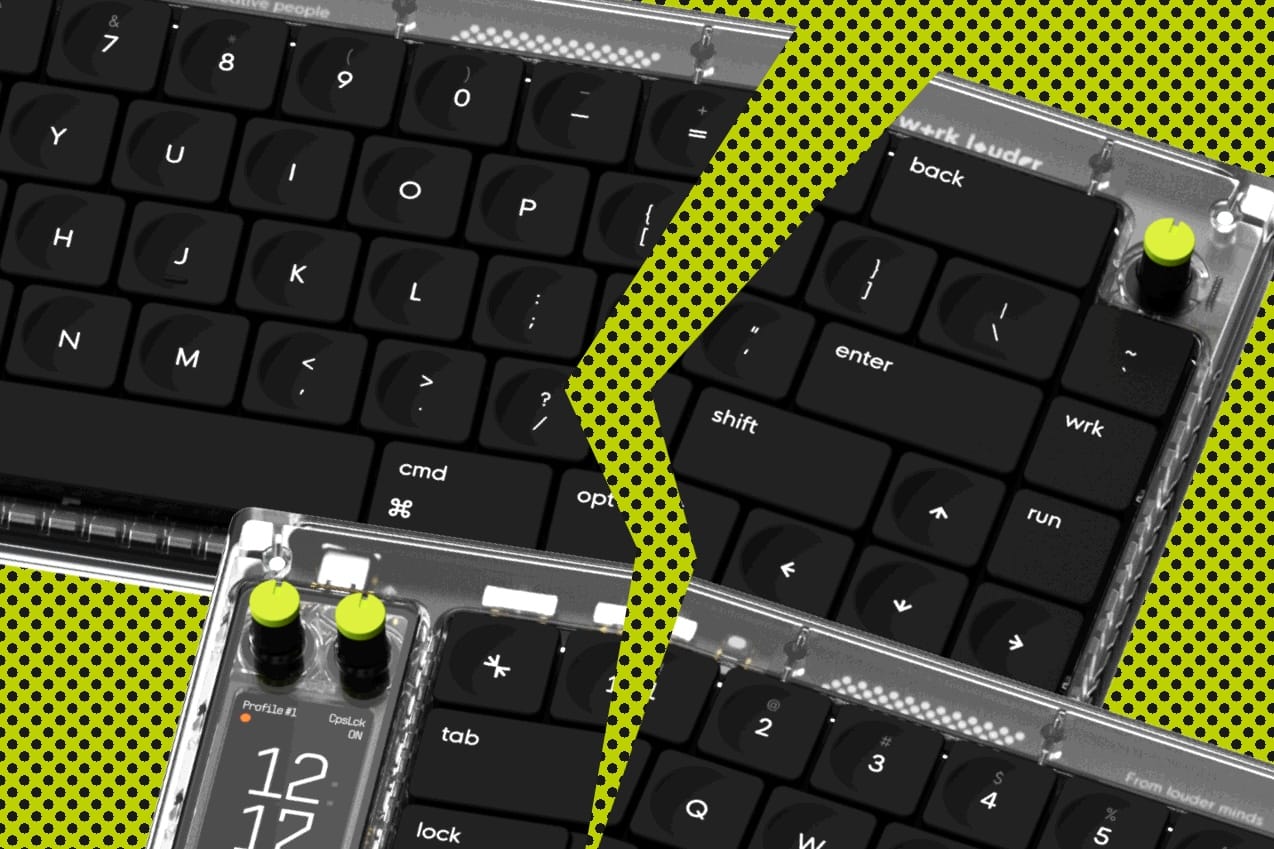
    One of the main complaints, which is likely more subjective, comes from users on the r/olkb subreddit who ordered the Nomad [E] mechanical keyboard. They expressed frustration over the low-quality plastics and disappointing build quality of the $350 device. Although the Nomad [E] features a CNC aluminum bottom case, its top case is made from polycarbonate, which many users feel is subpar, as noted in comments on both Reddit and the Work Louder community Discord. Even the more favorable reviews pointed out the use of inferior materials. Additionally, some commenters criticized the keycaps for being merely average in quality, while the dials received negative feedback for feeling poorly constructed. One Reddit user even described the Nomad [E] as “maybe the most disappointing board at this price point I’ve ever used,” and strongly advised potential buyers to avoid it.

    Customer Service Concerns

    Another user shared their disappointment about the feedback from early users of the Nomad [E], stating that when they contacted customer service for a refund, their request was refused. According to the Work Louder website, refunds are only issued if the keyboard is defective, but this process has not been smooth either.

    “You will be charged for this item upon checkout. There are no refunds or cancellations on pre-sale orders. Shipping will commence when manufacturing/assembly has been completed. Any extra stock allocation past this date can be ordered until exhaustion. As with all group buys, delivery dates may change due to delays and setbacks.” —Work Louder pre-order policy

    Thank you for waiting while we handle all the tickets. If you have a problem, open a ticket and we will assist you. I would greatly appreciate a bit more patience regarding our response time due to the high volume of inquiries – we will respond and resolve your issue, I assure you.

    Dial problems will get either a complimentary accessory kit or a replacement unit. Ruler issues will probably receive a new ruler since we will likely need to redo the part to properly resolve the issue. Please understand that we are a small team managing a lot right now. That said, no one will be left without assistance; we just need time to organize a solution for each person who needs help.

    Ongoing Replacement Efforts

    According to the Kickstarter page for the project, the primary quality control issues regarding the faulty rotary encoder knobs and the magnetic stand/ruler have been addressed, and anyone submitting a ticket should have their replacement request fulfilled “by the end of October.” However, considering the nature of group buys and Kickstarter projects, it’s possible that current customers may have to wait longer for those replacement components. Nevertheless, the Work Louder team appears committed to addressing and repairing defective keyboards. For context, the Work Louder Nomad [E] finished its 30-day Kickstarter funding period on June 24, 2023, and early backers are just now starting to receive their first production units. Much of this delay can certainly be attributed to product development, prototyping, and setting up production, but it has also contributed to Work Louder’s reputation for poor time management.

    In terms of solutions, Work Louder is offering owners of faulty Nomad [E] keyboards two different options for the broken rotary dials—one being a DIY kit for owners to install themselves and the other requiring owners to return the faulty keyboard for a replacement. For the magnetic foot/ruler piece, which has magnets that often fall out, owners can submit a ticket and will receive a rubber strip in the mail to help keep the magnets secure.

    While many customers of the Nomad [E] are unhappy, there are also some who simply accept that this is typical for Kickstarter projects, even with the $350 price tag. Those who chose to support the project paid $350 for what is undeniably a distinctive keyboard, although the execution leaves much to be desired. In terms of design and functionality, the Nomad [E] is impressive, featuring a low-profile design, custom layout and keycaps, semi-custom key switches, and numerous rotary dials on its top case, making it quite adaptable for productivity-focused setups.

    If you’re interested in low-profile mechanical keyboards, consider the Keychron K3 Pro wireless low-profile keyboard with Gateron low-profile switches (currently $119.99 on Amazon).

    r/keyboards on Reddit, r/olkb on Reddit, Work Louder Discord.


    Image 1